Remove Text From Video.net
Overview
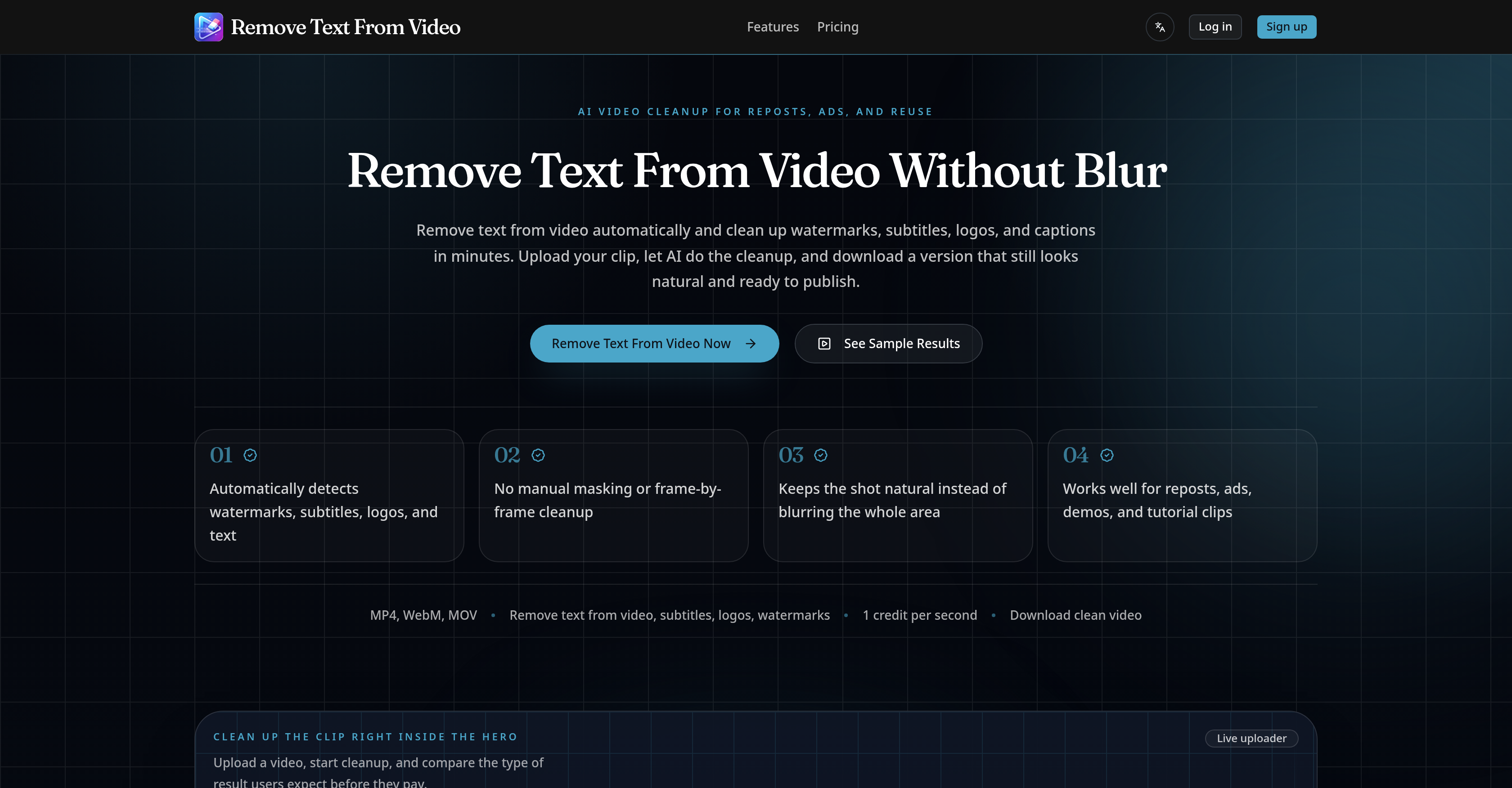
- Repurpose any video clip for new platforms by automatically removing distracting watermarks, logos, and burned-in subtitles with AI detection
- Extend the life of archived tutorials and UGC ads by cleaning outdated titles, captions, and lower-thirds without manual frame-by-frame work
- Localize talking-head clips or re-edit product demos by seamlessly removing embedded text and labels, leaving a natural, publication-ready scene
- Prepare short-form content for TikTok, Reels, and Shorts in minutes by stripping away platform-specific watermarks and overlays for clean reposting
- Maintain professional video quality for advertisements and brand content, as the AI removes text without heavy blurring that degrades the scene
Pros & Cons
Pros
- Supports multiple video formats
- Automatic text detection
- Video quality preservation
- Removes watermarks
- Removes logos
- Subtitle removal
- Text removal
- Keeps video looking natural
- Suitable for reposting videos
- Used for ad cleanup
- Video localization
- Helps clean product demos
- Cleans tutorial footage
- Edits User Generated Content
- Edits archived footage
- Facilitates team collaboration
- Ideal for individual use
- Content repurposing
- No manual masking required
- Non-blurring text removal
- Supports various video reuse needs
- Removes corner logos/labels
- Handles mixed text overlays
- Edits under 100MB Videos
- Easy upload process
- Allows downloading of cleaned videos
- Designed to clean cluttered areas
- Ideal for short-form repost platforms
- Automatic watermark and logo cleanup
- Automatic subtitle and text cleanup
Cons
- Supports only MP4, WebM, MOV
- Max upload size 100MB
- No manual selection available
- No API access
- Limited to text removals
- Not for high-volume workflows
- Requires credits for operation
- No major supported language options
- Uses heavy blur removal
- May impact overall video quality
Reviews
Rate this tool
Loading reviews...
❓ Frequently Asked Questions
The AI tool supports MP4, WebM, and MOV formats.
The maximum video file size that the AI tool can handle is up to 100MB.
Yes, the AI tool maintains the video quality after removing text. It's designed to keep the video looking natural and ready for reuse or reposting.
Yes, it can remove any type of text from videos including watermarks, subtitles, logos, or other text elements.
Yes, the AI tool is ideal for the clean-up of short-form reposts for platforms like TikTok, Reels, and Shorts.
Yes, the AI tool can remove burned-in subtitles on talking-head clips, making it easier for localization or re-editing.
Yes, the AI tool can remove all types of logos or labels on product or brand demos.
The AI tool aids in content reuse and reposting by removing unnecessary text, logos, watermarks, and subtitles from the video. After cleaning up, the video results in a cleaner and ready-to-republish version.
Yes, the AI tool can extend the lifecycle of older content such as tutorials and UGC ads by removing unnecessary titles, captions, or lower-thirds.
The cleaned-up version of the video looks natural and ready to publish. Any distracting watermarks, subtitles, logos, or text are removed without the need for manual masking or frame-by-frame cleanup.
Yes, you can remove text from video without blurring the whole frame. The tool delivers cleaner shots and keeps the scene looking natural.
Yes, the AI tool automatically detects and removes distracting areas from the video when you need to remove text. This makes cleanup faster when the problem is text, subtitles, logos, or mixed overlays.
'1 credit per second' refers to the AI tool's pricing system where clean-up of a video file is charged on a per-second basis.
Remove Text From Video supports MP4, WebM, and MOV video formats.
The maximum size for a video file is 100MB.
Yes, Remove Text From Video is designed to preserve the video quality while removing text, logos, subtitles, and watermarks from the video.
Remove Text From Video is suitable for both individual use and team collaboration.
The AI in Remove Text From Video automatically detects text, logos, subtitles, and watermarks in the video then performs the cleanup.
Yes, Remove Text From Video can remove multiple text elements at once, including mixed overlays of text, subtitles, logos, and watermarks.
No, the AI doesn't blur out the removed text area. It makes the scene appear natural after text removal.
Yes, you can repurpose your content after using Remove Text From Video. The tool removes distracting text elements, allowing you to use the cleaned-up video for reposting, re-editing, or localization.
Yes, Remove Text From Video can be used for video advertisements. It enables easier editing and re-purposing of ads by removing unwanted text elements.
Remove Text From Video aids in video localization by removing burned-in subtitles from talking-head clips, making them easier to localize or re-edit.
Remove Text From Video is useful for product demo editing as it can remove distracting corner logos or labels, helping to maintain the focus on the product in the demo.
Yes, it can remove subtitles from talking-head clips. This makes the clips easier to localize or re-edit.
Yes, Remove Text From Video is effective for tutorial footage cleanup. It removes titles, captions, or lower-thirds that are no longer needed in older tutorial footage.
Yes, you can use this tool for editing archived footage. It helps to remove outdated titles, captions, or lower-thirds, helping to get more life out of archived content.
Yes, Remove Text From Video is useful for removing text from user-generated content. By removing text elements, user-generated ads can be edited and repurposed more easily.
Remove Text From Video automatically cleans up the video by detecting distractions such as text, subtitles, logos, or mixed overlays and removes them without needing manual intervention.
Yes, Remove Text From Video preserves the original video quality. It is designed to keep the edited video looking natural, without any heavy blurring commonly seen with other tools.
Using Remove Text From Video involves three steps: 1. Upload the video. 2. Let the AI automatically detect and remove the distractive elements. 3. Download the cleaned-up version.
Yes, Remove Text From Video can be used with short-form platforms like TikTok, Reels, and Shorts. It is designed to clean up short-form reposts by removing watermarks or extra text.
Remove Text From Video offers a flexible pricing system with a credit-based structure. It offers three monthly plans; Starter, Standard, and Pro priced at $19.99, $49.99, and $99.99 respectively, each offering a different amount of credits.
Pricing
Pricing model
Free Trial
Paid options from
$19.99/month
Billing frequency
Monthly