
Vidlogi
Overview
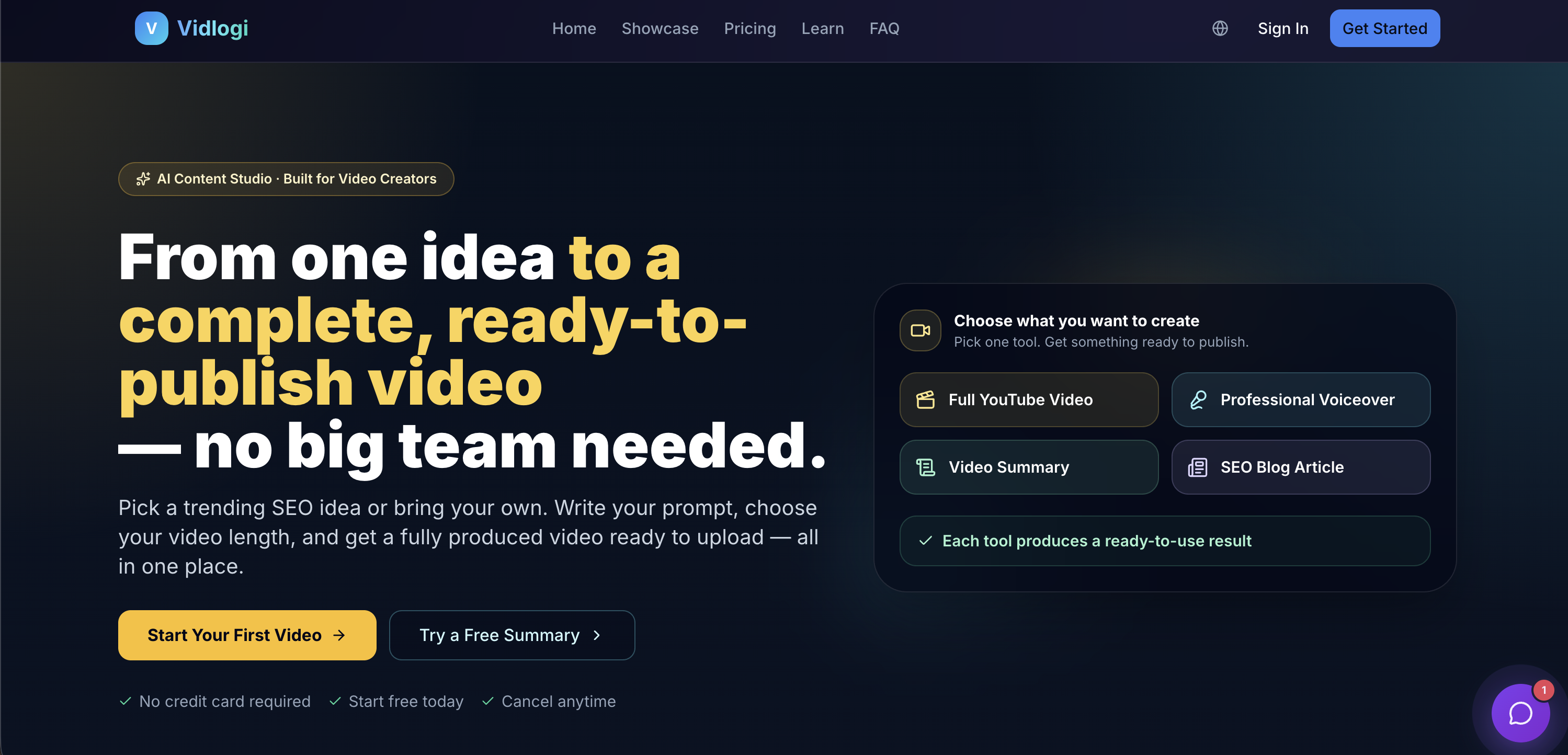
- Publish more content in less time by turning one video into SEO-optimized blog posts, social captions, and summaries using automated content repurposing.
- Generate professional voiceovers for any video without recording, as Vidlogi writes, voices, and syncs narration automatically.
- Launch videos that rank by starting with a trending SEO idea instead of guessing, using built-in idea discovery to improve search visibility.
- Create production-ready 3D assets from text or images for interactive designs, without 3D modeling skills, using dedicated AI models.
- Produce full ad campaigns with dynamic visuals, music, and voiceovers from a single prompt, leveraging over 50 specialized AI models.
- Extract key points from long videos into succinct summaries for recaps or social posts, saving hours of manual editing.
- Generate custom music tracks and soundtracks that match your content’s tone, using AI audio generation tools.
- Refine every output—apply artistic style transfers, remove unwanted elements with inpainting, or upscale images—directly within the creation workflow.
Pros & Cons
Pros
- All-in-one creative studio
- Quick concept to project completion
- Text to video feature
- Image to video conversion
- Supports style transfer
- Inpainting included
- Offers music generation
- Video content repurposing tools
- Articles, hooks, captions from videos
- Advanced 3D model generation
- Holistic platform for creative needs
- Provides refinement tools
- For marketing, education, and media
- SEO idea generation
- Produces professional voiceovers
- Video summarization capabilities
- Automated narration syncing
- Condenses long videos
- Creates blog posts from videos
- Supports image upscale
- Community driven
- Video generation from prompts
- Premium motion and camera control
- Detailed artwork generation
- Exports 3D in various formats
- Public/private content visibility
- Affordable premium options
- Serves audio and speech workflows
- Generates reusable marketing content
- Content auto-generation from strong ideas
- Supports multiple content types
- Daily free credits
Cons
- No offline capability
- Lack of customization options
- No team collaboration features
- Non-intuitive interface
- No trial version offered
- Limited 3D output formats
- No multi-language support
- Limited free-plan features
- Content visibility restricted in free plan
- No advanced editing tools
Reviews
Rate this tool
Loading reviews...
❓ Frequently Asked Questions
Vidlogi is an all-in-one artificial intelligence studio. Its main purpose is to produce launch-ready creative assets such as videos, images, voiceovers, articles, and 3D assets from prompts or references provided by users.
Vidlogi uses its cutting-edge AI models to convert text to video. Users simply input their text prompt, select the appropriate AI model, and the software generates a video based on that text.
Yes, Vidlogi has the capability to turn images into videos. This is one of its main features.
Vidlogi offers a range of tools for audio and music generation. These include AI models for generating music, voiceovers, and speech workflows. These capabilities can be particularly beneficial for creating content for ads, explainers, and social posts.
Vidlogi allows users to create 3D models from either text or images. By inputting a text description or uploading an image, users can quickly generate production-ready 3D assets.
Vidlogi can repurpose video content into different formats such as articles, hooks, captions, and summaries. This extends the usefulness of the original video content and aids in content marketing strategies.
Vidlogi can generate a wide range of creative content from text or images. This includes videos, images, voiceovers, articles, 3D assets, music, and more.
Absolutely, Vidlogi can generate both music and voiceovers. Its AI models can intelligently create these audio elements to further enhance the creative output.
Vidlogi serves as a comprehensive tool for creating social post content. It can generate videos, images, voiceovers, articles, and music that can be directly used in social media posts. Users can create engaging and eye-catching social posts using Vidlogi's features.
Style transfer in Vidlogi refers to the application of artistic styles from one image to another. This means that users can take the stylistic elements of one piece of artwork and transfer it onto their own images or videos, creating unique and customized content.
Inpainting in Vidlogi refers to the AI's ability to intelligently fill in missing parts or remove unwanted elements in an image while maintaining its realism and overall look.
Vidlogi aids in creating ads content by providing its users with AI models that can create engaging visuals, voiceovers, music and even articles. This gives businesses and individual marketers a comprehensive creative toolbox to create dynamic ad content.
In Vidlogi, users select the relevant AI model that corresponds with their desired output. This ensures the creation aligns with their vision and expectations.
Vidlogi provides tools that allow users to refine the content generated by its AI models. It's part of the final step in the content creation process within Vidlogi, along with sharing the creations.
After generating and refining the content in Vidlogi, users can share their creations directly from the platform.
Yes, Vidlogi offers different pricing plans, each suitable for various creative volumes. There are four plan types: Free, Starter, Pro, and Ultra, with each offering varying credit limits and service capabilities.
Yes, Vidlogi imposes daily limits on content generation based on the subscription plan. The Free plan has a limit of 200 daily credits, while the other pricing tiers offer more substantial credit limits.
Yes, Vidlogi has a feature that allows users to convert videos into articles. This further expands the range of content that can be repurposed from video inputs.
Yes, Vidlogi does have a live community feature. It allows users to view all creations made with the Vidlogi platform by different creators.
Vidlogi operates through the use of AI models. To use Vidlogi, you first describe your vision, which could be a prompt, a reference image, an audio clip, or a script. You then pick the right AI model for the type of content you want to create. The AI model generates the content in seconds, and you can then refine and share the output using the tools provided by Vidlogi.
Vidlogi boasts more than 50 different AI models. These include models for lifecycle like video creation from text or images, generation of music, 3D model generation, and conversion of videos to articles. It also features models for performing tasks like style transfer, inpainting, image upscale, AI content transcription, and more.
Absolutely. Vidlogi is equipped to turn videos into fully fleshed-out articles. It uses AI to transcribe the video and then format that transcription into a well-organized, high-quality article.
Indeed, Vidlogi does provide voiceover capabilities. It can automatically generate professional voiceovers for videos. It handles everything from writing to voicing and syncing the voiceover with the video.
Using Vidlogi, you can create a wide variety of content. This includes videos, images, 3D models, and voiceovers. You can also utilize it to generate articles and captions, or for music generation. Using Vidlogi, you can generate most of these from simple prompts or uploaded references.
Starting to use Vidlogi is simple. The process begins by describing your vision. The idea can be based on a prompt, a reference image, an audio clip or a script. Then you select the appropriate AI model from various options available depending on the type of content you want to create. The AI then generates the output which you can refine using available tools before sharing.
Vidlogi differentiates itself from many other AI content creation tools in its impressive range of features and integrative design. Vidlogi supports creating videos, images, 3D models, voiceovers, and more. Its emphasis on easy user interface and speedy content generation sets it apart from others. Moreover, it caters to various content creators from individual to professional teams.
Yes, Vidlogi possesses the capability of generating 3D models. Users can create production-ready 3D assets from either text input or image references. This is especially useful for creating detailed and interactive designs.
Certainly. With Vidlogi, you can repurpose your content in a variety of ways. For example, you can convert a video into a blog post, generate summaries of key points from lengthy videos, create professional voiceovers for any video, and more.
Vidlogi is designed to cater to a variety of creators. It services YouTubers, TikTok creators, podcast producers, marketing teams, course creators, educators, and more. Vidlogi greatly simplifies creating diverse and high-quality content.
Vidlogi provides tools for creating visually striking videos, images, captions, and voiceovers that can be used to engage audiences on social media. Its power in content repurposing can also assist in continuous feeding of social media profiles, improving their overall performance.
Vidlogi indeed offers SEO optimization. This feature can help content creators determine trending ideas to base their content on, improving their visibility in search engine results.
Yes, Vidlogi is suitable for podcast producers. Vidlogi's range of audio and music AI tools can be used to generate music and voiceovers for podcasts. Furthermore, the tool can also transcribe podcasts into blog articles or summaries.
Vidlogi does have the ability to create summaries of key points from long videos. This is beneficial in content repurposing, lending users the power to generate succinct recaps of their content.
Yes, Vidlogi can generate music. It provides audio and music AI tools which can create music based on the requirements of the content.
Vidlogi is not only suitable but advantageous for educational content creation. Whether it's videos, articles, or 3D visual content, Vidlogi can help educators in creating more engaging learning materials.
In Vidlogi, you select the AI model based on your desired output. The application provides multiple specialized models for various forms of content such as video, images, branding, audio, writing, and even 3D output.
With Vidlogi, content can be refined through its range of tools. After the initial creation, users can enhance and refine the content using the various tools provided by Vidlogi to reach desired outputs.
Vidlogi does offer text to speech features. It can automatically write, voice, and sync professional voiceovers from a written script. This tool can be extremely useful for content creators who need to create narration for their video content.
Pricing
Pricing model
Freemium
Paid options from
$12/month
Billing frequency
Monthly