
Overview
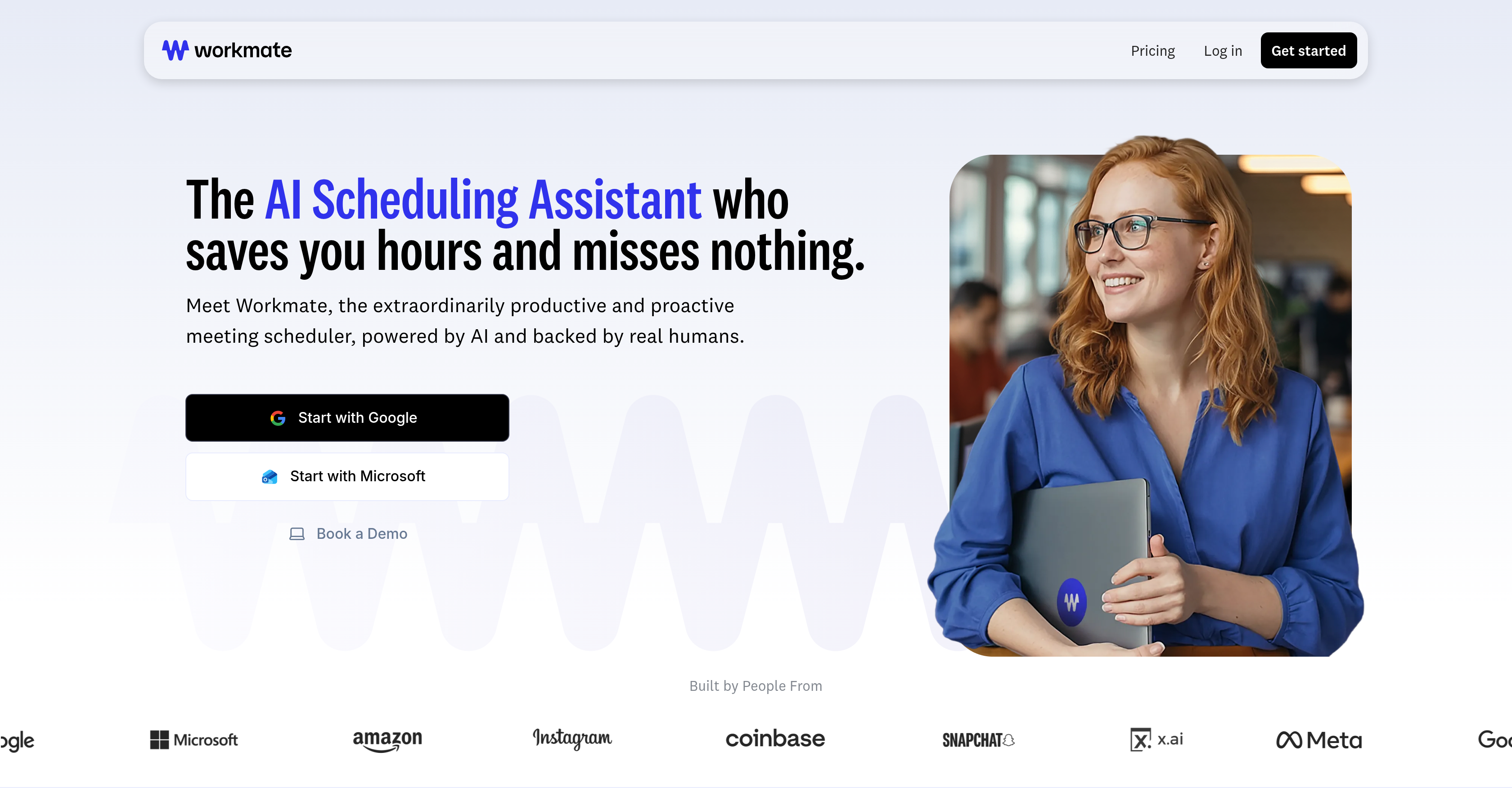
- Schedule meetings in seconds instead of 7+ emails by CC'ing Workmate into your existing email or Slack conversations
- Coordinate across time zones and multiple calendars automatically with AI that proposes optimal times based on your preferences
- Get 24/7 scheduling coverage with automatic follow-ups and rescheduling handled by AI backed by human verification
- Maintain professional branding with a customizable assistant identity and email address at your company domain
- Eliminate calendar conflicts with proactive notifications and automated conflict resolution based on your instructions
Pros & Cons
Pros
- Automates meeting scheduling
- Manages calendar conflicts
- Automated follow-ups
- Personalized assistant identity
- Domain-specific email addresses
- Instant scheduling with colleagues
- 24/7 availability
- Incorporates human verification
- Free option available
- Prioritizes user's preferences
- Handles back-and-forth communication
- Customizable appearance
- US-based support
- Reschedules any meeting
- Serves multiple industries
- Available over email, Slack, SMS
- Ease of use
- Handles scheduling instructions
- Finds best available time
- Handles scheduling under 10 mins
- Works under companys email domain
- Proactive conflict flagging
- No setup fees
- Customized email responses
- Proactive communication
- Integrated messaging system
Cons
- No setup for multiple teams
- Free plan limits meetings
- Cannot handle non-scheduling tasks
- Requires manual preference customization
- Has trouble with large group meetings
Reviews
Rate this tool
Loading reviews...
❓ Frequently Asked Questions
Ammon Brown
🛠️ 1 tool
wrote:Workmate is an AI-powered scheduling assistant designed to automate meeting planning and calendar management. Its goal is to save users time by facilitating all the aspects of arranging meetings, from sharing availability to handling potential conflicts.
Ammon Brown
🛠️ 1 tool
wrote:Users include Workmate in email conversations related to scheduling. Workmate then steps in, sharing user's free times and managing any details related to planning. It also optimizes schedules according to the preferences shared by the users.
Ammon Brown
🛠️ 1 tool
wrote:If a party doesn't respond promptly to a scheduling request, Workmate performs automatic follow-ups to ensure meetings are scheduled efficiently without delay.
Ammon Brown
🛠️ 1 tool
wrote:Workmate manages calendar conflicts proactively. It alerts you of any scheduling clashes and is capable of fixing conflicts based on your preferences, making sure that users' time is protected.
Ammon Brown
🛠️ 1 tool
wrote:Yes, Workmate will automate scheduling within the same organization. In fact, if you can see a colleague's calendar, Workmate can see their free/busy times through you and schedule meetings automatically, even if they are not Workmate users!
Ammon Brown
🛠️ 1 tool
wrote:You can customize Workmate to make it more personalized. This includes customization of the assistant's identity (naming your assistant), setting up domain-specific email addresses, and specifying scheduling instructions.
Ammon Brown
🛠️ 1 tool
wrote:Yes, Workmate operates 24/7, providing round-the-clock assistance. This availability is crucial for professionals whose work involves meetings across different time zones.
Ammon Brown
🛠️ 1 tool
wrote:Workmate incorporates human verification into its system to ensure the accuracy and reliability of its services. The system is also backed by real, US-based assistants who leverage the AI platform for fast and reliable coverage.
Ammon Brown
🛠️ 1 tool
wrote:Workmate is intended for professionals and leaders who need an efficient and dependable scheduling experience. It addresses the needs of individuals and organizations who have heavy scheduling demands, such as meetings, calls, and appointments.
Ammon Brown
🛠️ 1 tool
wrote:Users loop Workmate into their email conversations simply by CC'ing it in any email conversation related to scheduling. Workmate takes over from there, managing all the details of the scheduling process.
Ammon Brown
🛠️ 1 tool
wrote:Yes, Workmate can provide daily or weekly notifications for calendar conflicts. It manages calendar conflicts proactively and notifies users of any clashes, prioritizing the user's preferences and preventing overlaps.
Ammon Brown
🛠️ 1 tool
wrote:Yes, Workmate handles follow-ups automatically. If a party does not respond promptly, Workmate will send automatic follow-ups to get a response. If it gets ghosted, it will ask the user what to do from there, keeping you in control of your scheduling.
Ammon Brown
🛠️ 1 tool
wrote:Workmate streamlines internal processes by automating scheduling within the same organization. By automatically coordinating availability and meeting times among team members and colleagues, it can reduce the amount of time spent on looking at calendars and increase overall productivity.
Ammon Brown
🛠️ 1 tool
wrote:Yes, you can customize the assistant identity and email addresses in Workmate. The system allows for personalized assistant identity and the creation of domain-specific email addresses.
Ammon Brown
🛠️ 1 tool
wrote:Yes, Workmate allows for specific scheduling instructions. You can specify their scheduling preferences and availability and Workmate will follow these instructions when setting up meetings. Users can also provide complex and arbitrary instructions that will be followed.
Ammon Brown
🛠️ 1 tool
wrote:Workmate incorporates human verification means the assistance of real, seasoned, US-based assistants who leverage the AI platform for fast and reliable service. This hybrid approach ensures the accuracy of scheduling requests by mitigating errors that could arise from a wholly automated system.
Ammon Brown
🛠️ 1 tool
wrote:Workmate offers multiple pricing plans. The Free Plan is available at no cost, the Pro Plan is $45 per teammate per month, the Premium Plan is $95 per teammate per month, and the price for the Enterprise Plan is open for negotiation. There is also an option for a 14-day free trial for the Pro and Premium plans.
Ammon Brown
🛠️ 1 tool
wrote:Workmate's AI ensures faster replies, 24/7 availability, and never forgets preferences or history. It works under your company's email domain as well. In contrast, a human Executive Assistant has office hours, is unavailable during nights, weekends, and holidays, and requires onboarding, training, and management.
Ammon Brown
🛠️ 1 tool
wrote:Yes, Workmate offers the opportunity to try it for free before signing up for a paid plan. New users can opt for a 14-day free trial of the Pro or Premium plans, or they can choose the Free Plan, which allows them to request up to 10 meetings each month for free.
Ammon Brown
🛠️ 1 tool
wrote:Workmate is an AI-powered scheduling assistant. It automates meeting scheduling to save users' time. With Workmate, all the details of arranging meetings are handled efficiently, from sharing availability to managing potential conflicts.
Workmate automates the process of scheduling meetings. Users can CC Workmate in any email conversation related to scheduling, and the assistant will handle the rest. From sharing the user's availability to dealing with scheduling details, Workmate does it all. This ensures that the procedures are streamlined and less time-consuming for the user.
Ammon Brown
🛠️ 1 tool
wrote:Yes, Workmate can manage multiple calendars. Users can connect Google Calendar or Outlook Calendars to use for their real time availability. Paid plans allow unlimited calendar connections.
Ammon Brown
🛠️ 1 tool
wrote:No, with Workmate, you aren't required to manually share your availability. Once you CC Workmate in an email conversation regarding scheduling, the system automatically shares their availability, thereby streamlining the scheduling process.
Ammon Brown
🛠️ 1 tool
wrote:Workmate offers customization which allows for a personalized assistant identity. Users can assign their assistant a human name and an email at their domain. Additional customization options include adjusting the assistant's appearance and email address at your company's domain.
Ammon Brown
🛠️ 1 tool
wrote:Workmate can be easily integrated with various apps that users already use. Slack, SMS, Google Calendar, Outlook Calendar, Zoom, Google Meet, and more.
Ammon Brown
🛠️ 1 tool
wrote:Yes, there is a free version of Workmate. Users opting for this plan can use Workmate to schedule meetings up to ten times each month with most features available.
Ammon Brown
🛠️ 1 tool
wrote:Workmate offers premium packages which include features such as unlimited scheduling requests, faster and more personalized responses, an email address on the user's domain, completely unbranded customization, and dedicated US-based support during business hours.
Ammon Brown
🛠️ 1 tool
wrote:Yes, Workmate offers the flexibility to customize specific scheduling instructions. Users can provide free-form unstructured instructions and Workmate will follow them.
Ammon Brown
🛠️ 1 tool
wrote:Yes, the AI assistant in Workmate can be given a human name and a domain-specific email address. This allows users to create a more personalized and comfortable scheduling assistance experience.
Ammon Brown
🛠️ 1 tool
wrote:Workmate ensures the accuracy of scheduling through its AI automation complemented by human verification. While the AI handles the scheduling tasks, real people oversee its operations to ensure every action taken is accurate and reliable.
Ammon Brown
🛠️ 1 tool
wrote:Yes, Workmate offers enterprise-level solutions. It can handle scheduling for multiple teams within an organization. The premium package for enterprises includes security and legal review provisions, SSO options to organize your organization into multiple teams, and dedicated account support.
Ammon Brown
🛠️ 1 tool
wrote:You can directly message your Workmate through Slack and SMS and ask about meetings, reschedule meetings, create new requests, or provide additional instructions about a pending meeting that Workmate is working on.
Pricing
Pricing model
Freemium
Paid options from
$45/month
Billing frequency
Monthly
Refund policy
14 day money back guarantee