Overview
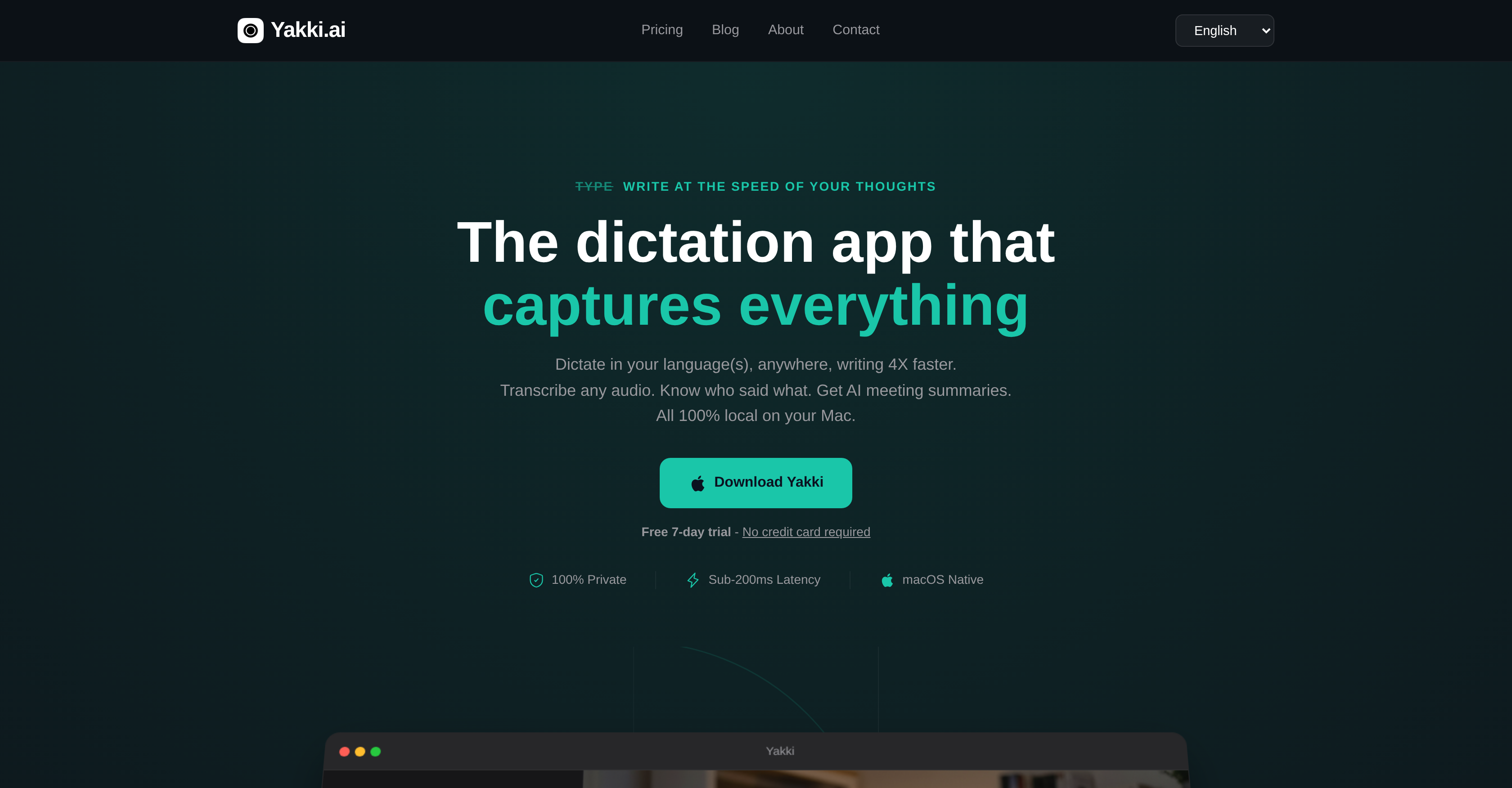
- Write emails, notes, and messages three times faster than typing with real-time, on-device speech-to-text transcription
- Capture and transcribe audio from any source on your Mac—Zoom meetings, Teams calls, Safari, or podcasts—with a single click
- Keep all audio and transcriptions 100% private and HIPAA-compliant, as processing happens locally with no data sent to the cloud
- Instantly switch between dictation in over 25 languages without changing settings or restarting the application
- Automatically clean up transcripts by removing filler words, false starts, and repetitive content for clear, concise notes
- Generate actionable meeting summaries by extracting key decisions, action items, and highlights with AI meeting intelligence
- Identify who said what in multi-speaker recordings with automatic speaker diarization that labels each participant
- Search your entire, secure transcription history to instantly find past dictated content, notes, or meeting insights
- Import and transcribe audio files in MP3, WAV, M4A, OGG, or WebM formats directly into the application
- Adapt dictation style and formatting automatically based on whether you're writing in Mail, Obsidian, Slack, or other apps
Pros & Cons
Pros
- Designed for Mac systems
- Supports over 25 languages
- Instant language switching
- On-device transcription
- HIPAA-compliant
- Unlimited dictation
- Transcribes various audio sources
- Speaker diarization feature
- Ability to import audio files
- Transcription history available
- Automatically adjusts to context
- Eliminates filler words
- Reduces content redundancies
- Increases writing speed
- Preserves privacy
- Supports any app audio
- Adapts to writing platform
- Cleans up repetitions
- Real-time transcription
- Meeting summarization
- Import any audio format
- Automated cleaning feature
- Sub-200ms Latency
- macOS native
- Context Aware Dictation
- Dictionary customization
- Transcription from any source
- Transcribes conferences
- Encrypts data for security
- Doesn't require internet to function
- Maintains user data locally
- Provides meeting insights
- Works offline in 'Only Local' mode
- Never uses data to train models
- Complete GDPR/CCPA compliance
- Lifetime license available
- Multi-language support
- Quick language-switching
- User-friendly hotkeys
Cons
- Only for Mac systems
- No formal HIPAA certification
- Doesn't support video files
- Import limited to audio files
- Not fully functional offline
- Subscription-based pricing model
- Limited to 2 devices for lifetime package
- Doesn't capture programming-specific words effectively
- Lack of HIPAA certification for PHI-containing meetings
Reviews
Rate this tool
Loading reviews...
❓ Frequently Asked Questions
Yakki.ai is an intelligent dictation application designed for Mac systems. It enables users to write using their voice, supporting more than 25 languages with instant switching and offers unlimited on-device transcription, ensuring data privacy and compliance with regulations like HIPAA. It also supports audio capture from various sources such as Teams and Zoom meetings, and it can identify and label speakers in recordings. Yakki.ai is equipped with AI meeting intelligence that can automatically extract key points, decisions, and action items in meetings, and manage searchable transcription history.
Yakki.ai ensures data privacy by processing all transcriptions on your device. This means no data leaves your device, and all audio and transcription processes are 100% local. Additionally, Yakki.ai is designed to be HIPAA-compliant. This design ensures the privacy of personal health information and complies with other stringent regulations.
Yes, Yakki.ai can recognize multiple languages. It supports over 25 languages which aids multilingual users significantly.
In Yakki.ai, you can switch languages instantly, without needing to change any settings or restart the application. This makes it incredibly user-friendly for individuals who work with multiple languages.
Yakki.ai can transcribe audio from a variety of sources. The sources range from Teams and Zoom meetings to podcasts and any other audio that is playing on your Mac.
Yakki.ai's audio capture feature enables the transcription of audio from multiple sources. Whether you're on Teams, Zoom, Safari, or listening to a podcast, Yakki.ai allows you to record and transcribe the audio content directly on your device. This occurs without any data leaving your Mac.
The 'speaker diarization' feature of Yakki.ai allows it to automatically identify and label speakers in recordings. This is useful for transcribing meetings or discussions involving multiple participants, as it can clearly designate who said what in the transcription.
Yes, Yakki.ai can automatically extract key points from your meetings. Using its AI meeting intelligence technology, it can extract key points, decisions, and action items during meetings, making it easier to review and act upon them.
Yakki.ai supports a variety of audio file formats for transcriptions. Users can import MP3, WAV, M4A, OGG, or WebM audio files onto Yakki.ai for transcription.
Yes, Yakki.ai can adjust context based on the platform you are using. Whether you're composing an email in Mail, writing notes in a tool like Obsidian, or sending a Slack message, Yakki.ai identifies your context and adjusts its functionality accordingly.
Yes, Yakki.ai is designed to enhance the efficiency of spoken-word transcription by eliminating filler words, false starts, and content redundancies. This results in clean, concise content that truly reflects the speaker's intended message.
Yes, Yakki.ai secures your complete transcription history, allowing you to search through your dictated content. This feature makes it easier to reference past transcriptions or find specific information you've dictated in the past.
Yakki.ai increases productivity by facilitating quick and efficient transcription of spoken words into written text. It's designed to write at the speed of the user's thoughts, reducing the stress of typing and making it three times faster than typing.
Yakki.ai is designed with privacy in mind and complies with regulations including HIPAA. However, it's important to note that while all audio recording, transcription, and speaker identification run 100% on device ensuring a high level of privacy, the system is not yet formally HIPAA certified.
No, there is no limit to how much you can dictate with Yakki.ai. The platform enables unlimited dictation, making it a suitable tool for lengthy meetings, interviews, or presentations.
Yes, Yakki.ai can transcribe audio from your Zoom meetings. Its audio capture feature allows it to transcribe any audio that is playing on your Mac, including Zoom meetings.
Yakki.ai's AI meeting intelligence is a feature that uses artificial intelligence to automatically extract key points, decisions, and action items from your meetings. It helps users focus on the main aspects of discussions by summarizing and extracting the most important information.
Yes, with Yakki.ai you can dictate in several languages without the need to change settings. Yakki.ai supports instant switching between more than 25 languages, which makes it a user-friendly choice for multilingual dictation needs.
Yakki.ai can transcribe from various platforms including Teams, Zoom, Safari and even sources playing audio on your Mac. It extends its functionality beyond just voice dictation by capturing spoken words and conversations from a wide variety of platforms and sources.
Yes, Yakki.ai maintains a complete record of your transcription history. It secures all your transcriptions, providing you with the ability to search through your dictated content whenever necessary. This offers a handy way to recall and revisit past dictated content.
Yakki.ai works by converting spoken words into written text. It is designed to increase productivity and reduces typing stress. It adapts to the context in which you are using it, adjusting its settings to suit the content you're creating. Yakki also offers on-device transcription, meaning it transcribes your words directly on your device without sending your data to the cloud.
Yakki.ai features include multilingual support with instant switching between languages, on-device transcription to maintain privacy, speaker diarization which can automatically identify and label speakers in recordings, support for real-time transcription, and an AI-powered extraction of key points, decisions, and action items during meetings. Also, Yakki supports multiple audio file formats for transcription. It provides a transcription history for users to search through their dictated content, and it recognizes and adjusts to the context in which you are writing.
Yes, one significant feature of Yakki.ai is its ability to transcribe audio from various sources, including Zoom and Teams meetings. Yakki can capture all audio playing on a Mac, providing comprehensive transcription of meetings.
Yakki.ai ensures data privacy by keeping all processing localized - all transcription processes happen on-device, without sending any data to the cloud or servers. This not only preserves privacy but also helps maintain compliance with data protection regulations like HIPAA.
Yakki.ai adapts to the context you're working in by accurately determining the application or setting in which you are dictating. Whether you're writing an email, drafting notes in Obsidian, or penning Slack messages, Yakki recognizes your context and adjusts automatically, ensuring that its services remain relevant and useful.
AI meeting intelligence in Yakki.ai is a feature that automatically extracts and highlights key points, decisions, and action items from any meeting. This feature turns meeting recordings into clear, actionable insights, enabling users to focus on the content instead of trying to capture every word.
Yes, Yakki.ai has multilingual support. It supports more than 25 languages and provides instant switching between them without requiring any changes in settings or restarts.
Yakki.ai uses its AI algorithms to automatically clean up filler words, false starts, and repetitive content. The resulting transcriptions are clean, uncluttered, and easier to read or use for different purposes.
Yakki.ai supports the transcription of various audio file formats, including MP3, WAV, M4A, OGG, and WebM. Users can import these audio files to be transcribed directly.
Yakki.ai can transcribe any audio that is playing on a Mac. This includes audio from applications like Teams, Zoom, or Safari, as well as from podcasts, YouTube videos, voice memos, recorded interviews, and any other sources of audio.
No, Yakki.ai does not impose any limits on the amount of dictation you can perform. It is designed to support unlimited dictation.
Yes, you can search through your dictated content on Yakki.ai. The application maintains a secure complete transcription history, allowing you to easily search for specific content within your dictated text.
Yakki.ai supports more than 25 languages, making it an ideal tool for multilingual users. Switching between different languages is effortless and instant, without the need to change settings or restart the application.
Yes, Yakki.ai can automatically identify and label speakers in the recording. This feature, known as speaker diarization, can differentiate between different speakers in an audio file and label the speakers accordingly, making it easier to understand who said what during a meeting or a conversation.
Yes, Yakki.ai is compliant with HIPAA regulations. It keeps all transcription processes localized to your device, ensuring no data is sent to a cloud or server. This maintains a high level of data privacy and complies with regulations like HIPAA.
Speaker Diarization in Yakki.ai works by automatically identifying and labeling speakers in recordings. This differs from a regular transcription feature as it not only transcribes spoken words but also distinguishes between different speakers in the audio file, providing a more thorough and comprehensive transcription.
Yes, with Yakki.ai, you can import audio files for transcription. The application supports a variety of audio file formats, including MP3, WAV, M4A, OGG, and WebM.
Yakki.ai's transcription is designed to provide sub-200ms latency, which means it can process and transcribe spoken words to text in less than a second. This high-speed transcription capability enables real-time dictation and transcription.
Yakki.ai integrates seamlessly with multiple platforms. For instance, it can transcribe audio from Zoom or Teams meetings, and adapt its dictation based on the context of a Slack message.
Pricing
Pricing model
Free Trial
Paid options from
$12/month
Billing frequency
Monthly
Refund policy
We offer a 14-day money-back guarantee on all plans.