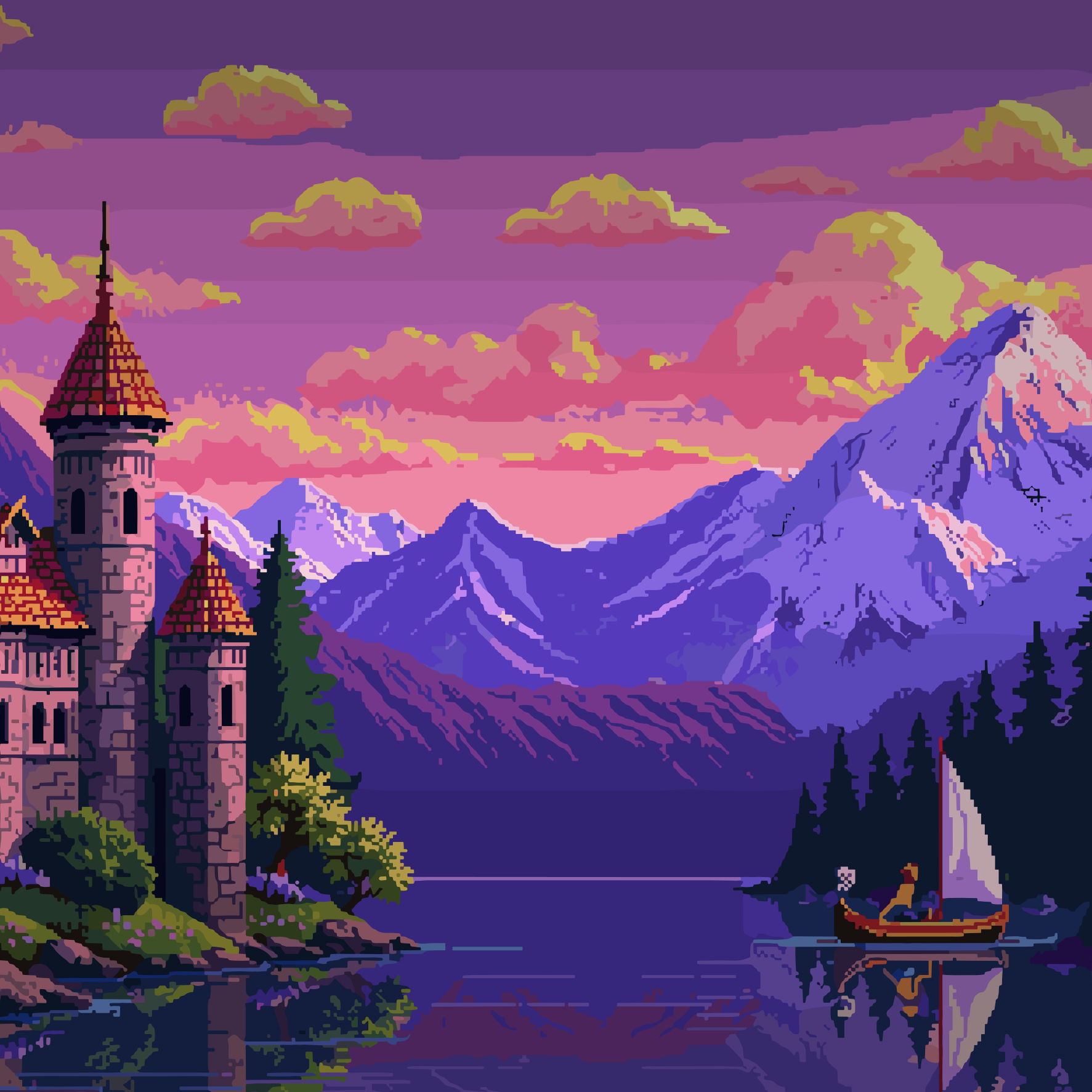
Overview
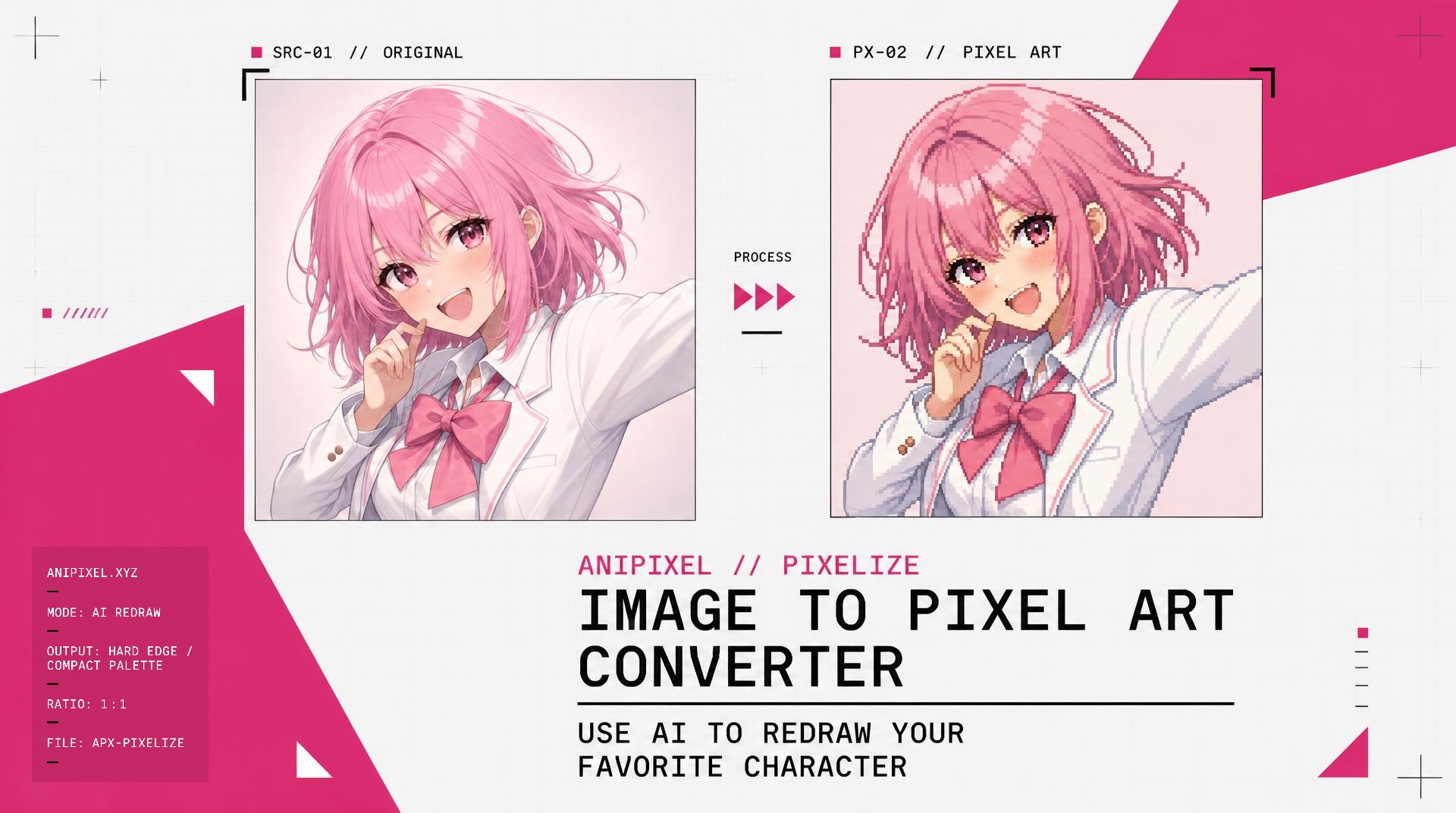
- Convert any clear image into downloadable pixel art using AI image-to-pixel-art generation that outputs a ready PNG.
- Preserve anime illustration detail when converting character art into anime pixel art with dedicated anime illustration support.
- Start creating immediately with 5 free credits on new accounts, where each generated image costs one credit and failed generations return the credit.
- Cut subjects from images for free using the browser-based background remover that outputs a transparent PNG up to 10MB without using credits or uploading your file.
- Clean up pixel art for free with browser tools that require no account and never consume credits.
- Convert photos and selfies into pixel art when the subject is clear, using the same one-upload, one-generate, one-download workflow.
Pros & Cons
Pros
- Turns images into pixel art with AI
- Works especially well with anime art
- Simple upload and PNG download
- 5 free credits to try
Cons
- Uses credits after the free try
- Works best only when the subject is clear
- Still images only, no animation
- Sign up required for main generator
Reviews
Rate this tool
Loading reviews...
❓ Frequently Asked Questions
Staralighto (Staralighto)
🛠️ 1 tool
wrote:Yes. Clear photos and selfies work when the subject is easy to see. Anime illustrations usually come out better.
Staralighto (Staralighto)
🛠️ 1 tool
wrote:1 credit = 1 generated image. Credits come from sign-up, credit packs, or a monthly plan. If a generation fails, that credit comes back. Free browser tools never use credits.
Staralighto (Staralighto)
🛠️ 1 tool
wrote:Yes. Remove Background cuts the subject to a transparent PNG in your browser. It is free, up to 10MB, and the image stays on your device.
Staralighto (Staralighto)
🛠️ 1 tool
wrote:Anime art, character illustrations, and screenshots with a clear subject. Busy photos with a small or blurry subject are harder.
Pricing
Pricing model
Free Trial
Paid options from
$4.99/month
Billing frequency
Monthly
Refund policy
No Refunds