Overview
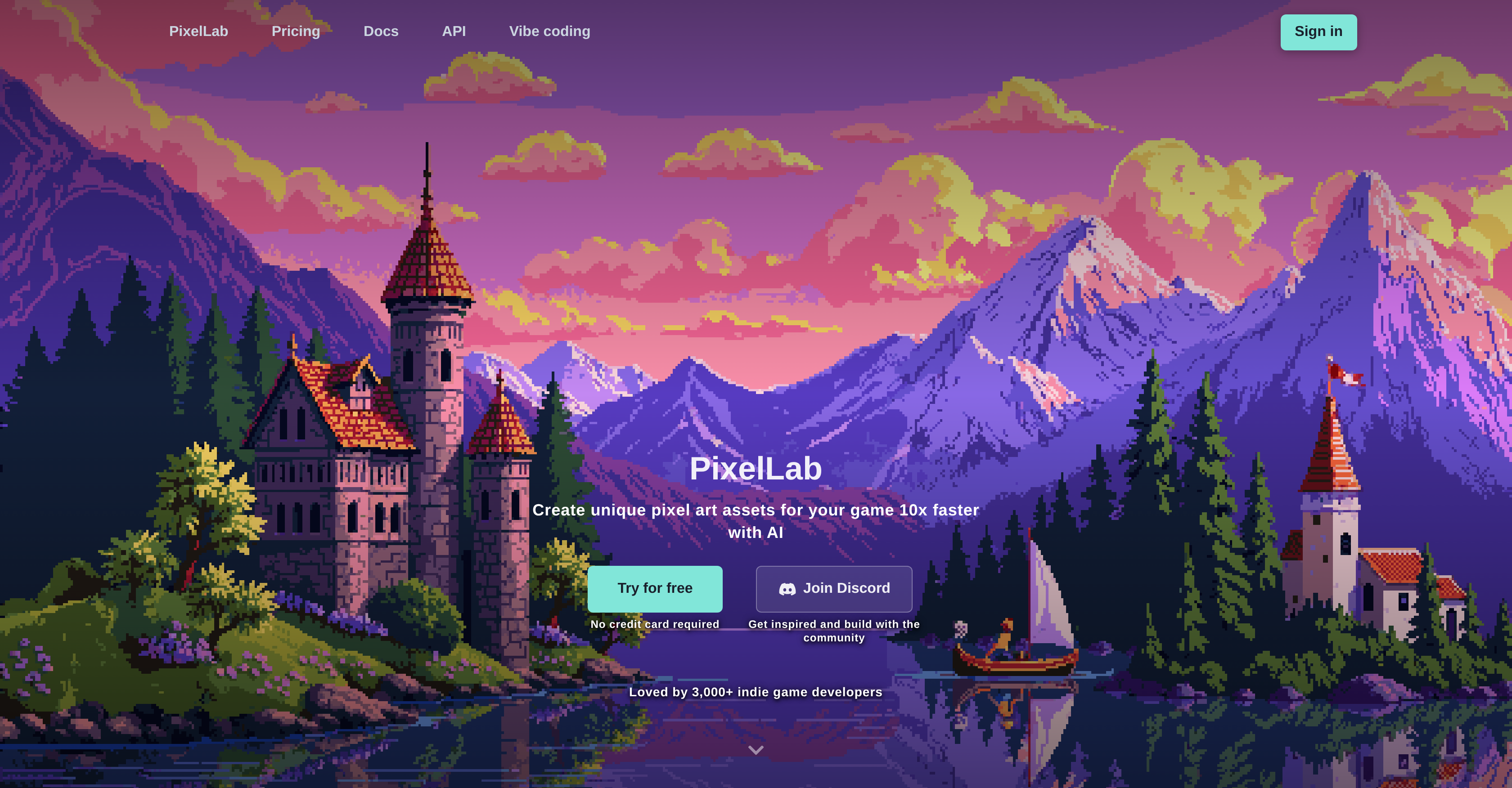
- Generate complete character animations from a single text prompt or skeleton controls, eliminating manual frame-by-frame drawing
- Create consistent 4 or 8-directional sprite rotations for isometric and top-down games from a single concept art upload
- Transform text descriptions into detailed game maps, tilesets, and immersive pixel art scenes with cohesive art style
- Produce pixel-perfect UI components like buttons and health bars that automatically match your game's established visual aesthetic
- Make style-matching edits to existing sprites, such as changing clothes or adding accessories, using true inpainting that preserves the original art
- Accelerate asset creation within your existing workflow using the Aseprite plugin or standalone web application
Pros & Cons
Pros
- Generates pixel art assets
- Accelerates design process
- One-click animations
- Text or skeleton-based controls
- Creates storytelling sequences
- Generates dynamic backgrounds
- Provides sprite rotations
- Creates isometric and top-down games
- Turns concept art into game-ready assets
- Ensures visual consistency
- Allows style-matching modifications
- Creates detailed pixel art scenes
- Generates game maps
- Creates pixel art UI components
- Accessible as web application
- Can be used as Aseprite plugin
- Speed and efficiency in asset creation
- Supports generation of sprite sheets
- Generates tilesets and textures
- Enables style consistency across interface
- Generates character animations
- Creates scenes from text descriptions
- Generates directional views from concept art
- Maintains consistency across all sprites
- Offers editing features for pixel art
- Creates textures from text descriptions
- Generates UI components in pixel art
- Useful for indie game developers
- Perfect for animation generation
- Supports isometric support
- True inpainting for consistency
- Automatic character creation features
- Style consistent generation for objects
- Enables game map creation
- Generates seamless map tiles
- Provides consistent textures for side-scrolling games
- Generates pixel art buttons and menu items
- Allows creation of health bars
- Generates pixel art items and objects
- Text prompts for creating animations
- Ability to rotate sprites
- Adapts to reference images
- Generates high quality backgrounds
- Generates style-based UI components
- Animations can be created by text prompts
- Pixel art scenes can be created from descriptions
Cons
- Web-based only
- Dependent on Aseprite
- Lacks offline version
- Limited style modifications
- No image storage
- No free version mentioned
- Only focused on pixel art
- Limited to game development
- Requires concept art uploads
Reviews
Rate this tool
Loading reviews...
❓ Frequently Asked Questions
PixelLab is an AI-powered tool specifically designed for the creation of pixel art assets and animations pertinent to game development. It aids in the generation of character animations, sprite sheets, and game environments.
PixelLab generates character animations through text prompts or skeleton-based controls. Developers have the option to utilise their text prompt feature for swift animation or defer to their automatic character creator for generating movements such as walking, running, attacking, and custom animations.
PixelLab, beyond sprite creation, also helps in generating sprite rotations with differing directional views. This aids in mastering views for different game styles like top-down or isometric. Users can upload their concept art or a sprite reference, and PixelLab can generate matching directional views, maximising the usability of the sprite sheets.
PixelLab aids in streamlining the game development process by facilitating swift creation of game assets via AI. It accomplishes animations through text prompts or skeleton-based controls, generates consistent directional views from uploaded concept art, provides tools for style-matching edits, and can morph text descriptions into detailed pixel art scenes, maps, and textures, among other features. It significantly reduces the time taken to design game elements and maintains quality and consistency, thus accelerating the game development cycle.
Yes, PixelLab supports the creation of diverse views for isometric or top-down games. You can create sprite rotations with differing directional views and using the functionality, you can generate 4 or 8 directional views for your characters, perfect for isometric and top-down games.
PixelLab maintains visual consistency across all sprites by integrating certain proprietary tools that adapt to your uploaded reference images. This intelligent adaptation of the reference ensures that the generated sprites maintain a uniform visual aesthetic.
PixelLab has in its arsenal, tools for style-matching modifications, which facilitate alterations like changing clothes or adding accessories in the pixel art. The AI is proficient in observing and comprehending the original image while making edits ensuring a perfect style match.
Yes, PixelLab has the capability to generate game maps, tilesets, and texture assets for both top-down and side-scrolling games from text descriptions. Its innate sprite sheet generator ensures the provision of consistent map tiles that fit seamlessly together.
PixelLab aids in generating pixel art UI components while keeping a consistent style across your entire game interface. By using PixelLab, you can produce reference-based UI elements like buttons, menu items, and health bars that match your game's visual style.
PixelLab is dual-accessible as a dedicated web application and as a handy plugin. Depending upon the user's requirement, they can either choose to directly use PixelLab online or integrate it with Aseprite through the plugin.
PixelLab integrates with Aseprite as a plugin. This integration provides users with the versatility to use the advanced features of PixelLab directly within Aseprite, thereby significantly enhancing the animation and game asset design capabilities within the Aseprite environment.
PixelLab provides several benefits that make it a suitable tool for indie game developers. It allows speedy creation and seamless editing of pixel art assets, automates character animation, and ensures visual consistency, which can be particularly helpful for designers with limited resources. Additionally, it is user-friendly and accessible both as a web application or as a plugin for Aseprite, offering versatility to developers who might be working across multiple platforms or environments.
PixelLab, by harnessing the power of AI, can create pixel art game assets at a pace 10 times faster than conventional methods. Features like one-click animations, style-consistent generation, and ability to turn text prompts into elaborate pixel art scenes significantly reduce the time and effort required in developing game assets.
PixelLab employs text prompts for creating animations. Developers can specify the type of animation desired (for example, walking, running, attacking, etc.) through simple text descriptions, and the AI will generate the corresponding animation. This feature combined with the versatility of PixelLab's skeleton-based animation tools provide an effortless system for creating intricate character movements.
PixelLab provides tools and functionalities that facilitate the creation of complex sequences for storytelling. Developers can bring entire scenes to life, create animated environments, and dynamic backgrounds by merely describing what should happen through simple text descriptions.
With PixelLab, you can create different directional views of your sprites. The tool accommodates the generation of sprite rotations with directional views ideal for isometric and top-down games. By uploading a concept image or a reference sprite, consistent directional views that adhere to your vision can be generated.
The process of uploading concept art on PixelLab involves directly uploading a concept image, and optionally a reference sprite, onto the application. PixelLab then uses this input to generate game-ready rotations and consistent directional views that match your original concept.
PixelLab offers comprehensive editing features for pixel art. It provides tools for making style-matching modifications such as changing clothes or adding accessories. It operates on 'true inpainting' which means the models perceive and comprehend your original image while making edits, ensuring immaculate style matching.
PixelLab has the capability to generate detailed pixel art scenes from text descriptions. Developers can describe the desirable pixel art scene in text form, and PixelLab will create visually appealing, detailed, and immersive pixel art scenes in line with the description.
PixelLab ensures style consistency across the entire game interface through a unique feature called 'style-consistent generation'. This means that all the UI elements and sprites generated will maintain a consistent style across your entire game interface, aligned with your uploaded reference images for a uniform visual aesthetic.
Pricing
Pricing model
Free Trial
Paid options from
$12/month
Billing frequency
Monthly
Related Videos
Tutorial: Generating pixel art characters and animations
PixelLab•15.7K views•Aug 19, 2025