

Adobe Illustrator
Deliver logos and brand assets that stay crisp on both a business card and a billboard, because vector paths keep every graphic sharp at any size or resolution.
Listing not yet reviewed by our editors · How we check
Overview
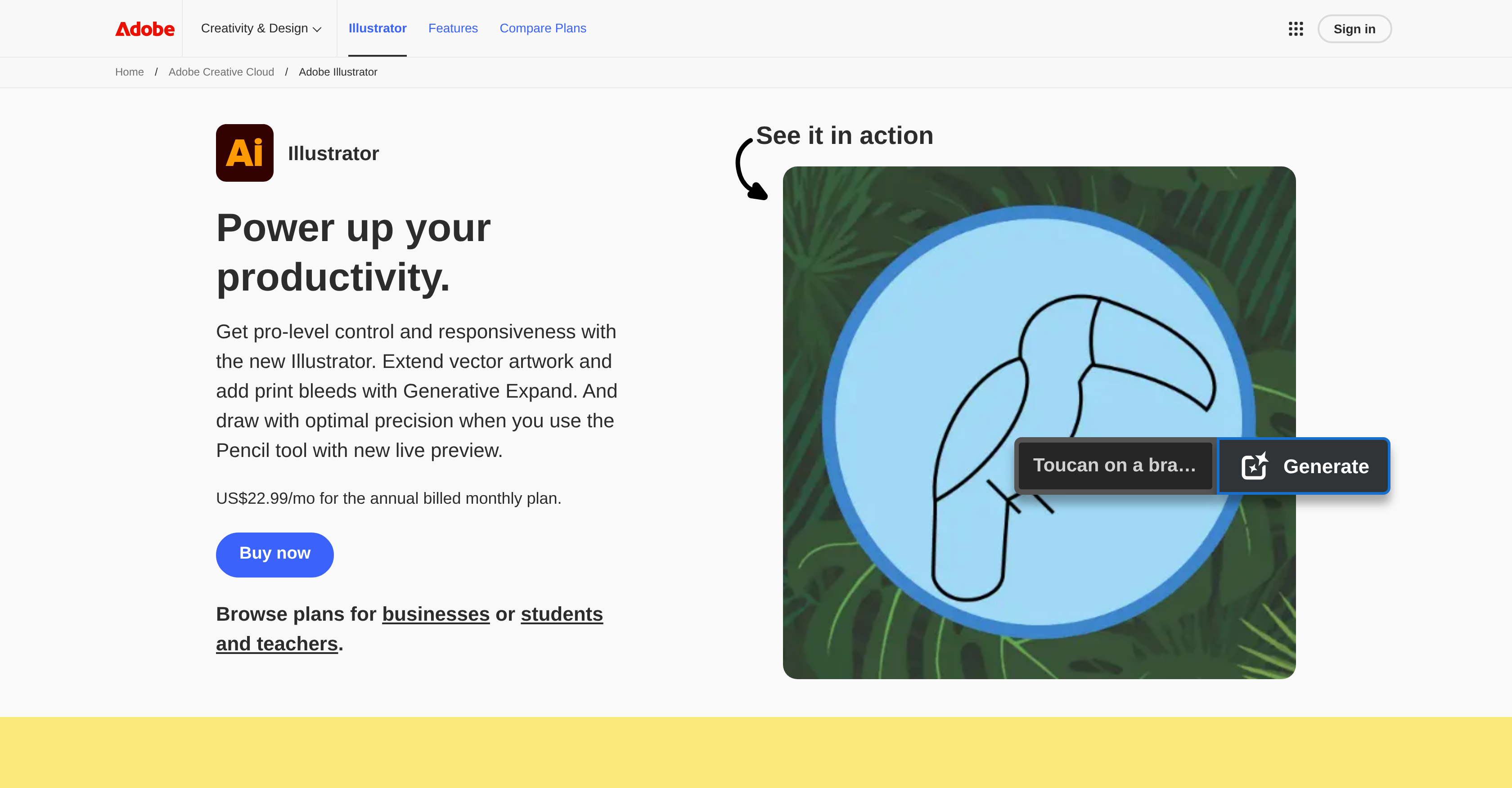
- Deliver logos and brand assets that stay crisp on both a business card and a billboard, because vector paths keep every graphic sharp at any size or resolution.
- Place every anchor point and curve exactly where you intend through snapping to curves and tangents, advanced alignment features, and refined drawing controls for precise vector design.
- Turn hand-drawn strokes into clean, smooth vector illustrations with the upgraded Pencil tool and its live preview.
- Go from a text prompt to fully editable vector graphics and seamless repeating patterns you refine point by point, using Text to Vector Graphic, Text to Pattern, and Generative Shape Fill powered by Adobe Firefly and selected third-party models.
- Adapt finished artwork to new formats and add print bleeds without redrawing, using Generative Expand to outpaint and extend designs to any canvas size.
- Add depth and rich color transitions to illustrations with enhanced gradients, precise color selection, Gradient Mesh, Blend, Perspective Grid, and 3D effects.
- Lock in the right typeface faster and control every character with the enhanced Font Browser, leading control, character manipulation, and text-on-path typography tools.
- Produce responsive web graphics and multiple deliverables from one file using Artboards and web-optimized SVG asset export.
- Keep brochures, posters, business cards, packaging, and merchandise consistent across every print run with reusable print templates and independently editable layers.
- Pick up projects on any device and share assets with collaborators through Creative Cloud cloud storage, asset syncing, and integration with other Adobe apps.
- Match your spend to your workload with a standalone Illustrator subscription or the Creative Cloud Pro plan, which adds more apps and expanded generative credits.
Pros & Cons
From the listing; not yet checked by our editors.
Pros
- Vector graphics capability
- Digital Illustration features
- Logo Design functionality
- Adaptable for print media
- Useful for creative industry
- Web design
- Professional typography
- Branding tools
- 3D Art capabilities
- Professional design tools
- Artwork creation
Cons
- Subscription-based pricing model
- Learning curve for beginners
- Requires capable hardware for optimal performance
- Generative AI limited by monthly credit system
- May be more complex than needed for simple design tasks
Alternatives to Adobe Illustrator
Tools that share the most tags with Adobe Illustrator.
- AIVector
Transform pixelated images into infinitely scalable vector graphics with AI-powered conversion that preserves clean lines and smooth curves
Free
Not listed
Not yet checked
- VectorMind
Go from idea to finished vector illustration in seconds: select a prompt template, type a text description, hit enter, and download your AI-generated vector graphic.
Not listed
Not listed
Not yet checked
- Vector Witch
Stop tracing images by hand: the image vectorizer converts PNG, JPG, and photographs into smooth, editable SVG paths, with unlimited vectorizations on every pricing plan.
Paid · from $10/month
$10/month
Not yet checked
- Quiver AI
Ship vector graphics that scale cleanly with no manual path cleanup. The Arrow 2 and Arrow 2 Telos foundation models output production-ready SVG code instead of raster images.
Paid · from $8/month
$8/month
Not yet checked
- EzRemove
Browser tool that removes the background from a photo and returns a transparent PNG.
Freemium
Not listed
Nov 24, 2026
- Playground AI
Transform text descriptions into photorealistic images and unique artwork instantly using AI-powered text prompts
Freemium · from $12/month
$12/month
Not yet checked
Reviews
Rate this tool
Loading reviews...
Frequently asked questions
What are the main features of Adobe Illustrator?
Adobe Illustrator is primarily a vector graphics editing tool, perfect for Graphic Design, Vector Art, Digital Illustration, Logo Design, Print Media, and Typography. It's equipped with a suite of sophisticated drawing tools and color controls for detailing and refining your design.
How does Adobe Illustrator work with vector graphics?
Adobe Illustrator functions with vector graphics by allowing users to create paths that are automatically registered as vectors, which maintain their crispness and clarity at multiple sizes, resolutions, or levels of detail. This makes it ideal for scalable projects.
Can Adobe Illustrator be used for digital illustration?
Yes, Adobe Illustrator excels at digital illustration. It provides a robust set of tools and graphics capabilities that give artists a wide range of creative options, versatility, and control over their digital art.
Is Adobe Illustrator suitable for logo design?
Adobe Illustrator is widely used for logo design due to its vector-based design capabilities, allowing logos to remain sharp and clear at any size. It also offers tools designed specifically for logo creation, including typography, color, and layering tools.
What type of print media can be created using Adobe Illustrator?
Using Adobe Illustrator, designers can create a broad spectrum of print media, including business cards, brochures, posters, and large format prints. Its ability to handle vector graphics ensures that all print products retain their quality regardless of scale.
Can Adobe Illustrator be useful in the creative industry?
Absolutely, Adobe Illustrator plays a crucial role in the creative industry, utilized by graphic designers, illustrators, and artists for creating everything from marketing materials and web graphics to illustrations and concept art.
How convenient is Adobe Illustrator for web design?
Adobe Illustrator is a superb tool for web design. It packs powerful features like Artboards that allow digital designers to create responsive designs, and it exports assets optimally for the web.
Is typography a feature in Adobe Illustrator?
Yes, typography is a key feature of Adobe Illustrator. It provides extensive control over text handling, including character manipulation, font selection, leading control, and advanced text path manipulation.