

Quiver AI
Ship vector graphics that scale cleanly with no manual path cleanup. The Arrow 2 and Arrow 2 Telos foundation models output production-ready SVG code instead of raster images.
Listing not yet reviewed by our editors · How we check
Overview
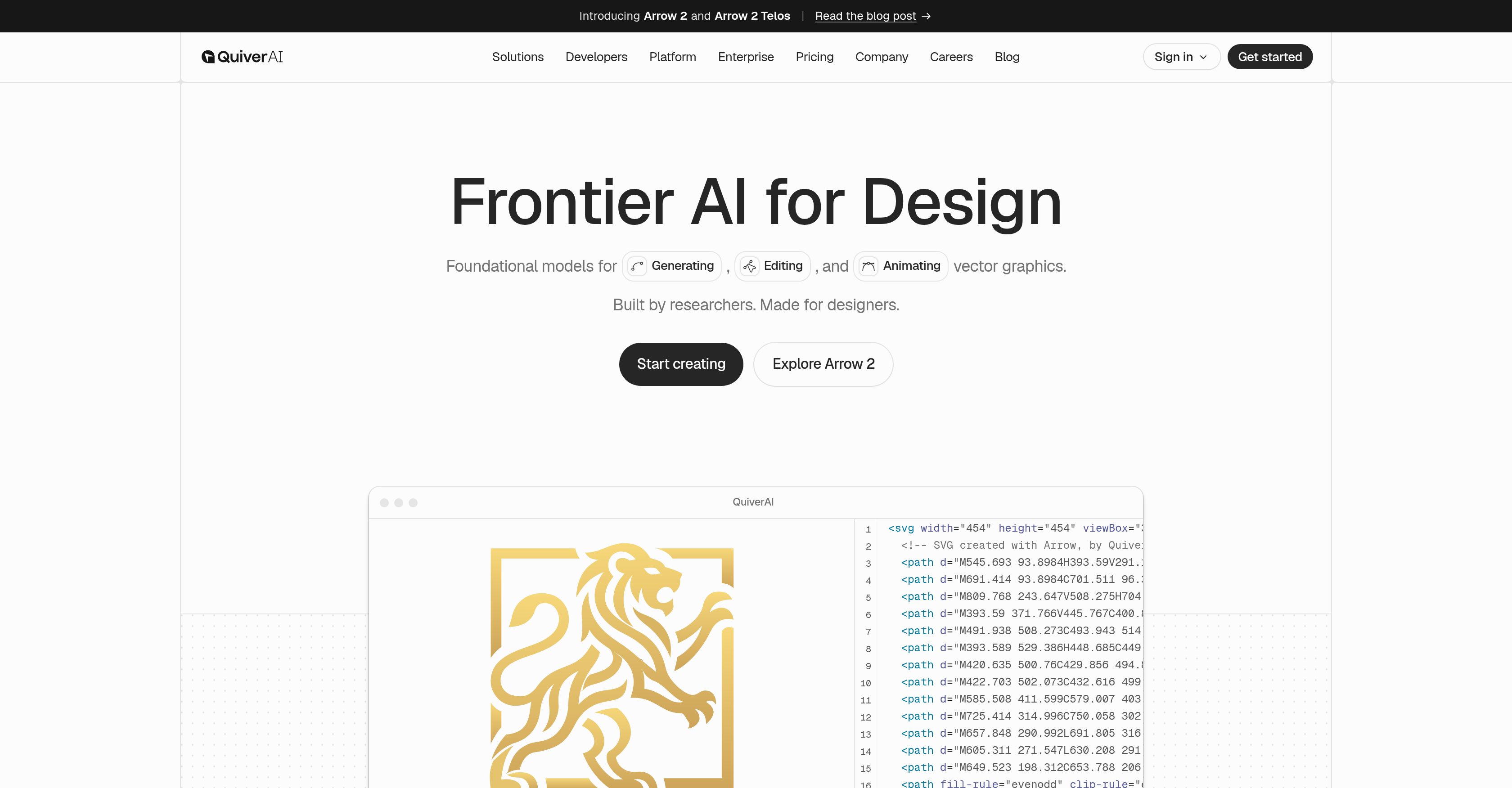
- Ship vector graphics that scale cleanly with no manual path cleanup. The Arrow 2 and Arrow 2 Telos foundation models output production-ready SVG code instead of raster images.
- Turn a brief into a usable logo concept in one step. Text-to-SVG generation creates logos, illustrations, and vector letterforms from a written prompt or a reference image.
- Convert legacy PNGs and JPGs into scalable brand assets without redrawing them. Image-to-SVG vectorization rebuilds existing images as editable vector files.
- Add motion to logos, icons, and illustrations while keeping file sizes small. SVG animation is applied directly to the vector, so the output stays lightweight and fully editable.
- Refine generated artwork instead of starting over. Built-in vector editing lets designers explore variations and adjust details in the same workspace.
- Drop generated graphics straight into a React codebase. The CLI installs SVGs as ready-to-use React components, with no export or conversion steps.
- Build vector generation into your own product. Text-to-SVG and image-to-SVG API endpoints, an OpenResponses-compatible streaming API, and SDKs let you add SVG generation to apps and pipelines.
- Create SVG assets without leaving your coding agent. An MCP server and Cursor and Codex plugins bring vector generation into agent-driven development workflows.
Pros & Cons
From the listing; not yet checked by our editors.
Pros
- Vector-based workflow designer
- Real-time collaborative diagram editing
- Native SVG export for diagrams
- Auto-generate code from vectors
- Built-in version control for flows
- API-first integration platform
- Event-driven orchestration engine
- Plug-and-play connectors library
- Dynamic routing with live data
- Low-code visual scripting interface
- Customizable compliance auditing tools
- Sandbox environment for safe testing
- Auto-scaling task execution
- Cross-platform runtime support
- Integrated knowledge graph management
- Edge deployment ready architecture
- Granular per-node permissioning
- Automatic workflow documentation generation
- Built-in A/B process testing
- Visual step-through debugging
- Zero-code data binding
- Data lineage tracking built-in
- CI/CD pipeline for workflows
- Multi-tenant isolation out-of-box
- SLA monitoring dashboards
- Real-time KPI visualization
- Pre-trained decision models included
- GDPR compliance out-of-the-box
- Drag-and-drop vector triggers
- Per-node version rollback
- SLA breach alert system
- Federated authentication integration
- Built-in OCR document ingestion
- Integrated chat control interface
- Predictive analytics modules embedded
Cons
- Limited vector format export
- No offline mode
- Proprietary workflow file type
- Sparse integration connectors
- High latency with large graphs
- Steep low-code learning curve
- No built-in version control
- Lacks real-time collaboration
- Only cloud deployment
- Expensive enterprise licensing
Alternatives to Quiver AI
Tools that share the most tags with Quiver AI.
- AIVector
Transform pixelated images into infinitely scalable vector graphics with AI-powered conversion that preserves clean lines and smooth curves
Free
Not listed
Not yet checked
- VectorMind
Go from idea to finished vector illustration in seconds: select a prompt template, type a text description, hit enter, and download your AI-generated vector graphic.
Not listed
Not listed
Not yet checked
- Adobe Illustrator
Deliver logos and brand assets that stay crisp on both a business card and a billboard, because vector paths keep every graphic sharp at any size or resolution.
Paid · from $22.99/month
$22.99/month
Not yet checked
- Vector Witch
Stop tracing images by hand: the image vectorizer converts PNG, JPG, and photographs into smooth, editable SVG paths, with unlimited vectorizations on every pricing plan.
Paid · from $10/month
$10/month
Not yet checked
- EzRemove
Browser tool that removes the background from a photo and returns a transparent PNG.
Freemium
Not listed
Nov 24, 2026
- Playground AI
Transform text descriptions into photorealistic images and unique artwork instantly using AI-powered text prompts
Freemium · from $12/month
$12/month
Not yet checked
Reviews
Rate this tool
Loading reviews...
Frequently asked questions
What can Quiver AI do for my vector graphic design workflow?
Quiver AI injects AI‑powered automation into every stage of a vector graphic design workflow, automatically handling repetitive drawing steps, managing asset libraries, orchestrating task hand‑offs, and delivering AI‑assistant suggestions to speed creation and reduce manual effort.
How does Quiver AI’s smart‑workflow automation differ from other tools?
Quiver AI’s smart‑workflow automation is built specifically for vector graphics and combines low‑code/no‑code workflow builders with an AI‑driven decision engine and intelligent routing, whereas generic tools rely on static rule‑based automation without domain‑specific design insights.
Can I set up low‑code automations in Quiver AI without any coding?
Yes, Quiver AI offers a visual low‑code/no‑code editor that lets you assemble automations by dragging and configuring components, requiring no programming knowledge.
Is there an AI assistant in Quiver AI that can suggest design tweaks?
Quiver AI includes an AI assistant that continuously analyses design files and context, offering concrete design‑tweak suggestions such as alignment fixes, color‑contrast improvements, and layer optimizations.
How does Quiver AI handle intelligent routing of tasks across teams?
Quiver AI’s intelligent‑routing engine evaluates task priority, team member skill profiles, current workload, and deadline urgency, then automatically assigns or re‑assigns vector‑design tasks to the most appropriate personnel.
What predictive‑analytics features does Quiver AI offer for project planning?
Quiver AI provides predictive‑analytics dashboards that forecast project timelines, resource consumption, and potential bottlenecks by analysing historical design cycle data and current workflow metrics.
Can Quiver AI integrate with my existing project management software?
Quiver AI’s integration platform supplies pre‑built connectors and API hooks that let you sync it with leading project‑management suites such as Jira, Asana, Trello, and Monday.com.
Does Quiver AI provide real‑time AI‑driven insights for decision making?
Quiver AI delivers real‑time AI‑driven insights via live dashboards and alerts, enabling instant decision‑making on workflow adjustments, resource allocation, and design quality checks.