Overview
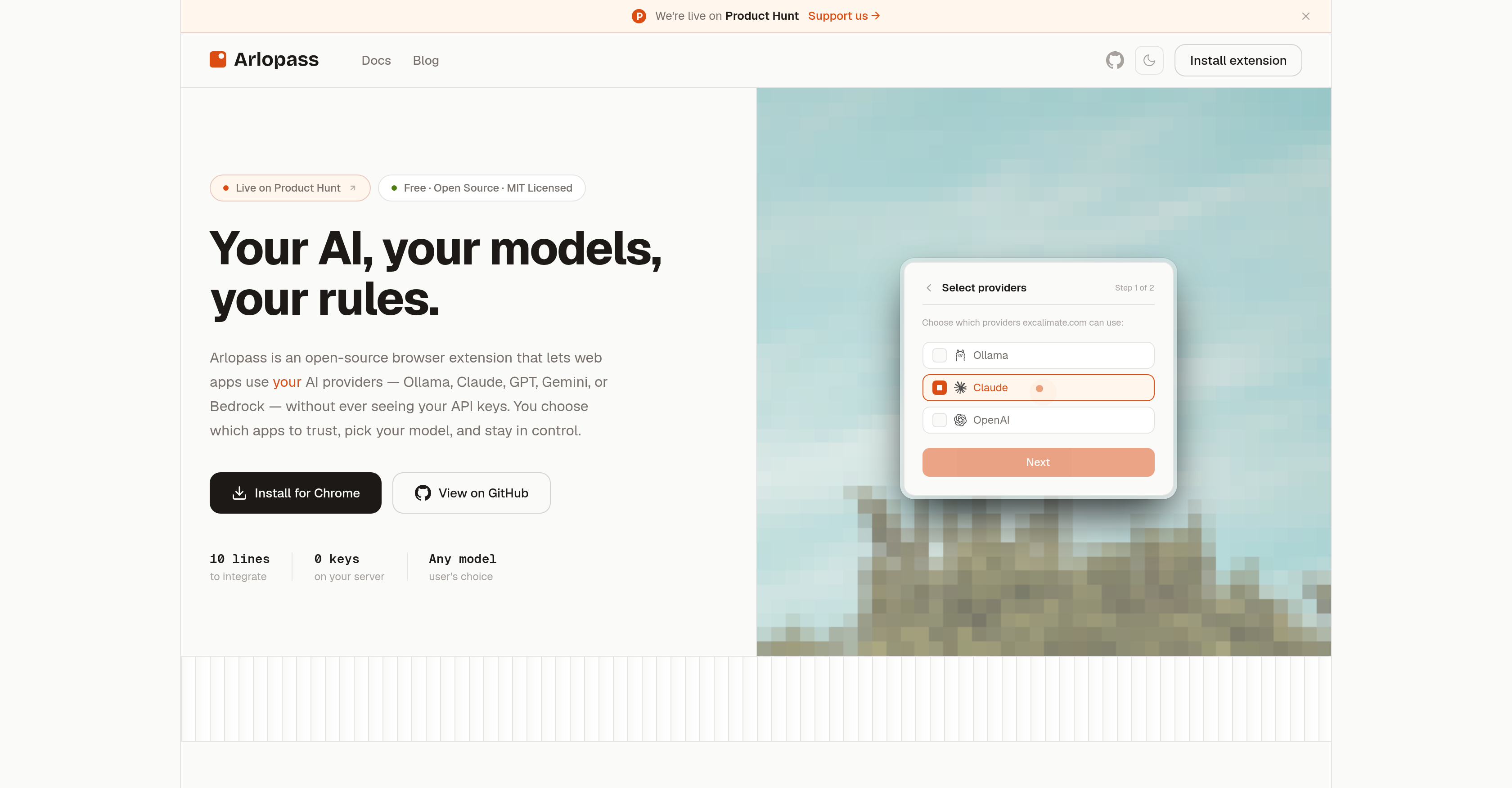
- Keep API keys off servers and out of browser storage with a local encrypted vault that secures every AI provider credential on your device.
- Connect any web app to Ollama, Claude, GPT, Gemini, or Bedrock in minutes using a minimal-code SDK with zero backend proxy or server changes.
- Decide exactly which applications reach your AI models through per-app permissions that let you trust, restrict, or revoke access instantly.
- Switch between AI providers and choose your preferred model for each app from one dashboard, with provider toggles and rate limits built in.
- Ship AI features without building key management infrastructure, since the open-source SDK handles credential security and provider integration end to end.
Pros & Cons
Pros
- Open-source SDK
- Browser extension
- Secure API access
- Local vault encryption of credentials
- User-controlled access
- Web application integration
- Permission management
- Minimal coding needed
- No server changes required
- Backend proxy unnecessary
- Key management eliminated
- Flexible API rate settings
- Single layer model selection
- Per-app permissions
- 5-star rating on Chrome
- 10-line integration for developers
- Zero-server security
- Zod-validated async iterator streaming
- Zero key management
- Free infrastructure
- Zero cloud dependency
- Policy-based governance for data-handling
- Works with any web app
- MIT licensed
- Clear prompt for app needs
- One-click provider switching
- Universal compatibility
- Signed policy bundles for governance
- JSONL audit trails
- Never exposes your API keys
Cons
- Limited to web applications
- Browser-specific dependency
- Lacks broader SDK compatibility
- Requires manual model selection
- Ad-hoc permission setting
- Programming knowledge needed
- Limited rate limit control
Reviews
Rate this tool
Loading reviews...
Pricing
Pricing model
Free
Paid options from
Free