Overview
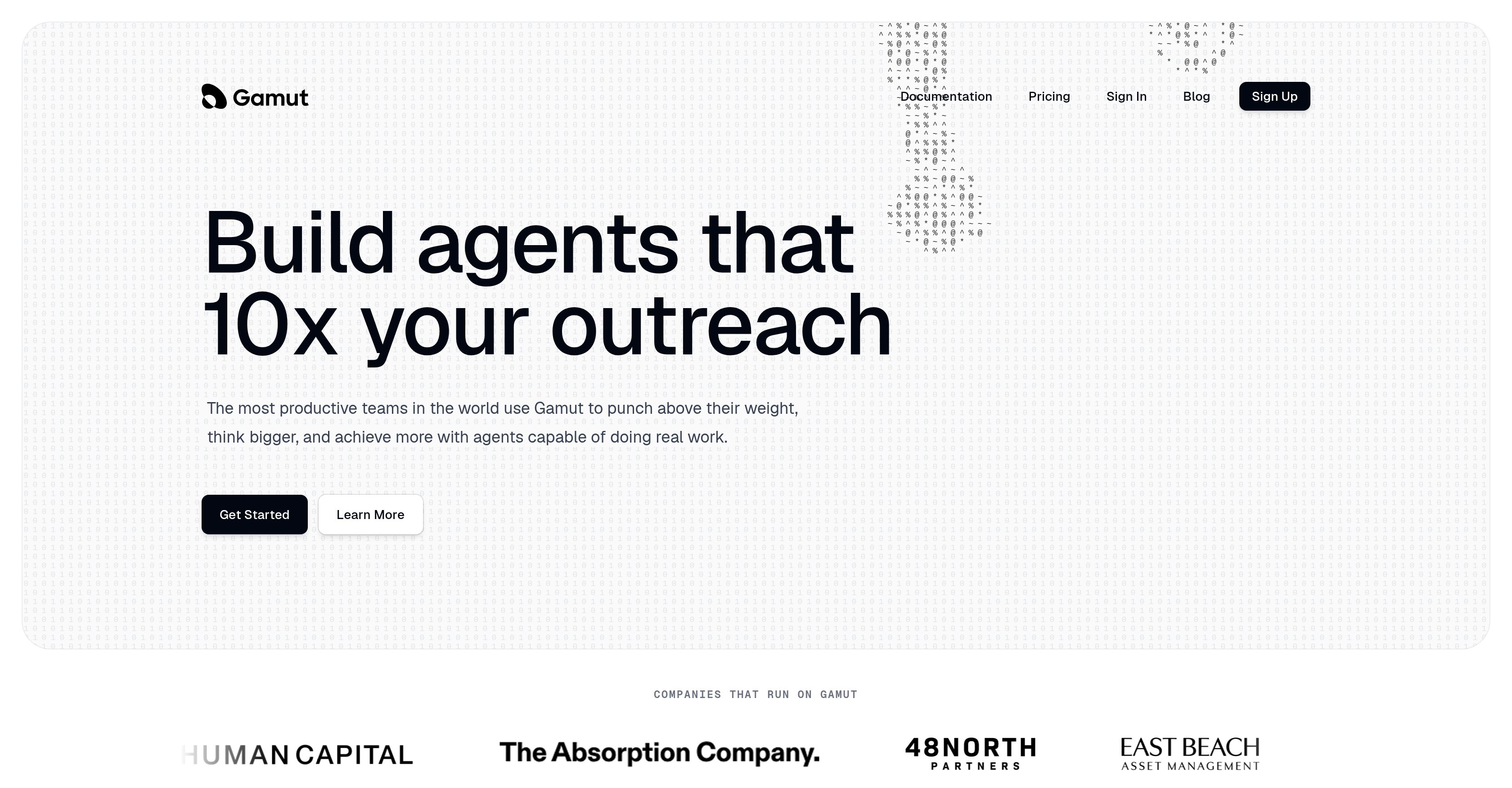
- Multiply your qualified outreach leads by deploying AI agents that autonomously find, research, and prepare inbound leads for your sales team — powered by native Salesforce and HubSpot integrations.
- Reclaim hours of strategic time each week by letting agents handle the full job of lead research, scheduling, and data entry, freeing you for high-value decisions.
- Eliminate constant oversight with agents that run on cron schedules or webhook-triggered events, starting and completing complex workflows without your direct engagement.
- Scale your sales force automation without adding headcount as agents autonomously manage the complete lead management process — from discovery to qualification — inside your browser and desktop environment.
- Maintain full data control and security by self-hosting the open-source version on your own servers, with agents operating in isolated containers and keys never leaving a proxy.
- Streamline team collaboration by receiving agent updates and handing off tasks through Slack, Telegram, and iMessage, keeping distributed teams aligned without extra tools.
- Accelerate repetitive research and scheduling tasks as agents remember context across sessions, building on prior work to deliver continuous, uninterrupted results.
- Reduce time-wasting back-and-forth with custom interfaces that agents build on demand for specific jobs, replacing unnecessary chat with direct, efficient interactions.
Pros & Cons
Pros
- Individual agent memory
- Connected agent accounts
- Purpose-built agent skills
- Agent autonomy
- Isolated container operation
- Browser use capability
- API and MCP tool use
- Custom interface creation
- Context memory across sessions
- Scheduled or trigger-based running
- Agent collaboration
- Slack, Telegram, iMessage alerts
- Secure proxy key handling
- Per-API scope policy settings
- Per-MCP tool policy settings
- Full audit trail
- Mac/Windows desktop app
- Self-hosted web app
- Task automation
- Productivity enhancement
- Agent creation
- Task management
- Lead generation
- Research automation
- Scheduling automation
- Salesforce integration
- Gmail integration
- Hubspot integration
- Event-triggered tasks
- Remote access
- Open-source
- Self-hosting
- Security flexibility
- Team efficiency
- Intelligent work automation
- Completes whole job, not tasks
- Proactive custom interface creation
- Control over data
- No data lock-in
- Company-wide collaboration
- Agent containerization
- Local proxy for account connect
- Explicit user-based access control
- Software-defined rules enforcement
- Action traceability in local log
- Agent run on predefined schedules
- Triggered action on webhooks
Cons
- Requires frequent agent customizations
- Possible overreliance on bots
- No mobile application
- Heavy learning curve
- Limited integration scope
- Transparency issues with autonomous work
- Not suitable for small-scale tasks
- Delayed response times
- Inefficient for instantaneous tasks
- Complex agent programming required
Reviews
Rate this tool
Loading reviews...
❓ Frequently Asked Questions
Gamut is a platform that allows users to create and manage personal AI agents that function autonomously to carry out tasks such as research, scheduling, and task automation to enhance productivity. These agents are capable of executing full jobs, eliminating the need for simple task completion. Examples of tasks an agent can handle include finding and analyzing inbound leads for sales teams. Gamut's desktop and browser capabilities leverage the user's actual browser for navigation and task completion.
Yes, Gamut can be integrated with both Salesforce and HubSpot. It's designed to connect and integrate with multiple platforms for improved workflow efficiency.
When it is said that Gamut agents can do a full job, it means they transcend simple task completion. Instead of carrying out individual tasks, they can execute entire operations independently. An example of a 'full job' is finding inbound leads, analyzing these leads, and preparing them for the sales team, effectively taking on the complete lead management process.
Yes, Gamut agents can autonomously find and analyze inbound leads. They can be programmed to carry out the whole process without the need for human intervention making them efficient for autonomous lead management.
Gamut is designed for teams of any size looking to maximize their work output and task efficiency. Its use is not specifically restricted to any one industry as its features and functionality, such as task automation, lead generation, and productivity enhancement, are versatile and beneficial to many different types of industries.
Gamut agents can greatly enhance productivity by taking over routine tasks and executing them autonomously. This allows teams to focus on more strategic, high-value output. By taking over tasks such as research, scheduling, and even more complex jobs like finding and analyzing inbound leads for sales teams, less time is wasted on basic administrative work, thus driving up overall productivity.
Gamut agents can be scheduled to operate at set times or can be triggered by specific events. This functionality is enabled through the use of cron schedules and webhooks, setting off the agents to perform tasks whenever necessary based on these triggers.
Yes, Gamut offers both desktop and browser capabilities. The agents can run and navigate through the user's actual browser to perform tasks. This flexibility means Gamut can be used in whatever setting is most convenient and efficient for the user.
Yes, you can control your data while using Gamut. Being an open-source platform, Gamut promotes data control, meaning that users can have full control over the data set that their AI agents are interacting with and conducting tasks on.
Yes, with Gamut, custom interfaces can be built by the AI agents based on job demand. The aim is to avoid time wastage with unnecessary chat or communication back and forth. The flexible and customizable nature of these AI agents allows for a smoother, more efficient workflow.
The task automation feature in Gamut can greatly multiply your outreach leads. By programming AI agents to perform tasks such as lead research, identifying, and preparing them, users can automate the often time-consuming process of not just lead generation but also lead preparation and categorization. This allows users to focus more on approaching and converting these leads, effectively multiplying the outreach attempts.
Gamut can integrate with platforms like Salesforce, Gmail, and HubSpot. It supports multiple platforms to enhance the overall workflow, handling tasks like scheduling and research directly from these platforms.
Gamut can dramatically enhance your workflow by automating a wide array of tasks covering lead research, scheduling, and more. It does this by enabling the creation and management of AI agents trained to execute these tasks autonomously and efficiently.
Yes, Gamut supports data control and task scheduling. Being open-source facilitates users to have control over their data. And with the help of cron schedules and webhooks, tasks can be scheduled and triggered based on events, leading to enhanced productivity and workflow continuity.
Yes, Gamut is suitable for remote teams or workspaces as it integrates with communication tools like Slack, Telegram, and iMessage, making the AI agents accessible from anywhere. This remote accessibility makes it an ideal solution for distributed teams.
Yes, Gamut can work with communication tools like Slack, Telegram, and iMessage. It integrates well with these tools, making its AI agents highly accessible and efficient in a multitude of communication environments.
'Gamut is open-source' means that its source code is openly published and can be modified or distributed. This allows users more control over data and prevents user lock-in. It also promotes transparency and can enable more flexible customization of the AI agents.
Yes, Gamut is designed to aid in lead generation and sales force automation. The AI agents can be programmed to find and analyze inbound leads, preparing them for sales teams thereby covering a significant part of the sales force's role in an autonomous manner.
Yes, Gamut is browser-based. This means that the tasks and navigation controlled by the AI agents are carried out in the user's actual browser, thereby simulating real user behavior on the web as closely as possible.
Yes, the AI agents of Gamut can operate on the basis of event triggering. They can be programmed to initiate a particular course of action in response to an event or trigger such as a set schedule or a particular event via cron schedules and webhooks.
Gamut works by allowing users to create AI agents that specialize in certain tasks. These agents function autonomously in isolated containers where they write and run code, use a browser, call APIs and MCP tools, and create custom interfaces where needed. Agents are capable of remembering context in between sessions, running on a schedule or based on certain triggers, and handing tasks off to each other when necessary. All of this is done in a secure environment where keys never leave a proxy.
Users can build a specialized AI agent with Gamut by defining the tasks they want the agent to specialize in. They can then program schedules or event triggers that command the agent to complete the established tasks. Users can further control agents’ functions by specifying permissions for each AI agent, thereby streamlining desired operations. Additionally, users define the capabilities of the agents, such as browser usage, API and MCP tool calls, and custom interface creations.
Gamut agents can carry out a range of tasks such as research automation, lead generation, scheduling automation, task management, and various productivity enhancement tasks. Agents can autonomously carry out whole jobs, such as handling inbound leads, researching each lead, and preparing them for sales teams. They are particularly useful for administrative tasks that ensure seamless operation of everyday business and individual objectives.
Gamut provides native integrations with Salesforce, Gmail, and HubSpot. For Salesforce, it could be used to pull data, update records, or trigger actions based on changes in Salesforce. In terms of Gmail, it could read and respond to emails, as well as send emails based on triggers. For HubSpot, agents could synchronise data, update records, or perform actions in response to updates in HubSpot. The agents do this work autonomously, facilitating smoother operations and greater efficiency in managing communication and customer data.
With Gamut, you can automate numerous tasks. For example, it can automate research tasks, schedule tasks and meetings, manage tasks and workflow, generate leads for sales teams, integrate with your Salesforce, Gmail, and HubSpot accounts to automate data entry and synching, and build custom interfaces. Additionally, it can interact with teams via an AI-created chat and work autonomously based off of schedules or triggers.
'Context across sessions' refers to Gamut agents' ability to remember the details and outcomes of previous sessions and apply this knowledge to current and future tasks. This means that they can build on the work done in previous sessions and continue where they left off, allowing for continuous, uninterrupted work.
Gamut enhances team efficiency by taking on mundane or repetitive tasks, thereby freeing up team members to focus on more significant responsibilities. Its AI agents are capable of handling a variety of tasks autonomously, reducing the need for constant human monitoring. Moreover, its integration capabilities with Salesforce, Gmail, and Hubspot streamline data management processes, making it easier for teams to keep track of work.
Yes, Gamut can help generate leads for your sales team. Gamut agents can be tailored to find inbound leads, research each lead comprehensively, and prepare them for your sales team without requiring constant oversight. The agent's ability to perform deep research ensures that leads are highly qualified, improving efficiency and effectiveness in the sales process.
Gamut provides several protective security measures. Each agent operates from an isolated container to ensure data privacy and security. Keys used on the platform never leave a proxy for added security, and each agent is only allowed access to the specific tools and data they have been given permission to use. In addition, Gamut provides a full audit trail, helping users track agent activity and identify potential security concerns timely.
Yes, Gamut can function autonomously without user input. Once an agent is programmed with a specific skill set and assigned tasks, it can work independently in its isolated container on the user's device. Agents can be programmed to operate either based on schedules or in response to certain online events, without the need for continuous user engagement.
A 'trigger' in Gamut is an event or a schedule that prompts an AI agent to take a certain action or begin a series of actions. For example, a user could set a trigger to initiate a morning lead sweep at 8:00am on weekdays. Upon reaching the specified time, Gamut would trigger the agent to begin the task. Users can also create triggers linked to external events, such as new form submissions on a website, to prompt an agent into action.
Yes, Gamut can be used as a desktop application. It is designed to function both as a standalone desktop application for Mac and Windows environments, and as a self-hosted web application, depending on the user's preference and business needs.
Gamut agents have extensive capabilities to interface with other systems. Agents can write and execute code, operate browsers, call APIs, use Machine Control Protocol (MCP) tools, and even create custom interfaces when needed. Additionally, Gamut can integrate with workspace tools like Salesforce, Gmail, and HubSpot, providing comprehensive manipulation and management of business data within these platforms.
Yes, users can remotely access their Gamut agents. Agents can communicate with users through various platforms such as Slack, Telegram, and iMessage, and conduct operations in tandem with interactions on these platforms. This ability to reach users wherever their work occurs allows for remote accessibility and convenience.
Yes, Gamut is an open-source tool. It provides users the option to self-host the tool, affording users more control over their data and eliminating the risks associated with data lock-ins. This characteristic is ideal for users or organizations requiring enhanced security and flexibility in managing their IT resources.
Yes, Gamut is designed for both personal use and corporate use. It enables the automation of routine tasks commonly encountered in business operations. In addition, it allows for the creation, management, and integration of personal AI agents to enhance productivity within corporate settings, making it highly applicable to an array of typical corporate needs.
'Agent creation' in Gamut refers to the process of building and programming a unique AI agent to perform a designated set of tasks. Users can craft agents filled with a customized selection of skills, connect them to desired accounts, and define their permissions. These agents are then capable of running code, operating browsers, and calling APIs and MCP tools autonomously.
Yes, Gamut does have chat capabilities. The Platform allows AI teammates to use text-based communication systems to interact with human users. This chat feature enables real-time consultations, collaborations, and detailed updates on tasks performed by AI agents.
Yes, Gamut provides an open-source version that users can self-host on their own servers for maximum security and flexibility. Since this version lives on the user's infrastructure, it provides greater user control over data security and integrity, and less reliance on external web services.
Pricing
Pricing model
Free Trial
Paid options from
$200/month
Billing frequency
Monthly