
Overview
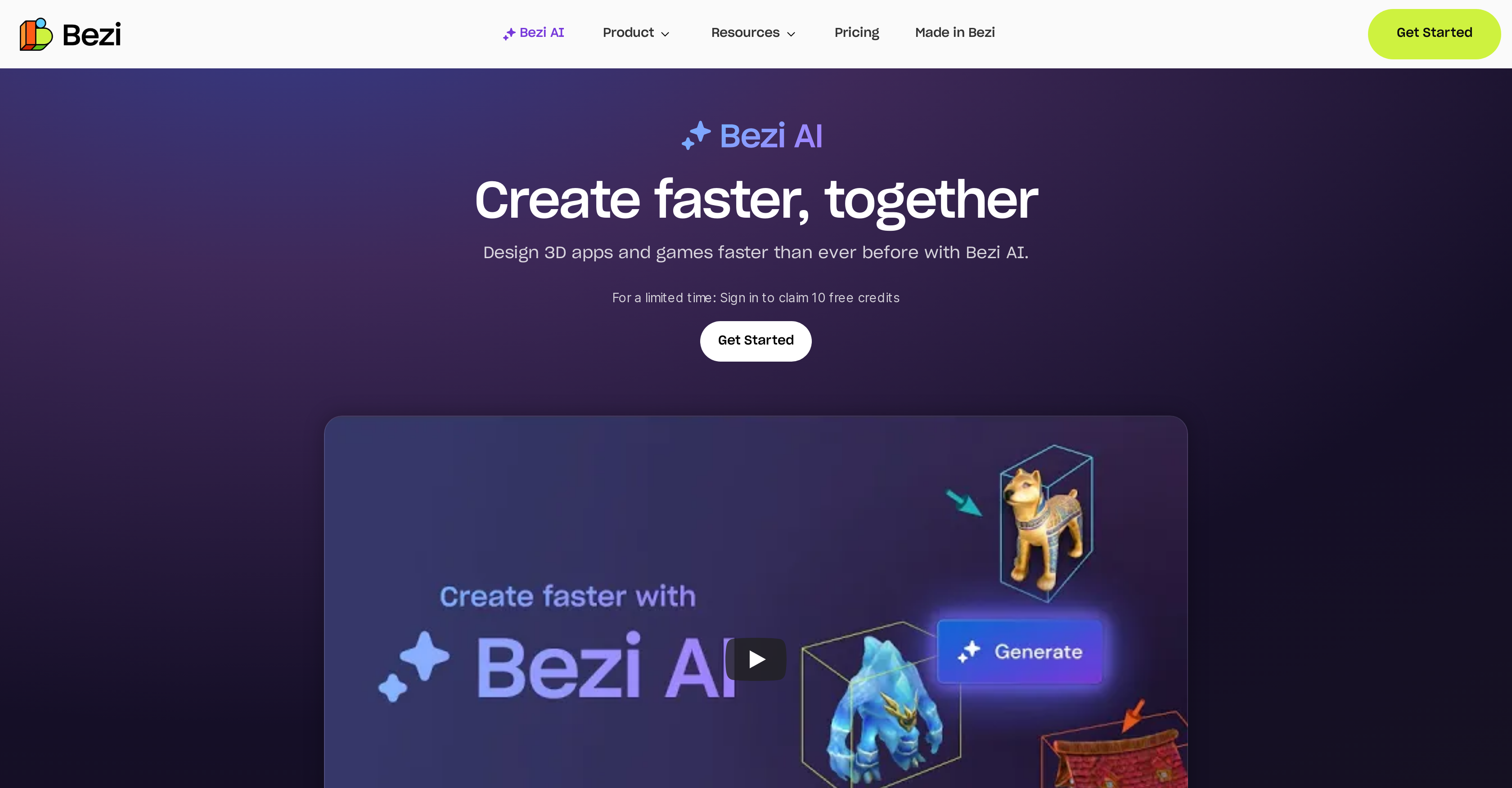
- Accelerate 3D prototyping by generating assets on demand from text prompts, replacing manual modeling with instant AI generation
- Build entire scenes in minutes using gray boxing, enabling rapid concept iteration without time-consuming geometry work
- Eliminate tool-switching by prototyping, generating assets, and iterating within a single platform, streamlining the entire design workflow
- Unite distributed teams through real-time collaboration, where members join projects via a simple link and edit simultaneously across desktop, mobile AR, and VR headsets
- Capture contextual feedback instantly with built-in commenting pinned directly to 3D models, reducing back-and-forth email chains
- Achieve near-final prototypes faster for game design, using AI-generated assets to validate concepts before committing to full development
- Replace any existing 3D object with an AI-generated model seamlessly, allowing rapid style exploration without rebuilding scenes from scratch
Pros & Cons
Pros
- Simplifies design process
- Accelerates design process
- Streamlines 3D workflow
- Generates 3D assets on demand
- Facilitates prototyping in-platform
- Enables real-time collaboration
- Allows simultaneous editing
- Efficient for UI/UX designers
- Efficient for game designers
- Features for spatial design
- Generates 3D models with text
- Aids in concept-building
- Supports gray boxing method
- Allows whole scene creation quickly
- Supports live collaboration
- Simple link for project joining
- Edits visible across different devices
- Built-in commenting in editor
- Efficient feedback system
- Compatible with desktop, mobile, AR, VR
- Creates 3D assets with text prompts
- Drag and drop assets in editor
- Replace models in context
- Automatic updates of edits on devices
- Pin comments to models
- Feedback within context
- Promotes team brainstorming on 3D canvas
Cons
- No offline mode
- Requires high-speed internet
- No support for 2D designs
- Limited to specific design domains
- Potential learning curve
- Dependence on text prompts for 3D
- No explicit version control
- Possibly high computational requirements
- Dependency on cross-platform compatibility
Reviews
Rate this tool
Loading reviews...
❓ Frequently Asked Questions
Bezi AI is a tool specifically created to expedite and simplify the design process, particularly for 3D applications and games. It encompasses features that streamline workflow by facilitating on-demand generation of 3D assets, prototyping within a single platform, and collaboration in real-time. The tool is greatly beneficial for UI/UX and gaming professionals, ensuring efficiency in creating and modifying prototypes. Bezi AI is equipped with a range of features for spatial design, allows generation of 3D models through text prompts, and replacement of models with AI-generated alternatives. Additionally, the tool supports concept creation through gray boxing.
Bezi AI simplifies the design process in several ways. Firstly, it allows users to generate 3D assets on demand, facilitating rapid creation and modification of prototypes. Secondly, the entire process, from generating assets to prototyping, can be done within one platform, avoiding the need for multiple tools. Furthermore, Bezi AI supports real-time collaboration, letting teams comment and edit designs simultaneously, improving teamwork and efficiency. Its built-in features for spatial design and gray boxing enable users to quickly build out scenes, accelerating concept development.
Yes, Bezi AI can generate 3D assets on-demand, providing a swift and efficient asset creation process.
Indeed, Bezi AI supports real-time collaboration. This allows teams to simultaneously comment and modify designs, leading to faster and more efficient design processes.
Bezi AI is extremely useful for UI/UX designers. The tool allows designers to rapidly generate 3D assets, further facilitating an efficient prototyping process within a single platform. Moreover, real-time collaboration features let designers comment and edit designs simultaneously with their team. Thus streamlining the design process, fostering efficient communication and collaboration.
The tool provides several benefits for game design. Bezi AI facilitates rapid generation of 3D assets for prototypes, aiding designers to get closer to the final design before diving into development. It also encourages a faster, easier, and more collaborative platform for video game concepting.
For spatial design, Bezi AI provides features for generating 3D assets swiftly using text prompts. It also enables gray boxing, facilitating quick scene building. Additionally, any object model can be simply replaced with an AI-generated model, optimizing the design process further.
Yes, with Bezi AI, users can generate 3D models from text prompts in an instant.
Yes, using Bezi AI, you can select any object and replace it seamlessly with an AI-generated model.
Bezi AI aids in concept-building largely by using a method known as 'gray boxing'. This technique allows users to build out entire scenes within a short amount of time, subsequently fast-tracking the concept inception phase.
Yes, Bezi AI lets team members join projects through a simple link, making engagement and collaboration easier and faster.
Indeed, Bezi AI supports real-time edits across different devices, allowing all changes to be instantly observable on all synced devices.
Bezi AI is compatible with desktops, mobile AR, and VR headsets, further enhancing its accessibility across different platforms.
Yes, the Bezi AI editor includes a built-in commenting feature to ensure efficient and in-context feedback among team members.
Inviting team members to join a project on Bezi AI is quite straightforward. It can be achieved by simply sending them a link to the project. This enables immediate joint brainstorming and collaboration.
Yes, Bezi AI allows real-time edits. Any change is instantaneously visible to all team members on their respective devices.
Yes, Bezi AI fully supports Augmented Reality (AR) and Virtual Reality (VR) headsets, aligning with the need for immersive design experiences.
Indeed, Bezi AI includes an in-app commenting feature. With this, collaborators can pin comments to models, providing valuable feedback in an easy, efficient, and contextually appropriate manner.
It's pretty easy to generate 3D assets quickly with Bezi AI. All users have to do is input their concept into the prompt line, and the AI generates 3D assets within seconds.
Bezi AI speeds up the workflow for game designers by enabling fast generation of 3D assets for prototypes. This helps designers get their designs in a near-final state before they dive into development. The platform also facilitates a more collaborative environment for video game concepting, which aids in quicker and more efficient completion of projects.
Pricing
Pricing model
Freemium
Paid options from
$80/month
Billing frequency
Monthly
Related Videos
Bezi AI in Unity - An Honest Review
WolfByte Studios•5.9K views•Sep 12, 2025