Overview
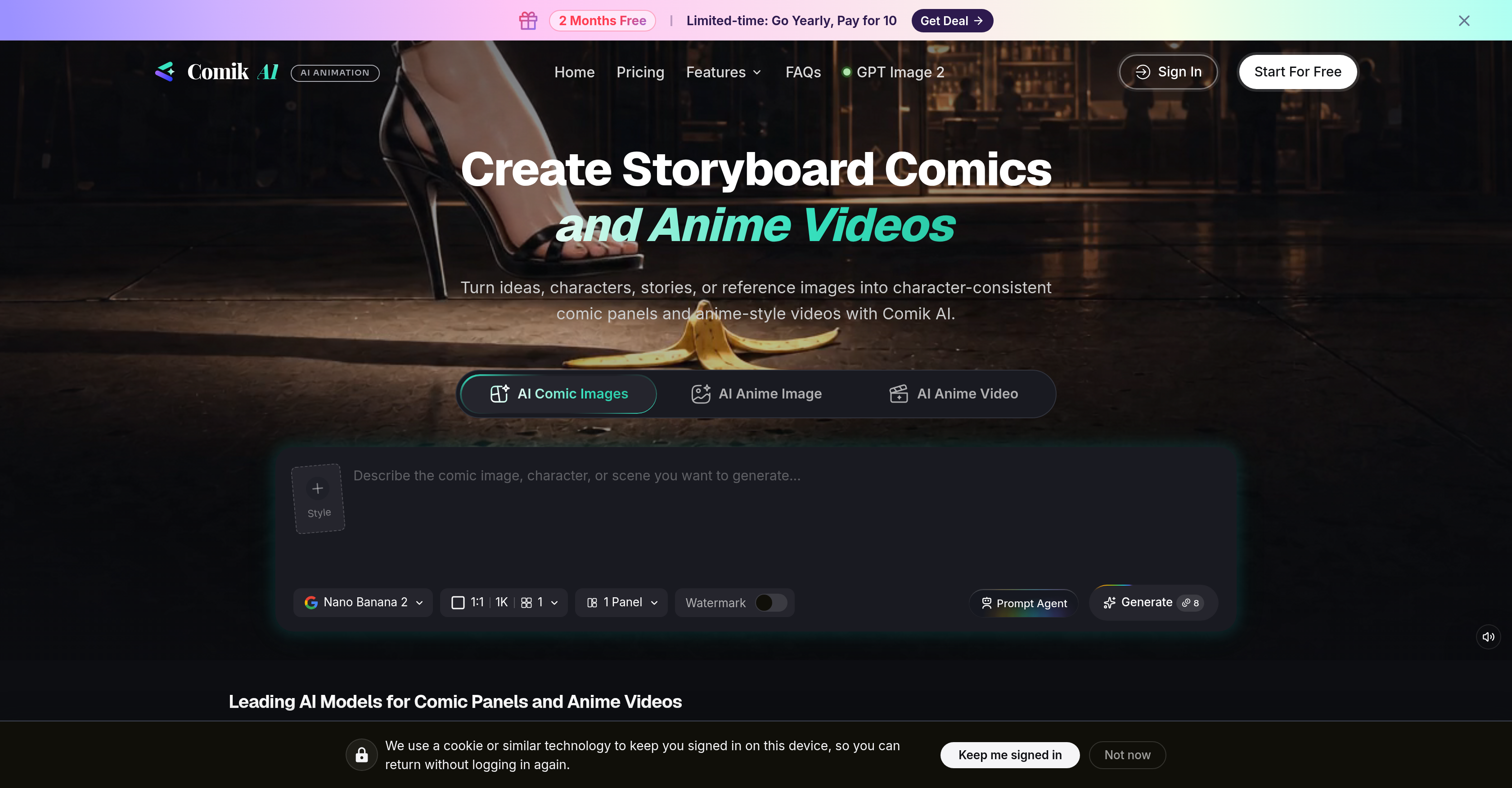
- Achieve professional storytelling with characters that stay visually identical across every panel and video clip, thanks to built-in character consistency AI.
- Turn raw ideas, scripts, or reference images into polished comic panels and anime-style videos without manual illustration, using guided AI generation.
- Explore superior prompts, story ideas, and scene concepts on the fly with the Prompt Agent, unlocking fresh visual directions for every project.
- Organize entire narrative projects—characters, prompts, panels, scenes, and video clips—on a single canvas with the Storyboard Studio, streamlining complex workflows.
- Maintain full creative control by uploading reference images that dictate character design, visual style, scene composition, and motion direction, ensuring your vision is realized.
- Generate diverse, visually appealing settings for your storyline by feeding reference images into scene composition, creating rich backgrounds without extra effort.
- Build longer anime-style projects efficiently by managing all assets—from character sheets to video clips—in one storyboard view, eliminating scattered files.
- Bring characters to life in both static panels and animated clips from the same input, using unified AI that preserves design integrity across formats.
Pros & Cons
Pros
- Comic panel creation
- Anime-style videos
- Transform ideas into comics
- Transform reference images into stories
- Storyboard creation
- Prompt Agent feature
- 'Storyboard Studio' for organization
- Canvas-based workflow
- Character-consistent creation
- Recognizable characters across panels
- Upload reference images
- Guidance in character design
- Assists in scene composition
- Helps in creative direction
- Turns prompts into videos
- Offers visual style assistance
- Turns reference images into scenes
- Superior prompt exploration
- Can structure storylines
- Advanced image generation
- Consistent style and composition control
- Multi-reference editing
- Realistic video generation
- Smooth motion in videos
- Natural lighting in videos
- Refined style control
- Composition control in videos
- Offers detailed FAQs
- Fast image editing
- Lower costs of image generation
- Keeping characters consistent across contents
- Generating structured comic panels
- Guidance for visual storytelling
- Creating videos from prompts
- Assistance for visual directions
- Exploring story ideas
- Useful for longer anime projects
Cons
- No mobile app
- Limited style control
- No live preview
- No multi-language support
- No offline functionality
- No collaborative features
- Design cannot be adjusted
- No advanced editing tools
- Limited file format support
- Inaccessible for visually impaired users
Reviews
Rate this tool
Loading reviews...
❓ Frequently Asked Questions
Comik AI is a potent artificial intelligence tool designed for the creation of comic panels and anime-style videos. It can transform ideas, characters, stories, and even reference images into well-structured, character-consistent comic panels and storyboard scenes.
The main features of Comik AI include comic panel and anime-style video creation, storyboard creation, idea generation, prompt exploration, storyline assistance, visual direction guidance, canvas-based workflow, character design assistance, visual style/reference image guidance, and scene composition. Also, Comik AI facilitates character-consistent output and provides a platform for users to upload their reference images.
'Prompt Agent' is an innovative feature in Comik AI that assists users in exploring superior prompts, story ideas, scripts, scene concepts, and visual directions for their chosen model. This way, users can get unique and engaging ideas for their comic panels and anime-style videos.
Comik AI ensures character-consistent creation in all comic panels and videos via an intelligent mechanism that ensures characters remain consistently recognizable across different comic platforms or anime-style video clips. It helps bring uniformity and continuity in character designs, thereby enhancing the storytelling impact.
Yes, Comik AI permits users to upload their reference images. These images play a crucial role in guiding the design of characters, visual style, scene composition, or even the overall creative direction.
The 'Storyboard Studio' feature in Comik AI offers an advanced platform that allows for effective organization of characters, prompts, scenes, and video clips in a canvas-based workflow. It caters specifically to users working on more extensive, anime-style projects, helping streamline the creation process.
Yes, Comik AI extensively supports the creation of both comic panels and anime-style videos. Whether you have an idea, character sketch, story, or reference image, you can transform it into a comic panel or an engaging anime-style video with Comik AI.
Comik AI supports the creation of anime-style videos from various inputs, including captured scenes or reference images. Using these inputs, users can generate original and captivating anime-style videos.
Comik AI accepts a range of inputs for creating anime-style videos such as characters, prompts, reference images, or storyboard scenes.
Comik AI can transform stories and ideas into comic panels thanks to AI-based technology. The software uses sophisticated models to structure and illustrate your ideas, characters, and narratives in a comic format. It creates engaging storytelling visuals that are consistent and professional.
Comik AI assists in generating new story ideas and scripts using its 'Prompt Agent' feature. The users can explore and come up with superior prompts, story ideas, scripts, scene concepts, and visual directions for their chosen model.
Yes, Comik AI assists in developing visual styles for comics and anime videos. It uses user-uploaded reference images to guide character design, scene composition, and overall visual style, offering creative direction for projects.
Storyboard creation is facilitated in Comik AI via the 'Storyboard Studio' feature. This tool is effective in organizing characters, prompts, scenes, and video clips in a canvas-based workflow, making it easier to visualize and construct longer, narrative-based anime projects.
Yes, Comik AI is well-suited for longer anime-style projects. The 'Storyboard Studio' feature aids users in organizing their extensive projects effectively by managing characters, prompts, comic panels, scenes, and video clips in a canvas-based workflow.
Comik AI lets users experiment with various visual directions using its 'Prompt Agent' feature. It enables the exploration of novel story ideas, scripts, scene concepts, and visual directions, fostering creativity and individuality in each project.
Comik AI is effective for a canvas-based workflow as it allows users to organize characters, prompts, scenes, and video clips in one place, creating a storyboard view of the project. Its 'Storyboard Studio' simplifies the management and visualization of content, important in creating more extensive anime-style projects.
Comik AI assists in maintaining character consistency across comic panels and anime videos through its character-consistent creation feature. This tool uses AI-based mechanisms to ensure that characters are recognizable whether they appear in a comic panel or anime-style video clip.
Comik AI aids in scene composition for your comic or anime video project by utilizing user-uploaded reference images. These images guide scene composition, helping to create diverse and visually appealing settings for your storyline.
The creative direction guidance in Comik AI comes through the use of reference images uploaded by the user. These images assist in determining character design, visual style, and scene composition, providing a reference point for the overall creative direction.
Comik AI brings characters to life in comic panels and anime videos by transforming ideas, visual prompts, characters, and reference images into well-structured, visually appealing, and character-consistent comic panels and anime-style video clips. The AI ensures consistency of the characters within various scenes, enhancing the realism and impact of the storytelling.
Pricing
Pricing model
Free Trial
Paid options from
$9.92/month
Billing frequency
Monthly