
CueTheScene
Overview
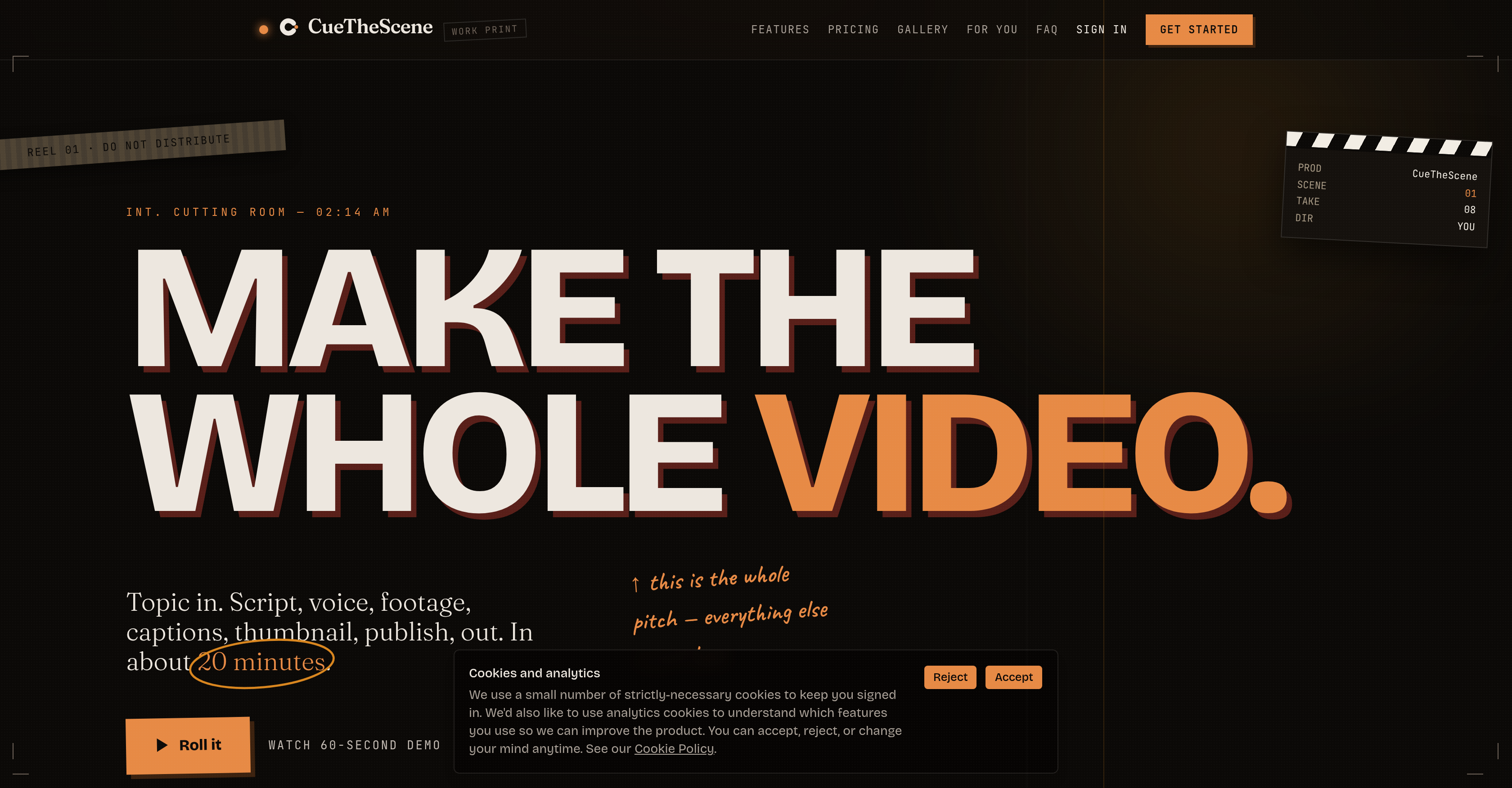
- Ship a complete YouTube video in 20 minutes—script, voiceover, footage, captions, thumbnail, and publish—from just a single topic prompt, eliminating the entire manual production pipeline.
- Eliminate awkward AI-isms before they reach your audience: a separate critic AI reviews every script and flags unnatural phrasing, so you always deliver a polished second draft instead of a robotic first attempt.
- Keep every visual on-topic: footage is actually watched for relevance before it enters the timeline, not keyword-matched, ensuring each clip genuinely belongs to the scene.
- Fix any part without restarting: regenerate a single scene’s clip, voiceover line, or caption in place, without re-rendering the entire video.
- Pick the thumbnail that performs: receive four scored options judged on mobile readability, focal point, and emotional pull, so you choose the one that drives clicks.
- Publish in one click with optimized metadata: title, description, tags, and schedule are suggested and applied directly to YouTube, saving manual entry.
- Repurpose long-form into Shorts automatically: every video render produces three Shorts cut from the same content, expanding reach without extra effort.
Pros & Cons
Pros
- Scripting support
- Voiceover assistance
- Footage selection help
- Built-in captioning
- Thumbnail selection support
- Automated publishing to YouTube
- Clip context verification
- Recutting of individual scenes
- Four thumbnail options
- Thumbnail evaluation for mobile readability
- Focal point and emotional pull assessment
- Title, description, and tags suggestions
- One-click scheduling
- Three different shorts generation
- Live updates during video creation
- Supports off-camera creators
- Multi-niche video creation
- Saves video creation time
Cons
- Limited to YouTube videos
- Doesn't support live video editing
- No options for custom thumbnails
- Lack of manual video splitting
- Can't adjust timing of captions
- Only English language support
- No integrated translation service
- Limited to off-camera creators
- No explicit support for music
- Limited video format compatibilities
Reviews
Rate this tool
Loading reviews...
Pricing
Pricing model
Paid
Paid options from
$79/month
Billing frequency
Monthly
Refund policy
No Refunds