
DictaFlow
Write readable emails and documents from casual speech: speech-to-text cleanup removes filler words and adds punctuation, and the text stays editable for review before you send it.
Listing not yet reviewed by our editors · How we check
Overview
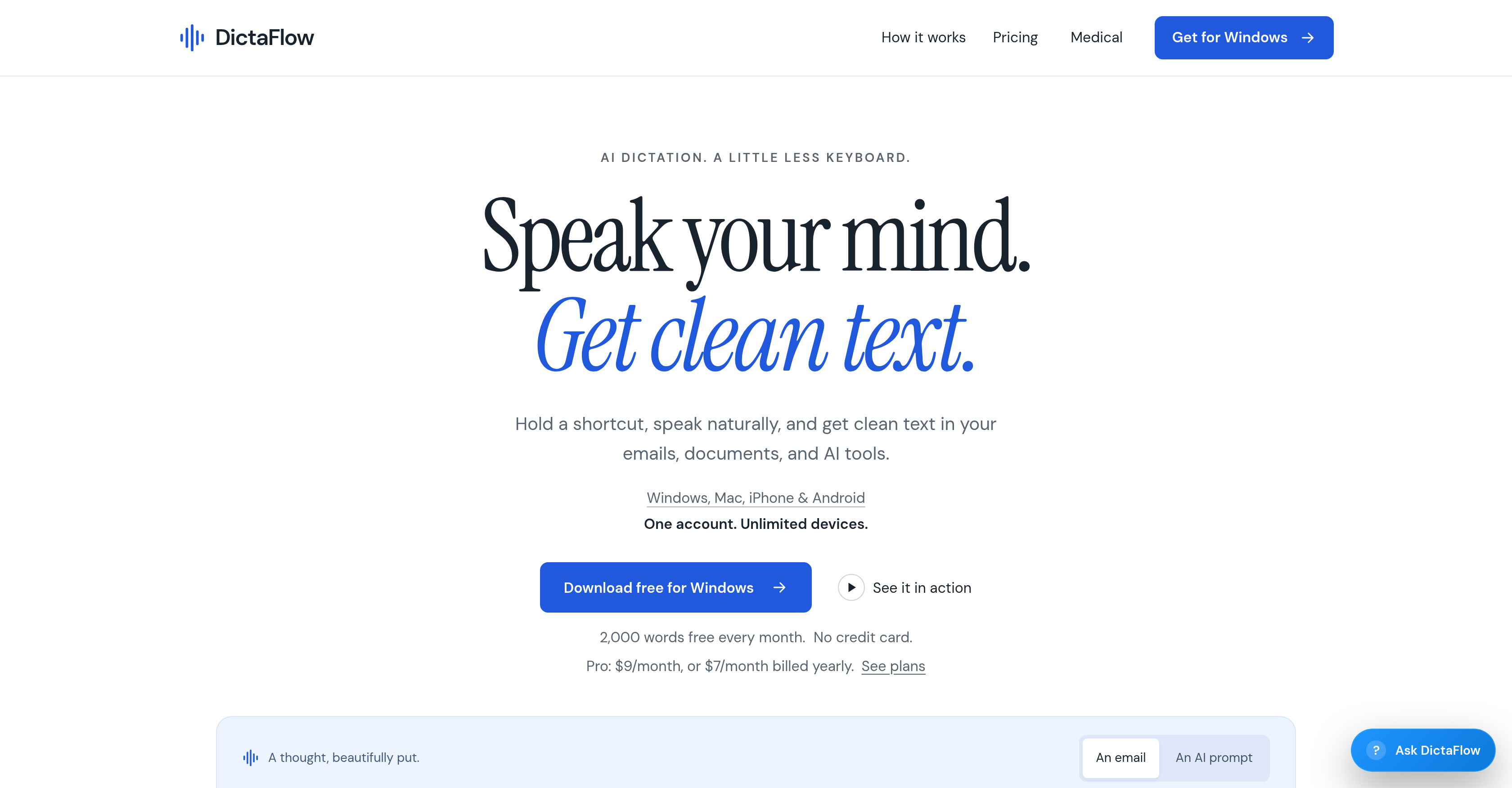
- Write readable emails and documents from casual speech: speech-to-text cleanup removes filler words and adds punctuation, and the text stays editable for review before you send it.
- Fix a phrase mid-sentence without starting over: spoken corrections let you revise wording out loud while you dictate.
- Dictate into the apps you already use without setting up integrations: on desktop, hold a shortcut, speak, and release to insert text into supported text fields in Outlook, Word, Gmail, ChatGPT, Claude, and VS Code.
- Give ChatGPT, Claude, and coding agents full instructions instead of short typed commands: voice-to-text prompting captures long prompts with context, constraints, and corrections.
- Rewrite existing text by voice: on desktop, AI Mode revises selected text from a spoken instruction and shows the result for review before you send it.
- Spell client names, product terms, and specialist language correctly the first time: a custom vocabulary teaches the dictation engine the words you use.
- Insert recurring phrases instantly: snippets expand a spoken trigger into saved text.
- Keep dictating without an internet connection and keep your speech on your device: offline dictation on supported devices runs on-device, and Pro includes unlimited offline use that does not count against your cloud word allowance.
- Dictate inside Citrix, remote desktop, and clipboard-restricted environments: Desktop Typing Mode enters text character by character, with compatibility depending on your setup and policies.
- Capture ideas and messages away from your desk: the DictaFlow mobile keyboard brings voice typing to iPhone, iPad, and Android, and the app lets you record and edit notes.
- Switch between phone and computer without a second subscription: one account works across unlimited Windows, Mac, iOS, and Android devices.
- Dictate in your own language: cloud models support speech recognition in more than 100 languages, with offline language availability varying by model.
- Try voice dictation before you pay: the Free plan includes 2,000 cloud words per month, and Pro raises the cloud allowance to 200,000 words per month.
Pros & Cons
From the listing; not yet checked by our editors.
Pros
- Hold-to-talk desktop dictation
- Insert text on release
- Works in supported text fields
- No destination-app integrations required
- Conversational speech cleanup
- Filler-word handling
- Automatic punctuation
- Spoken corrections mid-dictation
- Review text before sending
- Voice dictation in longer prompts
- Voice-based selected-text revision
- Custom vocabulary for specialist terms
- Spoken triggers expand into snippets
- Native iPhone and Android keyboards
- In-app note capture and editing
- Android floating dictation workflow
- Character-by-character desktop typing
- Supports many Citrix workflows
- Supports many remote desktop workflows
- Clipboard-restricted workflow support
- Offline speech processed on-device
- Offline use avoids cloud allowance
- Unlimited Pro offline dictation
- Dictation in 100+ cloud languages
- One account across unlimited devices
- Free monthly cloud word allowance
- Pro monthly cloud word allowance
- Works across Windows and Mac
- Works across iPhone and iPad
- Works in browsers and coding editors
Cons
- Free cloud allowance: 2,000 monthly
- Pro cloud allowance: 100K-200K words per cycle
- Some Android devices lack offline
- Offline language coverage varies
- Cloud features require internet
- Supported text fields only
- Secure fields may block insertion
- Remote typing compatibility varies
- Medical workflows require separate product
Alternatives to DictaFlow
Tools that share the most tags with DictaFlow.
- Ito - Ai Voice Dictation
Write emails and documents without touching your keyboard using universal text box compatibility across Slack, Notion, and Google Docs
Free
Not listed
Not yet checked
- Wispr Flow
Write faster than typing with real-time voice-to-text conversion that works across every computer application
Freemium · from $12/month
$12/month
Not yet checked
- EchoWrite
Capture thoughts instantly as polished, ready-to-use text with real-time transcription powered by OpenAI Whisper, eliminating the need for manual editing.
Freemium · from $37
$37
Not yet checked
- VoiceAppear
Compose emails, documents, and messages three times faster than typing by dictating naturally, while VoiceAppear handles every word in real time.
Not listed
Not listed
Not yet checked
- Voibe
Type three times faster by dictating naturally into any Mac app — just hold a hotkey, speak, and release for instant transcription.
Free trial · from $7.50/month
$7.50/month
Not yet checked
- Yakki
Write emails, notes, and messages three times faster than typing with real-time, on-device speech-to-text transcription
Free trial · from $12/month
$12/month
Not yet checked
Reviews
Rate this tool
Loading reviews...
Frequently asked questions
How do I set up DictaFlow on my Windows or Mac computer?
Download DictaFlow for Windows or Mac, sign in, and follow the microphone setup. To dictate, select a text field, hold your dictation shortcut, speak, and release.
How do I use DictaFlow to dictate into an email or document?
Select a supported text field in your email or document, hold the DictaFlow dictation shortcut, speak, and release. Review the resulting text before using it.
Can I use DictaFlow in ChatGPT, Claude, and VS Code?
Yes. DictaFlow lists ChatGPT, Claude, and VS Code as examples of supported destinations. It works where the text field accepts text entry.
Does DictaFlow work in any app with a text field?
Not necessarily. DictaFlow works in supported text fields, but some apps, secure fields, or remote policies may block text insertion.
How does DictaFlow handle filler words, punctuation, and spoken corrections?
DictaFlow cleans up conversational speech by handling filler words and punctuation, and lets you correct a phrase aloud while dictating instead of restarting.
Can I review and edit DictaFlow’s transcription before using it?
Yes. The text remains available for review before you send or use it.
How does DictaFlow compare with the built-in dictation on my phone or computer?
DictaFlow combines speech recognition with optional AI cleanup, spoken corrections, custom vocabulary, and snippets. Desktop AI Mode can also revise selected text by voice.
Can DictaFlow turn a spoken instruction into a longer AI prompt?
Yes. You can dictate longer prompts with context, constraints, and corrections for AI tools and coding agents.