
Overview
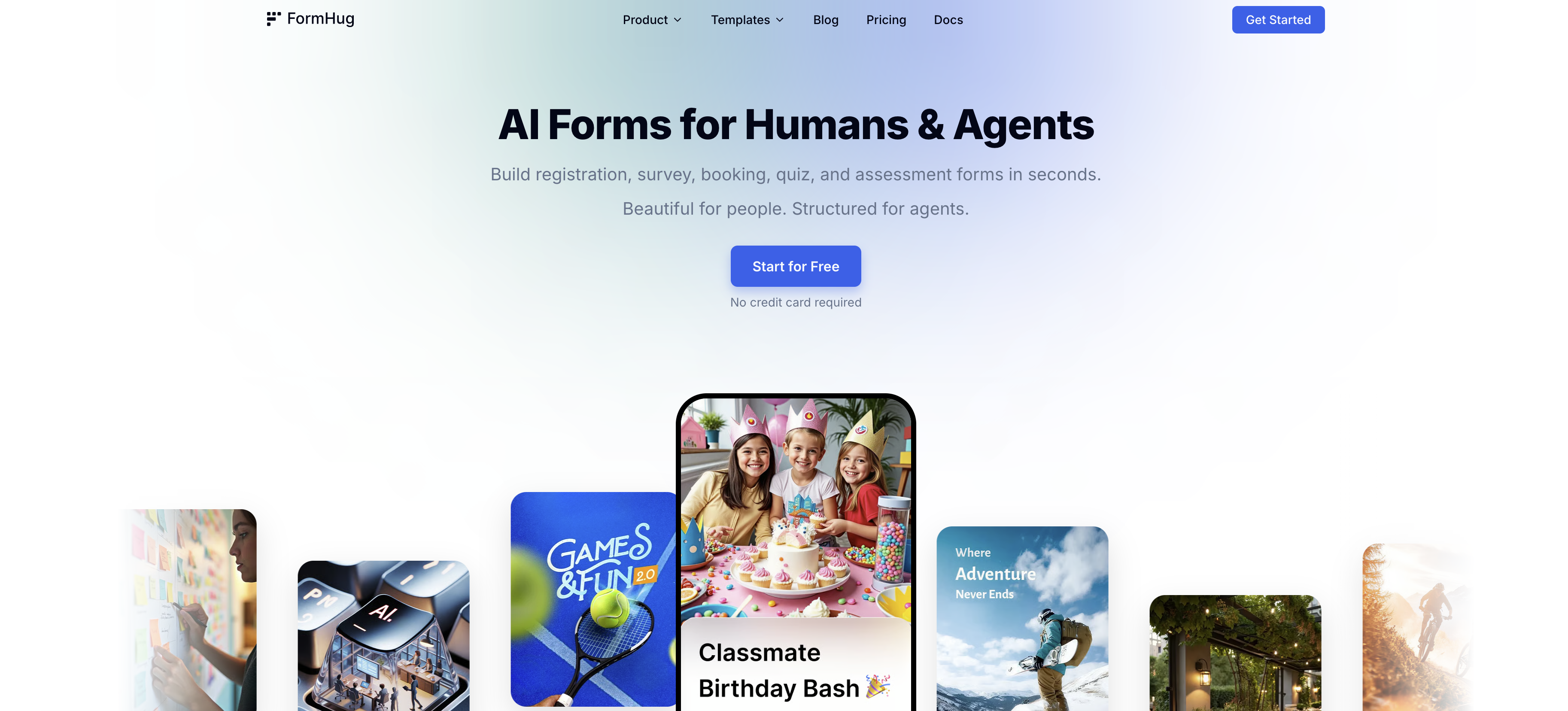
- Launch professional forms in seconds instead of hours by describing your need in plain language to the built-in AI assistant, Evan.
- Collect feedback and track satisfaction scores with real-time analytics that visualize ratings and turn responses into actionable insights.
- Eliminate manual grading for quizzes and assessments with automatic scoring and results, plus public query pages for participants to check their scores.
- Automate form generation and submissions for AI agents through the MCP feature, allowing them to schedule meetings or trigger registrations directly.
- Provide instant confirmation and essential details to attendees or clients with automated email confirmations upon every registration or booking.
- Create a searchable database from form submissions where participants can check registration status or application results using their ID or email.
Pros & Cons
Pros
- Free up to 3,000 submissions/month — no credit card required
- AI builds complete forms in seconds (just describe what you need)
- Beautiful multi-field layout — no forced one-question-per-page slides
- Six purpose-built Scenes: Registration, Survey, Booking, Quiz, Assessment, Public Query
- Public Query: self-service result lookup, no login needed
- Built-in booking system with capacity management and live slot counts
- Assessment with radar chart reports and per-dimension feedback
- Public Query: self-service result lookup — no login, no manual sharing
- Rich post-submit experience: save progress, review answers, download certificates
- AI generates quizzes and assessments from a single description or uploaded file
- Templates for various use cases
- Registration and booking tools
- In-built calendar scheduling
- Instant confirmation
- Satisfaction scores tracking
- Visualize ratings
- Instant scoring in quizzes
- Structured assessments
- Automatic results display
- Public query page creation
- Secure data handling
- QR code poster
- All-in-one form management
- No manual data sharing
- Self-service data checking
- Customizable header image
- Instant form sharing
- Free plan available
- Encrypted data storage
- Uniqueness from similar tools
- No credit card required for start
- No coding skills required
- Designed cover image
- Startups & small business friendly
- Advance to Pro or Business anytime
- Provides GDPR compliant consent forms
- Event, survey, booking, quiz, assessment forms
- Consultant and influencers tools
- HR & Recruiting solutions
- Finance & Legal sector usage
- Ecommerce & Retail solutions
- Healthcare and Real Estate solutions
Cons
- No self-hosted or on-premises option
- Newer product — smaller ecosystem than Typeform or Jotform
- Fewer native integrations (no built-in Zapier/Make triggers)
- MCP setup requires technical familiarity
- No team collaboration or multi-user roles yet
- Smaller template library compared to established players
Reviews
Rate this tool
Loading reviews...
❓ Frequently Asked Questions
FormHug generates forms using its AI capabilities. Users type a few keywords or describe the form they need in plain language, and FormHug's AI instantly generates a complete form with the right fields. This process can also be automated through FormHug's MCP AI agent feature.
FormHug can be used across a diverse range of industries, including but not limited to small businesses and startups, education, nonprofits, healthcare, real estate, finance, legal, eCommerce, retail, events and hospitality.
FormHug is designed for a wide variety of uses. Users can build registration forms for events, surveys for feedback, online quizzes for entertainment or education, booking forms for appointments, and assessment tools for educational or recruitment purposes.
Yes, FormHug can be used to create quizzes. The platform allows users to create engaging quizzes with instant scoring for trivia and exams, or structured assessments with automatic results and zero manual grading.
Yes, FormHug offers real-time analytics to track satisfaction scores and visualize ratings. This feature is particularly useful when designing professional surveys and collecting responses to turn feedback into actionable insights.
Yes, participants can check their scores, registration status, or application results anytime. This is done through FormHug's Public Query page which allows users to input their ID or email to access the relevant results.
FormHug would be particularly useful for people in a variety of professional roles, including marketing professionals, business owners, consultants, and teams in HR and recruiting. It can also be used by people involved in operations, customer success, and product roles.
The MCP AI agent feature in FormHug is a tool that automates the generation of forms. Users simply need to type a few words, and the MCP AI agent can take over and build a complete, agent-ready, and beautiful form.
FormHug can generate a form rapidly. The exact time would depend on specifications and complexity, but the platform is designed to allow for the creation of forms in seconds.
Yes, FormHug builds forms that are visually pleasing for people while also being well-structured for agents. The platform emphasizes the aesthetics of the forms so they are appealing for those filling them out.
The purpose of the email confirmation feature in FormHug is to provide attendees or respondents instant confirmation upon successful registration or submission. This not only confirms their action but also provides essential event or survey information.
Public Query pages in FormHug are online pages that allow participants to check their scores, registration status, or application results. They turn form submissions or Excel data into a searchable database that participants can access using their ID or email address.
Participants who have filled out a form, such as students checking quiz results or attendees confirming event registration, are able to use the public query pages on FormHug.
Yes, FormHug can handle bookings. The platform can be used to set up booking forms with calendar scheduling to ensure a seamless sign-up experience for attendees or clients.
Yes, FormHug can be used to build assessment forms. The platform allows creation of structured assessments with radar reports to evaluate skills and traits, all with automatic results and no manual grading required.
FormHug is highly useful for marketing professionals. They can use it to create beautiful, engaging forms for event registration, customer feedback, and more. Also, FormHug's real-time analytics provide valuable insights that can inform marketing strategies.
Yes, FormHug is highly useful in HR and recruitment. The tool can be used to create quizzes or assessments for candidate screening or employee training, and HR teams can easily review and manage the responses and data collected.
FormHug suits the needs of the education sector very well. Its features like easy form generation, registration tools, instant quizzes and assessments, and real-time analytics make it an efficient tool for educational processes and activities.
Yes, both the healthcare and real estate industries can benefit from FormHug. The platform allows them to create approval or application forms, appointment booking forms, customer feedback, and more, catering to their unique requirements.
Some of the forms that can be created using FormHug include event registration forms, customer feedback forms, online quizzes, appointment booking forms, and skill assessment forms. The AI-powered form builder creates visually appealing and well-structured forms suitable for various purposes.
Pricing
Pricing model
Freemium
Paid options from
$24/month
Billing frequency
Monthly
Refund policy
No Refunds