Free AI Video Upscalerv2
Overview
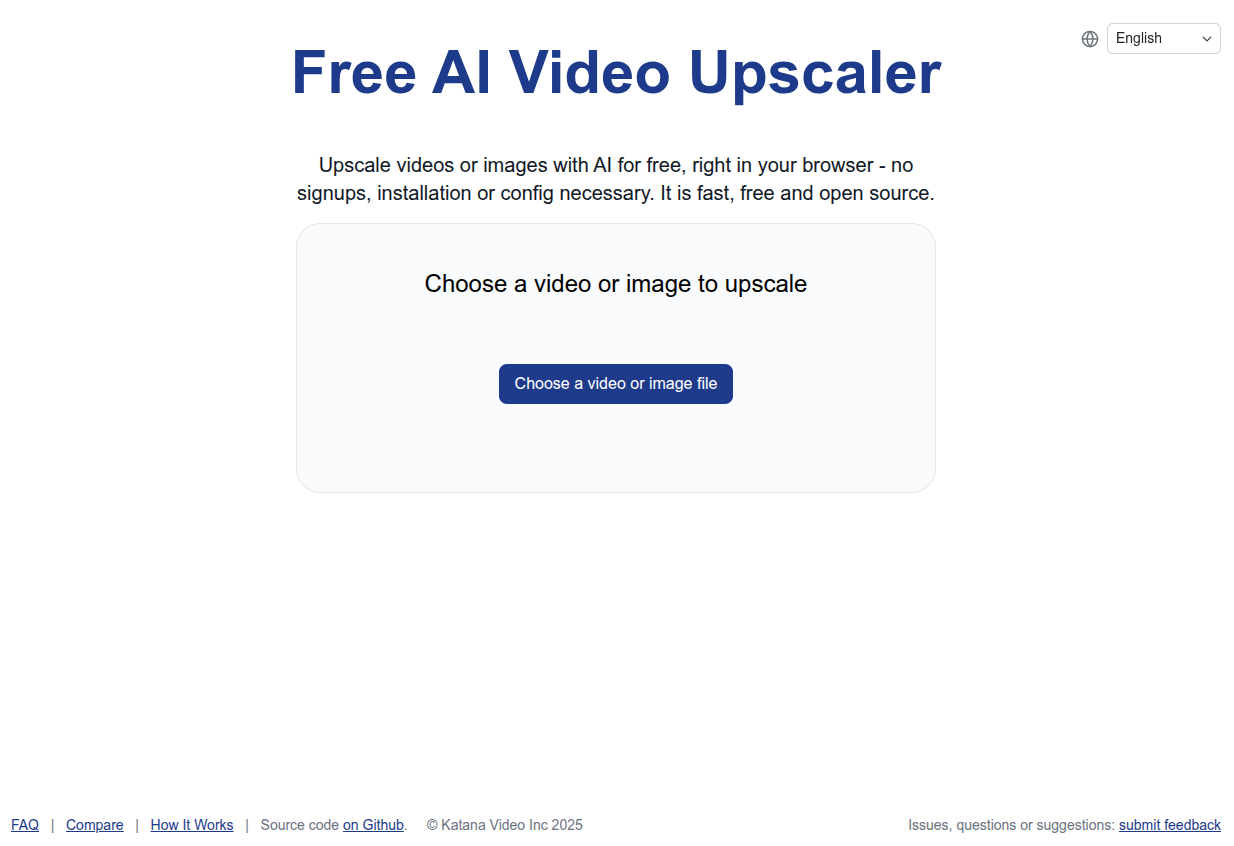
- Enhance personal video collections or AI-generated content instantly with a free, no-account-required web tool that processes everything in your browser.
- Protect your privacy completely as your videos are upscaled locally using AI, with no data ever leaving your computer.
- Get faster results than many other AI upscalers by leveraging efficient WebGPU processing optimized for modern browsers like Chrome and Edge.
- Upscale unlimited videos without cost or restrictions, thanks to the open-source, browser-based architecture.
- Improve animated, real-life, and 3D video quality in a few clicks by simply selecting a file and choosing a network setting (small, medium, or large).
Pros & Cons
Pros
- Free to use
- Video upscaling
- Browser-based
- No signups required
- No installations required
- No additional configuration
- Efficient
- Fast
- Supports WebGPU
- Compatible with Chrome
- Compatible with Edge
- Best for laptop use
- Best for desktop use
- Works with animated videos
- Works with real life videos
- Works with 3D videos
- Selectable upscaling network setting
- Small, medium, large options
- Allows output location specification
- Open source
- User customization
- Hosted on Github
- Encourages user feedback
- Issues, questions, suggestions page
Cons
- Less powerful than competitors
- No offline use
- Dependent on browser updates
- Processing power impacts speed
- No multi-file processing
- Limited network size options
- Error handling not clear
Reviews
Rate this tool
Loading reviews...
❓ Frequently Asked Questions
Free AI Video Upscaler is a web-based artificial intelligence tool designed to upscale animated videos without the need for signups, installations, or additional configuration.
Free AI Video Upscaler operates fully within your web browser. Users start by choosing a video file, then select their preferred upscaling network setting among small, medium, and large options. Users also specify the output location before starting the upscaling process.
No, you do not need to install anything to use Free AI Video Upscaler. It operates fully within your web browser.
Free AI Video Upscaler supports a wide range of video styles including animated, real life, and 3D videos.
To use Free AI Video Upscaler, you need a web browser that supports WebGPU. This feature is supported by the latest versions of Chrome or Edge.
WebGPU is a browser feature that Free AI Video Upscaler requires for operation. It is supported by the latest versions of browsers such as Chrome and Edge.
Free AI Video Upscaler is recommended for use on devices such as laptops and desktop computers. Compatibility with other devices is not explicitly mentioned on their website.
In Free AI Video Upscaler, the network settings options available to users are small, medium, and large. These might relate to the strength or level of upscaling applied to the video.
Yes, Free AI Video Upscaler can be used for upscaling 3D videos.
In Free AI Video Upscaler, users can choose their preferred output location before initiating the upscaling process.
Yes, the source code of Free AI Video Upscaler is open-sourced on Github, allowing users to make modifications and improvements.
To contribute to the source code of Free AI Video Upscaler, you can access it on Github, where you can make modifications and improvements, then submit them.
Issues, questions, or suggestions about Free AI Video Upscaler can be submitted on a dedicated page set up by the creator.
Free AI Video Upscaler is not as powerful as some other AI upscaling software, but it prioritizes efficiency and speed. It also stands out for being entirely web-based, removing the need for signups, installations, or additional configuration.
Free AI Video Upscaler is recommended for use on a laptop or desktop probably due to the processing power required for upscaling videos. Such tasks typically demand higher computing capacity commonly found in desktop and laptop devices.
Free AI Video Upscaler prioritizes efficiency and speed. While their website doesn't specify exact speed or timing, its design aims to be 'much faster' as compared to other popular AI upscaling software.
No, Free AI Video Upscaler does not require any signup or configuration. It is browser-based and operates fully within your web browser.
To upscale a video using Free AI Video Upscaler, choose a video file, select the preferred upscaling network setting (small, medium, or large), and specify the output location. Once these preferences are set, start the upscaling process.
The information available does not explicitly state whether users can choose different upscaling sizes with Free AI Video Upscaler. However, users can select upscaling network settings of small, medium, or large.
The settings of small, medium, and large in Free AI Video Upscaler might pertain to the strength or level of upscaling applied to a video. The exact meaning is not provided on their website.
Pricing
Pricing model
Free
Paid options from
Free