Overview
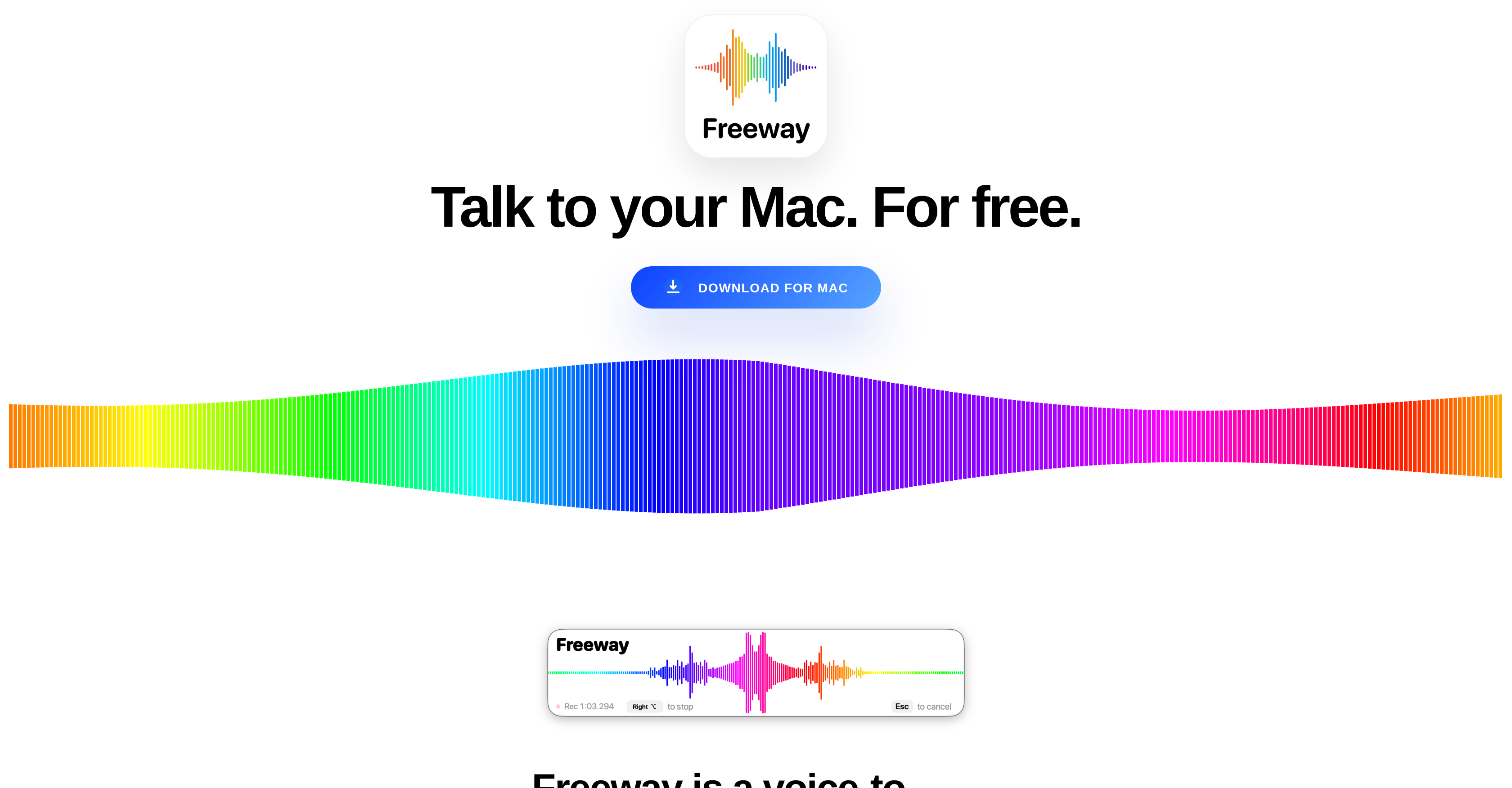
- Transform your spoken thoughts into text 4x faster than typing with a simple hotkey, powered by NVIDIA Parakeet v3 for real-time, on-the-spot transcription
- Keep your voice data 100% private with on-device processing that never sends data to the cloud, ensuring nothing is stored, sold, or intercepted
- Use advanced voice technology for free with no subscriptions, sign-ups, or usage limits, making it accessible to users of all ages and tech levels
- Work seamlessly offline in any application or website, with transcribed text inserted directly where your cursor is for an uninterrupted workflow
- Reduce your environmental footprint with energy-efficient local processing on Apple Silicon, eliminating reliance on power-hungry cloud servers
- Explore and create in over 25 languages, from English and Spanish to Ukrainian and Russian, with a single, universally accessible tool
Pros & Cons
Pros
- Free application
- Optimized for Mac
- Real-time voice-to-text
- On-device operation
- Enhanced user privacy
- Eco-friendly functionality
- Powerful NVIDIA Parakeet v3
- Apple Silicon optimization
- Multilingual support
- No sign-up required
- Accessible to all users
- Versatile utility
- Auto text insertion
- Text placement flexibility
- Supports language exploration
- Contributes to daily organization
- No internet connection required
- Supports wide range of languages
- Texts inserted in any app
- No monthly subscription
- Efficient input method
- Supports content creation
- Can be used for messaging
- Lowers energy consumption
- Ideal for dictation
- Boosts user flow
- Removes typing stress
- No complicated setup
- No data interception
- No data leakage
- Operates through Apple Neural Engine
- Does not require cloud uploads
- No data storage
- Near-zero environmental footprint
- Doesn't need user credit card
- Requires no parental approval
- Ideal for home usage
- Ideal for children learning
- Eases communication for elders
- User-friendly interface
- Built for every household
- No paywalls or per-seat pricing
- Prevents barriers between thought and text
- Fast operation
- CoreML optimization
- Feels intuitive and natural
- Good for workflow efficiency
- Beneficial for environment
Cons
- Only designed for MacOS
- Dependent on NVIDIA Parakeet v3
- Optimized specifically for Apple Silicon
- Requires hotkey initiation
- Text insertion based on cursor location
- Requires download to use
- No cloud backup
- Only supports specific languages
- On-device only without internet syncing
- Doesn't have sign-up functionality
Reviews
Rate this tool
Loading reviews...
❓ Frequently Asked Questions
Freeway works by converting spoken words into text. Users press a key, speak, and their speech is instantly transcribed into text. This makes the tool very useful for tasks such as messaging, note-taking, or language learning. It runs entirely on the user's device using NVIDIA Parakeet v3 technology which is optimized for Apple Silicon.
Yes, Freeway is accessible to users regardless of age, income level, or tech proficiency. There is no complicated setup process and no requirement for credit card information or parental approval. The design is straightforward to use, aiming to remove any barriers between thought and text.
Yes, Freeway is safe for children to use. It promotes language learning and exploration for children and doesn't require a credit card or parental approval for use. With no data leaving the user's Mac, privacy is assured.
Freeway enhances user privacy by operating entirely on-device, meaning not a single byte of user data leaves their Mac. There are no cloud uploads, and nothing is stored anywhere, ensuring that users' voices cannot be intercepted, sold, analyzed, or leaked.
Yes, Freeway is able to transcribe in multiple languages. It is built with the NVIDIA Parakeet v3 technology, which is a multilingual automatic speech recognition model. This allows for quick, on-the-spot transcriptions across a variety of languages.
Yes, Freeway works offline. It operates entirely on the user's Mac, with no requirement for a cloud connection or internet access.
No, Freeway doesn't require any sign-up or subscription. It is absolutely free to use and respects user privacy.
Freeway helps boost productivity by enabling users to speak instead of type, which is typically 4 times faster. It allows seamless expression of ideas and the removal of friction, aiding in a smoother workflow.
Freeway is eco-friendly because it does not rely on energy-burning cloud GPU clusters to function. Instead, it operates directly on the user's Mac using efficient Apple Silicon or Intel hardware, thus reducing energy consumption and having a near-zero environmental footprint.
You can install Freeway on your Mac by downloading it directly from their website. No sign-up is required for the installation.
Using Freeway does not require any technical expertise. It was designed with a user-friendly interface to be accessible irrespective of tech proficiency.
Freeway differentiates itself from other voice-to-text tools by being completely free, requiring no sign-ups or subscriptions, providing on-device processing for enhanced user privacy, supporting multiple languages, and being extremely eco-friendly due to its on-device operation.
The technology behind Freeway's quick transcription is the NVIDIA Parakeet v3. This is a state-of-the-art multilingual automatic speech recognition model that has been optimized specifically for Apple Silicon. This allows for instant, on-the-spot transcriptions across a multitude of languages.
No, there is no limit to the usage of Freeway. It is offered for free to make advanced voice technology accessible to everyone.
Yes, you can use Freeway for any app on your Mac. When you release the hotkey after speaking, the transcribed text is automatically inserted into wherever your typing cursor is, be it any app, any website, anywhere.
Yes, it's possible to communicate naturally with Freeway. Users just need to press the hotkey and start talking, then Freeway instantly turns their speech into text. It doesn't involve menus or logins, making the tool simple and fast to use.
Factors that make Freeway a highly efficient tool include its speedy transcription of speech to text, its accessibility to users of all ages and tech proficiencies, its on-device processing for privacy protection and eco-friendliness, and its free and sign-up-less nature.
Freeway supports a wide range of languages such as Bulgarian, Croatian, Czech, Danish, Dutch, English, Estonian, Finnish, French, German, Greek, Hungarian, Italian, Latvian, Lithuanian, Maltese, Polish, Portuguese, Romanian, Slovak, Slovenian, Spanish, Swedish, Russian, and Ukrainian.
Yes, Freeway is optimized for Apple Silicon. This offers efficient hardware utilization resulting in fast, on-the-spot transcriptions.
Freeway is a free on-device voice-to-text application specifically designed for Mac users that leverages NVIDIA Parakeet v3 for advanced, multilingual automatic speech recognition. It enables users to convert spoken words into written text in real-time by pressing a hotkey. This tool is meant to enhance productivity, ease communication, and support language exploration, content creation, and daily organization tasks.
NVIDIA Parakeet v3 is a state-of-the-art multilingual automatic speech recognition model that Freeway uses for its functionality. It is optimized specifically for Apple Silicon through CoreML and it enables instantaneous on-device transcription, making the application feel more like completing a user's sentence as they speak it.
Freeway respects user privacy by operating exclusively on-device. All voice data is processed locally on the user's Mac through Apple Neural Engine without a requirement for internet access. As a result, no voice data is uploaded to the cloud or stored anywhere online. Therefore, the user's voice data remains entirely private, offering an assurance that no voice information can be intercepted, sold, analyzed, or leaked.
Freeway is considered eco-friendly because it operates completely on-device, eliminating reliance on energy-intensive cloud GPU clusters typically used to transform voice into text. All computation happens directly on the user's Mac, either via efficient Apple Silicon or Intel hardware, thereby significantly reducing the environmental footprint.
Yes, Freeway can be used without an internet connection. As Freeway operates on-device, it does not require internet access to function. It processes all tasks locally through the Apple Neural Engine.
Freeway supports a wide variety of languages for transcription. According to the information on their website, it includes but is not restricted to English, Bulgarian, Croatian, Czech, Danish, Dutch, Estonian, Finnish, French, German, Greek, Hungarian, Italian, Latvian, Lithuanian, Maltese, Polish, Portuguese, Romanian, Slovak, Slovenian, Spanish, Swedish, Russian, and Ukrainian.
Freeway does not require any sign-up or subscription fee. As stated on their website, the aim is to make voice technology accessible to everyone without any financial stress, restricting paywalls or per-seat pricing.
Yes, Freeway is designed to be accessible and easy to use even for tech novices. With a straightforward process that involves simply pressing a key and speaking, stress and frustration are minimized. Additionally, there are no complicated setup processes, menus, or logins to navigate.
Yes, children can use Freeway safely. The application is designed to be family-friendly. Kids can use it to explore language, tell stories, and create content without the need for a credit card or parental approval. As the software operates entirely on-device and does not store or send any information online, children can use it safely.
On-device transcription in the context of Freeway refers to the ability of the application to convert voice into text directly on a user's Mac using the device's resources only. The entire process, from speech recognition to transcription, occurs locally without requiring internet access, ensuring data privacy and lower energy usage.
Freeway converts voice to text instantly. It leverages NVIDIA Parakeet v3 technology optimized for Apple Silicon, making it feel like the computer is completing the user's sentence as it is being said. Therefore, it offers almost real-time voice-to-text transcription.
Yes, users can dictate text using Freeway in any application or website on their Mac. Upon releasing the hotkey, the transcribed text is automatically inserted wherever the typing cursor is located, whether within any app or on any website.
Freeway differentiates itself from other voice-to-text transcription applications in several ways. It operates entirely on-device avoiding privacy concerns, provides real-time transcription, does not require internet access or sign-up, and is free to use. Also, it uses advanced NVIDIA Parakeet v3 for speech recognition and supports a wide array of languages.
Unfortunately, the specific key to initiate and stop the voice-to-text feature on Freeway is not mentioned on the website. However, it is referred to as a 'hotkey'.
Yes, offline use is supported by Freeway. As it operates entirely on the device using the Apple Neural Engine without the need for internet connectivity, users can convert their speech into text even while offline.
Yes, Freeway is designed specifically for MacOS. The application is optimized for use on Mac, harnessing the power of Apple Silicon via NVIDIA's Parakeet v3 for its voice recognition features.
Freeway contributes to user productivity by enabling voice-to-text input, which is typically faster than typing. By allowing users to dictate text in real-time and insert it directly into any application or website, it can increase work speed and maintain a smoother flow of ideas. It also assists in daily organization tasks, communication, content creation, and language exploration, thereby improving overall efficiency.
Freeway implements an energy-efficient method of voice transcription by processing all computations directly on the user's own Mac, either utilizing efficient Apple Silicon or Intel hardware. It does not employ expansive cloud GPU clusters that consume high levels of energy to turn speech into text, leading to an energy-efficient, nearly zero environmental footprint process.
There are no age or income level restrictions to use Freeway. The application is designed to be universally accessible to every individual, regardless of their age or income. It aims to make voice technology available to everyone devoid of subscriptions or fees.
Pricing
Pricing model
Free
Paid options from
Free