Overview
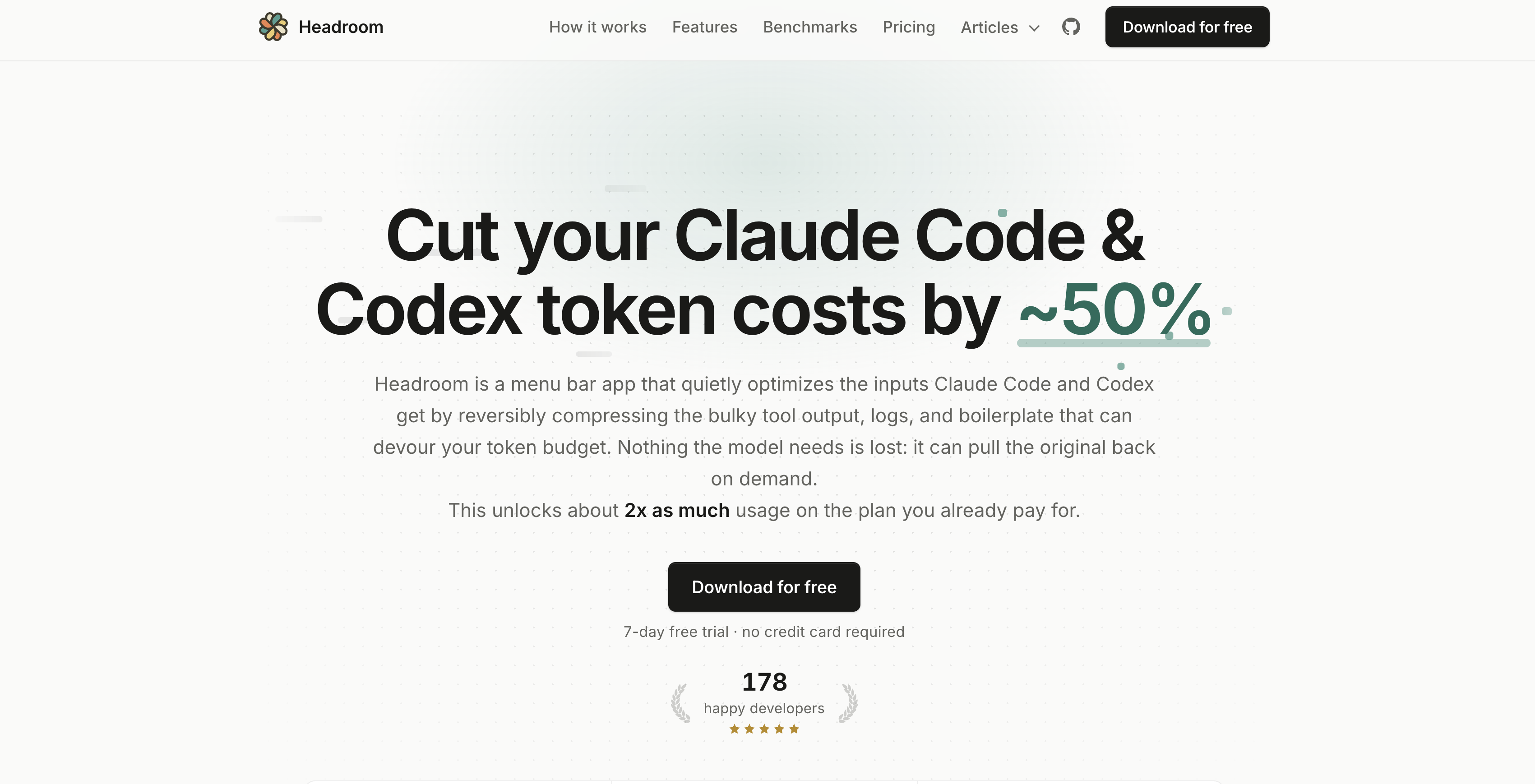
- Double your Claude Code and Codex plan usage by cutting token expenditure by approximately 50% through reversible compression of bulky tool output, logs, and boilerplate.
- Preserve original data integrity for AI models with a reversible compression algorithm that decompresses on demand, so output quality stays uncompromised.
- Keep code and prompts completely private and secure with fully local optimization that never sends data to remote servers, eliminating confidentiality breach risks.
- Eliminate prompt bloat before it reaches Claude Code or Codex by intercepting and compressing each prompt as a local proxy, reducing noise and stretching usage limits.
- Reduce operational costs without changing your workflow by automatically compressing logs and boilerplate in the menu bar, so you avoid unnecessary token spend on repetitive context.
- Maintain low-latency performance with on-machine compression that avoids round-trip delays to distant servers, ensuring snappy interactions with Claude Code and Codex.
- Run seamlessly in the background without frequent settings adjustments, as the tool quietly optimizes every prompt while you focus on coding.
Pros & Cons
Pros
- Reduces token expenditure
- Increases plan duration
- Preserves original data
- Quality uncompromised by compression
- Runs locally for privacy
- Lessens prompt 'noise'
- Compresses logs and boilerplates
- Acts as local proxy
- Reversible compression allows data retrieval
- Supports Claude Code and Codex
- Manageable from menu bar
- Negates need for plan upgrade
- Free 7-day trial
- Privacy first - no data leakage
- Keeps runtime clean
- Menu-bar User Interface
- Reversible 'noise' compression
- Streamlines token efficiency
- Automates prompt bloat reduction
- Savings dashboard visualisation
- Compresses HTML and JSON
- Utilised by established companies
- Worldwide user base
- Positive user reviews
- Compatible with MacOs
- Multiple payment plans
- Uncompromised output quality
- No additional installation requirements
- Monthly savings history
- Automatic updates
- Open-source CLI version
- Learnable token-saving patterns
- Guides to reduce costs
- No credit card required for trial
- Compatible in different scenarios
- Quality preserved ROI calculator
- Increased usage per plan
- Flat monthly fee
- Retain output quality
- Discount on annual plan
- Email-based support
- Shared controls for teams
- Single use or multiple-device tracking
- No interference with project dependencies
- Trackable daily token savings
- Priority support for Max x20
- Private deployment options
- Strips noise, not signal
Cons
- Only supports Claude Code, Codex
- Operates as a local proxy
- May slow down performance
- Runs only within menu bar
- Dependent on Claude Code, Codex updates
- Operates locally, may limit integration
- Lacks diverse platform support
- Potential data retrieval issues
- Only compresses specific data types
Reviews
Rate this tool
Loading reviews...
❓ Frequently Asked Questions
Headroom is an AI optimization tool designed to lessen token expenditure of AI models Claude Code and Codex. The tool is designed to operate in the menu bar to decrease prompt bloat before it feeds into Claue Code and Codex, thus trying to double the lifespan of the existing plan.
Headroom optimizes Claude Code and Codex by compressing the bulky tool output, logs, and boilerplate that can devour the token budget. It reduces noise by running as a local proxy, intercepting and compressing each prompt before it reaches Claude Code or Codex.
Headroom contributes to data compression and decompression by deploying an efficient algorithm that reversibly compresses the input data. This procedure conserves the initial data while shrinking the size of the content being forwarded to Claude Code and Codex models.
By running locally, Headroom ensures that all optimizations take place on the user's machine, improving privacy and security as prompts and code never leave the local system. It also enhances performance by reducing latency as no data is sent to a distant server for optimization.
Headroom addresses prompt bloat management by intercepting and compressing each prompt before it reaches Claude Code or Codex. This action diminishes the 'noise' associated with every prompt, thereby allowing developers to increase their usage limit and avoid undue expenditure.
Headroom guarantees privacy and security by performing all optimization operations locally on the user's machine. It ensures that user's prompts and code never leave their system, preventing potential breaches of confidentiality that could occur during remote data transmission.
Headroom can reduce operational costs by cutting Claude Code and Codex token expenditure by approximately 50%. By compressing data and managing prompt bloat, it reduces the quantity of consumed tokens, thereby extending the lifespan of the existing plan and saving costs.
Headroom preserves the original data through its reversible compression algorithm. When data is compressed to reduce prompt bloat, it's done in such a way that allows the retrieval of the original data when the model needs it.
Headroom manages to avoid compromising the quality of output through the use of an efficient compression algorithm. This algorithm ensures that while the data size feeding into Claude Code and Codex gets reduced, the original data can still be retrieved on demand without compromising the quality.
With Headroom, the impact on the usage limit is positive for the user. It lessens the unnecessary data clogging each prompt, effectively stretching the usage limit and helping developers to efficiently utilize their existing plan.
Headroom acts as a local proxy for Claude Code or Codex, compressing all logs, boilerplates, and replicated contexts that could unnecessarily inflate the data sent to the AI. This mechanism enhances efficiency while ensuring original data can be retrieved when needed.
In its role as a local proxy, Headroom intercepts each prompt before it reaches Claude Code or Codex. It then applies a reversible compression algorithm to the logs, boilerplate, and repetitive context that usually bloat the data. This process keeps the original data retrievable on demand.
When Headroom compresses logs and boilerplates, it is reducing the size of these elements before they reach Claude Code or Codex. This action results in less token consumption as smaller, less bloated prompts are processed by the AI models.
To reverse the compression when original data is needed, Headroom utilizes its reversible compression algorithm. This algorithm can compress data to a smaller size for optimization and then decompress it back to its original state when the model needs to pull the original data.
The Headroom algorithm ensures quality during data compression through its reversible nature that retains the original data elements. Despite the compression and reduction in size, the algorithm ensures that the original data can still be retrieved without losing its quality.
Headroom is designed to operate seamlessly without a need for frequent updates or modifications. Once installed, it runs quietly in the background optimizing inputs for Claude Code and Codex by reversibly compressing the bulky tool output, logs, and boilerplate.
Currently, Headroom is designed specifically to work with Claude Code and Codex. There is no information available about compatibility with other AI models.
Headroom primarily cuts the bulky tool output, logs, and boilerplate that usually consumes a lot of tokens. It compresses these elements in a reversible manner to reduce prompt bloat, thus reducing Claude Code and Codex token costs by approximately 50%.
With Headroom, you can expect your token expenditure to reduce by approximately 50%. However, the actual extent of reduction may vary depends on the amount of 'noise' in your prompts and the quantity of data you process through Claude Code and Codex.
Yes, Headroom does offer support for issues and concerns. The nature of support might depend on the type of Headroom subscription, with priority support options available for higher-tier subscriptions.
Pricing
Pricing model
Free Trial
Paid options from
$3.75/month
Billing frequency
Monthly