
Image Extender by Picsman
Overview
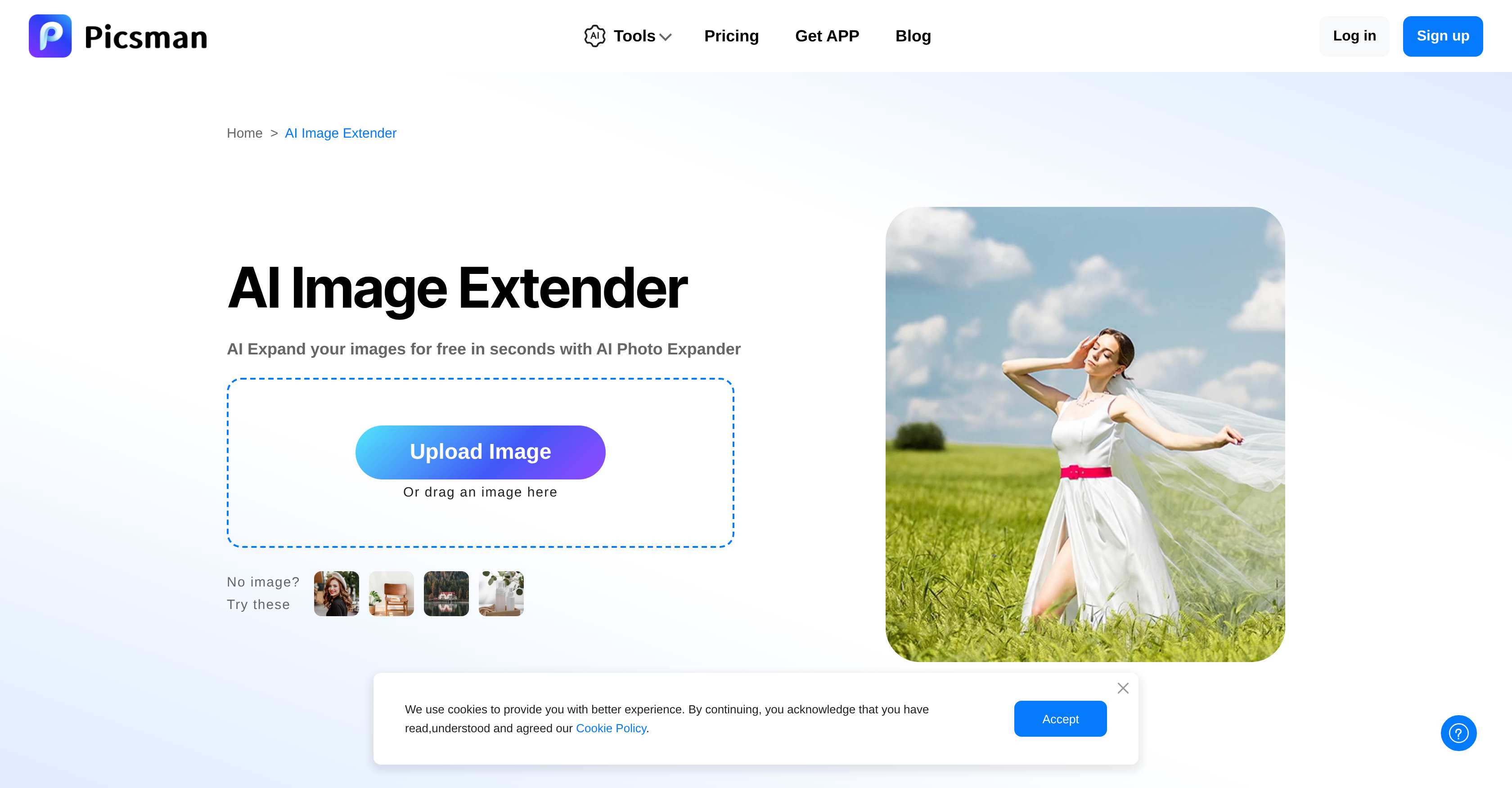
- Rescue over-cropped photos by seamlessly adding missing content with AI outpainting technology
- Transform vertical images into horizontal layouts without awkward stretching or distortion
- Perfect images for any platform by adjusting to specific aspect ratios required by social media and marketing materials
- Create professional e-commerce product shots by expanding backgrounds while maintaining original image quality
- Download extended images in multiple formats including JPG, PNG, and WebP for flexible usage across platforms
Pros & Cons
Pros
- Seamless image expansion
- Corrects over-cropped photos
- Adjusts image framing
- Transforms image orientations
- Produces harmonious new content
- Preserves original image quality
- Amplifies visual impact
- Customizable extension directions
- Supports specific aspect ratios
- Allows manually adjusted sizes
- Optimizes images for social media
- Repairs image imperfections
- Supports many image formats
- Efficiently serves e-commerce needs
- Meet graphic design requirements
- Maintain image's integrity
- Tailors to use-case needs
- Enhances print media visuals
- Supports marketing campaign imagery
- Serves varied resizing needs
- Easy usability
- Saves time and effort
- Enables image defenses
- Adaptable to different platforms
- Prevents image distortion
- Suits photography needs
Cons
- Limited number of free expansions
- Additional functions require upgrade
- Not mentioned offline usage
- No direct sharing option
- Output quality might vary
- No video extension support
- Doesn't support all image formats
- Need account for full services
- No detailed customization options
- Doesn't mention error handling
Reviews
Rate this tool
Loading reviews...
❓ Frequently Asked Questions
Image Extender by Picsman is used to expand images without distorting or stretching them. It provides users with the ability to correct over-cropped photos and adjust awkward image framing. Users can also use it to transform a vertical image into a horizontal one, or vice versa. The tool can also produce new content that naturally integrates with the original image while preserving the image quality.
Image Extender uses advanced artificial intelligence known as AI Outpainting Technology to preserve original image quality during extension. This AI technology adds extra 'canvas,' expanding image boundaries invisibly, thus maintaining the integrity of the image.
Yes, the Image Extender by Picsman allows users to fix over-cropped photos seamlessly. The artificial intelligence used in the tool can produce new content that harmoniously blends with the original image extending it without any loss of quality.
Yes, Image Extender has the capability to transform a vertical shot into a horizontal one. This feature can be useful when users need to adjust images to match specific aspect ratio requirements.
Image Extender incorporates advanced AI Outpainting Technology to extend images. The AI invisibly extends the boundaries of an image, adding extra 'canvas' while maintaining the image's integrity. It essentially 'outpaints' or generates new image content that is contextually appropriate and blends with the original image.
The use-cases for Image Extender by Picsman are numerous. These include adjusting images for social media posts, transforming images for marketing campaigns, adapting graphics for design projects, extending images for e-commerce use, and resizing images for print media purposes.
There is no specific information about the types of images Image Extender can work with. However, given the versatility of Artificial Intelligence, it's likely that the tool can handle a variety of image formats.
Image Extender by Picsman offers the flexibility of extending images in any direction based on users' requirements. This could be for specific aspect ratios or manually adjusted sizes. The tool's AI technology seamlessly extends the image boundaries, making it ideal for various resizing tasks.
Image Extender by Picsman enhances the visual impact of your images by allowing for seamless extensions, which can help create new content that aligns and blends with the original image. This process can reveal more details in the image, improving its appearance and influence.
You can use the Image Extender by Picsman for your social media posts by easily expanding your images to any desired size or ratio. This can help you fit the specific aspect ratios required by platforms such as Instagram, Facebook, or Twitter.
Image Extender by Picsman can be used for e-commerce site images by expanding product photos to create visually appealing and detailed product images. It can help in resizing images without losing their quality, thereby making them look professional and engaging.
According to information available, you can download the extended images in popular formats such as JPG or PNG.
Yes, Image Extender offers a limited number of free extensions. If you require more extensions, you would need to upgrade to Picsman PRO. A three-day free trial is also available for first-time upgrades, allowing you to fully experience all the AI tools available.
Yes, their website provides an effective step-by-step guide on how to extend an image using Image Extender by Picsman. This tutorial guides you through uploading an image, selecting the extension size or aspect ratio, and then clicking 'Expand' to extend the image using AI.
There is an app that you can download on your mobile device to use Image Extender by Picsman on the go, thereby allowing for more convenient use across various platforms.
Yes, Image Extender by Picsman supports popular image formats including JPG, PNG, JPEG, WebP, BMP, TIFF, HEIC, and others.
Yes, the Image Extender by Picsman is designed to expand the boundaries of an image while maintaining its integrity. It uses advanced AI Outpainting Technology to invisibly add extra 'canvas' to the image, ensuring that the visual coherence of the image remains intact.
Image Extender by Picsman differs from other image resizing tools in its use of AI Outpainting Technology. This technology allows it to seamlessly expand image boundaries while preserving the image integrity. Other advantages include the ability to correct over-cropped photos, adjust awkward framings, transform a vertical shot into a horizontal one, and produce new content that blends harmoniously with the original image. It also caters to various needs and varied aspect ratios or manually adjusted sizes.
Pricing
Pricing model
Freemium
Paid options from
$4.99/month
Billing frequency
Monthly
Refund policy
No Refunds
Related Videos
FREE & Best AI Image Expander 2025 | Fix Cropped Photos with FREE AI Tools (No Photoshop!) 🛠️✨
Picsman•504 views•May 16, 2025