Img2Img.net AI
Overview
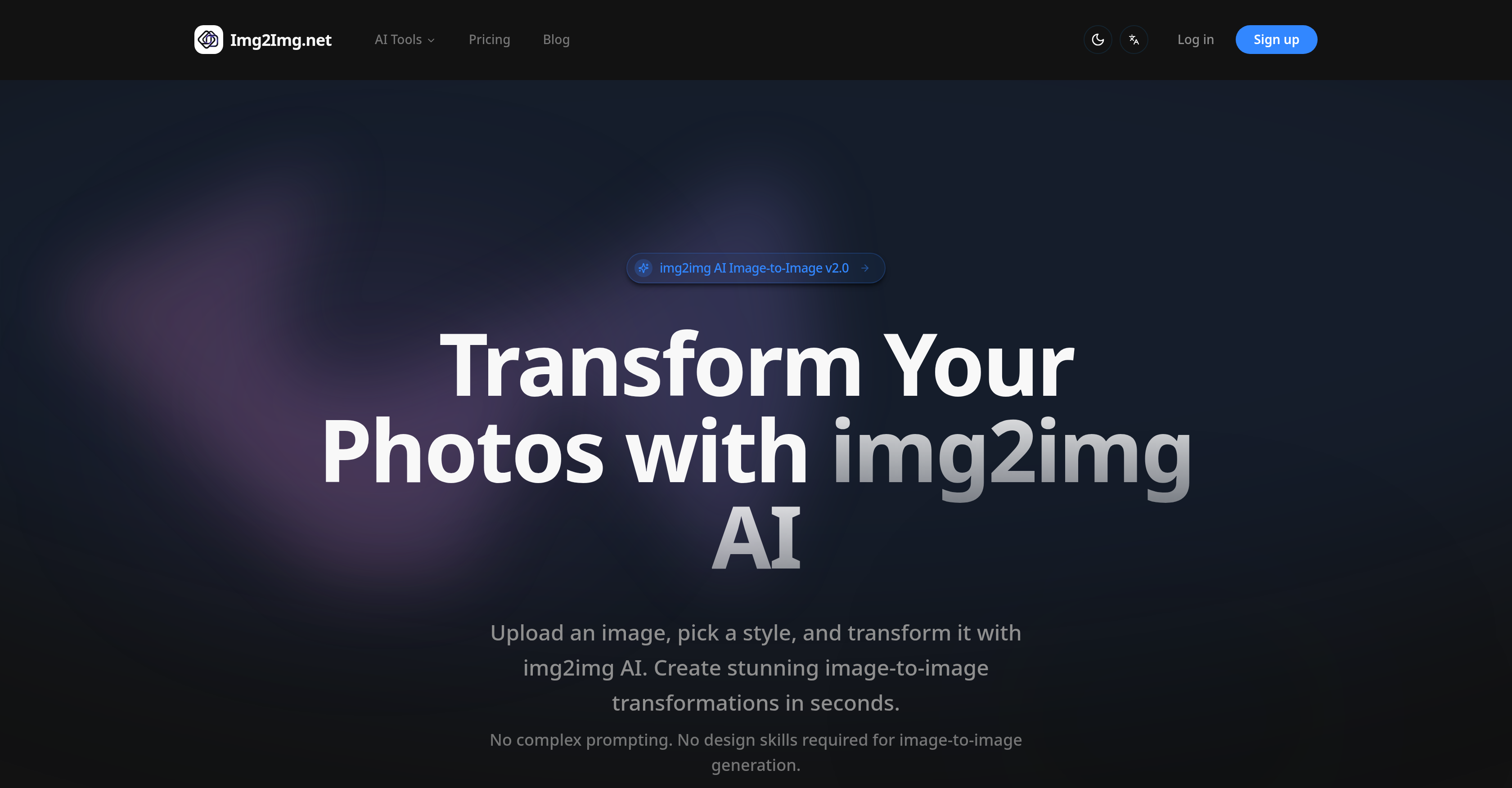
- Instantly generate unique anime, cyberpunk, or watercolor art from any photo without design skills using simple style presets.
- Download high-quality, commercially usable images for social media and professional projects from rapid AI transformations.
- Maintain full privacy and control with an advanced editor for granular tweaks and secure image handling that never uses your data.
- Remove backgrounds and edit images directly within the same platform, streamlining your entire creative workflow from one tool.
Pros & Cons
Pros
- Rich style library
- User-friendly interface
- Background removal feature
- Advanced editor option
- Supports JPG, PNG, WEBP
- High-quality outputs
- Detailed guides provided
- Privacy-conscious
- Speedy conversions
- Requires no technical skills
- Upcoming sketch-to-image tool
- Upcoming virtual try-on
- Upcoming image editor
- Applicable in diverse contexts
- Trusted by creatives globally
- Supports various file sizes
- Free trial available
- Commercial license options
- Priority queue on subscription
- Priority support on subscription
- Daily free credits
- Transparent pricing plans
- Reminder of tool updates
- Quick workflow
- Listed on multiple directories
- Positive user testimonials
- Wide global user base
Cons
- Limited Style Options
- No Bulk Processing
- No support for GIFs
- No Multi-language Support
- Doesn't Support High-Resolution Images
- Not Completely Free
- Additional Features Coming Soon
- Max File Size 15MB
- Doesn't Mention API Usage
- Requires credits for usage
Reviews
Rate this tool
Loading reviews...
❓ Frequently Asked Questions
Img2Img.net is an AI-based image-to-image generator tool primarily designed for transforming images according to selected styles. Users can upload an image, pick a style, and produce a new version of the image.
Img2Img.net offers a variety of image styles, including 'Anime', 'Watercolor', 'Oil Paint', and 'Cyberpunk'.
No, Img2Img.net is developed in such a manner that users do not need technical skills or complex prompting. It is user-friendly and ideal even for users with no technical background.
Apart from image transformation, Img2Img.net provides features such as background removal, image editing, sketch to image, and virtual try-on services. Some of these features are expected to be launched soon.
The 'advanced editor' in Img2Img.net is a feature designed for users seeking greater control over their image transformations. Details on its functionalities are not explicitly mentioned, but its use would allow users to handle more complex image alterations.
Img2Img.net supports various file formats for image uploads, including JPG, PNG and WEBP.
Users can download transformed images from Img2Img.net in high quality. The exact resolution is not specified, but it indicates that the results are premium.
Img2Img.net ensures the privacy of uploaded images by not using them for any purposes other than the requested transformations.
Img2Img.net allows image transformations to be done rapidly. While the exact duration is not provided, the emphasis is on a swift and efficient transformation process.
Img2Img.net provides detailed guides and resources to help users understand how to use the tool effectively. Though specific resources aren't listed, it's indicated that comprehensive information is available to guide users.
To create Anime styled images on Img2Img.net, users simply need to upload an image, then select the 'Anime' style, and let the AI tool transform the image.
Yes, Img2Img.net includes a feature for background removal. This service allows users to automatically remove backgrounds from their images.
Img2Img.net provides an image editor for modifying uploaded images. Although specifics are not stated, this tool likely includes various editing tools or filters.
Img2Img.net offers pricing plans which range from $3.99 USD/month to $19.99 USD/month, inclusive of different credits, support services and additional benefits depending on the chosen package.
Yes, users can use Img2Img.net for free with certain limitations. While not explicitly stated, it can be inferred that free usage comes with restrictions in comparison to premium packages.
Img2Img.net AI Image-to-Image Generator main features include style-based image transformation, an intuitive use model that doesn't require prior technical background, support for multiple file formats such as JPG, PNG, and WEBP, and rapid generation of high quality images. It also has advanced editing options for users seeking more control over the transformation process. Additionally, it provides background removal, image editing, sketch to image, and a future virtual try-on service.
Styles available in the Img2Img.net AI tool include Anime Artistic, Studio Ghibli Artistic, Cyberpunk Artistic, Oil Paint Artistic, Watercolor Artistic, and Sketch Artistic. These offer different artistic lenses through which to transform the uploaded image.
Yes, Img2Img.net AI Image-to-Image Generator is beginner-friendly. It uses a simple operation model where users upload an image, choose a style, and proceed with the transformation. No complex prompting or design skills are required, making the process user-friendly.
The upcoming tools from Img2Img.net include a Background Remover, an Image Editor, a Sketch to Image tool, and a Virtual Try-On tool. These tools are intended to enhance the range of functionalities offered by the Img2Img.net platform, further enabling creative and practical applications for users.
Img2Img.net AI tool is designed for a wide range of users including artists, photographers, content creators, social media professionals, and anyone else looking to transform images rapidly and efficiently. The tool is also ideal for users with no technical background, thanks to its simple operation model.
Img2Img.net AI Image-to-Image Generator supports different file formats which include JPG, PNG, and WEBP. This ensures it meets diverse user needs in terms of image preferences and application requirements.
Yes, the converted images using Img2Img.net are of high quality. The AI tool is designed to generate and deliver high-quality results rapidly, ensuring users can realise quality transformations that meet their creative needs.
Yes, Img2Img.net AI tool provides detailed guides and resources to explain how to use the tool effectively. Users can therefore quickly understand how to optimally use the tool for their specific requirements, ensuring they maximise the value it provides.
Img2Img.net AI handles uploaded images privately. They ensure the privacy of uploaded images and does not use them for any other purposes aside from the requested transformations.
The process for image transformation using Img2Img.net AI tool is straightforward: users upload an image, pick an artistic style (such as anime, watercolor, oil paint, cyberpunk), and the tool generates the transformed image. Users can then download their high-quality result promptly.
The advanced editor on Img2Img.net is designed to offer users broader control over their image transformations. This feature caters to users who require more granular control over the transformation process, allowing them to make additional tweaks and modifications beyond the standard style-based transformation.
The AI transformations on Img2Img.net are designed to be done swiftly. The platform is engineered for fast and efficient image transformations – delivering high-quality results within seconds.
No, Img2Img.net AI tool does not require any design skills or complex prompting. The tool is intended to be fast, simple, and user-friendly, allowing anyone to generate impressive image transformations rapidly.
With the Img2Img.net AI tool, users can transform a variety of images. Whether it's a photo, drawing, or screenshot - the technology can handle it. The tool can be used for a broad set of applications, catering to diverse creative and practical needs.
Yes, with a valid commercial license, users have the freedom to use their transformed images commercially. This enables businesses and individuals to leverage the tool for unique, AI-transformed visual content for their commercial interests.
Potential applications of the Img2Img.net AI tool include artistic creation, social media content development, photo editing, background removal, and image enhancing among others. It can be used to create unique visual content that stands out, making it a potent tool in the realm of digital artistry and content creation.
Yes, the Img2Img.net AI Image-to-Image Generator is designed to work with different image contexts including social media and photo editing. Its various functionalities, such as style-based image transformation, are ideal for creating visually striking social media content and edited photos.
Yes, uploaded images to Img2Img.net must not exceed a size limit of 15MB. Users can upload files in PNG, JPG, and WEBP formats, ensuring varied user needs are met while maintaining the platform's speed and efficiency.
Img2Img.net AI Image-to-Image Generator is primarily built on artificial intelligence, specifically working on the basis of style-based image transformation. The tool leverages various AI technologies to analyze the uploaded image and accurately apply the selected style, generating a high-quality, transformed image.
Yes, users can try the Img2Img.net AI tool for free. The platform offers a free try-out allowing curious users to test and experience the capabilities of the AI image transformation tool first hand.
Pricing
Pricing model
Free Trial
Paid options from
$3.99/month
Billing frequency
Monthly