

Kommodo
Turn any screen walkthrough into written documentation without typing a word: Kommodo records your screen, transcribes the audio with AI, and auto-generates step-by-step guides from the transcript.
Listing not yet reviewed by our editors · How we check
Overview
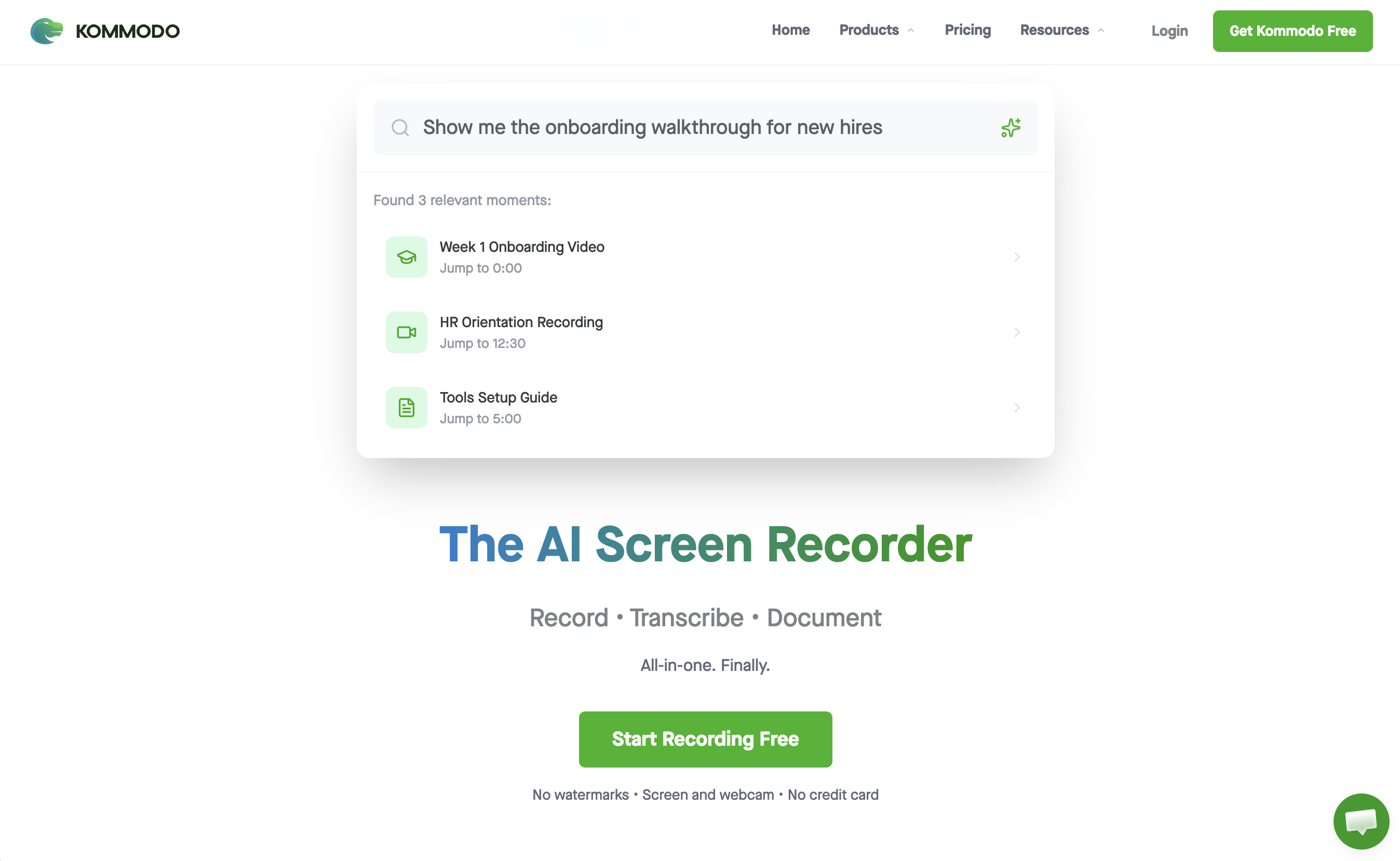
- Turn any screen walkthrough into written documentation without typing a word: Kommodo records your screen, transcribes the audio with AI, and auto-generates step-by-step guides from the transcript.
- Never forget to hit record on an important call: Google Calendar sync captures scheduled meetings automatically.
- Keep your team aligned without writing follow-ups: the AI notetaker produces meeting summaries and weekly recaps with insights and action items, ready to share in Slack or Jira.
- Fix a fumbled sentence without reshooting the whole video: CaptureFusion lets you edit, re-record, or overdub specific parts of a screen recording.
- Find the exact answer buried in hours of footage: full search across every recording, plus AI extraction of key insights from your library of videos and guides.
- Cut your software stack and subscription costs: one screen recorder replaces Loom for video messaging and Scribe for process documentation.
- Send polished, brand-safe videos with no caps: unlimited screen recording with zero watermarks delivers clean, ready-to-share files.
- Capture on whatever device you're using: record from the Chrome Extension, the desktop app for MacOS and Windows, or the mobile app for iOS and Android.
- Reuse the same workflow for sales demos, training lessons, and presentations: recorded, transcribed, and documented content fits each audience without separate tools.
Pros & Cons
From the listing; not yet checked by our editors.
Pros
- Records, transcribes, auto-documents
- Reduces manual processes
- Searchable recordings
- Replaces multiple tools
- Synchronizes with Google Calendar
- Generates meeting summaries
- Generates weekly recaps
- Shareable summaries and recaps
- Key insights extraction
- CaptureFusion technology
- Recording editing feature
- Re-recording option
- Overdub features
- Multiple usage contexts
- Desktop app available
- Chrome extension available
- Mobile app available
- MacOS compatible
- Windows compatible
- iOS compatible
- Android compatible
- No watermarks
- Unlimited recording
- Auto-generated guides
- Syncs with Slack, Jira
- Extracts information from library
- Automated Notetaker capabilities
- Turns recordings into docs
- Saves users' time
- Cross platform availability
- Educational tool
- Sales tool
- Presentation tool
- Productivity enhancer
- Business Tool
- Video Library Feature
- No time limit
- No credit card required
- Includes Video Editor
- Generates step-by-step guides
- Auto caption generator
- Webcam recorder
- Availability of knowledge base
- Ability to share via Slack or Jira
Cons
- Convoluted recording process
- Dependent on Google Calendar
- Limited to Slack, Jira integrations
- CaptureFusion may require tech skills
- Multifunctionality can be overwhelming
- Potential accuracy issues in transcriptions
- Difficulty navigating vast video libraries
Alternatives to Kommodo
Tools that share the most tags with Kommodo.
- FocuSee
Produce polished video content instantly without manual editing through automated post-production that handles zoom effects and cursor tracking
Free trial · from $19.99/unit
$19.99/unit
Not yet checked
- VibrantSnap
Launch professional product demos and tutorials in minutes instead of hours with instant screen recording and AI-powered Magic Edit that removes silences and filler words.
Freemium · from $7/month
$7/month
Not yet checked
- Tight Studio
Produce polished screen recordings and tutorials in minutes with auto zoom and smooth cursor that turn shaky takes into professional-looking demos.
Freemium · from $9/month
$9/month
Not yet checked
- Screen Studio
Viewers follow every click in your product demos and tutorial videos without squinting, because automatic zoom tracks mouse activity and enlarges the action as it happens.
Paid · from $9/year
$9/year
Not yet checked
- Guidde
Transform workflow recordings into professional video guides automatically with AI-generated step-by-step descriptions and voiceover
Freemium · from $16/month
$16/month
Not yet checked
- Guideless
Create professional video guides in minutes instead of hours by simply clicking through your workflow as normal with automated capture
Free trial · from $24/month
$24/month
Not yet checked
Reviews
Rate this tool
Loading reviews...
Frequently asked questions
What is Kommodo?
Kommodo is an AI-based screen recording tool which records, transcribes, and automatically documents screen activities. It can also generate meeting summaries and weekly recaps after recording, and features a 'CaptureFusion' technology for easy video editing.
What makes Kommodo different from other screen recording tools?
Kommodo stands out from other screen recording tools due to its AI capabilities which allow it to transcribe audio from screen recordings, auto-generate documents based on these transcriptions, and extract key insights and information from a library of videos and guides. It also integrates with Google Calendar for seamless meeting recording, and provides post-recording functionalities including meeting summaries and weekly recaps which can be shared through platforms like Slack or Jira.
How does Kommodo utilize AI technology?
Kommodo utilizes AI technology to transcribe audio in screen recordings, auto-generate documents based on these transcriptions, and extract key insights and information from a library of videos and guides. Furthermore, it generates meeting summaries and weekly recaps using AI capabilities.
Can Kommodo transcribe audio from screen recordings?
Yes, Kommodo can transcribe audio from screen recordings utilizing its AI technology.
Does Kommodo synchronize with Google Calendar?
Yes, Kommodo does synchronize with Google Calendar, which allows it to record meetings seamlessly.
Is Kommodo compatible with Slack or Jira?
Yes, Kommodo is compatible with Slack and Jira. It offers post-recording functionalities like meeting summaries and weekly recaps which can be shared through these platforms.
How can I edit videos with Kommodo's CaptureFusion technology?
'CaptureFusion' is a feature in Kommodo that allows users to easily edit, re-record, or overdub parts of the recorded video.
Can I use Kommodo for presentations or educational purposes?
Yes, Kommodo can be used for various contexts including presentations and educational purposes.