

Screen Studio
Viewers follow every click in your product demos and tutorial videos without squinting, because automatic zoom tracks mouse activity and enlarges the action as it happens.
Listing not yet reviewed by our editors · How we check
Overview
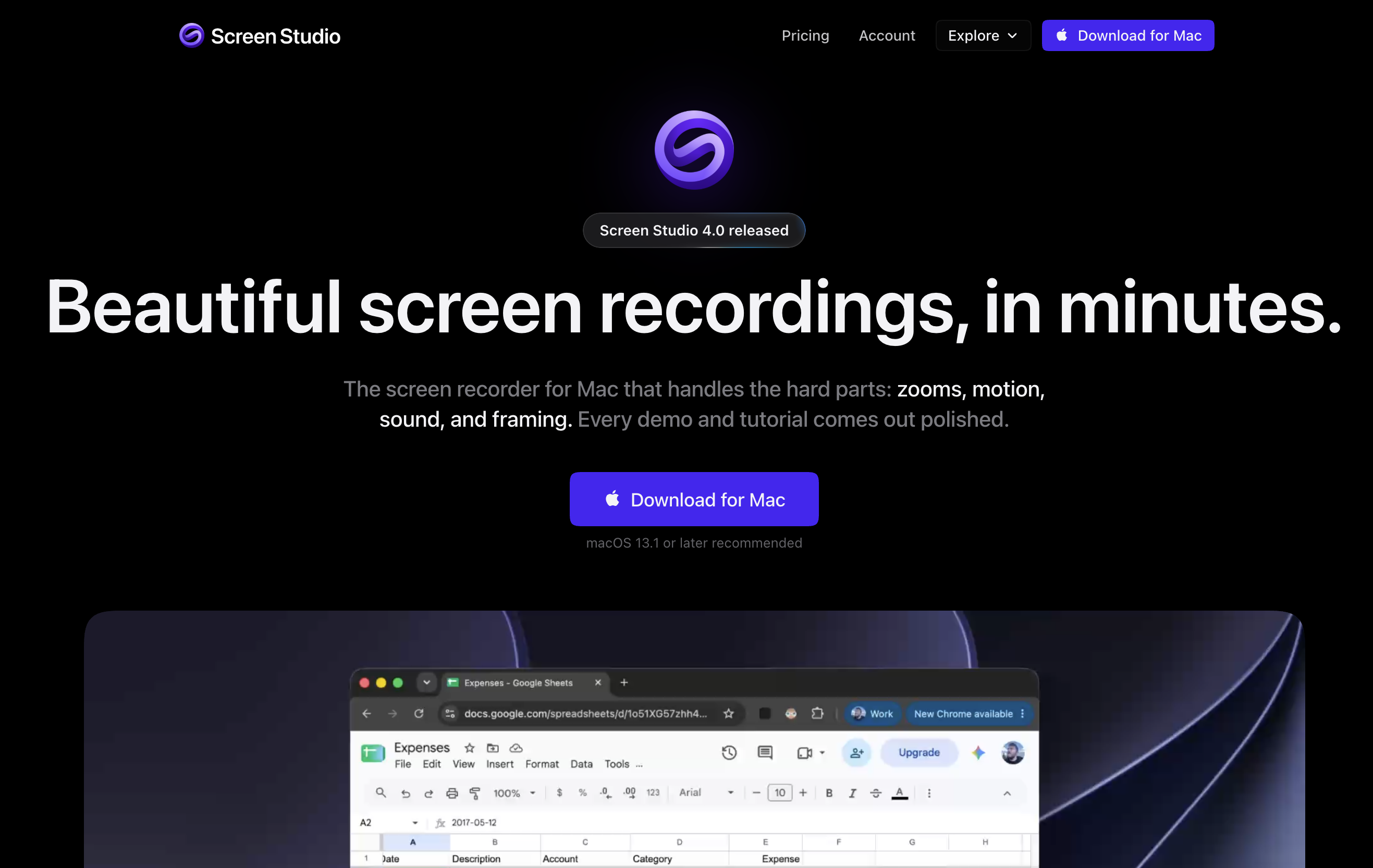
- Viewers follow every click in your product demos and tutorial videos without squinting, because automatic zoom tracks mouse activity and enlarges the action as it happens.
- You direct audience attention to the exact button, field, or detail that matters, using manual precision zoom on pre-selected areas of the screen.
- Your macOS screen recordings look professionally produced without a separate editing pass, thanks to built-in smooth mouse movement, sound effects, framing, and animations.
- One recording session fits every format, from online courses to social media videos, with full-screen camera, split-screen, screen-only, and background-free camera cutout layouts.
- Your narration looks natural and unscripted, as voice-controlled automation moves the camera aside when you go silent and brings it back when you speak.
- Close-up shots stay crisp instead of pixelated, through optional post-processing upscaling that keeps zoomed-in text and interface details sharp.
- You capture only what serves the lesson or demo, choosing between recording the full screen or a specific part of it.
Pros & Cons
From the listing; not yet checked by our editors.
Pros
- Automatic zoom on mouse
- Enhance viewer understanding
- Smooth mouse movement
- Sound effect integration
- Video framing abilities
- Animation effects available
- Precision zooming control
- Various video layouts
- Full-screen capture option
- Split-screen functionality
- Camera cutout feature
- Voice control automation
- Positional automation advantage
- Post-processing upscaling
- Multi-industry adoption
- Zoom editing clarity
- Multiple zoom types
- Real-time upscaler
- Automatic zoom
- Manual zoom control
- Multiple recording layouts
- Animated transitions
- Background removing
- Camera hide during silence
- Face tracking in video
- Optics-based motion blur
- Smooth cursor movement
- Customizable click effects
- Cursor style edition
- Loop cursor position option
- Idle cursor hiding
- Any aspect ratio
- Reel mode for social
- Auto-adjusting zooms
- Captions included
- On-demand recording utilities
- Recoverable recording
- Light on Mac
- Transcript-based editing
- Noise reduction feature
- Adjustable caption settings
- Customizable style and presets
- Shortcut overlaying
- Text-based timeline commenting
Cons
- Specifically designed for macOS
- No desktop icons hiding
- No Windows support
- Limited video layout options
- No custom cursor style
- No exact window resizing
- No local audio processing
- Limited caption styles
- Limited aspect ratios support
Alternatives to Screen Studio
Tools that share the most tags with Screen Studio.
- FocuSee
Produce polished video content instantly without manual editing through automated post-production that handles zoom effects and cursor tracking
Free trial · from $19.99/unit
$19.99/unit
Not yet checked
- VibrantSnap
Launch professional product demos and tutorials in minutes instead of hours with instant screen recording and AI-powered Magic Edit that removes silences and filler words.
Freemium · from $7/month
$7/month
Not yet checked
- Tight Studio
Produce polished screen recordings and tutorials in minutes with auto zoom and smooth cursor that turn shaky takes into professional-looking demos.
Freemium · from $9/month
$9/month
Not yet checked
- Kommodo
Turn any screen walkthrough into written documentation without typing a word: Kommodo records your screen, transcribes the audio with AI, and auto-generates step-by-step guides from the transcript.
Paid · from $15/month
$15/month
Not yet checked
- Guidde
Transform workflow recordings into professional video guides automatically with AI-generated step-by-step descriptions and voiceover
Freemium · from $16/month
$16/month
Not yet checked
- Guideless
Create professional video guides in minutes instead of hours by simply clicking through your workflow as normal with automated capture
Free trial · from $24/month
$24/month
Not yet checked
Reviews
Rate this tool
Loading reviews...
Frequently asked questions
What features does Screen Studio offer for recording demos?
Screen Studio offers various features for recording demos including automatic zoom in on mouse activities, smooth mouse movement, sound effects, and video framing. It allows for manual and automatic zooming on precise parts of the screen for highlighting specific points of interest. It also provides various video layouts like full-screen camera capture, split-screen, screen only, and camera cutout along with positional and voice-controlled automation features.
Does Screen Studio offer zoom functionality and sound effects?
Yes, Screen Studio includes zoom functionality for automatic and manual zooming in on specific parts of the screen. It also provides sound effects to enhance the audio quality of your recordings.
Can I use voice control automation with Screen Studio?
Yes, Screen Studio provides voice-controlled automation features. For instance, the camera moves aside when the user is silent and returns when the user speaks again.
Does Screen Studio offer post-processing upscaling for my videos?
Yes, Screen Studio offers optional post-processing upscaling which keeps everything in the video sharp even when zoomed in close.
Is Screen Studio suitable for use in educational institutions and businesses?
Screen Studio is designed to be suitable for a broad range of users such as businesses and educational institutions. It's features which include creating product demos, online courses, tutorial videos, and social media content make it useful in these contexts.
How can I use Screen Studio for creating product demos?
To create product demos using Screen Studio, you can utilize its feature-rich recording and editing capabilities. This includes zoom functionalities for highlighting product details, positional and voice-controlled automations for smooth narrations, and various video layouts for presenting different perspectives of the product.
Does Screen Studio offer any features for highlighting specific points in my videos?
Screen Studio makes highlighting specific points in your videos easy with automatic and manual zooming functions. You can choose to automatically highlight mouse movements or manually zoom in on pre-selected parts of the screen.
Can Screen Studio be used for creating videos for social media?
Yes, Screen Studio is designed to create engaging social media videos. Its range of video layouts such as full-screen capture, split-screen, screen only, and camera cutout, along with sound effects and animations, contribute to creating compelling social media content.