Overview
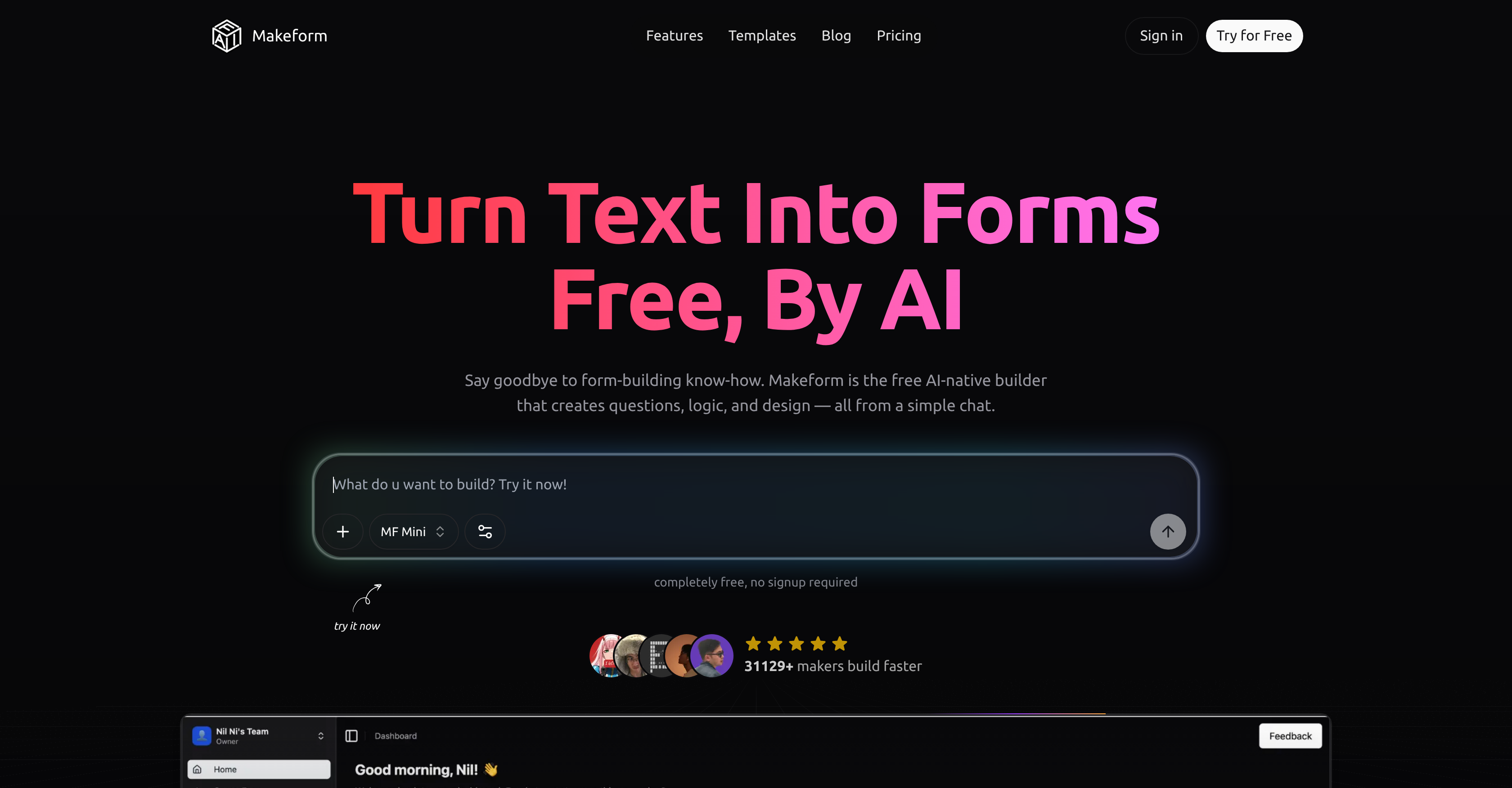
- Launch any form in seconds by typing a simple description, thanks to AI form generation that turns text into a complete form with fields and logic
- Boost completion rates with adaptive forms that respond to user input, enabled by conditional logic and intelligent field routing
- Collect payments securely without extra tools, using built-in credit card validation, billing address, and order summary integration
- Eliminate manual data entry by automating form submissions into Slack, Google Sheets, or Zapier through seamless workflow integration
- Protect sensitive respondent data with industry-standard encryption and strict privacy protocols that keep every submission confidential
- Match your brand identity perfectly by customizing colors, fonts, logos, and layouts, plus remove Makeform branding for a professional look
- Gather detailed customer insights with versatile question types including multiple choice, rating scales, and open-ended fields
- Streamline candidate screening with job application forms that collect resumes, work history, education details, and custom screening questions
- Create secure user registration flows with built-in email verification, password requirements, and profile information fields
- Optimize form performance by tracking completion rates and analyzing submission data through built-in analytics and insights
Pros & Cons
Pros
- Free form builder
- No coding skills needed
- Fast form generation
- Chat input feature
- Intelligent business growth features
- Variety of form templates
- Automatic form creation
- Data confidentiality emphasis
- High-standard encryption
- Privacy protocols
- Form workflow automation
- Seamless tool integration
- Form customization options
- Custom brand colours
- Custom domains
- Hidden fields
- Conditional logic
- Secure payment form creation
- Customer feedback collection
- User registration features
- Email verification
- Password requirement fields
- Credit card validation
- Billing address integration
- Order summary integration
- Resume upload feature
- Work history collection
- Education detail collection
- Profile information collection
- Customer satisfaction metrics
- Custom screening questions
- Start-up-friendly
- Maker-friendly
- ChatGPT-friendly
- Built-in design options
- Real-time form creation
- Connects with tools in use
- Dynamic variables and logic
- Smart form fields
- Analytics and Insights
- Custom branding
- Flexible form layouts
- Detailed form reports
- Branded link previews
- Instant notifications setup
- Advanced hidden fields
- Complete design control
- Ready-to-use templates
Cons
- Limited to text inputs only
- No multilingual support
- Lack of customer service
- Limited integration options
- No offline functionalities
- Doesn't support multimedia content
- Limited form customization options
- Potential misunderstanding of user input
- No free trial period
- No mobile app version
Reviews
Rate this tool
Loading reviews...
❓ Frequently Asked Questions
Makeform Free AI Form Builder is used for creating forms without requiring any coding skills. It's commonly utilized by start-ups, makers, and AI assistants like ChatGPT. The platform is capable of creating a variety of forms such as surveys, quizzes, polls, and registration forms.
Yes, Makeform is designed to generate forms without needing any coding skills. Users just need to provide the information, and the AI will transform the text into comprehensive forms.
Indeed, Makeform is designed to generate forms instantly. Once the user inputs their text, the AI systematically transforms it into a form complete with appropriate fields and logic.
The chat input is a key feature in Makeform. It allows users to input their form requirements in a textual format. After the request submission, the AI automatically generates a form according to the input.
Makeform can generate a multitude of form types including but not limited to surveys, quizzes, polls, registration forms, contact forms, payment forms, and application forms.
Absolutely, Makeform provides complete form customization options. Users can modify their forms according to their brand colors, add custom domains, hidden fields, and implement conditional logic to align with their brand's aesthetic requirements.
Makeform places a high emphasis on data security, implementing industry-standard encryption and strict privacy protocols. This aims to ensure that every form submission and stored user data remain confidential and secure.
Makeform is primarily utilized by start-ups, makers, and AI associates like ChatGPT. Companies seeking to create customized forms to gather customer inquiries, receive feedback, or handle registrations commonly use it.
Yes, Makeform does facilitate seamless workflow automation. This is achieved through its feature of integrating seamlessly with tools that users are already accustomed to using, thus streamlining data collection and integration.
The AI Form Generation feature of Makeform works by translating the user's textual description of their form into a fully functional and tailored form. It generates the appropriate fields and logic based on user requirements.
Makeform offers a variety of form templates. These include contact forms, survey forms, registration forms, payment forms, and application forms. Each of these templates can be customized based on user requirements and needs.
Indeed, Makeform offers users the ability to track the performance of their forms. It offers features like analytics and insights to help users better understand form completion rates, thus providing avenues to optimize their forms for enhanced performance.
Yes, Makeform offers a feature for seamless integration with tools that users commonly use. The available integrations include popular tools like Slack, Google Sheets, and Zapier among others.
Yes, the ability to remove Makeform branding from the forms created is available. This makes for a seamless and professional user experience. This feature is available as a part of the pro feature set offered by Makeform.
Yes, Makeform has a feature known as 'AI Form Generation' that allows users to describe their desired form. The AI then processes this information and generates a complete form with all appropriate fields and logic.
Yes, Makeform offers AI-powered features designed to foster business growth. It intelligently streamlines the form creation process and automates form workflow to make data collection more efficient and facilitate enhanced productivity.
Yes, Makeform offers the ability to create registration forms. It offers a specific template for registration forms that includes fields for email verification, password requirements, and profile information, allowing for seamless account creation.
Yes, Makeform supports the use of conditional logic in the forms created. This feature enables users to create forms that are adaptive and respond to input intelligently, thus enhancing the user's experience.
Makeform maintains data confidentiality by implementing high-end encryption and strict privacy protocols. These measures ensure that form submissions and all user data are kept confidential and secure.
Makeform offers various customization options for form visualization. These include custom branding options such as personalized colors, fonts, layouts, and the ability to remove branding. Users can also customize forms to include hidden fields and use conditional logic, thus having complete design control over their forms.
Makeform offers features such as AI Form Generation, Form Automation, Secure Payment Form Creation, Contact Form Creation, Survey Creation, Quiz Creation, Poll Creation, and Registration Form Creation. These AI-powered features allow users to create various types of forms within seconds by simply entering text. Additionally, this platform has the capability to generate custom screening questions, collect work history, education details, and profile information. To ensure form submission security, it uses robust encryption and privacy protocols. For customization, it offers options such as brand colors, custom domains, hidden fields, and conditional logic.
Makeform's AI Form Generation feature works by interpreting the users' input text. Users describe their desired form, including the type of form and specific fields and requirements they want. Based on this input, the AI automatically generates a complete, professional form with the right fields and logic. The process eliminates the need for manual setup and makes form creation instantaneous and hassle-free.
Makeform emphasizes data confidentiality and security by implementing top-notch encryption and privacy protocols. It ensures every form submission remains confidential and secure, thereby creating a secure environment for users and their data. The specifics of the encryption practices and privacy protocols aren't given, but they are described as 'industry-standard', suggesting they follow best practices for data protection and regulatory compliance.
Yes, Makeform allows for complete form customization according to user's preferences. Users can control brand colors, use custom domains, include hidden fields, and employ conditional logic. Furthermore, Makeform also provides options for personalizing text inputs, checkboxes, multiple choice, ratings, and more. Users also have the flexibility of structuring their form with text sections and headings for a clear and engaging experience.
Makeform offers a variety of prebuilt form templates addressing different user needs. These include contact forms for gathering customer inquiries and feedback, customer satisfaction surveys with multiple choice, rating scales, and open-ended questions. Users can also create registration forms with email verification, password requirements, and profile information fields, secure payment forms with credit card validation, billing address, and order summary integration, and job application forms with resume upload, work history, education details, and custom screening questions.
No, Makeform does not require any coding skills. Makeform uses a simple chat input to generate forms, which doesn't require any technical or programming knowledge from the user. The AI's form-building functionality is specifically designed to be user-friendly and accessible to all, regardless of their coding ability or technical expertise.
Yes, users can convert text into forms using Makeform. This AI-powered platform can turn simple text into various types of forms like surveys, quizzes, polls, and registration forms based on the user's preferences. This convenient feature reduces the time and effort needed to create forms, making Makeform user-friendly and efficient.
Makeform offers automation features designed to streamline form workflows and enhance user productivity. It allows users to seamlessly connect forms with tools they are already accustomed to using, thereby automating data collection and integration. Makeform is compatible with various tools like Slack, Google Sheets, and Zapier. It also provides real-time updates for new form submissions via email or Slack.
Makeform proves beneficial for startups by streamlining the process of form building and eliminating the need for coding knowledge. It allows startups to focus more on their business growth rather than dealing with time-consuming traditional methods of form creation. Makeform also aids in gathering insights quickly and efficiently, which can serve as valuable data for startups in decision-making and strategy development.
Yes, Makeform does facilitate form workflows. It has features that automate form workflows, allowing for seamless data collection and integration. By integrating with tools users already use, it allows for a seamless transition of data, making collection and analysis more efficient. It also provides real-time updates for new submissions, meaning users are constantly informed about the data being collected.
In Makeform, automatic form generation upon request submission works through an advanced AI-powered feature. Users simply need to input their requirements as text via the chat interface, and the AI processes this information and transforms it into a complete form instantly, featuring appropriate fields and logic. The users can then customise and edit the auto-generated form according to their preferences.
Makeform can indeed create secure payment forms. It supports integration of credit card validation, billing address, and order summary fields for smooth e-commerce transactions. It uses robust encryption and privacy protocols to ensure the security of these transactions, thereby providing customers with a safe and seamless payment experience.
Yes, it is possible to create a comprehensive contact form with Makeform. User can create a form with various fields such as name, email, phone, and message, which can be perfect for gathering customer inquiries and feedback. By simply describing their needs in the chat, users can generate a comprehensive contact form within seconds.
Makeform generates various types of customer satisfaction survey questions. These include multiple-choice questions, rating scales, and open-ended questions. Users can leverage these versatile question types to gather detailed and valuable feedback about their product or services from their customers.
In user registration forms created by Makeform, various fields can be included. These include email verification, password requirements, and profile information fields. All these resources combine to facilitate a seamless account creation process for users of the form.
Makeform allows the collection of work history and education details, and also allows the upload of a resume. The platform facilitates the creation of job application forms that include these fields, making it efficient for employers to gather all the necessary candidate information in one place.
Makeform secures user data through top-notch encryption and privacy protocols. It ensures that every form submission is kept confidential and secure. While Makeform does not provide specific information about these measures, it does state that they're 'industry-standard', showing that Makeform follows recognized practices for data protection.
Yes, Makeform indeed offers the complete design control for form customization. You can customize fonts, colors, backgrounds, and buttons, and even upload your own logo. You also have options to personalize the details like preview text and image when your form is shared.
In terms of customization, Makeform enables users to change various elements of their forms. A wide range of customization tools are available, including brand colors, custom domains, hidden fields, conditional logic, and more. Users can customize their forms' look and functionality extensively to meet their specific needs.
Makeform streamlines data collection and integration through its smart automation features. Users can seamlessly connect forms with tools they already use. This seamless integration automates data collection and allows the collected data to be efficiently shifted over to other platforms. These features together facilitate convenient and automatic data collection and integration.
Pricing
Pricing model
Freemium
Paid options from
$24/month
Billing frequency
Monthly
Related Videos
Makeform = Form + AI
Nil Ni•1.7K views•May 8, 2026