Overview
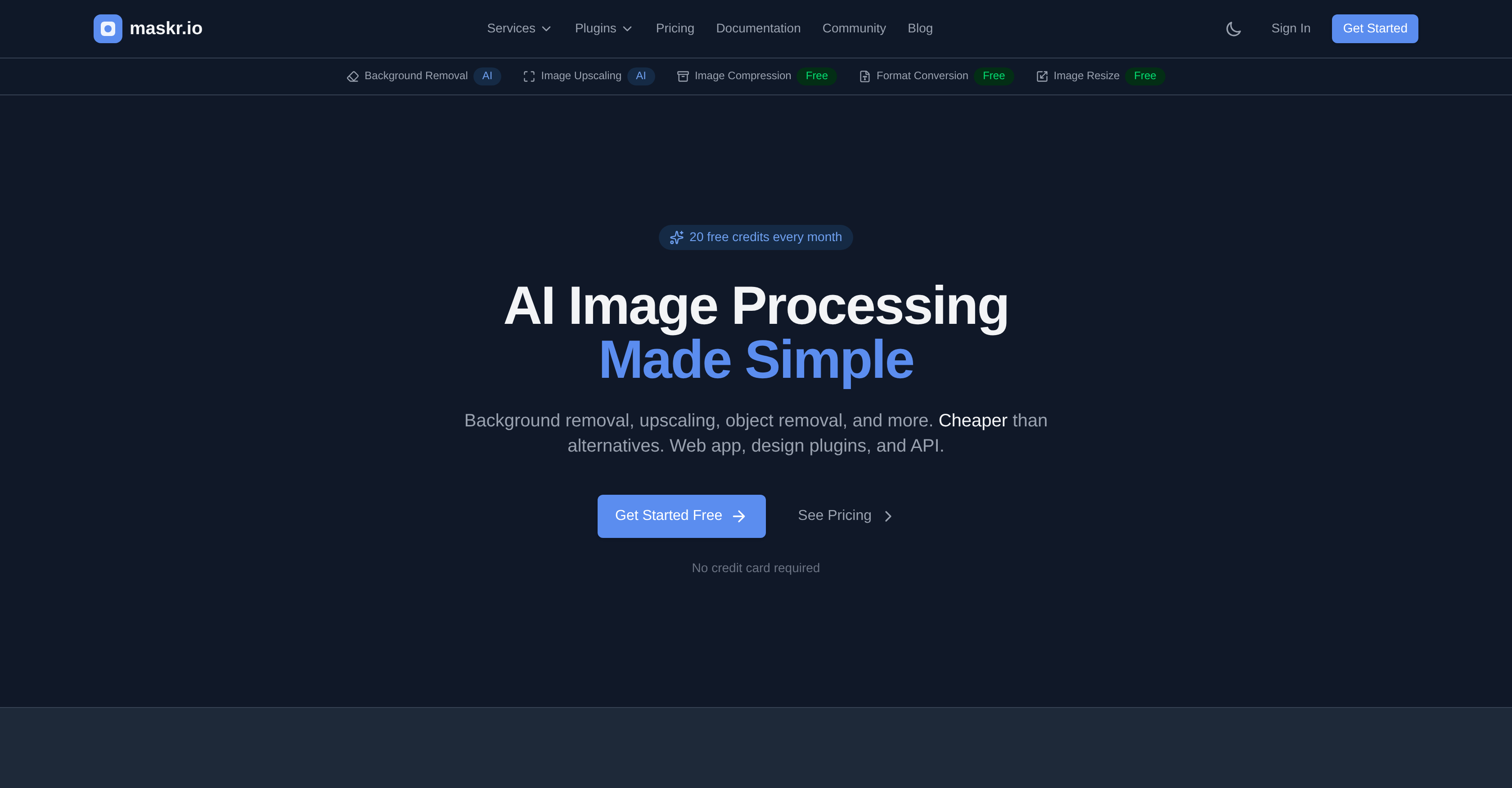
- Remove backgrounds from product photos and portraits instantly with AI-powered precision, perfect for e-commerce catalogs
- Upscale images up to 4x without quality loss for print and large displays using advanced resolution enhancement
- Compress images for web and email without compromising visual integrity via intelligent AI algorithms
- Convert and resize images between PNG, JPG, and WebP formats to exact dimensions while maintaining aspect ratio
- Automate workflows by processing up to 50 images simultaneously with batch processing for product catalog creation
- Integrate AI image editing directly into your apps and design tools using the developer-friendly REST API and plugins
- Start editing immediately with a free web app that requires no installation and a transparent credit system with no watermarks
- Protect sensitive data as all images are deleted immediately after processing and never stored or used for training
Pros & Cons
Pros
- Background removal
- Image upscaling
- Object removal
- Image compression
- Format conversion
- Image resizing
- Single credit system
- No feature gating
- No watermarks
- No hidden tiers
- Fast processing
- Privacy focused
- Web app availability
- REST API
- Windows native app
- Right-click context menu integration
- Plug-ins for Figma
- Plug-ins for Adobe Photoshop
- Plug-ins for Adobe Illustrator
- Plug-ins for Penpot
- Plug-ins for Canva
- Batch processing up to 50 images
- Free tier available
- Transparent pricing
- One-time credit packs
- Developer focused
- Designer targeted
- E-commerce friendly
- Available for design tools
- Product catalog creation
- No image storage
- User upgrades
- Quality maintained
- Supports PNG, JPG, WebP
- Quick processing time
- Deleted images post processing
- Affordable image processing
- Design plugin availability
- Lightning fast
- Batch processing capability
- Developer friendly
- Secure processing
- Simple API
- Good documentation
- Converting between image formats
- Maintains aspect ratio
- Handles transparency
- SDKs available
- Zero data retention
- Free credits every month
- No installation needed
- Transparent and simple pricing
Cons
- Limited batch processing
- No offline version
- No mobile app
- Single credit system
- Limited free credits
- No training data storage
- Fast deletion of data
- No long-term image storage
- No Linux support
- Requires API integration
Reviews
Rate this tool
Loading reviews...
❓ Frequently Asked Questions
Maskr.io is an AI-operated platform designed for image processing. It simplifies various intricate tasks such as background removal, image upscaling, object removal and more. You can use Maskr.io via its web application, integration in design programs, or through its REST API.
Maskr.io utilizes artificial intelligence to streamline image processing tasks. Features include background removal, image upscaling, object removal, image compression, format conversion, image resizing, batch processing and more. It automates these activities, allowing users enable high-end image editing and manipulation without needing professional skills.
Yes, Maskr.io can be integrated into design programs. This allows users to process images directly within their design tool rather than switching between multiple tools.
Maskr.io's REST API allows developers to integrate Maskr.io's image processing capabilities directly into their own applications and workflows. The API provides endpoints to implement the various features of Maskr.io, including background removal, image upscaling, object removal, image compression, format conversion, and image resizing.
Maskr.io is faster than its competitors and can process images in under 300 milliseconds. This saves a lot of time especially when handling multiple images or heavy workloads.
Maskr.io's background removal feature is suitable for different types of images, notably product images and portraits. It can efficiently remove backgrounds from these images, allowing users to focus on the primary subject.
Yes, Maskr.io has the capability to upscale images without any loss in quality. This enhanced resolution feature makes it especially suitable for printing and large displays where high resolution images are essential.
Maskr.io utilizes its AI-powered algorithms to compress images while maintaining their quality. The compression reduces the file size making it more efficient for web and email usage, without compromising on image integrity.
Maskr.io supports a variety of image formats for conversion including, but not limited to, PNG, JPG, and WebP. This flexibility makes it a comprehensive tool for a wide range of image processing tasks.
Maskr.io allows users to resize images to specific dimensions while maintaining the aspect ratio or cropping as needed. The resize feature can be applied according to the user’s requirements to fit the image into the desired format or space.
Maskr.io has a strong focus on user privacy. Images are processed and deleted immediately after the operation and are never stored or used for training purposes. User's data integrity and privacy are areas where Maskr.io takes particular care.
Yes, Maskr.io supports batch processing allowing users to process up to 50 images at once. This feature contributes to increasing productivity and saving time for larger workloads.
No, it's not necessary to install anything to use Maskr.io. It can be used directly via its web application making it accessible to users, regardless of platform or device.
Maskr.io operates on a credit system. The number of credits required can vary based on the user's requirements. They offer different pricing plans including a free plan with 20 credits per month. Additional credits can be purchased with the Pro, Pro+, and Ultra plans.
The statement 'no credit card is required to get started' ensures that new users can start using Maskr.io without any initial payment or financial commitment. This allows users to try the service for free without any barriers to entry.
Images processed by Maskr.io are not stored or used for training data. Instead, they are deleted immediately after the image processing task is completed. This practice ensures the privacy and confidentiality of user data.
With Maskr.io, users can process up to 50 images at once. The batch processing feature greatly enhances productivity, particularly when dealing with heavy image workloads.
Maskr IO, LLC
🛠️ 1 tool
wrote:Maskr.io itself DOES NOT add any watermark to your images.
Maskr.io is described as developer-friendly because it offers a REST API, webhooks, and official SDKs. These features allow developers to integrate Maskr.io into their own applications and workflows, making it both flexible and adaptable.
To integrate Maskr.io's capabilities into your own applications, you would use the provided REST API. It allows you to access Maskr.io's image processing features programmatically, letting you make use of the AI-powered image manipulation within your own application context.
Maskr.io uses state-of-the-art AI technology to remove backgrounds from images. The details about the specific mechanism of this feature are not available on their website.
In the context of Maskr.io, image upscaling refers to enhancing the resolution of images up to 4x without losing quality. This is ideal for applications such as print and large display formats.
Maskr.io processes images in under 300ms. This is a very quick response time, eliminating waiting and queues.
Maskr.io ensures the privacy of your images by deleting them immediately after processing. The images are never stored or used for AI training.
Yes, Maskr.io offers batch processing. You can process up to 50 images at once, ideal for tasks such as product catalog creation.
Yes, Maskr.io does offer a free-tier option. This provides you with 20 credits per month with full access to all the services.
Paid plans for Maskr.io start at $9.99 per month. This provides 1,000 credits per month. However, there are more extensive plans available for increased usage.
Yes, Maskr.io can integrate with your design tools. It offers plugins for Figma, Adobe Photoshop, Adobe Illustrator, Penpot, and Canva to assist with efficient workflow.
Maskr.io supports several common image formats like PNG, JPG, and WebP.
Yes, Maskr.io includes a service for image resizing. You can use it to resize your images to exact dimensions while maintaining the image aspect ratio or cropping as required.
Yes, Maskr.io offers services to convert images between different formats. Capable formats include PNG, JPG, and WebP among others.
Maskr.io's REST API is a tool that allows developers to fully integrate Maskr.io's image processing capabilities into their own applications and workflows. It allows the automated application of the platform's functionality.
Developers can greatly benefit from Maskr.io, thanks to its REST API, which allows them to integrate the platform's powerful image processing capabilities directly into their own applications and workflows. Moreover, the platform also provides developer-friendly tools such as webhooks and official SDKs making it a comprehensive tool for developers.
Maskr.io follows a simple and transparent pricing model based on a credit system for its services. They provide a free tier with 20 credits per month for all services. Paid plans start at $9.99 per month for 1,000 credits with more extensive plans also available. One-time credit packs are available from $5.
Yes, Maskr.io is suitable for e-commerce teams. Its features like background removal, batch processing, and high-quality image compression are ideal for e-commerce applications, such as product catalog creation.
Yes, you can use Maskr.io for product catalogue creation. The platform's batch processing feature, which allows processing of up to 50 images at once, can be useful for this purpose. Moreover, with features like background removal and high-quality image upscaling, it can help enhance the overall look of your product catalogue.
The information regarding the maximum resolution that Maskr.io supports is not provided on their website.
Maskr.io helps with image compression by reducing the file size of images without losing quality. This is beneficial for web use and email, where smaller file sizes are preferable.
Yes, Maskr.io can be used directly as a web application. It does not require any installation and allows users to upload images directly in their browser for processing.
Pricing
Pricing model
Freemium
Paid options from
$9.99/month
Billing frequency
Monthly
Refund policy
No Refunds