Overview
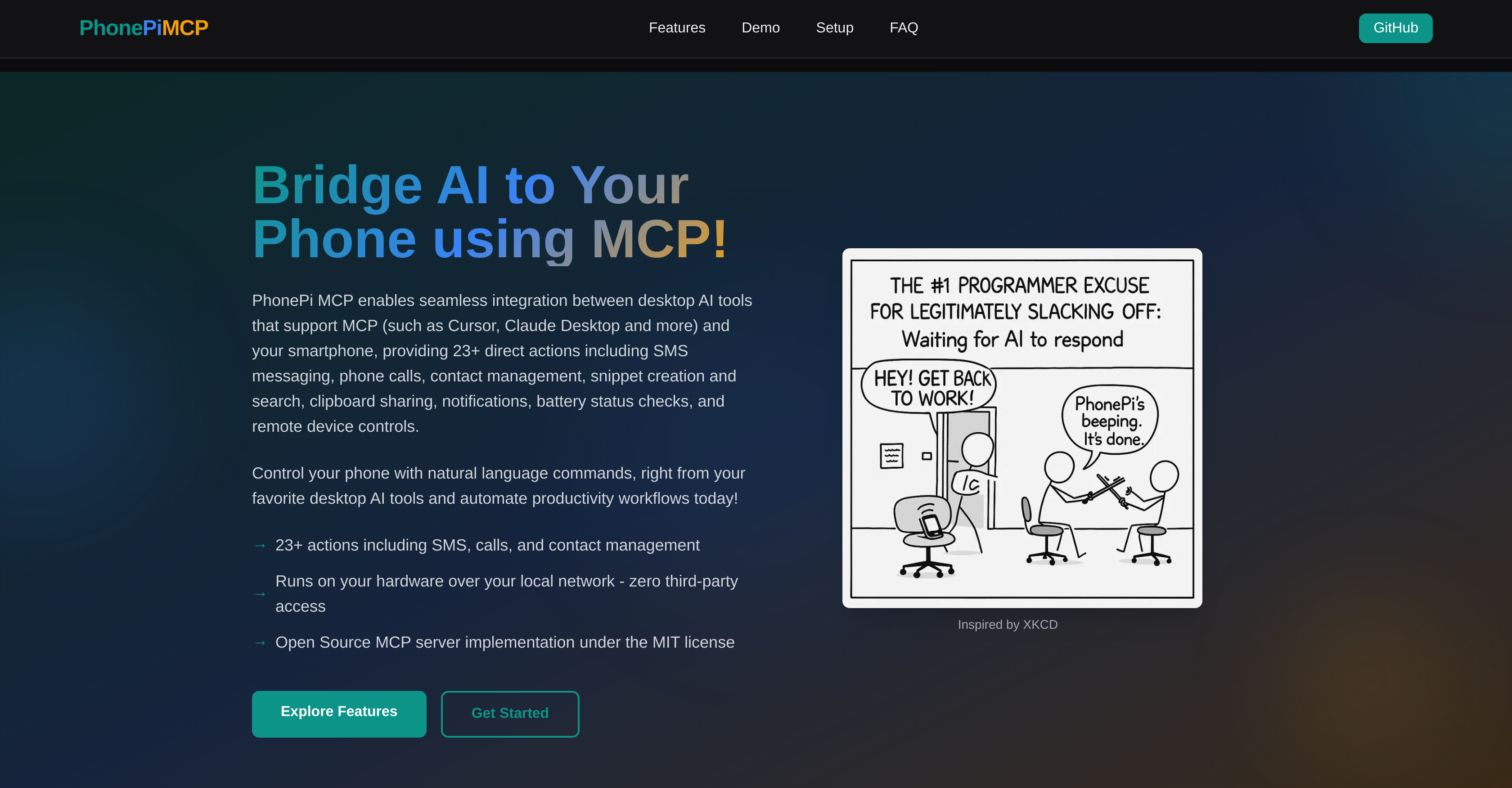
- Send SMS messages and make phone calls directly from your desktop using natural language commands through Claude Desktop and Cursor integration
- Manage contacts intelligently with detailed field organization and updates without touching your phone
- Create and search notes, todos, bookmarks, and code snippets with powerful tagging from your AI workflow
- Share text instantly between desktop AI apps and your phone through seamless clipboard integration
- Monitor phone battery levels and set timers remotely through simple voice or text commands
- Receive smart notifications with priority levels and interactive response options when AI tasks complete
- Locate your phone instantly by making it beep remotely through desktop AI interface
- Keep all data private with local network operation that eliminates third-party server dependency
Pros & Cons
Pros
- Open-source tool
- Works over local network
- Ensures user privacy
- Complete control integration
- Equipped with 23+ tools
- Interactive chat mode
- Single query mode
- Automatic server management
- Secure API key handling
- Natural language commands
- Direct actions like SMS
- Phone call capabilities
- Contact management
- Snippet creation and search
- Clipboard sharing
- Notifications
- Battery status checks
- Remote device controls
- Facilitates smart snippet management
- Promotes intelligent contact management
- Enables remote phone control
- Offers smart notifications
- User-friendly installation
- Comprehensive guidelines provided
- Supports contact addition and updates
- Enables remote phone finding
- Allows timer setting
- Convenient clipboarding
- Enables content sharing via SMS
- Provides real-world use examples
- Offer command-line access
- No installation required for CLI
- Beautiful terminal UI
- Single query CLI mode
- Convenient for quick interactions
- Troubleshooting guidelines
- Supports Tailscale for secure connection
- Comprehensive suite of tools
- Instant sharing capabilities
- Adds, updates, deletes snippets
- Interactive messages with response options
- Get message response flexibility
- MIT-licensed servers
- Actions never leave user devices
- Supports multiple phones
- Easy setup in three steps
Cons
- Requires local network setup
- No iOS version yet
- Potential port conflict issues
- Device IP input required
- Permissions needed for operations
- Limited to MCP-supporting tools
- Manual IP updating
- Requires specific environment conditions
- User responsible for security
Reviews
Rate this tool
Loading reviews...
❓ Frequently Asked Questions
PhonePi MCP is an open-source tool that facilitates seamless integration of a phone's functions with AI models through the standardized Model Context Protocol. It allows users to connect AI desktop tools with their smartphone to perform a range of direct actions, including phone calls, SMS messaging, contact management and more. It also supports user-friendly features such as single query mode, interactive chat mode, secure API key handling, and automatic server management, functioning over the local network void of third-party server dependency, thus ensuring user privacy and full control over the phone's integration with AI.
The Model Context Protocol (MCP) is a standardized protocol that PhonePi MCP applies to bridge AI models with phone capabilities. It enables the integration of your smartphone with your preferred desktop AI tools. This connection allows the AI to perform direct actions such as SMS messaging, initiating phone calls, managing contacts and many other functions on your phone, effectively turning your smartphone into a productive workstation.
With PhonePi MCP, you can facilitate numerous interactions between your smartphone and AI desktop tools. Among the many features the tool supports are SMS messaging, making phone calls, managing contacts, snippet creation and search, sharing clipboards, dispatching notifications, checking battery status, and operating remote device controls. You can also interact with your phone using natural language commands through your favourite desktop AI tools.
Yes, PhonePi MCP allows for direct actions between your phone and your computer, leveraging AI desktop tools. With PhonePi MCP, you can manage intelligent contact, utilize smart snippet management, and even control your phone remotely using commands. This all happens by running on your local network, with no third-party servers involved.
PhonePi MCP is designed for user privacy as a priority feature. It operates over the user's local network and eliminates any dependency on third-party servers, ensuring your personal data never leaves your devices. All operations are locally based within your secure infrastructure.
The interactive chat mode in PhonePi MCP allows users to carry on a conversation with the tool in an interactive manner while single query mode processes individual commands given to it. Both functionalities enhance the users' ability to interact with their phones using natural language commands through their desktop AI tools.
Automatic server management in PhonePi MCP provides convenience, simplifying the process of running the server. It automatically handles the server's startup process, and the tasks of managing and orchestrating server operations are seamless, allowing for efficient performance.
PhonePi MCP delivers secure API key handling by effectively managing private keys that authenticate and secure the interaction between AI models and phones. This process doesn't involve any third-party systems, ensuring data security and privacy of users.
PhonePi MCP allows users to interact with their phone using natural language commands via their favorite desktop AI tools. These actions include but are not limited to initiating phone calls, sending SMS messages, managing contacts, searching for and creating snippets, sharing content on the clipboard, sending notifications, checking battery status, and controlling devices remotely.
Clipboard integration in PhonePi MCP is one of its 23+ tools that allow you to share text between your AI apps and your phone with quick copy-paste and immediate sharing capabilities. This feature streamlines the user experience and increases productivity by enabling easy data transfer.
Snippet creation and search with PhonePi MCP enable users to create and organize notes, todos, bookmarks, and code snippets from their AI apps, making the information easily accessible with a powerful search and tagging system.
With PhonePi MCP, you can remotely control various aspects of your phone, such as making it beep for easy location, checking battery levels, and setting timers - all through your AI assistant.
PhonePi MCP allows users to check the battery status of their phone which can be initiated from the users' favorite desktop AI tools. This command is part of the diverse collection of 23+ tools provided by PhonePi MCP for remote device control.
PhonePi MCP allows users to manage contacts intelligently, enabling adding detailed information and organizing them with multiple fields. Users can add, update, view, and remove contact entries right from their desktop AI tools.
In PhonePi MCP, the notification feature is AI-powered. It allows setting priority levels, creating interactive messages with response options, and getting notified when AI tasks are complete. The tool lets users push notifications to the phone, serving as an prompt notifier for concluding tasks.
PhonePi MCP supports SMS messaging and making phone calls directly from your favouraite desktop AI tools using natural language commands. This allows users to send and manage text messages and place calls from their computing devices without necessarily having to engage physically with their smartphones.
PhonePi MCP can seamlessly integrate with desktop AI tools that support the standardized Model Context Protocol (MCP), such as Cursor, Claude Desktop and more.
PhonePi MCP can be used to solve a wide range of user cases due to its multitude of tools. For example, it supports intelligent contact management, smart snippet management, remote phone control using commands, and smart notifications among many other features. Owing to this, a broad spectrum of user problems can be tackled, ranging from simple tasks to highly complex ones.
The installation and configuration guidelines for PhonePi MCP involve creating an mcp.json file for your AI app with the appropriate configurations, then installing the PhonePi MCP mobile app from the Google Play Store. After granting the necessary permissions and inputting the connection details in the PhonePi MCP mobile app, the connection status should turn green in both the IDE and mobile app, indicating successful installation and configuration.
Pricing
Pricing model
No Pricing
Related Videos
Get notifications on your phone when Cline completes long running tasks!
PhonePi MCP•18 views•Apr 5, 2025