
Overview
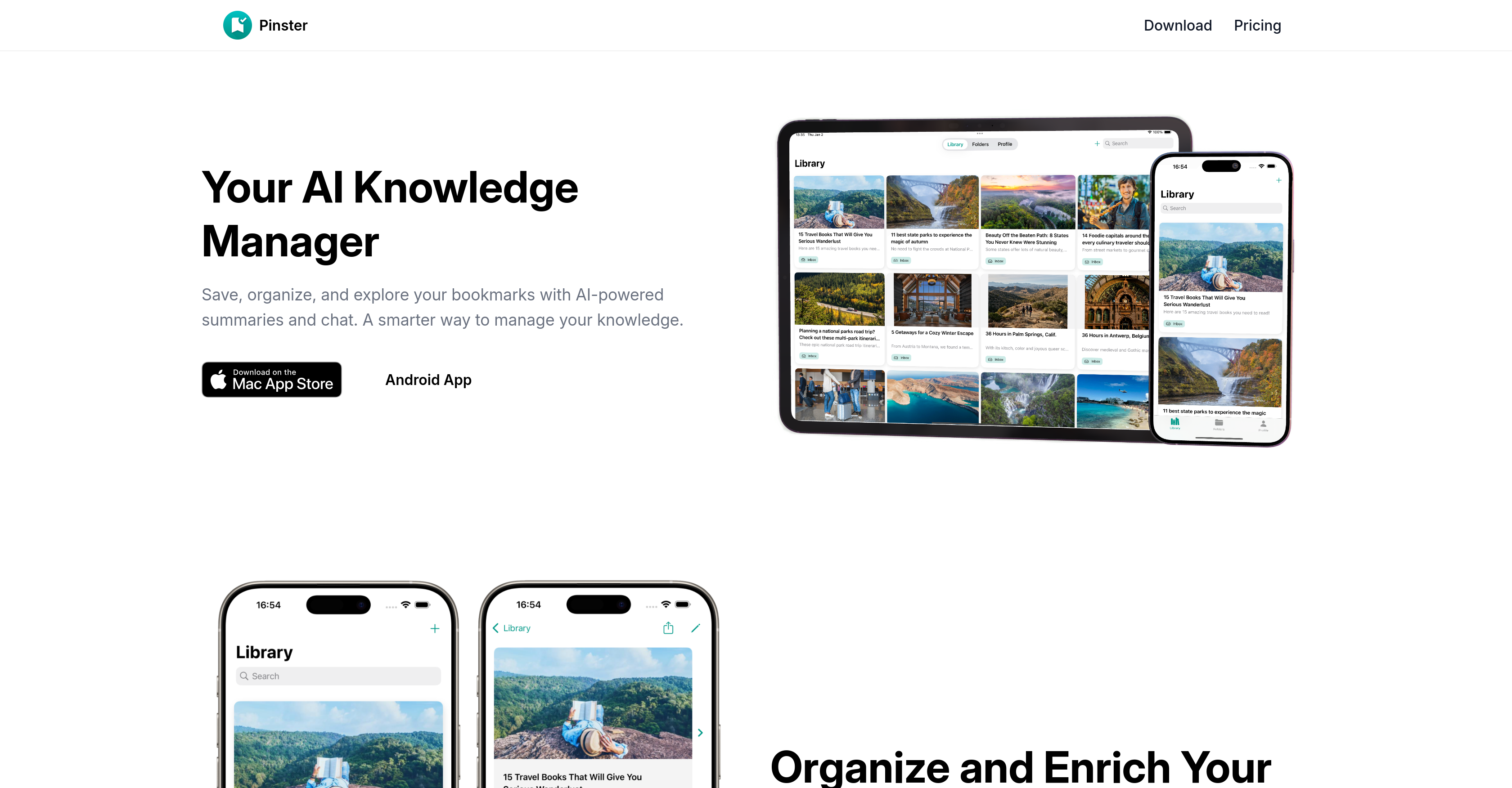
- Instantly understand any saved article without rereading through AI-generated summaries that extract key points
- Find specific information across all your bookmarks by asking questions directly to your saved content with the chat feature
- Automatically organize new bookmarks into relevant categories without manual tagging using AI smart folders
- Access your entire knowledge library across all devices with seamless cloud sync that keeps everything current
- Build a comprehensive research database by saving PDFs, images, and notes alongside web links in one centralized location
- Quickly locate any saved item using advanced search filters by tags, folders, or date added for precise retrieval
Pros & Cons
Pros
- Designed for macOS and iOS
- Chat feature for bookmarks
- Automatic categorization and tagging
- Personal reading library builder
- Ask questions to saved articles
- Unlimited bookmark addition
- Notes and descriptions for bookmarks
- Title or URL search
- Cross-device cloud sync
- Secure login with Apple or Google
- Advanced search filters in Pro
- Customizable folder icons in Pro
- Priority cloud syncing in Pro
- Automatic content summarization in Pro
- Early access to new features
- Save links, images, notes, and files
- Share menu and share extensions
- Seamless experience across Safari, Chrome, Firefox
- Interactive bookmarks
- Unlimited bookmark addition
- Reading library generation
- Comprehensive search capabilities
- Nested organization of folders
- Automatic tagging system
- Multi-data type saving
- Pro version advantages
- Secure account access
- In-app bookmark previews
- Minimalist user-friendly interface
- Add PDFs, images to bookmarks
- Fast updates with cloud sync
- Flexible folder and tag organization
- Smart Lists based on metadata
- Web Archive bookmarking
- Fully integrated with Apple devices
Cons
- Only for macOS/iOS
- No Android support
- Advanced features for 'Pro' only
- Potential delay in cloud sync
- No in-app previews on free
- Lack information on security measures
- Bookmark chat UX is unknown
- Not open-source
- Paid version relatively expensive
- Limited support options
Reviews
Rate this tool
Loading reviews...
❓ Frequently Asked Questions
Pinster is a software tool serving as an efficient bookmark manager designed for macOS and iOS. It distinguishes itself by also being an AI Knowledge Manager, providing users with AI-powered summaries and allowing users to interact with their bookmarks via a chat feature. It automatically categorizes and tags bookmarks, building a user's personal reading library. Pinster seamlessly integrates bookmarking across Safari, Chrome, and Firefox and additionally supports not just link bookmarking, but also for images, notes, and files.
Yes, Pinster is available on both macOS and iOS.
Pinster's AI Knowledge Manager offers a unique and interactive way of handling bookmarks. It assists in saving, organizing, and exploring bookmarks by providing AI-powered summaries. Moreover, it introduces an interactive feature where users can chat with their bookmarks - ask questions and get instant answers from their saved articles.
Yes, Pinster facilitates the bookmarking of not just links but also images, notes, and files, effectively making it a comprehensive knowledge manager.
Pinster uses AI to automatically categorize and tag the bookmarks. This intelligent system ensures that the user's bookmarks are easily accessible and effectively builds a personalized reading library for them.
The unique chat feature of Pinster allows users to communicate with their saved bookmarks. They can ask questions and immediately receive answers generated from the content of their saved articles.
The free features offered by Pinster include adding unlimited bookmarks with title and URL, adding notes or descriptions to bookmarks, organizing bookmarks into custom folders, searching bookmarks by title or URL, using a tagging system for better organization, accessing bookmarks across devices with cloud sync, logging in with Apple or Google for secure account access, in-app bookmark previews for supported web pages, and a minimalist and user-friendly interface.
The 'Pro' version of Pinster provides additional advanced features such as adding PDF files and images to bookmarks, advanced search with filters (tags, folders, date added), enhanced folder management with customizable icons, priority cloud sync for faster updates, automatic content summarization for saved links and early access to new features and updates. The cost for 'Pro' version is $4.99 monthly or $44.99 yearly.
Pinster's search feature works by allowing users to locate their bookmarks by title or URL. For 'Pro' version users, advanced search filters are provided that further enable users to filter their search using tags, folders, or the date when the bookmarks were added.
Yes, Pinster supports cross-device cloud syncing, enabling users to access their bookmarks across multiple devices.
Yes, Pinster provides secure login options with Apple or Google, ensuring secure account access for users.
Yes, there is. While regular cloud syncing is available to all users for accessing bookmarks across devices, 'Pro' version users receive priority cloud syncing, which guarantees faster updates.
Pinster's automatic content summarization feature, available in the 'Pro' version, works by providing concise summaries of the content in saved links. The process is automated and facilitated by AI technology.
'Early access to new features and updates' means that 'Pro' Version users get to use and avail the latest updates and features on Pinster before these are released for standard users.
Yes, 'Pro' version users of Pinster can customize their folder icons, providing an enhanced folder management experience.
For a seamless bookmarking experience, Pinster supports Safari, Chrome, and Firefox browsers.
The share menu and share extensions in Pinster enable users to effortlessly save bookmarks from supported browsers like Safari, Chrome, and Firefox. These features are fully integrated with your Apple devices, ensuring a smooth bookmarking experience across platforms.
Yes, Pinster offers secure login options. Users can log in with their Apple or Google accounts.
The 'Pro' version of Pinster costs $4.99 monthly or $44.99 yearly. Prices are in USD and may vary according to App Store pricing.
Pricing
Pricing model
Freemium
Paid options from
$9.99/month
Billing frequency
Monthly