Overview
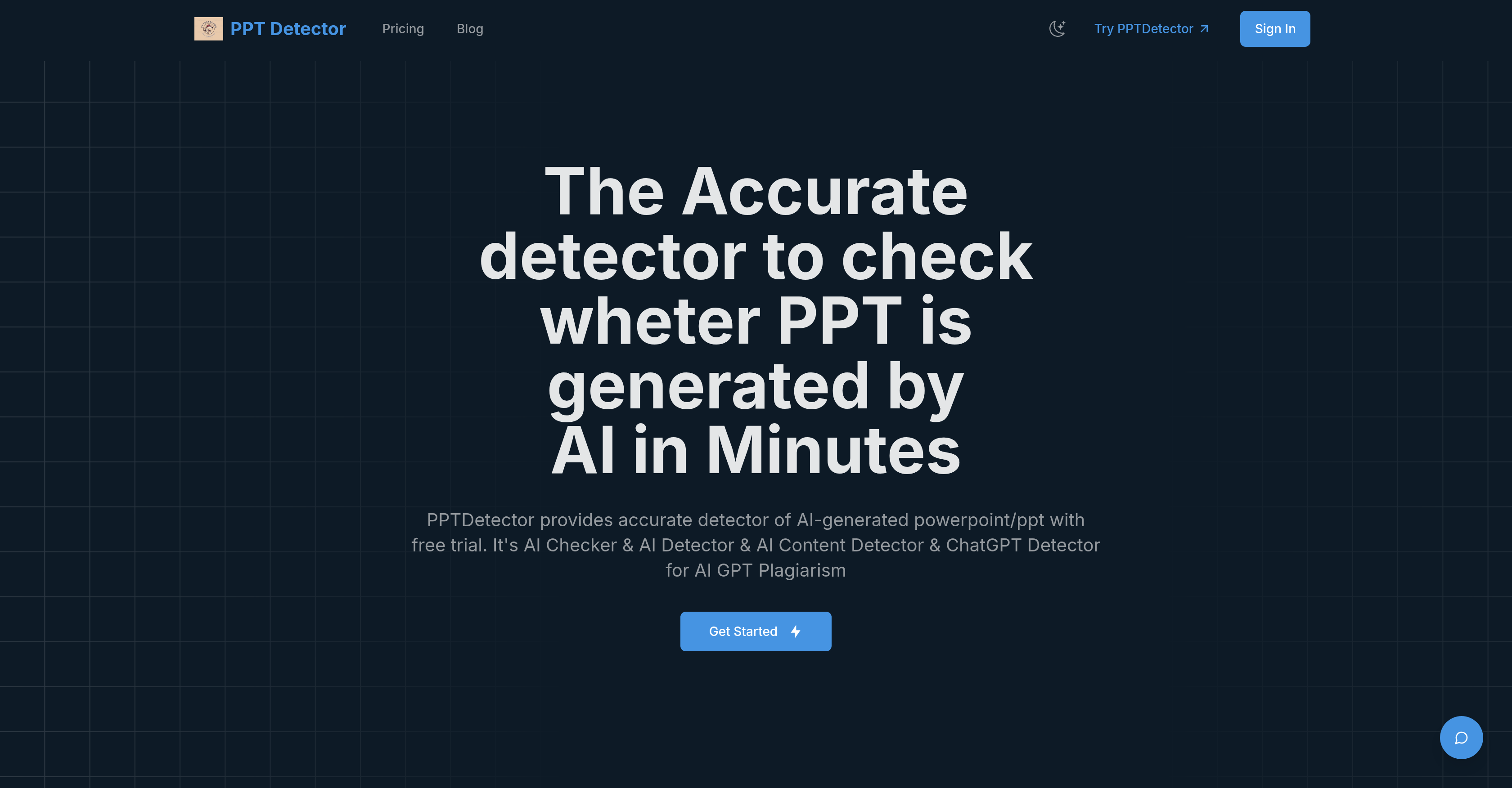
- Ensure academic work integrity by detecting AI-generated student presentations with advanced linguistic pattern analysis
- Maintain business presentation credibility by identifying AI-created content through design and formatting pattern recognition
- Receive detailed detection reports that often identify the specific AI tool used, such as ChatGPT or Claude
- Protect file privacy with encrypted uploads and automatic deletion after analysis
- Get results in 2-10 minutes regardless of presentation size or complexity through optimized machine learning algorithms
Pros & Cons
Pros
- Specialized PowerPoint authenticity verification
- Advanced machine learning algorithms
- Analyzes presentation structure
- Identifies linguistic patterns
- Examines design attributes
- Formatting aesthetics assessment
- Identifies repetitive structures
- Inspects layout choices
- Analyses color schemes
- Image placement analysis
- Statistical pattern recognition
- User-friendly platform
- Analysis of text content
- Deep content analysis
- In-depth design element detection
- Industry-leading accuracy
- Over 95% detection accuracy
- Text analysis within slides
- Effective for academic evaluations
- Suitable for business presentations
- Maintains content integrity standards
- Comprehensive detection result
- Time and resource efficiency
- Subscription plans availability
- Integrated Google OAuth
- One-tap login
- Secure payment gateway
- Integrated Google Analytics
- Search console implementation
- Pre-configured Algorithm integration
- Built-in credits system
- Supports PPT/PPTX files
- Automated detection process
- Scalable data storage
- Responsive interface design
- Built-in Supabase integration
- Fast detection process
- Detailed findings report
- Two-tier pricing plans
- Secure data transmission
- Authentication and payments
- Advanced text and image analysis
- Result visualization
- Priority technical support
- Maintains user privacy and security
Cons
- Only supports PPT and PPTX formats
- Limited to MS PowerPoint 2010
- Analysis time varies
- Credits-based system
- Does not guarantee 100% accuracy
- No API mentioned
- Hefty annual subscription cost
- File auto-deleted after analysis
- Isn't open-source
Reviews
Rate this tool
Loading reviews...
❓ Frequently Asked Questions
PPTDetector is an online tool designed specifically to identify and verify whether PowerPoint presentations have been created by artificial intelligence. Through its system, it assists businesses, institutions, and individuals in differentiating between AI-produced and human-crafted presentations.
PPTDetector uses advanced machine learning algorithms to analyze elements like presentation structure, design attributes, linguistic patterns, and formatting aesthetics. By examining these elements, it differentiates between presentations produced by humans and those generated by AI.
PPTDetector analyzes text content within the slides, layout choices, color schemes, image placements, and formatting aesthetics. It also studies patterns in slide transitions and content dispersion in the presentations.
Yes, PPTDetector can detect AI-specific writing patterns in text. Its advanced linguistic pattern recognition capabilities enable it to scrutinize text content within slides for AI-specific writing patterns and repetitive structures.
PPTDetector employs algorithms that examine layout choices and color schemes adopted in a presentation. It uses this information to identify patterns consistent with AI generation, subsequently helping in the detection process.
Yes, PPTDetector employs statistical pattern recognition to analyse variances in slide transitions as well as content dispersion. This helps to distinguish presentations created by AI from those crafted by humans.
For academic evaluations, PPTDetector can be used to establish the authenticity of content within PowerPoint presentations. It aids in maintaining the integrity and originality of academic work, by detecting if presentations were created by AI or manually by students.
PPTDetector helps uphold content integrity standards within organizations by ensuring PowerPoint presentations' authenticity. By accurately detecting if the content was produced by AI, it helps maintain the credibility and originality of the presentations used within the organization.
To start detection with PPTDetector, one needs to open their website, choose a subscription plan that fits their needs, and then upload the PowerPoint presentation file. The detection process will then start automatically.
The time taken by PPTDetector to analyze a PowerPoint presentation can range from as short as 2 minutes to as long as 10 minutes, depending on factors such as the size and complexity of the presentation.
PPTDetector maintains over 95% accuracy in detecting whether a PowerPoint presentation was generated by AI. It continuously updates its algorithms based on the most recent AI-generated content.
PPTDetector is equipped to detect PowerPoint presentations created by a range of AI systems, such as ChatGPT, GPT, Gemini, Grok, Claude, and Deepseek.
PPTDetector currently supports both .PPT and .PPTX file formats. It can analyze presentations created in Microsoft PowerPoint 2010 and later versions.
Yes, PPTDetector provides a free trial which detects AI-generated PowerPoint presentations.
PPTDetector offers three pricing plans — Starter, Monthly Subscription, and Annual Subscription. Each plan varies in terms of features and benefits provided and caters to different user requirements.
Yes, after PPTDetector finishes its analysis, it provides a comprehensive detection report with detailed findings.
Yes, all PowerPoint files uploaded to PPTDetector are encrypted during transit and files are deleted after analysis to maintain privacy.
Yes, PPTDetector can often identify the specific AI tool used to create the presentation by recognizing patterns unique to various AI generators such as ChatGPT, Claude, Microsoft Copilot, DALL-E, etc.
Yes, PPTDetector is designed with a user-friendly interface, making it simple for users to initiate the detection of AI-generated PowerPoint presentations in just a few steps.
PPTDetector boasts over 95% accuracy in identifying whether a given PowerPoint presentation was generated by AI, making it a highly reliable tool for checking content authenticity.
Pricing
Pricing model
Free Trial
Paid options from
$20
Billing frequency
One-time