
Overview
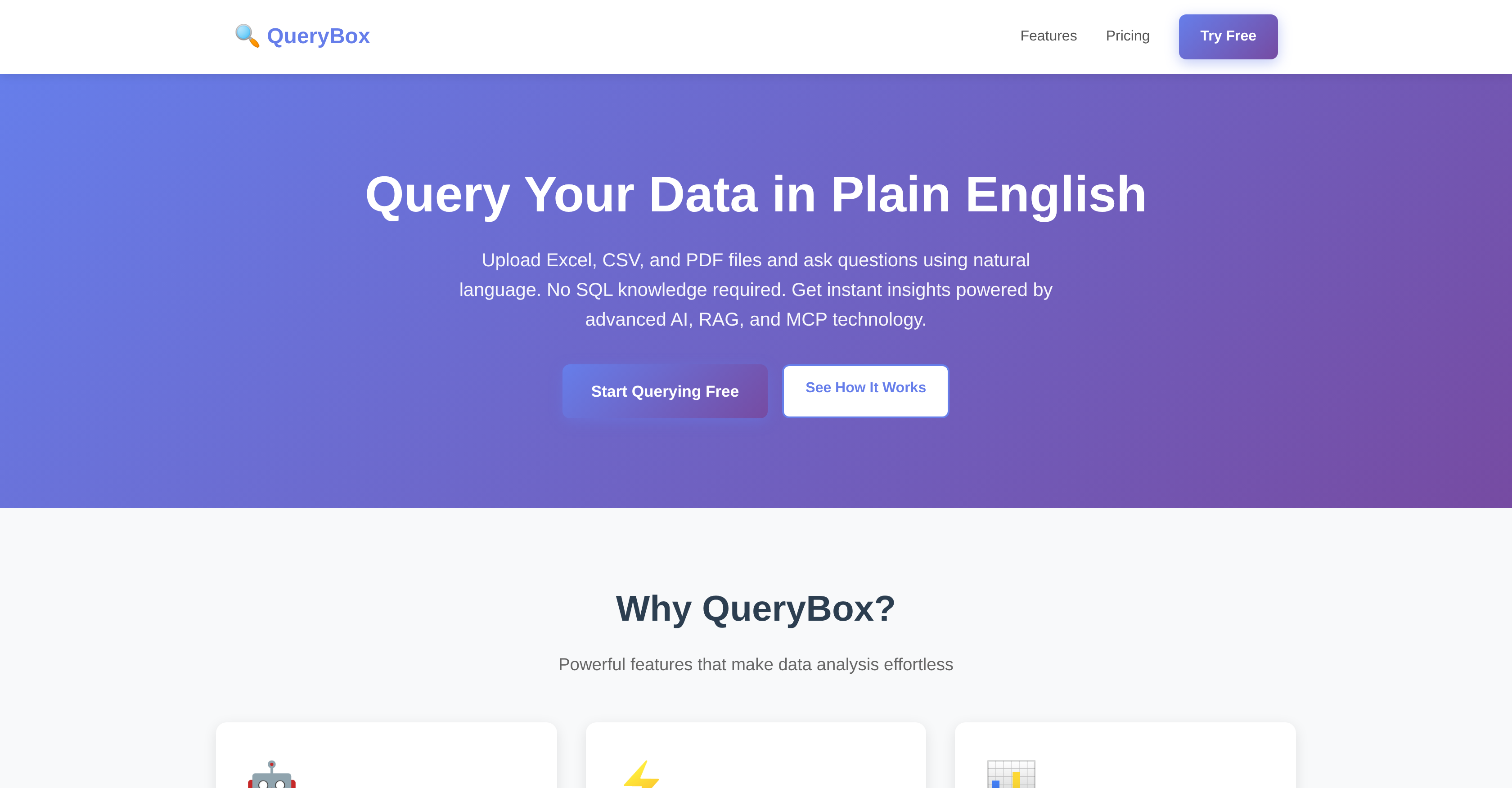
- Get instant answers from your data using plain English questions instead of complex formulas with natural language processing
- Analyze multiple Excel and CSV files together with automatic relationship detection between tables for comprehensive insights
- Extract specific information from PDF documents like contracts and reports using the same simple question-and-answer approach
- Discover hidden patterns and generate detailed reports automatically with autonomous AI agents that perform multi-step analysis
- Find relevant data even with vague or incomplete questions through semantic search powered by Retrieval-Augmented Generation
- Maintain complete data privacy with secure file processing, local storage options, and the ability to delete your data at any time
- Access your data analysis from any device with a browser without installation requirements for immediate insights anywhere
- Integrate data queries directly into your existing applications and workflows through comprehensive REST API access
- Collaborate securely with team members by sharing databases and insights while maintaining control through role-based permissions
Pros & Cons
Pros
- Queries Excel, CSV, PDF files
- No SQL knowledge required
- Immediate results retrieval
- Multiple file support
- Detects table relationships
- Data privacy and security
- Accessible from any device
- PDF document analysis support
- Semantic search across data
- Fuzzy query resolution
- Can integrate into applications
- Supports team collaboration
- Sharing databases, queries, insights
- Role-based access control
- Audit logs included
- REST API access
- Non-installation functionality
- Maintains persistent data storage
- Facilitates advanced analytics dashboard
- Supports custom integrations
- PDF query alongside spreadsheets
- Claude, ChatGPT, MCP integration
- Reports generation functionality
- Pattern discovery support
- Priority 24/7 support
Cons
- Only supports English
- May misunderstand complex queries
- Can't handle large datasets
- Limited file size
- No offline functionality
- Pro features are paid
- Lacks advanced analytics in free tier
- Limited number of queries in free version
- No custom integration in free version
- PDF document analysis limited to Pro version
Reviews
Rate this tool
Loading reviews...
❓ Frequently Asked Questions
QueryBox is an advanced tool powered by AI, designed to make querying Excel, CSV, and PDF files easy using natural language. It allows users to upload their data, and it extracts insights instantly using simple English text. QueryBox doesn't require the user to have SQL knowledge. This tool can produce immediate results, supports multiple files, detects relationships between tables, and ensures data privacy and security.
QueryBox supports multiple file types, specifically Excel, CSV, and PDF files.
No, users do not need to have any SQL knowledge to use QueryBox. It enables them to ask queries in simple English text and extracts the required data instantly.
The AI-Powered Queries feature of QueryBox works by understanding the user's intent in their query, expressed in simple English. It then generates the corresponding query automatically, allowing for an effortless user experience.
Yes, QueryBox can automatically detect relationships between tables. This is especially useful when working with multiple files at once and helps facilitate complex queries.
Yes, QueryBox prioritizes data privacy and security. It processes user data securely, and users can delete their data at any time. QueryBox assures that the user's information is never shared.
No, there's no specific installation required for QueryBox. It is designed to operate from any device with a browser, ensuring ease of use and constant availability of your data.
QueryBox's PDF querying feature allows the extraction of insights from PDF documents using the same natural language process as with Excel and CSV files. This makes it possible to analyze and interpret data contained in contracts, reports, and other PDF documents.
Yes, QueryBox can be integrated with various AI assistants through the Model Context Protocol (MCP). This allows for seamless incorporation into custom workflows and extra functionalities enabled by the assistants.
The autonomous AI agents of QueryBox can undertake complex, multi-step analysis, generate reports, and automatically discover hidden patterns in the data.
Yes, QueryBox can be integrated into existing applications through REST API, providing programmatic access to all its features with detailed API documentation.
QueryBox promotes team collaboration by allowing the sharing of databases, queries, and insights with the team. This enables collective discussions and insights from multiple perspectives.
Yes, QueryBox provides role-based access control for team collaboration. This feature allows administrators to set and manage user roles and access rights within the team, offering a secure and controlled collaborative environment.
Yes, QueryBox allows for semantic search across data with its Retrieval-Augmented Generation (RAG) technology. This is useful for finding relevant information even with fuzzy queries.
Yes, QueryBox is equipped with autonomous AI agents which enable complex, multi-step analysis. These agents can automatically perform deep-diving analysis and uncover hidden patterns in the data.
The Model Context Protocol (MCP) in QueryBox benefits the user by allowing seamless integration with various AI assistants. This can significantly enhance the analytics capabilities, making custom workflow build-outs possible.
The Retrieval-Augmented Generation (RAG) feature in QueryBox is a form of semantic search technology. It allows users to discover relevant information across their data, even when the queries might not be very specific or clear.
Yes, QueryBox can be used on mobile devices. It doesn’t require any specific installation, and is accessible from any device that has a browser.
QueryBox constantly ensures data availability by being a browser-based tool. Users can access their data from any device with a browser, irrespective of the time and place.
Yes, using QueryBox you can share databases, queries, and insights with your team. This fosters team collaboration, and the shared resources can be accessed by the team for various purposes.
QueryBox works by users uploading their data files. Users can then use simple English text to ask questions and receive immediate insights. It identifies relationships between data from different tables when multiple files are uploaded, and its inbuilt AI understands the user's intent and generates appropriate queries automatically.
QueryBox can analyze Excel, CSV, and PDF files.
No, users do not require knowledge of SQL to use QueryBox. The system enables them to ask questions and receive insights in simple English.
QueryBox ensures data privacy and security by processing all files securely. Users can delete their data at any time and QueryBox does not share user information.
Yes, QueryBox can identify relationships between different tables from multiple files uploaded concurrently.
No, QueryBox does not need to be installed on your device. It can be accessed from any device with a browser.
Key features of the forthcoming QueryBox PRO include PDF document analysis, integration with various AI assistants via Model Context Protocol (MCP), semantic search across data using Retrieval-Augmented Generation (RAG), deployment of autonomous AI agents for complex multi-step analysis, and integration with other applications through REST API.
Yes, QueryBox PRO will have the ability to analyze PDF documents alongside spreadsheets.
QueryBox integrates with AI assistants like Claude and ChatGPT through Model Context Protocol (MCP), allowing users to build custom workflows.
Yes, through QueryBox users can deploy autonomous AI agents to perform complex multi-step analysis, generate reports, and discover hidden patterns.
The purpose of Retrieval-Augmented Generation in QueryBox is to enable semantic search across data, facilitating generation of meaningful insights even when the queries are fuzzy or not very clear.
Users can integrate QueryBox into their applications through the programmatic access provided via REST API.
Yes, QueryBox supports team collaboration. It allows users to share databases, queries, and insights with their team. It also provides role-based access control and audit logs for secure collaboration.
QueryBox is non tech user friendly because users do not require any SQL or programming knowledge to use it. They can simply upload their Excel or CSV files and ask questions in plain English, and QueryBox's AI will generate the respective query and provide insights.
AI-powered query in terms of QueryBox's function refers to the system's ability to understand the user's intent expressed in simple English text and generate the suitable query automatically.
In QueryBox, insights can be shared within a team by using the team collaboration features of the tool. It allows sharing of databases, queries, and insights. Role-based access control and audit logs ensure that the sharing happens in a secure manner.
Yes, QueryBox offers role-based access control and audit logs. These features ensure secure collaboration by managing access to different aspects of the system based on user roles and keeping a detailed record of all system access and operations.
Yes, users can use QueryBox for patterns discovery in their data. QueryBox's advanced AI and autonomous agents can perform complex multi-step analysis to discover hidden patterns and generate reports.
The Model Context Protocol in QueryBox facilitates seamless integration with various AI assistants. It is a system that supports building custom workflows.
Pricing
Pricing model
Freemium
Paid options from
$29/month
Billing frequency
Monthly