
Overview
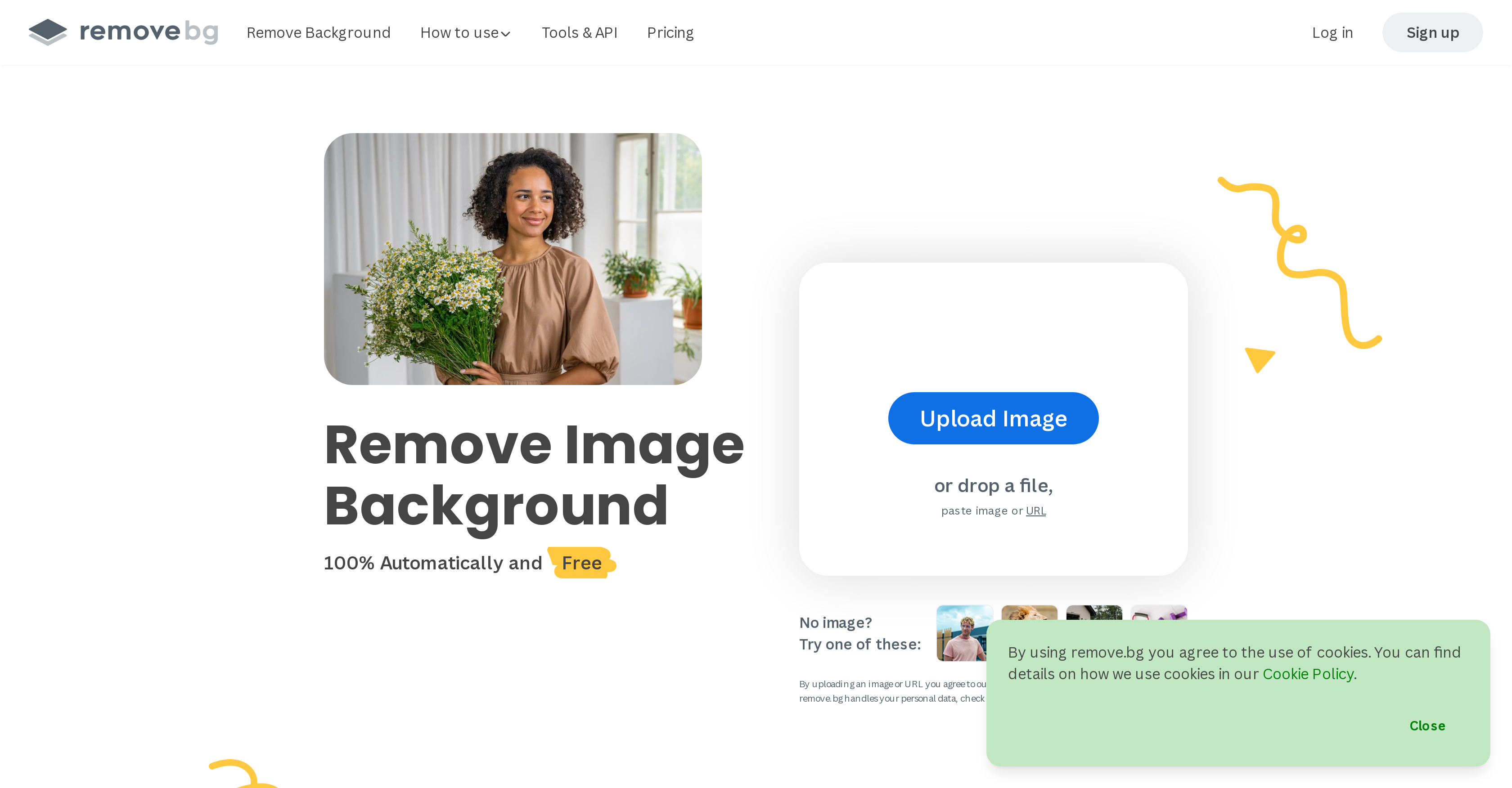
- Remove any image background in just 5 seconds with AI-powered automatic detection that handles complex details like hair
- Create professional product photos instantly by replacing backgrounds with solid colors or transparent layers for eCommerce
- Process thousands of images for large-scale projects through batch processing and API integration with design programs
- Generate precise photo cutouts and subject isolation even with intricate edges using advanced AI algorithms
- Automate your design workflow by integrating background removal directly into your applications with custom API solutions
Pros & Cons
Pros
- Instant background removal
- Advanced edge detection algorithms
- Processes photos quickly
- Single click-operation
- Eliminates manual pixel picking
- Integrates with popular design programs
- E-commerce site integrations
- API for custom workflows
- Handles complex textures
- Offers design templates
- Provides tutorials
- Aligns with software workflows
- Background transparency features
- White background addition
- Subject extraction capability
- Generates photo cutouts
- Supports individual users
- Ideal for large projects
- Provides API documentation
- FAQ section available
- Offers a creative blog
- Platform improvement through user contribution
- Software workflow integration
- Handles feathery hair details
- Supported by noteworthy companies
- Blog offers utilization insights
- Removes image backgrounds automatically
Cons
- Inaccurate edge detection
- Difficulty with complex backgrounds
- Limited design templates
- Requires high-quality images
- Limited API customizations
- No bulk uploading
- Struggles with similar colors
- Slow processing for larger images
- No desktop app
- Limited image formats supported
Reviews
Rate this tool
Loading reviews...
❓ Frequently Asked Questions
Remove.bg works by using advanced artificial intelligence algorithms to automatically isolate subjects in an image and remove the background. It can easily detect the edges of an object in an image and execute background removal or replacement.
Yes, remove.bg can process images in as little as 5 seconds, allowing users to save considerable time compared to manual editing.
Yes, Remove.bg offers integrations with popular design programs and e-commerce platforms, although the specific names of these programs or sites are not specified in the information on their website.
Yes, remove.bg can handle complex details like feathery hair in an image. Its advanced algorithms ensure the precise isolation of subjects, even with intricate details.
Yes, remove.bg does have an API for custom workflows. This allows users to integrate remove.bg's capabilities into their own designs or applications for more efficient digital workflows.
Remove.bg is designed for a variety of users. This spans from individual users to photographers, marketers, developers, e-commerce professionals, media outlets, and more.
Apart from background removal, remove.bg also offers the addition of a new background. It provides various design templates, allows generation of photo cutouts, and image isolations. Additionally, they provide an API for custom workflows.
Remove.bg has been praised by companies such as Sony Music Entertainment Denmark and Phoenix Trading Company, and has also received positive coverage in publications such as TechCrunch.
Yes, users can make a background transparent using remove.bg. This is one of its core functions, allowing subjects to be isolated on a transparent background.
Yes, remove.bg can replace the removed background with a new one according to user preference.
Users can contribute images to train remove.bg's artificial intelligence by opting to provide their images for quality improvements. This helps remove.bg learn and improve future result accuracy.
Yes, remove.bg offers various resources to guide its users. These include design templates and tutorials for different user categories. However, more specific guides or tutorials were not specified in the information.
API documentation for remove.bg can be found on their website, allowing it to be more accessible to users and helps in providing customized digital efficiency.
Yes, Adding a white background to a photo is one of the image editing options provided by remove.bg.
Yes, remove.bg is suitable for large-scale projects. It has the capacity to process thousands of images swiftly, making it ideal for high-volume demands like e-commerce sites, design programs, and media professionals.
Remove.bg can aid e-commerce professionals by swiftly processing product images. By removing or replacing image backgrounds automatically, it can highlight product details better, resulting in more attractive visuals for e-commerce platforms.
As per the available information, remove.bg's core function is removing and replacing image backgrounds. Other photo editing features were not outlined in the provided text.
Yes, remove.bg has the ability to generate a photo cutout. It can identify and isolate the subject from the background, offering a cutout of the subject away from the original background.
Yes, using its AI algorithms, remove.bg can quickly identify and separate the subject from the background in an image.
Yes, remove.bg does offer a 'Help & FAQs' section on their website, providing assistance to users and answers to common queries.
Pricing
Pricing model
Freemium
Paid options from
$9.71/month
Billing frequency
Monthly
Refund policy
Refunds are available within 14 days of the first subscription if fewer than 50 images are processed, results are unsatisfactory, and the guarantee hasn’t been used before.
Related Videos
Best 2025 FREE Background Remover! Top 12 Compared
PiXimperfect•94.5K views•Jul 2, 2025