Overview
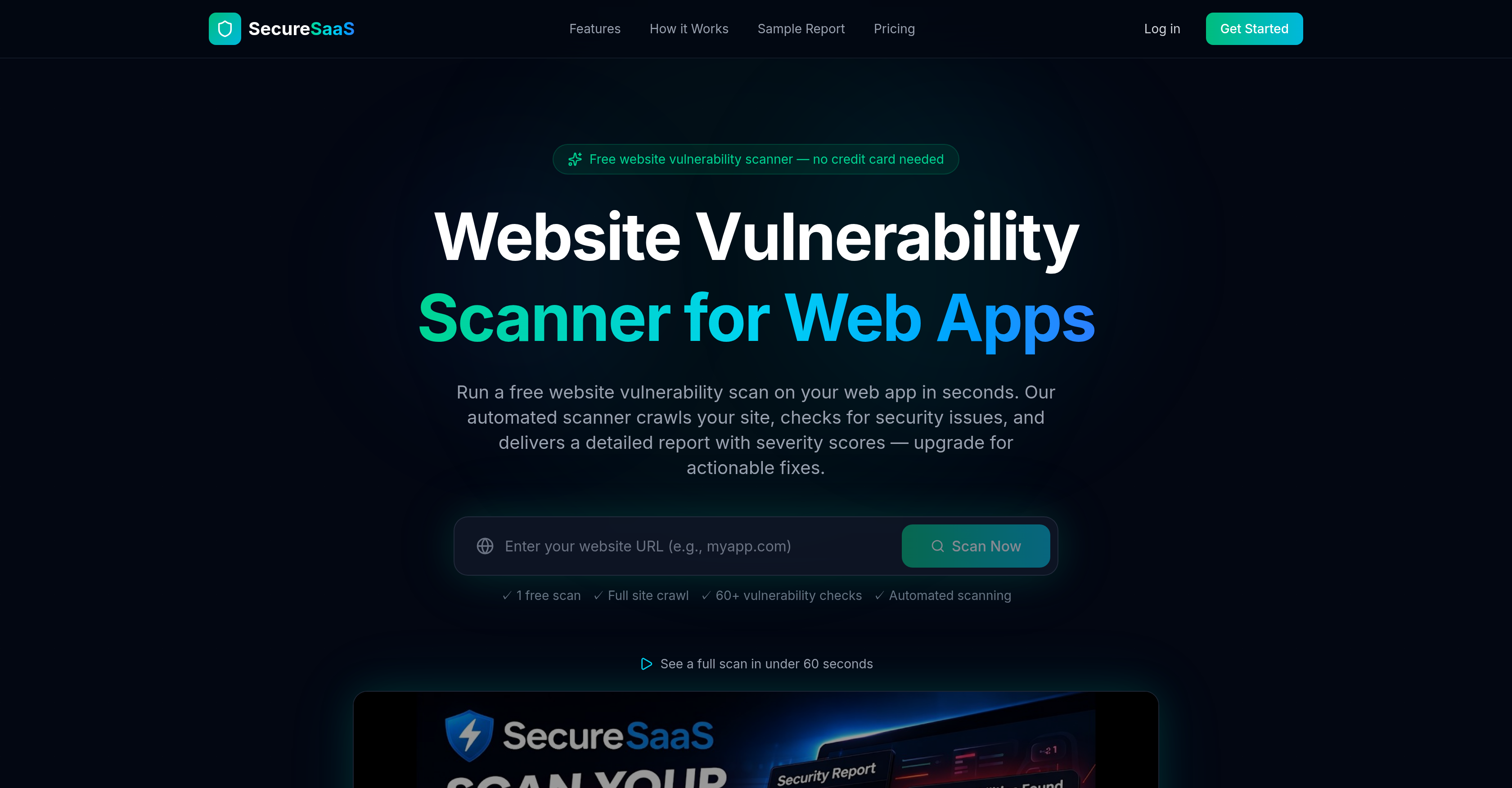
- Uncover critical security flaws before attackers do with automated scanning for OWASP Top 10 risks, XSS, CSRF, and injection vulnerabilities.
- Patch vulnerabilities faster with developer-friendly explanations and exact code snippets provided for every issue found.
- Prevent data leaks by detecting exposed sensitive files like .env, .git repositories, and database backups through a comprehensive directory audit.
- Strengthen your site's foundation with automated checks for SSL/TLS configuration, security headers (CSP, HSTS), and cookie security attributes.
- Identify risks in your supply chain by detecting known vulnerabilities in outdated libraries like jQuery, AngularJS, and Bootstrap.
- Verify your email security posture with automated SPF and DMARC record checks to prevent domain spoofing and phishing.
- Manage security collaboratively by allowing team access to scan history, reports, and track improvement over time (Premium feature).
- Integrate security into your workflow with API access, scheduled scans, and Slack/Webhook alerts for new findings (Premium feature).
Pros & Cons
Pros
- Detects XSS or injection attacks
- Identifies OWASP top 10 risks
- Performs SSL/TLS analysis
- Checks security headers
- Uncovers sensitive exposed files
- Runs CSRF audits
- Automated web application crawl
- Provides vulnerability severity scores
- Offers fix recommendations
- Starter plan includes PDF report export
- Email and webhook alerts on Pro plan
- API access and scheduled scans on Pro plan
- Performs cookie security audits
- Does email security checks
- Performs directory audits
- Detects CORS misconfigurations
- Performs supply chain integrity checks
- User-friendly interface
- No credit card needed
- Does technology fingerprinting
- Performs robots.txt audits
- Open redirect detection
- Handles scan management
- Allows team access for collaboration
- Offers step-by-step fix suggestions
- Checks and verifies SSL certificates
- Performs access control checks
- Does full site crawl
- Offers actionable solutions for vulnerabilities
- Includes clear developer-friendly explanations
- Specific code snippets for fixes
- Single URL required to start scan
- Tracks security trends
- Offers one-click re-scan
- Performs sensitive file and open ports exposure checks
- Checks for known vulnerabilities in libraries
- Runs 60+ automated vulnerability checks
- Offers CSRF and Access Controls Audits
Cons
- Cost in heavier usage
- Limited pages per scan
- Lacks preventative measures
- No real-time scanning
- No custom scanning options
- Limited team access
- No instant remediation actions
- No native integrations
- No risk-based prioritization
Reviews
Rate this tool
Loading reviews...
❓ Frequently Asked Questions
SecureSaaS is a free website vulnerability scanner. It is designed to detect vulnerabilities, security flaws, and misconfigurations in web applications. It automatically crawls web applications, performs security checks, and produces a detailed report to help improve the security posture of websites.
SecureSaaS works by automatically crawling web applications. It then runs security checks on these applications and produces a detailed report. This report includes severity scores and, when applicable, suggestions on how to rectify identified vulnerabilities.
SecureSaaS can identify a wide range of vulnerabilities. It is capable of detecting SSL/TLS issues, checking for security headers, identifying cross-site scripting (XSS) or injection attacks, as well as finding common OWASP top 10 risks. It also checks access controls, uncovers sensitive exposed files, open ports, and carries out CSRF audits. Moreover, SecureSaaS can detect known vulnerabilities in libraries used by the applications it scans.
Yes, SecureSaaS does provide recommendations on how to fix identified vulnerabilities. The detailed report it generates includes, where applicable, recommendations on how to remedy the vulnerabilities identified.
SecureSaaS analyzes SSL/TLS by verifying your SSL certificate, checking for mixed content, HTTPS redirects, and HSTS on your web server, which are crucial for secure data transit and a strong security posture.
Yes, SecureSaaS performs security header checks. It covers vulnerability checks on CSP, HSTS, X-Frame-Options, Permissions-Policy, Referrer-Policy, among others, providing precise configuration recommendations to fix security issues.
SecureSaaS identifies injection attacks or XSS by detecting unsafe JavaScript patterns, inline eval(), document.write(), innerHTML usage, and potential cross-site scripting—common web application vulnerabilities in source code.
Yes, SecureSaaS is capable of detecting known vulnerabilities in libraries. It identifies outdated jQuery, AngularJS 1.x, old Bootstrap, and unpatched software with known vulnerabilities.
SecureSaaS performs numerous advanced security checks. These include email security, cookie security audits, directory audits, CORS misconfigurations, and supply chain integrity checks.
Yes, SecureSaaS carries out CSRF audits. It verifies that forms have CSRF tokens and cookies possess suitable SameSite, HttpOnly, and Secure attributes. These checks ensure to prevent cross-site request forgery attacks.
No, SecureSaaS does not require credit card details for use. It is freely accessible to help users improve their website security posture.
Yes, the SecureSaaS interface is user-friendly. Despite its extensive capabilities, its interface is designed to improve user accessibility and ease of use.
Yes, SecureSaaS checks for risks listed in the OWASP Top 10. It considers these common risks in its comprehensive scanning process to provide the most thorough security analysis possible.
SecureSaaS checks for access controls by verifying that forms have CSRF tokens and cookies have suitable SameSite, HttpOnly, and Secure attributes. These checks ensure to prevent unauthorized access to resources.
Yes, SecureSaaS can uncover sensitive exposed files and open ports. It detects exposed .env files, .git repositories, database backups, debug logs, open ports, and other commonly leaked paths that penetration testers usually look for.
Yes, SecureSaaS does provide actionable fix suggestions. When it detects a vulnerability, it provides a clear, developer-friendly explanation, and exact code snippets for its remedy.
Yes, SecureSaaS can conduct directory audits and CORS misconfigurations. It checks for directory listings, robots.txt files, CORS settings, and more to ensure proper configuration and reduce potential security risks.
SecureSaaS carries out supply chain integrity checks by utilizing SRI (Subresource Integrity) checks. It scans for violations in supply chain integrity as a part of its comprehensive security analysis.
Yes, SecureSaaS carries out cookie security audits. It verifies that cookies have proper SameSite, HttpOnly, and Secure attributes. It looks for cookies without a SameSite attribute, a common medium-level security issue.
Absolutely, SecureSaaS is valuable to developers. By detecting known vulnerabilities in libraries and providing actionable fix suggestions, SecureSaaS helps developers to enhance the security of their web applications easily.
SecureSaaS scans for a variety of issues including SSL/TLS issues, missing or misconfigured security headers, open ports, cross-site scripting (XSS), cross-site request forgery (CSRF), and more. It also checks access controls, identifies sensitive exposed files and open ports, and performs CSRF audits. Further, SecureSaaS performs advanced checks like email security, cookie security audits, directory audits, CORS misconfigurations and supply chain integrity checks.
Yes, SecureSaaS includes SSL/TLS analysis in its array of security checks. It verifies the SSL certificate, checks for mixed content, HTTPS redirects, and HSTS on a website's web server.
Indeed, SecureSaaS is designed to identify cross-site scripting (XSS) vulnerabilities. It detects unsafe JavaScript patterns, inline eval(), document.write(), innerHTML usage, and possible cross-site scripting vulnerabilities in a website's source code.
A scan with SecureSaaS is started by simply entering a website's URL into the SecureSaaS scanning tool. The software then automatically begins to crawl the website and perform over 60 different security checks. Once complete, SecureSaaS generates a detailed report that includes severity scores for any vulnerabilities identified.
Yes, SecureSaaS performs CSRF audits as part of its comprehensive security checks. It verifies that forms have CSRF tokens and that cookies have the appropriate SameSite, HttpOnly, and Secure attributes. This helps to prevent cross-site request forgery attacks.
SecureSaaS produces comprehensive reports following each scan. These reports include severity scores for identified vulnerabilities and detailed descriptions of each vulnerability discovered. Furthermore, if the user has opted for a premium plan, the reports will also include step-by-step fix suggestions.
SecureSaaS assists with vulnerability management in various ways. It identifies known vulnerabilities in libraries and suggests actionable fixes. It also allows re-scanning of any URL instantly to verify if the fixes worked. For users with a premium plan, SecureSaaS provides functionalities like step-by-step fix suggestions, facilitating more insightful and effective vulnerability management.
Yes, SecureSaaS performs checks for email security. These checks involve verification of SPF and DMARC records which are crucial for email security.
SecureSaaS performs cookie security audits by checking if cookies have proper SameSite, HttpOnly, and Secure attributes. These checks are crucial in ensuring that cookies are employed securely on a website.
In its directory audit, SecureSaaS identifies and exposes sensitive files like .env files, .git repositories, database backups, and debug logs. These are potential areas where sensitive information could be leaked and pose security threats.
Yes, SecureSaaS can detect common OWASP top 10 risks within a website. These include vulnerabilities like cross-site scripting (XSS), injection attacks, misconfigured security headers, and more.
SecureSaaS enables more user-friendly scan management for teams by allowing team access. This ensures that everyone in the team can collaborate on security, view all past scans with scores, dates, and vulnerability counts, and track how the website's security improves over time.
SecureSaaS offers an upgrade option to a premium plan that provides additional features. The premium features include step-by-step fix suggestions for vulnerabilities, PDF report exports, email notifications, API access, scheduled scans, Slack and Webhook alerts, as well as team access.
While SecureSaaS is extremely useful in identifying vulnerabilities and suggesting fixes, it should not be considered as a preventive measure against all web attacks. SecureSaaS is a tool to improve a website's security posture as it identifies potential threats, but it should be used as part of a comprehensive security plan.
A SecureSaaS website vulnerability scan can be started simply by entering a website URL into the scanning tool. No credit card or GitHub account is required to initiate the scanning process.
SecureSaaS checks for a wide array of vulnerabilities including SSL/TLS issues, missing or misconfigured security headers, cross-site scripting (XSS), cross-site request forgery (CSRF), cookie security flaws, sensitive file exposure, outdated libraries with known vulnerabilities, CORS misconfigurations, open redirects, and SPF/DMARC email security issues, among others.
Yes, SecureSaaS provides a detailed description of every discovered vulnerability. These descriptions go beyond simply identifying the issue, they provide context about why the vulnerability matters and how it could potentially be exploited.
SecureSaaS provides actionable fix suggestions for each vulnerability detected. These suggestions come with a clear, developer-friendly explanation and exact code snippets to help guide immediate fixes. For users on a premium plan, step-by-step remedies are provided to support comprehensive vulnerability management.
Pricing
Pricing model
Freemium
Paid options from
$29/month
Billing frequency
Monthly
Refund policy
No Refunds