
Sketch Studio
Overview
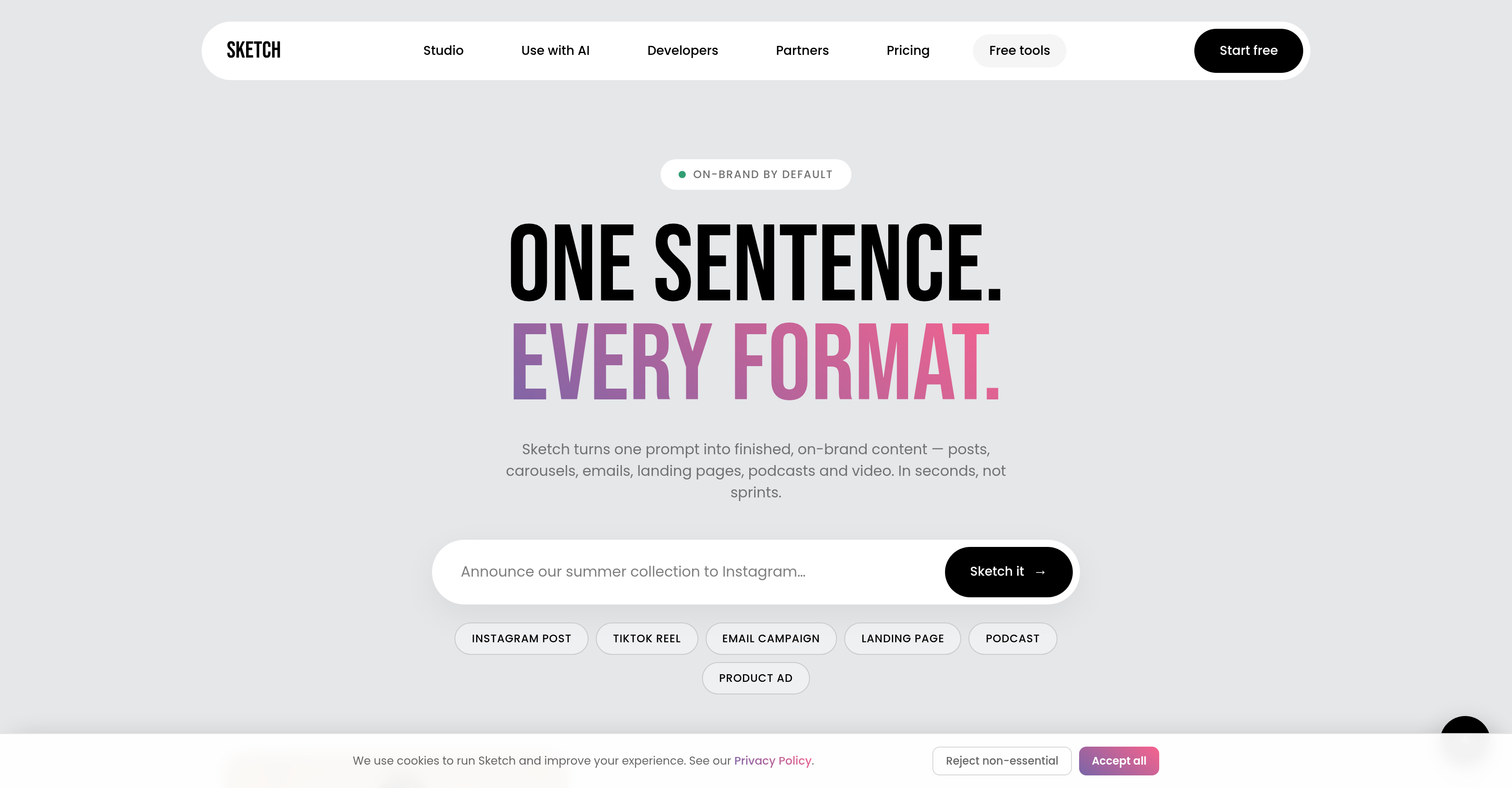
- Publish consistent, on-brand social media posts, emails, landing pages, podcasts, and videos—each generated from a single prompt using your brand's logo, colors, fonts, and voice extracted directly from your URL.
- Launch e-commerce ads that sell—by pasting a product-page link to extract real product name, photo, and price, then restaging the actual product in the ad.
- Eliminate brand kit uploads and style briefs—Sketch captures your brand identity from a URL, so every asset reflects your unique visual and tonal guidelines without manual setup.
- Plan your content calendar with confidence—use free tools to rank the right marketing channels, score SEO and link previews, and explore trending topics specific to your niche.
- Scale content delivery for developers—integrate Sketch's API to automate on-brand asset creation and distribution across your existing AI tool stack.
Pros & Cons
Pros
- Generates diverse digital assets
- Creates on-brand content
- Brand elements extraction from URL
- Diverse formatting options
- Automated captions feature
- Generates e-commerce ads
- Extracts product details
- API options for developers
- Free starting option
- Offers marketing tools
- Provides SEO audits
- Content planning capability
- Industry-specific trends exploration
- Generates brand specific content
- Compatible with various formats
- Streamlines content creation
- Automates content delivery
- Email unlocks more capacity
- Content generation from single prompt
- Multiple format content creation
- Product ads from page link
- Direct product restaging in ads
- Offers social post formats
- Offer diverse credit plans
- Automated content campaigns planning
- Personal brand analysis tool
- Various styles with captions
- Generates swipe-ready carousels
- Instant e-commerce ads creation
- Picks real product details
- Quick content generation
- Automated content planning tools
- REST API for developers
- Offers a variety of free tools
- Generates real output without signup
- Marketing channels ranking tool
- Site tracking pixels audit
- Link previews and SEO audit
- Content Strategy generator
- Industry trends explorer
Cons
- Complex for non-tech users
- High reliance on URLs
- Unclear e-commerce platforms compatibility
- Limited personalization options
- Locks features behind email
- Dependent on brand's online presence
- No evident multilingual support
- Inaccurate brand capture possible
- No mention of data privacy
- Time-to-generation unspecified
Reviews
Rate this tool
Loading reviews...
❓ Frequently Asked Questions
Sketch Studio can generate content for numerous formats including social media posts, emails, landing pages, podcasts, videos, carousels, presentations, press releases, and eBooks, among others.
Sketch Studio captures brand elements such as the logo, colors, fonts, and voice directly from a URL provided by the user. It does not require brand kit uploads or style briefs.
Yes, Sketch Studio can create e-commerce ads directly from a product-page link. It utilizes the link to extract real product details such as name, photo, and price, effectively restaging the actual product in the ad.
Sketch Studio uses a prompt given by the user to produce on-brand content. It captures brand elements directly from a URL provided by the user and uses these to create unique, brand-specfic digital assets.
Yes, Sketch Studio provides an API for developers. The API can be utilized to streamline and automate on-brand content creation and delivery.
Yes, Sketch Studio can be integrated with other AI tools. It offers plugins for various AI systems, allowing for a seamless and unified experience.
Sketch Studio offers a variety of marketing tools, including tools for marketing channel selection, SEO audits, content planning, and exploring trends specific to the user's niche.
Sketch Studio has free tools to assist in content planning. It can help users plan their content calendar, strategize their content based on what's working currently in their niche, and keep track of trending topics relevant to their market.
To start using Sketch Studio for free, a user simply has to start generating content. The user then provides their email to unlock more capacity.
From a product-page link, Sketch Studio can extract the product name, photo, and price. These real product details are then used to create relevant and specific e-commerce ads.
Users can create social media posts with Sketch Studio by providing a prompt. Sketch Studio will then generate on-brand, digital assets in the desired format.
Sketch Studio uses a URL provided by the user to capture brand elements such as logo, colors, fonts, and voice. These elements are then used to generate on-brand content.
Yes, Sketch Studio offers SEO audit tools. They help score the site's tracking pixels, SEO, and link previews and also provide recommendations on what needs to be fixed.
Sketch Studio offers diverse ad formatting options. It can create social media content, emails, landing pages, podcasts, and videos. Additionally, it can create e-commerce ads directly from a product-page link.
Sketch Studio explores trends specific to a user's niche with its free Trends Explorer tool. Users can see what's currently trending in their specific market and why.
Yes, Sketch Studio can generate both video content and podcasts. The range of formats supported reflects its ability to create a diverse array of digital assets.
Yes, Sketch Studio can generate content for both emails and landing pages. The system uses a single user prompt to create content in these forms, in addition to various other formats.
By providing their email, users unlock additional capacity in Sketch Studio. The specifics of the benefits vary but could include additional content generation capacity or access to more features.
Sketch Studio streamlines and automates on-brand content creation and delivery through its AI-powered system. Utilizing a user-provided URL, it extracts brand elements and, based on a given prompt, creates distinctive digital assets. For developers, access to an API helps further automate the whole process.
Yes, Sketch Studio offers tools for marketing channel selection. The free Channel Fit tool provides a ranking of the right marketing channels for your business, along with a playbook and a competitor benchmark.
Pricing
Pricing model
Free Trial
Paid options from
$12/unit
Billing frequency
Pay-as-you-go