
Overview
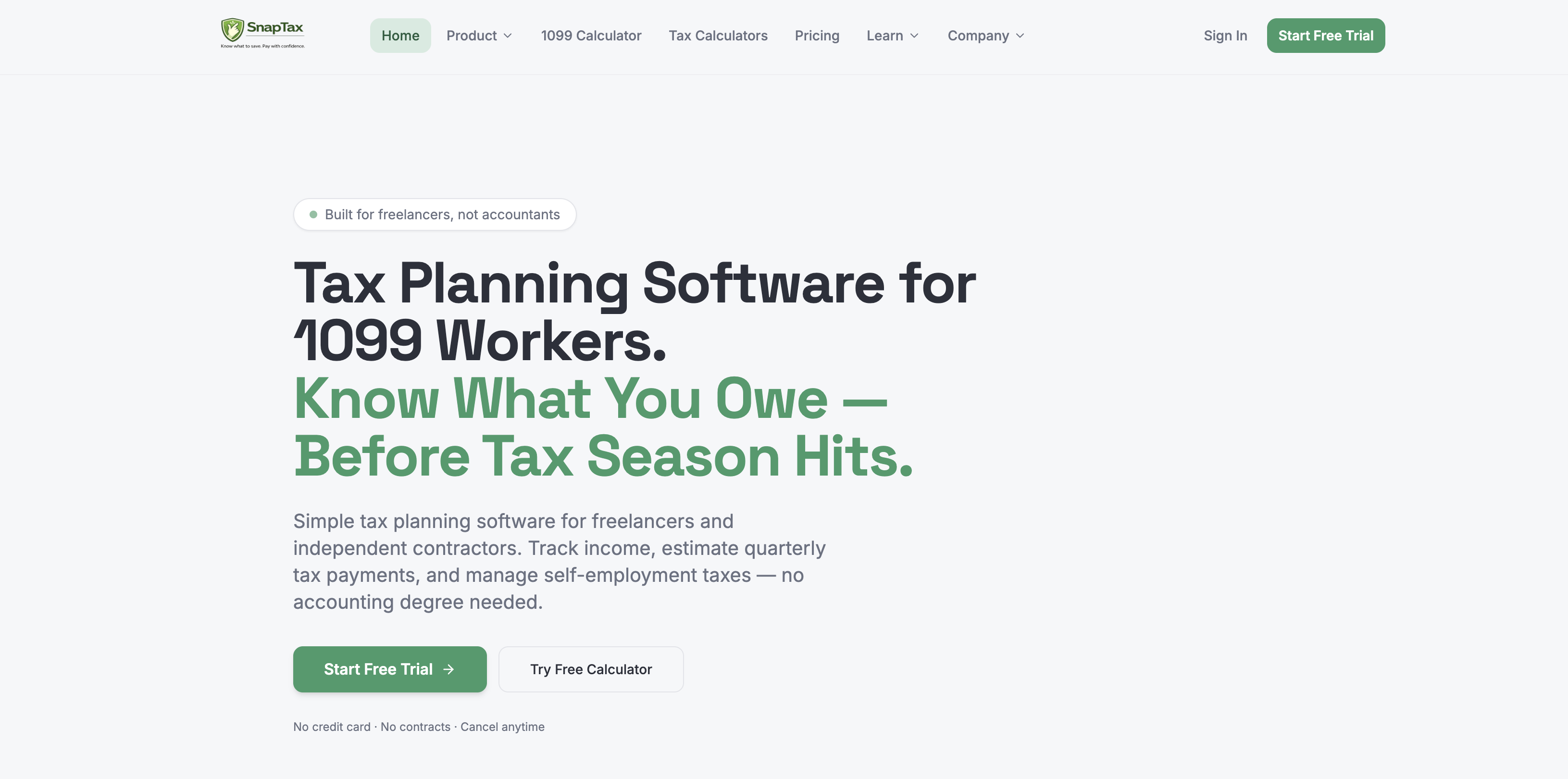
- Eliminate underpayment penalties by receiving accurate quarterly tax estimates based on the latest IRS brackets and your real income data
- SnapTax calculates your estimated quarterly payment, due date, and annual obligation using current IRS tax brackets, self-employment tax rates, and state-specific standard deductions
- Slash hours off expense tracking with AI that automatically categorizes every transaction from uploaded bank statements into Schedule C categories
- Upload CSV, PDF, or OFX bank statements and SnapTax’s AI instantly sorts transactions into the correct tax categories for freelancers
- Capture every deductible mile without manual logs by using GPS-enabled tracking that creates IRS-compliant audit records
- SnapTax’s GPS system automatically records business trips and generates mileage logs ready for IRS review
- Stop losing receipts and manually entering data by snapping, emailing, or uploading receipts for instant OCR extraction of vendor, amount, and date
- SnapTax’s OCR technology reads each receipt and automatically records vendor details, amounts, and dates into your expense records
- Maximize equipment and vehicle depreciation deductions with automatic Section 179 and bonus depreciation tracking throughout the year
- SnapTax manages asset depreciation for your gear and vehicles, applying Section 179 and bonus depreciation rules without manual calculations
- Deliver CPA-ready profit and loss statements monthly or annually with one-click export to TurboTax
- SnapTax generates monthly and annual P&L reports that export in TXF format for seamless import into TurboTax
- Stay on top of both federal and state tax liability in real time with continuous updates on your projected annual tax obligation
- SnapTax provides ongoing federal and state tax estimates, so you always know where you stand before filing
Pros & Cons
Pros
- Freelancer specific tax planning
- Real-time tax tracking
- Manage deductions/income
- Reduces underpayment penalties risk
- Automated expense categorization
- Bank statements uploading
- GPS-enabled mileage tracking
- OCR for receipt management
- Asset depreciation tracking
- Profit & loss reporting
- Suitable for various professionals
- Aids in quarterly taxes
- Based on current tax laws
- Real-time state tax liability
- Real-time federal tax liability
- Projections based on IRS tables
- Filing Schedule C assistance
- TurboTax data export
- 1099-NEC/1099-K income monitoring
- Handles bonus depreciation
- Easy to use interface
- Designed for independent contractors
- Optimized for gig workers
- Supports consultants' tax planning
- Real estate agents' tax solution
- Small business owner friendly
- Quarterly tax estimates
- Projected annual tax calculations
- Audit-compliant logs
- Extracts vendor/amount/date from receipts
- Schedule C categories sorting
- Monthly/yearly P&L reports
- Free for first 90 days
- Differentiated pricing plans
- No setup fees
- Real-time federal tax liability
- No contracts for subscriptions
- Budget-friendly for freelancers
- Aids retirement planning
- Supports capital gains tracking
- QuickBooks alternative
- Supports home office deductions
- Tracks itemized deductions
- Track QBI deductions
- Bank statement uploads in multiple formats
- SnapTax vs QuickBooks comparison
Cons
- No multi-state support
- No integration other software
- Limited to 1099 income
- No real-time support
- No mobile app
- Export only to TurboTax
- Limited automation features
- GPS tracking issues
- OCR extraction inaccuracies
- Missing essential tax forms
Reviews
Rate this tool
Loading reviews...
❓ Frequently Asked Questions
SnapTax is a comprehensive tax planning software tailored for freelancers and independent contractors who earn 1099 income. It offers a bouquet of tax management features including tracking income, managing deductions, mileage tracking, and scheduling quarter taxes, with the intention of simplifying the tax process and minimizing the risk of missed deadlines and underpayment penalties.
SnapTax can benefit a wide range of professionals, including independent contractors, gig workers, consultants, real estate agents, and small business owners who receive 1099-NEC or 1099-K income, by streamlining the tax planning process.
SnapTax uses AI to neatly categorize expenses. Users can upload bank statements directly, and the AI system will identify and sort transactions into the appropriate tax categories.
SnapTax employs a GPS-based system to track business-related mileage. This aids users in maintaining IRS-compliant audit logs, thus simplifying the calculation of deductions based on mileage.
SnapTax provides comprehensive receipt management functionality. Users can snap, email, or upload receipts, and the software's OCR (Optical Character Recognition) system extracts vendor details, amounts, and dates automatically.
SnapTax boasts an array of automation features, including AI-governed expense categorization, automatic receipt data extraction via OCR technology, and GPS-aided business mileage tracking.
SnapTax simplifies asset depreciation tracking by automatically managing Section 179 and bonus depreciation for equipment and vehicles, providing users an efficient way to track and handle depreciation of their assets throughout the year.
SnapTax is capable of catering to professionals who receive two types of 1099 income - 1099-NEC and 1099-K.
SnapTax leverages user data on income and deductions to estimate quarterly tax payment amounts. These are calculated based on the latest IRS tax brackets, self-employment tax rates, and standard deductions for all US states.
Absolutely. SnapTax offers real-time tracking of both federal and state tax liabilities throughout the year, delivering updated estimates on tax obligations to users at all times.
With SnapTax, users can enter various types of income and deductions to receive a real-time estimate of their tax obligations. While the specific nature of the income and deductions isn't mentioned, it's assumed to cover the range typically relevant to freelancers and independent contractors.
SnapTax aids in scheduling and management of quarterly taxes by providing accurate estimates of tax liabilities based on current IRS tax laws and rates. It then provides regular updates on projected annual tax, due date and estimated quarterly tax payment, enabling users to avoid penalties and interest charges that arise from missed deadlines or underpayment.
Yes, SnapTax does offer real-time tax tracking. It serves users with ongoing updates on federal and state tax liabilities, providing regular insights throughout the year.
Yes, the AI system of SnapTax allows for direct upload of bank statements, whether in CSV, PDF, or OFX format. The system will subsequently categorize transactions into Schedule C categories for streamlined tax planning.
Indeed, SnapTax is suitable for a small business owner looking to simplify their tax planning. The software provides a suite of features such as income tracking, expense categorization, receipt management, asset depreciation tracking, and more, curated to ease the process of managing taxes for small businesses.
Yes, SnapTax provides a profit and loss report feature. It has a capacity to generate monthly as well as annual profit and loss statements, ready for use by a CPA or upload into TurboTax.
In SnapTax, OCR extraction works by automatically scrutinizing uploaded receipts to extract crucial data such as vendor details, date and the amount. This feature allows for seamless, automatic data recording.
SnapTax simplifies tax planning for freelancers and independent contractors by offering features like AI-based expense categorization, GPS-enabled mileage tracking, real-time tax estimates, and automatic asset depreciation management. By streamlining these complex tasks, SnapTax makes tax planning approachable for those who might not have financial expertise.
Yes, SnapTax conveniently exports your Schedule C data in TXF format, enabling a one-click import into TurboTax. While TurboTax is explicitly mentioned, it is likely SnapTax can integrate with other tax software supporting Schedule C data in TXF format.
A broad array of professionals would find the SnapTax platform valuable, particularly freelancers, independent contractors, gig workers, consultants, real estate agents, ride share drivers, content creators, small business owners or any professional who receives either 1099-NEC or 1099-K income.
Pricing
Pricing model
Free Trial
Paid options from
$19.99/month
Billing frequency
Monthly
Refund policy
No Refunds
Related Videos
The complete Builder stack: 8 features, one app, the full picture.
SnapTax Tax Planning Software•6 views•Apr 23, 2026