TalkToText
Overview
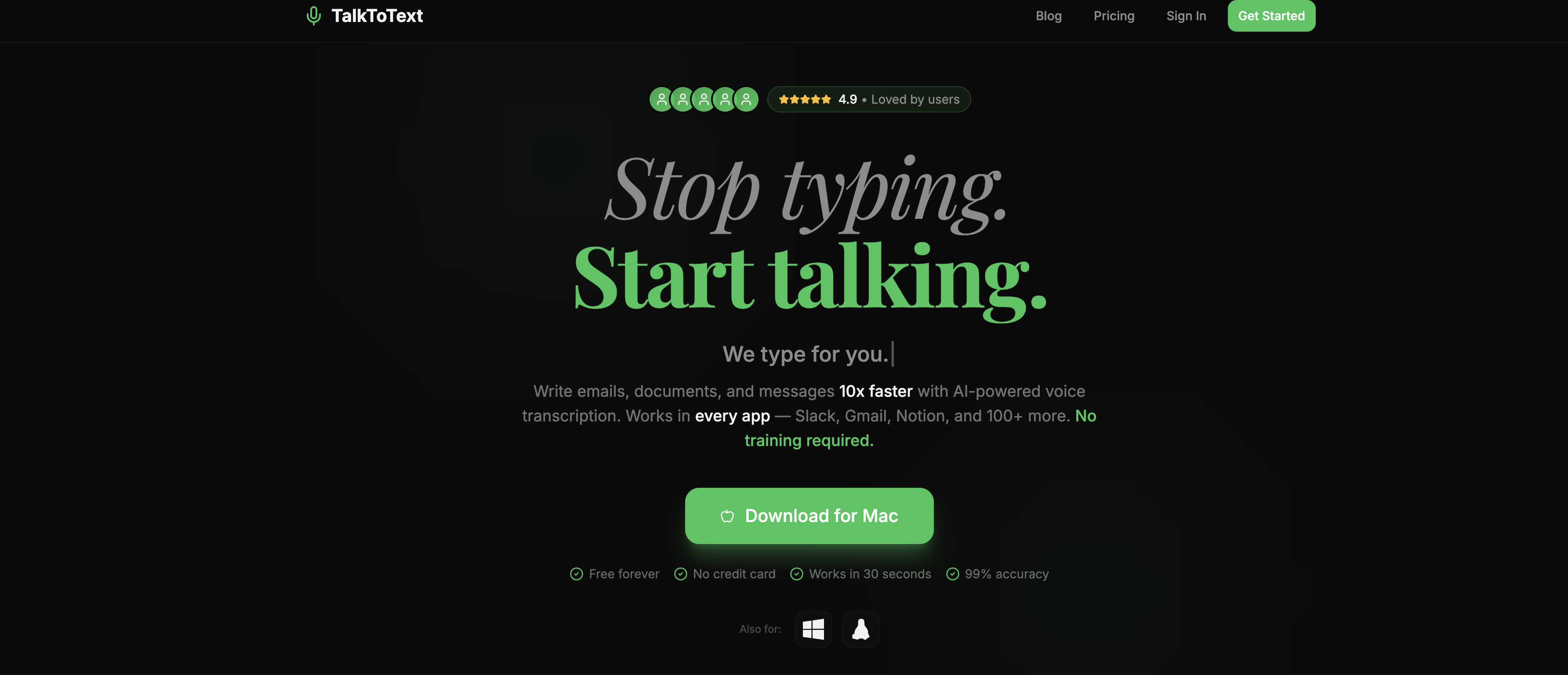
- Draft emails and messages in seconds by speaking instead of typing, using direct integration with Gmail and Slack.
- Capture meeting notes and ideas instantly without switching apps, with real-time transcription into Notion and other platforms.
- Maintain your workflow without interruption by dictating text directly into the application you're already using.
- Overcome typing difficulties or preferences by using your voice for all text input across your essential work tools.
- Test the transcription accuracy and speed with no commitment through an offered free trial.
Pros & Cons
Pros
- Instant voice-to-text conversion
- Extremely efficient
- Accurate transcription
- Wide application compatibility
- Slack integration
- Gmail integration
- Notion integration
- Large range of application
- Free trial availability
- Enhances workflow efficiency
- Saves typing time
- Allows multitasking
- Helpful for typing difficulties
- Real-time transcription
- Functionality across multiple platforms
- Time Management benefit
- Eases note-taking
- Facilitates swift email drafting
- Useful for meeting notes
- Advanced Speech recognition
- Automated transcription
- Improves communication pace
- Offline transcription capability
- Useful for professional environments
- Automated language processing
Cons
- Incompatibility with some platforms
- Accuracy not quantified
- Potential lag in transcription
- No multi-language support mentioned
- Offline work not specified
- No API for integration
- Limited advanced features
- Data privacy unclear
- No manual transcription option
- Unclear system requirements
Reviews
Rate this tool
Loading reviews...
❓ Frequently Asked Questions
TalkToText is an AI-powered tool that converts voice inputs into text format instantly and efficiently. It is specifically designed to streamline the communication process, especially in business environments.
TalkToText works by converting voice inputs to readable text format quickly and effectively using advanced artificial intelligence mechanisms. It takes spoken language and transcribes it into digital text.
TalkToText shows great adaptability and flexibility by offering compatibility with an array of platforms such as Slack, Gmail, Notion, and many more. Though the total number of apps it can sync with isn't specified, the compatibility range is broad.
While there isn't explicit information on the accuracy rate of TalkToText, as an AI-powered tool, it is likely to maintain a high degree of precision while transcribing speech to text.
TalkToText can play a huge role in business communication. It allows for quicker and easier communication, saves typing time, and enables multitasking. It helps streamline workflows and vastly improve productivity.
Yes, TalkToText provides a free trial that allows potential users to test and evaluate its features and benefits before any purchase commitment.
Yes, TalkToText has compatibility with Notion, hence, it can be used in conjunction with this platform.
Yes, TalkToText supports integration with Gmail, thus enabling users to easily transcribe their voice input within this mail platform.
Yes, it can. TalkToText can be beneficial for people facing typing difficulties or those who prefer speech over typing. It facilitates communication by converting voice input to text.
TalkToText enhances productivity by enabling faster communication, saving typing time, facilitating multitasking. Its accurate and efficient speech to text conversion optimizes the workflow process and thereby increases productivity.
Based on the broad usage and integration with multiple applications, TalkToText is likely to allow multitasking such as taking voice notes in one app while working in another. Exact types of multitasking aren't specified.
There isn't specific documentation on whether TalkToText can handle all types of voices. However, as an AI-powered tool, it is expected to be capable of handling a wide range of voice inputs to convert them into text.
There's no explicit information given regarding the text output format for TalkToText. However, considering its broad compatibility with various apps, it's likely to output plain digital text easily input into any text-based app.
The provided content does not specify whether TalkToText supports multilingual voice-to-text conversion.
There isn't explicit information stating if there's a limit to the length of speech that TalkToText can transcribe.
While there isn't explicit information on handling of jargon or technical terms, as a high-end AI tool, TalkToText should be equipped to transcribe a wide variety of language including jargon or specialized terminologies.
Though there's no specific information about customer support for troubleshooting, the AI could likely provide some resources or help in a technical fix due to its advanced nature.
TalkToText is touted as possessing high speed in transcribing speech to text. The exact speed is not stated but as an AI tool, it's designed for instant and efficient conversion.
While there is no specific information provided, the nature of TalkToText's broad compatibility with numerous apps suggests it could potentially work simultaneously with multiple applications.
The required details about TalkToText's functionality without an internet connection are not provided.
TalkToText provides many features such as automatic speech recognition, real-time transcription, and integration with various platforms like Slack, Gmail, and Notion. It serves as a productivity tool aiding in time management, note-taking, reporting and email drafting.
TalkToText is adaptable and flexible, integrating with a broad range of applications including Slack, Gmail, Notion and numerous others. The exact compatibility with every application isn't specified though.
TalkToText streamlines the communication process by efficiently transcribing speech to text. This saves time, allows multitasking and improves workflow efficiency.
Yes, TalkToText can indeed work with software applications such as Slack, Gmail, and Notion.
The number of apps TalkToText can work with is not specified but it's described as being significantly large, indicating great flexibility.
Yes, one of the features of TalkToText is to assist in real-time transcription. This means it can convert spoken words into text as they're spoken.
The process of converting speech to text using TalkToText involves the user speaking to the tool and getting their speech automatically transcribed to text within the chosen platform.
Yes, TalkToText offers a free trial to potential users allowing them to evaluate the tool's features and benefits.
TalkToText can improve productivity by facilitating quicker communication, saving typing time, allowing multitasking and thereby increasing workflow efficiency.
TalkToText is beneficial to professionals seeking to streamline their communication and documentation process. Those who face difficulties with typing or prefer speaking to typing can also find it particularly advantageous.
Yes, TalkToText can be effectively utilized for note-taking and documentation purposes, making it a versatile tool in a professional setting.
Yes, TalkToText is a valuable tool for professionals as it helps streamline their note-taking, messaging, and documentation process. This leads to increased productivity and efficiency.
TalkToText can be integrated into your workflow by being utilized within various applications you already use like Slack, Gmail, or Notion. You simply speak to the tool and it transcribes your words into text within the chosen platform.
The information about offline transcription capabilities of TalkToText is not provided on their website.
The information about TalkToText supporting multiple languages is not provided on their website.
Yes, TalkToText is an AI-based application designed to improve the efficiency and convenience of text inputs by leveraging automated speech recognition and transcription.
TalkToText is an efficient tool for text input because it automatically recognizes and converts spoken words into text. This reduces the time and effort expended on manual typing and increases the speed of communication.
Yes, TalkToText can be used for drafting emails, providing an efficient and quick solution for transforming your spoken words into written text.
Pricing
Pricing model
Free Trial
Paid options from
$19/month
Billing frequency
Monthly
Related Videos
STOP TYPING Forever This TalkToText AI Turns Your Voice into Text Everywhere #shorts
freemediatools•184 views•Jan 25, 2026