TextaVoice - Free Text to Speech
Overview
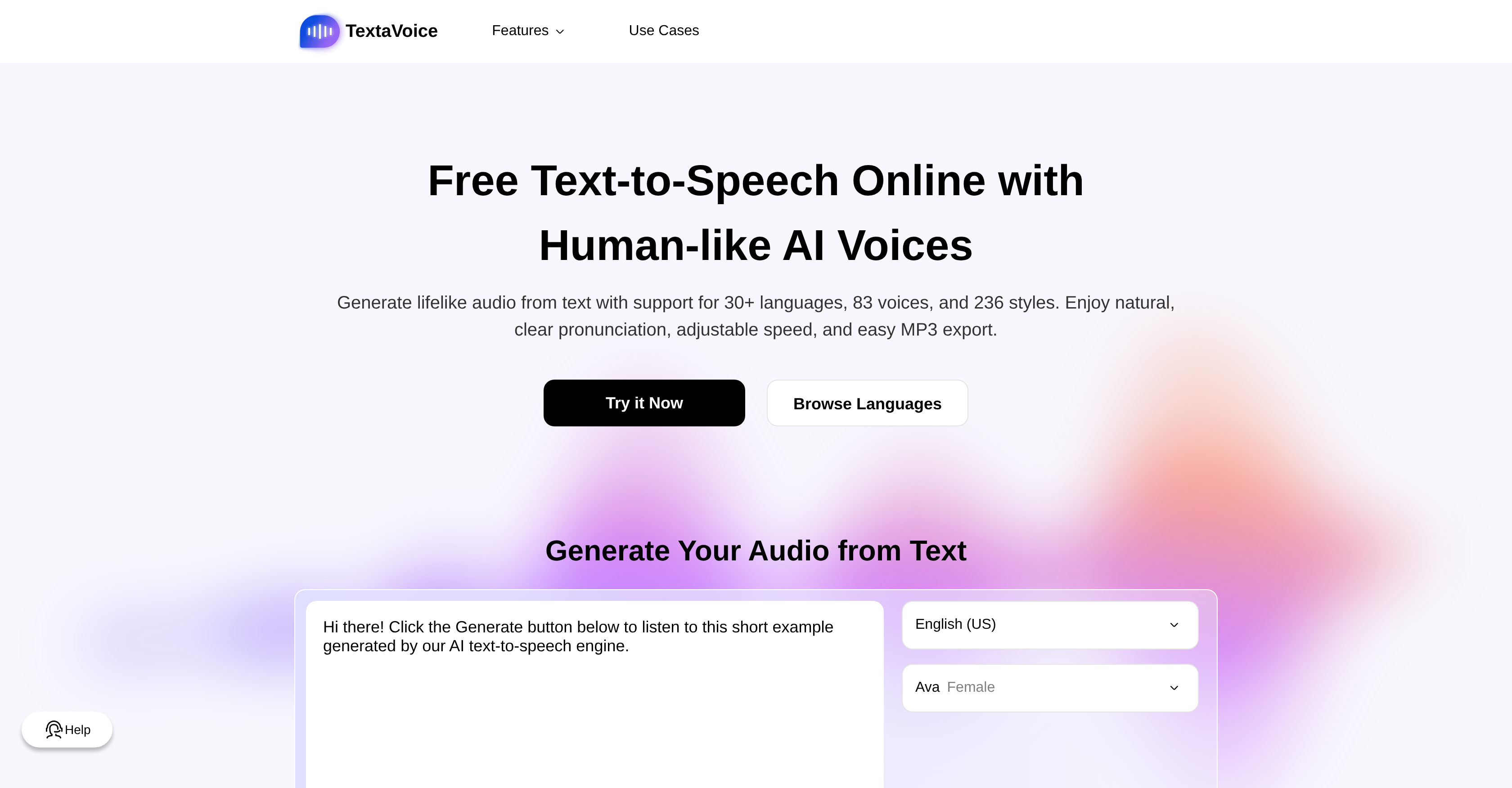
- Produce studio-quality voiceovers for videos and podcasts instantly with high-quality, lifelike AI voices that mimic authentic human speech.
- Create globally accessible content by generating audio in over 30 languages with accurate, accent-free pronunciation for each language.
- Download ready-to-use audio files for any commercial project without royalties or attribution by saving your generated speech as an MP3 file.
- Customize audio to fit any narrative or brand tone by adjusting speech speed, emotional tone, and speaking style in the advanced settings.
- Protect sensitive scripts and proprietary information with strict privacy standards that ensure confidential text-to-speech conversion.
- Enhance learner focus and information retention in e-learning and corporate training by adding clear, engaging AI narration to materials.
- Transform long-form text into natural-sounding audiobooks efficiently by converting written content into immersive, listenable audio.
Pros & Cons
Pros
- High-quality audio output
- MP3 download
- Supports 30+ languages
- Variety of voice options
- Resembles human speech
- Adjustable speed and tone
- Allows emotion adjustment in speech
- Seamless language switching
- Authentic pronunciation regardless of language
- Commercial use of audio allowed
- Strict privacy standards
- Confidential text-to-speech conversion
- Potential use cases across industry
- Ideal for podcast creation
- Applicable for video voiceovers
- Could be used in audiobook production
- May enhance productivity
- Facilitates learning through auditory aid
- Enhances e-learning and corporate training platforms
- Offers lifelike, natural-sounding speech
- Features smooth pacing and rich emotion
- Easy MP3 export
- Fast text to MP3 conversion
- No royalties for commercial use
- No attribution required for commercial use
- Enterprise-grade data protection
- Generates immersive storytelling
- Multilingual content support
- Supports better focus and comprehension
- Aids in better long-term retention
- Supports affordable dubbing
- Facilitates consistent brand voice
- Mulitasks and improves focus
- Can absorb information more effectively
- Can deliver accessible learning
- Convert long text to audio
- Support up to 2,000 characters per conversion
- Unlimited number of generations
- Unlimited number of downloads
- Supports multiple speaking styles
- Supports both male and female voices
- Fully licensed audio for commercial use
- No usage limits
- Integrated text editor
- Unlimited audio generation and MP3 downloads
- Aids global accessibility of content
- No registration, limits, or payments required
Cons
- Only MP3 audio output
- No document upload support
- Limited to 2000 characters
- No mobile application
- Not Open Source
- Limited voice customization
- No offline capabilities
- No voice recording option
Reviews
Rate this tool
Loading reviews...
❓ Frequently Asked Questions
The Free Text to Speech TTS Converter supports over 30 languages. These include English, Chinese, Japanese, Korean, Spanish, French, German, Italian, Portuguese, Arabic, Dutch, Russian, Hindi, and Indonesian among others.
Yes, the Free Text to Speech TTS Converter allows users to adjust the speed of the generated speech, providing maximum flexibility to suit various needs.
Absolutely, the Free Text to Speech TTS Converter provides advanced settings for adjusting the emotion of the speech. This enhances the lifelike quality of the generated audio.
Yes, the Free Text to Speech TTS Converter can accurately pronounce words in different languages. It switches seamlessly between languages without a 'foreign accent', thus mimicking authentic human speech.
Yes, the audio generated from the Free Text to Speech TTS Converter is permissible for commercial use. There's no requirement for royalties or attributions, making it suitable for use in commercial projects.
Absolutely, the Free Text to Speech TTS Converter upholds strict privacy standards. It ensures safe and confidential conversion of text to speech.
The Free Text to Speech TTS Converter has numerous applications including, but not limited to, podcast creation, video voiceovers, audiobook production, and e-learning and corporate training through AI narration. It's also a useful tool for enhancing focus and retention of learners.
Yes, the audio created by the Free Text to Speech TTS Converter can be downloaded as an MP3 file. This feature provides convenient access to high-quality audio for various use cases.
The Free Text to Speech TTS Converter allows you to adjust the tone of the generated speech in the advanced settings. You can customize it as needed to produce the desired effect.
Yes, the Free Text to Speech TTS Converter is suitable for e-learning applications. By adding AI narration, it can significantly enhance e-learning and corporate training platforms.
Industries like broadcasting, publishing, education, digital marketing, content creation, and corporate training can greatly benefit from the Free Text to Speech TTS Converter.
The Free Text to Speech TTS Converter produces high quality audio. The text is transcribed into lifelike audio that closely resembles human speech, thus ensuring a natural and clear listening experience.
The voice acting feature of the Free Text to Speech TTS Converter is reliable and can produce speech with a wide variety of emotions and styles, providing a realistic and immersive audio representation.
Yes, the Free Text to Speech TTS Converter is capable of simulating different voice acting styles. It offers a wide range of speaking styles such as neutral, cheerful, formal, excited, conversational, and shouting among others.
The Free Text to Speech TTS Converter ensures data privacy by adhering to strict privacy standards. It guarantees protection for all text processed, ensuring secure, confidential text-to-speech conversion.
Indeed, the Free Text to Speech TTS Converter can assist in podcast production by providing natural-sounding, high-quality speech. It's a suitable tool for fast production and reaching multilingual audiences.
The Free Text to Speech TTS Converter can be an effective tool in language teaching. It can help learners absorb information more effectively by supporting better focus, comprehension, and long-term retention.
Yes, the Free Text to Speech TTS Converter supports audiobook production. It can transform long texts into lifelike, natural-sounding audio, greatly assisting publishers, authors and educators.
Absolutely, the Free Text to Speech TTS Converter assists in content creation by providing a tool to transform text into high-quality, natural sounding audio. This is especially useful for creating diverse media, including video voiceovers, podcasts, and e-learning materials.
The Free Text to Speech TTS Converter is efficient in creating voiceovers for videos. By generating natural and clear audio, it aids in producing engaging and globally accessible video content.
Pricing
Pricing model
Free
Paid options from
Free