
Overview
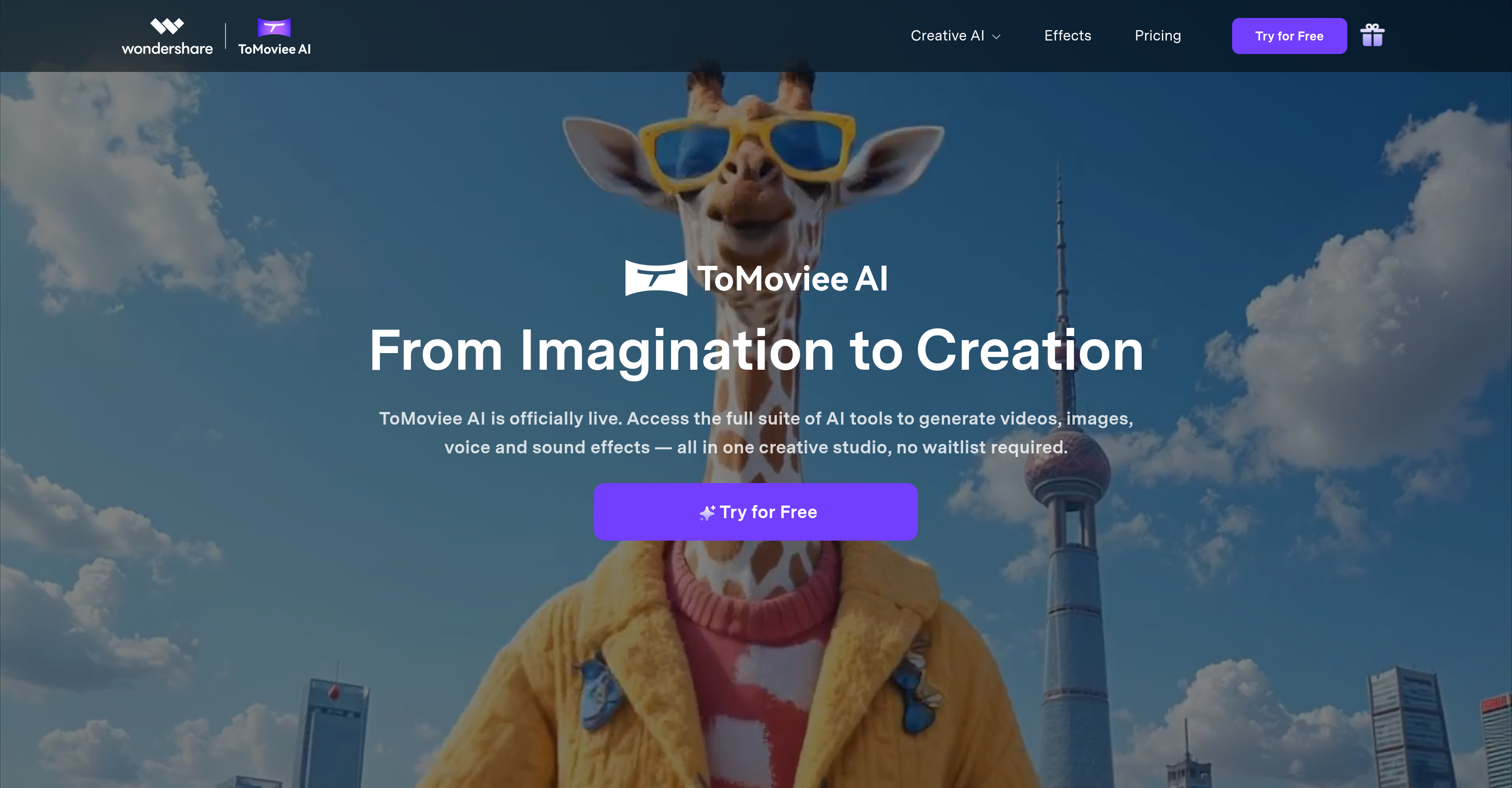
- Transform scripts into cinematic videos instantly with Text to Video that gives you full creative control over scenes and motion
- Animate still images into engaging video narratives using Image to Video that brings static visuals to life with dynamic movement
- Extend existing video content seamlessly with Video Extender that adds AI-generated scenes without disruptive transitions
- Generate custom background music that automatically syncs with your footage using Auto BGM for perfect emotional pacing
- Create realistic voiceovers with emotional nuance using Text to Voice that goes beyond robotic text-to-speech
- Produce original music tracks and sound effects from text descriptions with Text to Music and Text to SFX
- Fine-tune every creative element including camera movements and scene composition with precise AI control
- Generate content 8x faster than traditional methods with one-click operation and instant voice cloning
Pros & Cons
Pros
- Multi-media generation
- Image editing
- Video extending
- Text to video
- Image to video
- Realistic image generation
- Audio editing
- Text to music
- Realistic text to voice
- Emotionally subtle voices
- Custom voice tones
- Auto background music
- Lifelike motion replication
- Fast content generation
- Detailed result control
- 8x faster rendering
- Instant voice cloning
- Text to sound effects
- Animation of still images
- Turns textual prompts to images
- Generates engaging narratives
- Ideal for filmmakers, designers
- Useful for marketers
- Perfect for content creators
- Video, image, audio in one
- Royalty-free track creation
- Turn imagination to reality
- Realistic audio generation
- Film scene creation via text
- Render 4K footage 8x faster
- Physics-accurate lighting
- Real-world movement simulation
- Real-world lighting simulation
- Real-world audio simulation
- Seamless workflow
- Content management
- Content publishing
- Multiple language support
Cons
- Limited network access regions
- Time-consuming fine-tuning required
- Limited voice customization
- Potential copyright issues
- Lack of multi-language support
- Requires continuous text prompts
- Limited image modification capabilities
- Data privacy concerns
- Doesn't provide real-time editing
- Potential 'uncanny valley' issues
Reviews
Rate this tool
Loading reviews...
❓ Frequently Asked Questions
ToMoviee AI's core functions include video, image, and audio generation as well as manipulation. This includes features such as 'Text to Video', 'Image to Video', 'Video Extender', 'Text to Music', 'Text to SFX', 'Text to Voice' and 'Auto BGM'. It also includes image generation functionalities that can create new images based on textual prompts or modify existing images.
'Text to Video' is a feature in ToMoviee AI that enables users to transform written scripts into lifelike videos. Users have full creative control in this process, directing the AI to bring their scripts to cinematic life.
'Image to Video' in ToMoviee AI animates still images into engaging narratives. The process involves the AI interpreting the image and applying dynamic motion, turning these images into active elements of a story.
The 'Video Extender' of ToMoviee AI works by incorporating AI-generated content seamlessly into existing narratives, thereby enhancing the flow and depth of the story. This allows users to extend their video content without noticeable transitions between original and AI-generated content.
Yes, with ToMoviee AI's 'Image Generation' functionality, users can generate realistic images based on textual prompts. This allows a user to describe the image they want in text and have that description turned into a visual image by the AI.
Yes, using ToMoviee AI's 'Image Generation' feature, specific modifications to existing images can be made. The AI interprets the needed changes and applies them to create the desired outcome, allowing you to adjust and reshape your images.
To create original music tracks and sound effects using ToMoviee AI, you can use the 'Text to Music' or 'Text to SFX' features. Just provide text prompts and the AI will interpret these cues to generate the desired music or sound effects.
'Text to Voice' feature in ToMoviee AI goes beyond traditional text-to-speech technology by generating realistic voices from written text. This functionality includes emotional subtlety and custom tones, providing lifelike voices that accurately convey the intended sentiment and context.
Yes, ToMoviee AI provides 'Auto BGM', an AI-generated background music feature. This functionality creates a background music score that syncs with your video footage to maximize the emotional impact and enhances the overall viewer experience.
ToMoviee AI uses advanced AI models to replicate lifelike motion, lighting, and audio in the generated content. These high-fidelity simulations provide a treatment similar to actual cinematic production, bringing a level of realism to the multimedia content produced by the AI.
With ToMoviee AI, users can fine-tune every element of their creations. This includes controlling camera movements, scene composition, and sound propagation. The AI interprets the user's commands and translates them directly into the generated content, providing precision and creativity control.
ToMoviee AI generates content faster with its one-click operation. It boasts 8x faster AI rendering and instant voice cloning capabilities, optimizing the creative process by reducing time-consuming tasks and accelerating workflows.
Filmmakers can benefit from ToMoviee AI by using its Text to Video and Video Extender functionalities for creating lifelike movie scenes and extending their narratives. Also, with features like Text to Voice, Text to Music/Sound Effects and Auto BGM, they get a comprehensive suite for creation of dialogues, scores and sound effects.
Marketers can master their campaigns using ToMoviee AI's functionalities that allow them to generate video, images, and audio content from textual inputs. The ability to create engaging narratives with Text to Video, animate static images with Image to Video, and enhance branding stories with the Video Extender proves highly advantageous in creating compelling marketing content.
ToMoviee AI boosts your content creation process by providing you with a whole suite of AI tools to generate videos, images, voice, and sound effects with a seamless and efficient workflow. It reduces the time spent on content creation with its rapid functionality, helping you maintain the focus on ideation and creative direction.
ToMoviee AI is suitable for professional designers as it accelerates creative outputs by generating images, videos, and audio within one creative suite. It provides the flexibility and control needed for efficient visual design and is equipped with a built-in creative community for endless inspiration.
ToMoviee AI can create engaging narratives through its Text to Video and Image to Video functions. These tools allow the users to direct the AI to create lifelike video narratives, animate images, and extend these with detailed AI-generated content, communicating the story just as the user imagines.
Yes, ToMoviee AI does offer 'Text to Music' and 'Text to SFX' functionalities. These tools enable the production of original music tracks and sound effects from text prompts. Users can provide text, which the AI interprets, transforming your written descriptions into auditory creations.
The 'Text to Voice' outputs from ToMoviee AI are highly realistic. The AI generates voices that aren't just readings, but have emotional subtlety and customized tones. This results in voice outputs that are filled with emotion, nuance, rate, and pitch adjustment, adding a human-like feel to the AI-generated voices.
Absolutely, ToMoviee AI provides 'Auto BGM', an AI-created background music feature. This tool creates music that syncs with your video footage to enhance the emotional impact and overall viewer experience of your content.
Pricing
Pricing model
Free Trial
Paid options from
$6.99/month
Billing frequency
Monthly
Related Videos
How to Create Viral Videos with This FREE AI Tool | Tomoviee AI Full Guide
Howzia•1.8K views•Aug 26, 2025