
Halloween AI Filters by Media.io
Overview
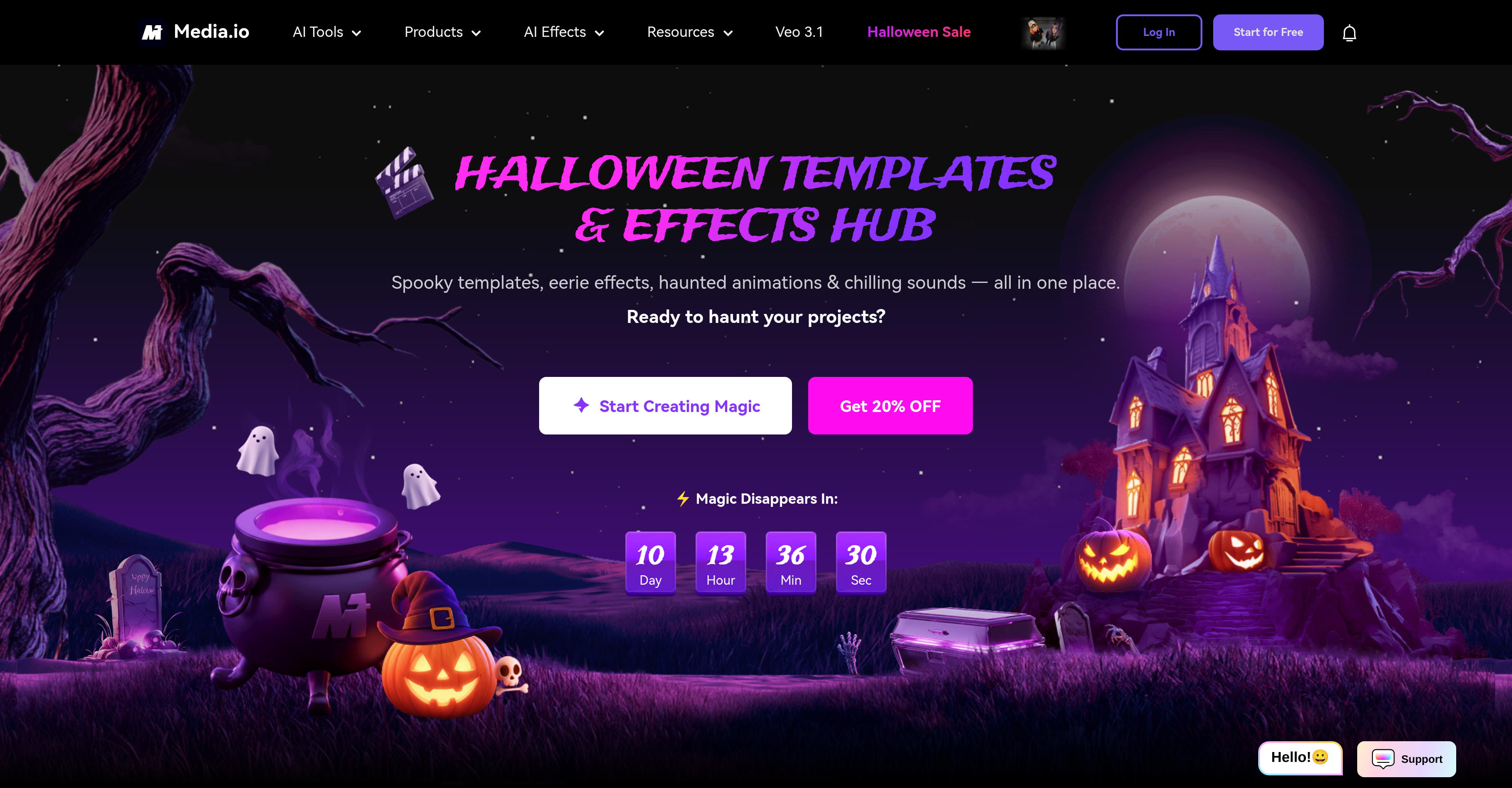
- Instantly create viral Halloween visuals with a vast library of spooky filters like skeleton, zombie, and clown effects, applied directly online with no download required.
- Transform static photos into spine-chilling short films using the horror video generator that adds eerie audio and dynamic effects.
- Become a classic horror icon by swapping your face with movie monsters using the AI face editor for uniquely creepy and personalized content.
- Produce professional-looking edits without skills using the all-in-one suite for video resizing, compression, format conversion, and AI-powered image enhancement.
- Extend your creativity year-round with versatile tools for anime transformations, text-to-music creation, voice changing, and object removal from any image.
Pros & Cons
Pros
- Large scary effects library
- Spooky sounds
- Unique spine-tingling audio creator
- Horror video generator
- Image-video transformations
- Text-music transformations
- Multi-function video editor
- In-app video converter
- In-built video compressor
- Video resizer
- Help documentation
- Watermark remover
- Halloween movie maker
- Zombie effect
- Clown filter
- Multiple Halloween templates
- Photo-anime conversion
- Video-anime conversion
- On-demand video creation
- Large audio alteration options
- Auto subtitling
- Video translator
- Bone-chilling movie creation
- Text-image conversion
- Text-video conversion
- Image-image conversion
- Text-music conversion
- Dynamic horror transformation
- Variety of editing tools
- Step-by-step Instructions
- Skeleton filter
- Ghost filter
- Image-object remover
- Joker filter
- Vampire filter
- Ability to remove watermark
Cons
- Limited to photo transformations
- Restricted thematic filters
- No user customization
- Doesn't support 3D effects
- Pays for premium features
- No real-time collaboration
- No mobile app
- No offline mode
- No multilingual support
Reviews
Rate this tool
Loading reviews...
❓ Frequently Asked Questions
Halloween AI Filters 2025 is a tool developed by Media.io designed to transform photos with Halloween-themed effects and templates. It applies Halloween-inspired filters, spooky makeup effects, haunted templates on photos, creating eerie images without requiring any download or technical skills. Besides photo effects, Halloween AI Filters 2025 also offers services ranging from text to music creations, video editing, AI image enhancing, and voice changing.
Halloween AI Filters 2025 provides a vast library of filters which include skeleton, joker, clown, and zombie filters to instantly give photos a spookier Halloween effect. The filters are designed to make photos look eerie and unsettling in line with the Halloween theme.
Halloween AI Filters 2025 provides a suite of video editing options including a video converter, compressor, and resizing function. The video converter enables changes in video format while the compressor reduces video file size without debilitating loss of quality. The resizer adjusts video dimensions to suit the needs of the user.
Halloween AI Filters 2025 provides unique Halloween-themed filters such as skeleton, joker, clown, and zombie filters. These filters allow users to align their photos to popular spooky figures and characters, giving them a distinct Halloween appearance.
Yes, while the primary application for Halloween AI Filters 2025 is to apply themes and effects for Halloween, it is also equipped with a vast library of general effects that can transform images for a wide range of other creative pursuits. Users can use its collections of filters, AI models, and other image and video editing tools for any sort of image or audio transformation.
Unique features of Halloween AI Filters 2025 include a horror video generator that allows users to create spine-chilling short films, and a set of AI-driven audio creation tools for generating terrifying soundtracks. Moreover, users can utilize the AI face editor to swap faces into classic horror icons, thereby fully immersing their photos or videos into the Halloween theme.
Halloween AI Filters 2025 includes a variety of AI models, some of which are 'Nano Banana', 'Sora 2.0', and 'Veo 3.1'. Each of these AI models caters to different aspects of image editing and transformation, allowing users to achieve a wide variety of effects and transformations for their photos or videos.
Yes, besides the host of photo editing options, Halloween AI Filters 2025 also has features for transforming images into videos, thus offering a more dynamic creative avenue for its users.
No, Halloween AI Filters 2025 is not limited to photo effects. It also includes AI models and various features which range from video editing options to AI voice changers, and image to video transformations. These features provide greater flexibility and creative freedom beyond static image effects.
Yes, Halloween AI Filters 2025 does offer a horror video generator feature. With this, users can create terrifying short films from text or photos.
Users can apply scary makeup effects using Halloween AI Filters 2025 by selecting from its database of makeup effects templates. These templates can immediately transform a regular photo to sport a spookier, Halloween-themed appearance.
Yes, Halloween AI Filters 2025 does include an AI image enhancer feature that automatically adjusts and optimizes the image quality, lighting, color balance, and other parameters to improve the overall image aesthetics.
Yes, Halloween AI Filters 2025 does provide a face swap feature which users can use to superimpose their faces onto classic horror icons. This effect helps users to take their Halloween-themed photos to another level of creepiness.
The 'Nano Banana' model in Halloween AI Filters 2025 is one of their several AI models specifically designed to apply effects and transformations to photos or videos. However, without specific mention of the capabilities of 'Nano Banana', precise details about this model cannot be determined.
Yes, Halloween AI Filters 2025 has features to resize and compress videos. The resizer adjusts the video's dimensions to fit specified requirements, while the compressor reduces the video file size without degrading its quality.
Yes, Halloween AI Filters 2025 offers user guidance resources like FAQs and step-by-step instructions. These resources aim to assist users to efficiently navigate and use the tool's features.
Halloween AI Filters 2025 offers text to music creation features. This allows users to generate music from provided text, creating a unique auditory asset that can be utilized in various creative outputs.
Yes, Halloween AI Filters 2025 can transform regular photos into eerie, Halloween-themed images. It does this by applying a comprehensive set of Halloween-themed filters, effects, and templates.
Yes, Halloween AI Filters 2025 comes with an AI voice changer feature. This tool can modulate the original voice in a video file to produce a variety of effects, including making it sound frightening or spooky.
Yes, true to its Halloween theme, Halloween AI Filters 2025 offers special Halloween-themed filters such as skeleton, joker, clown, and zombie filters. It also offers a variety of eerie effects and haunted templates for images and videos.
Halloween AI Filters 2025 uses many AI models, including 'Nano Banana', 'Sora 2.0', 'Veo 3.1', 'Sora 2 Pro', 'Kling 2.5', 'Seedream 4.0', 'Veo3', 'ToMoviee', 'Kling', 'Wan 2.2', 'Vidu', 'Pixverse', 'Hailuo', and 'Runway'.
Halloween AI Filters 2025 offers several video editing options such as a video converter, compressor, and resizer. It also provides additional features such as Auto Clip, Auto Subtitles, AI Video Translator, and Auto Montage.
Yes, Halloween AI Filters 2025 can transform images into videos. It achieves this with a robust feature set that includes an 'Image to Video' tool.
Halloween AI Filters 2025 offers unique filters for creating Halloween-themed visuals. These include skeleton, joker, clown, and zombie filters. There's also a vast collection of horror effects and templates to add the extra spookiness for Halloween.
Yes, Halloween AI Filters 2025 features audio modification capabilities. With an AI voice changer and AI noise reducer, it allows users to change and enhance the audio in their creations.
Halloween AI Filters 2025 is equipped with a 'Text to Music' tool which allows users to transform text into music. This feature can be employed to add a personalized soundtrack to their video creations or come up with unique audio tracks.
Halloween AI Filters 2025 provides several resources for user guidance. These include FAQs and step-by-step instructions to help users navigate its features and tools and maximize their creative potential.
Yes, Halloween AI Filters 2025 offers a Watermark Remover, allowing users to easily remove watermarks from their video contents.
Yes, Halloween AI Filters 2025 includes a feature that allows users to swap faces. The AI Face Editor and other advanced artificial intelligence capabilities enable the transformation of faces into classic horror icons.
Halloween AI Filters 2025 offers a variety of Halloween-themed effects and templates. Users can apply spooky filters, scary makeup effects, haunted templates, and numerous other effects to their photos, creating a unique Halloween look.
No, Halloween AI Filters 2025 does not require any downloads. All the effects and transformations can be applied online, right from the user's browser.
Yes, Halloween AI Filters 2025 has a special feature called the Horror Video Generator. It gives users the ability to create spine-tingling videos right from their photos or text.
Yes, while principally focused on Halloween-themed creations, Halloween AI Filters 2025's functionality and features are also well-suited for a variety of other creative pursuits. Its AI models, video and image editing tools, and effects can be applied to numerous applications and use cases beyond Halloween.
Yes, Halloween AI Filters 2025 features an 'AI Image Enhancer' tool that allows users to improve the quality of their images. This tool optimizes image quality by enhancing color balance, contrast, and other elements.
Yes, Halloween AI Filters 2025 can add scary makeup effects to photos. With its vast library of effects, users can transform their photos into eerie visuals, complete with scary makeup effects.
Yes, Halloween AI Filters 2025 features an AI voice changer, allowing users to modify their voices in video or audio outputs. This feature can be used to adjust the pitch, speed, or tone of the voice to match the specific character or ambiance.
Yes, Halloween AI Filters 2025 includes an 'AI Object Remover' feature that enables users to eliminate unwanted elements from their photos.
Yes, Halloween AI Filters 2025 offers a unique 'Photo to Anime' feature. Users can transform their photos to resemble anime-style visuals, making it a fun and appealing tool for anime enthusiasts.
Yes, Halloween AI Filters 2025 comes with several tools for audio alterations. This includes an AI voice changer, AI noise reducer, and a spine-tingling audio creation tool.
The 'Nano Banana' AI model in Halloween AI Filters 2025 is one of the multi-purpose AI models used for creating intricate image and audio transformations. It's designed to produce highly dynamic content with a wide array of effects and transformations, thereby enhancing the overall user experience.
Pricing
Pricing model
Free Trial
Paid options from
$47.99/month
Billing frequency
Monthly
Refund policy
30-day money back guarantee