

Typeless
Send messages and emails straight from speech without cleanup: speech-to-text dictation removes filler words like "um" and "uh," strips repetition, and drops abandoned phrasing when you correct yourself mid-sentence.
Listing not yet reviewed by our editors · How we check
Overview
- Send messages and emails straight from speech without cleanup: speech-to-text dictation removes filler words like "um" and "uh," strips repetition, and drops abandoned phrasing when you correct yourself mid-sentence.
- Turn rambling thoughts into organized notes and documents: spoken lists, steps, and key points arrive as structured, formatted text with clearer wording.
- Get client names, product names, and specialist jargon right the first time: a personal dictionary learns custom terms automatically or through manual entries you view, edit, and delete in settings.
- Hit the right tone in every conversation without switching modes: app-aware style control writes professionally in work email and casually in chat, with custom tones set per app.
- Produce writing that sounds like you, not a generic assistant: the personalization model learns your tone, phrasing, and vocabulary, and a progress indicator shows how closely output matches your voice.
- Dictate in your own languages exactly as you speak them: multilingual voice typing covers 100+ languages with automatic language detection and mixed-language sentences in a single session.
- Write to international contacts in their language: translation mode converts your speech directly into the target language with native-sounding phrasing.
- Revise drafts without touching the keyboard: highlight text and say "shorten," "expand," or "restyle" to rewrite it in place, or ask for a ready-to-send reply.
- Understand dense articles and foreign-language passages without leaving the page: select read-only text to get a summary, explanation, or translation on the spot.
- Write and edit code by voice in VS Code, Cursor, and Replit: coding dictation formats snippets, inserts functions, and edits selected code from spoken commands.
- Get answers, ideas, and current information mid-task: the voice assistant answers questions, brainstorms, searches services, and opens relevant pages for you.
- Keep dictating on flights and in dead zones: core dictation, editing, and translation run offline with low-latency, on-device processing that displays text almost instantly.
- Dictate patient notes and confidential work safely: HIPAA, GDPR, and ISO 27001 compliance, zero cloud audio retention, no model training on your data, and history encrypted with user-only keys.
- Pick up your writing on any device you use: one consistent voice-to-text workflow across macOS, Windows, Linux, iOS, and Android, with encrypted history sync.
Pros & Cons
From the listing; not yet checked by our editors.
Pros
- On-device real-time processing
- Zero cloud audio storage
- Zero data retention policy
- Encrypted cross-device sync
- Personal dictionary persists across apps
- Adaptive app-specific tone
- Automatic filler removal
- Mid-sentence correction handling
- Automatic list formatting
- Mixed-language detection
- Live speech translation, natural phrasing
- Voice commands edit selected text
- Voice summarization of read-only
- Voice explanation of selected text
- Web search via voice
- Open pages with voice
- ISO 27001 security certification
- GDPR and HIPAA compliant
- Low latency sub-second response
- Offline mode available
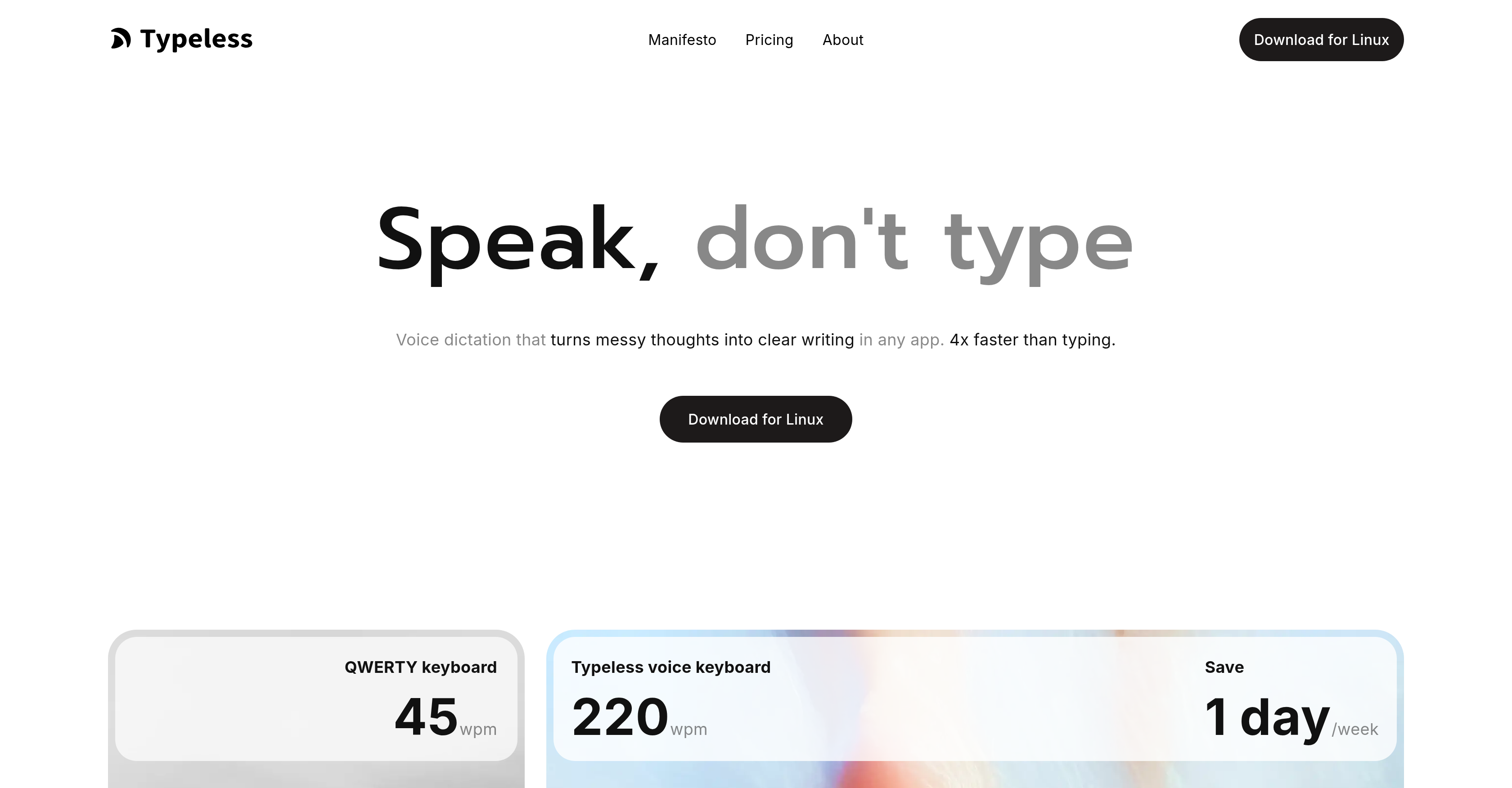
- 220 wpm dictation speed
- Coding dictation preserves syntax
- App-agnostic text field support
- Supports 100+ languages
- Automatic language detection
- Context-aware tone switching
- Personalization progress metrics
- Model never trains on data
- Enterprise ready compliance suite
- Hands-free accessibility tool
- Disfluency cleaning, professional output
- Repetition detection and removal
- Voice-driven brainstorming sessions
- Voice-activated question answering
- Encrypted device-only history
- Cross-platform consistency across OSes
- App-specific style adaptation
- Personal style matching accuracy
- Zero retention of cloud dictation
- Real-time editing via voice
- Automatic step-by-step structuring
- Integration with 100+ apps
- Live language mixing support
- Contextual tone per application
- Personal dictionary auto-sync encrypted
- Zero reliance on internet core
- On-device processing ensures privacy
Cons
- High CPU usage on low-end
- Inconsistent app-specific styling
- Mixed-language detection errors
- Personal dictionary sync latency
- No thirdparty API access
- Limited custom command vocabulary
- Translation quality varies by language
- Requires constant internet for updates
- Encrypted sync slows performance
- No support for niche formats
Alternatives to Typeless
Tools that share the most tags with Typeless.
- Ito - Ai Voice Dictation
Write emails and documents without touching your keyboard using universal text box compatibility across Slack, Notion, and Google Docs
Free
Not listed
Not yet checked
- Wispr Flow
Write faster than typing with real-time voice-to-text conversion that works across every computer application
Freemium · from $12/month
$12/month
Not yet checked
- EchoWrite
Capture thoughts instantly as polished, ready-to-use text with real-time transcription powered by OpenAI Whisper, eliminating the need for manual editing.
Freemium · from $37
$37
Not yet checked
- VoiceAppear
Compose emails, documents, and messages three times faster than typing by dictating naturally, while VoiceAppear handles every word in real time.
Not listed
Not listed
Not yet checked
- Voibe
Type three times faster by dictating naturally into any Mac app — just hold a hotkey, speak, and release for instant transcription.
Free trial · from $7.50/month
$7.50/month
Not yet checked
- Yakki
Write emails, notes, and messages three times faster than typing with real-time, on-device speech-to-text transcription
Free trial · from $12/month
$12/month
Not yet checked
Reviews
Rate this tool
Loading reviews...
Frequently asked questions
How does Typeless automatically remove filler words like "um"?
Typeless runs an on‑device speech model that tags common filler tokens such as “um”, “uh”, and “you know” and removes them before the text is emitted, so the output never includes those words.
Can Typeless detect and delete repeated words while I'm speaking?
Yes. The engine continuously monitors the transcript and automatically strips repeated or redundant words as you speak, delivering concise output.
Does Typeless work on Linux and how do I install it?
Typeless is available for Linux. You download the Linux installer from their website (usually a .deb, .rpm or AppImage), run the package manager command (e.g., sudo apt‑install typeless‑linux.deb) or make the AppImage executable and launch it.
How does the personal dictionary handle my custom names and tech terms?
The personal dictionary is a persistent, on‑device store that learns names, specialist terminology, and frequently used phrases either automatically when you utter them or manually via the settings UI. Those entries are then recognized in any app and rendered correctly.
Can I set different writing tones for different apps, like formal for email and casual for chat?
Yes. Typeless detects the active application and switches its style automatically, using a professional register for email clients and a casual tone for chat windows, or any custom tone you configure per app.
How accurate is the automatic language detection when I mix languages in one sentence?
The system automatically detects language on the fly and supports mixed‑language input. While exact error rates aren’t published, the product claims highly reliable detection even when multiple languages appear in a single sentence.
Is the translation mode able to keep natural phrasing in the target language?
The translation mode converts spoken input directly into the selected target language and rewrites it with phrasing that reads like a native speaker, preserving natural flow.
How do I edit selected text using voice commands like shorten, expand, or restyle?
You highlight editable text, then speak a command such as “shorten this”, “expand this paragraph”, or “restyle in a formal tone”. Typeless parses the intent and rewrites the selected text in place accordingly.