VocalRemover.one
Overview
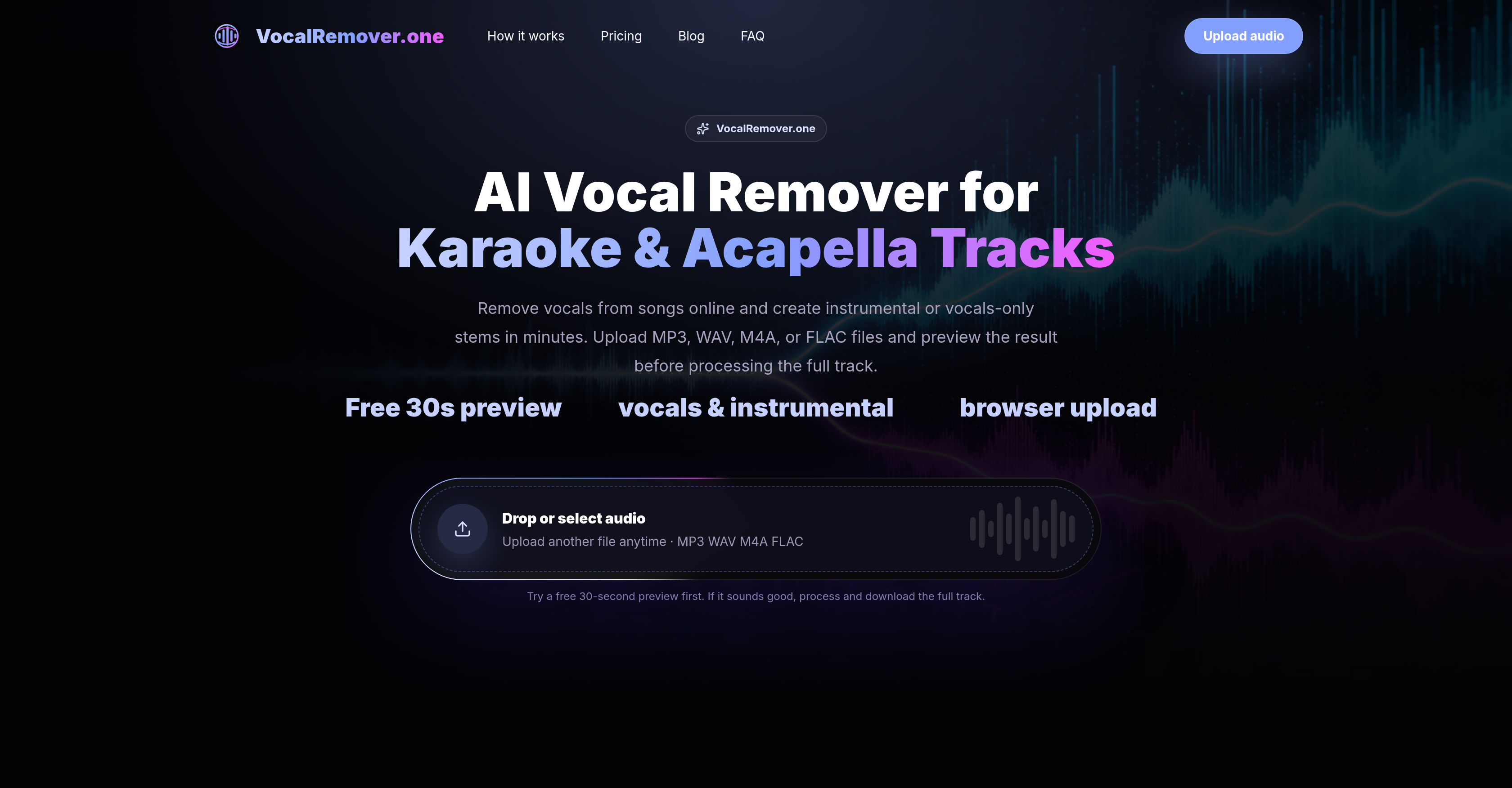
- Create professional karaoke tracks from any song in 1-3 minutes by uploading MP3, WAV, M4A, or FLAC files for AI-powered vocal isolation
- Build a library of isolated acapella vocals for remixing and sampling without manual audio editing through one-click stem separation
- Practice vocals or instruments with precision by generating both vocals-only and instrumental backing tracks from a single source file
- Verify separation quality before committing with a free 30-second preview of the extracted vocals and instrumentals
- Access full vocal removal capabilities instantly from any browser without installing software or plugins for immediate song conversion
- Store completed projects for up to 90 days with Pro plan file storage to revisit and download separated tracks later
Pros & Cons
Pros
- Supports multiple audio formats
- Generates instrumentals and vocals-only
- Beneficial for karaoke, remixing
- Free 30-second preview
- Quicker than desktop editing
- Efficient for practice tracks
- Creates acapella and backing
- Private upload handling
- Separation score display
- Faster than generic workflows
- Browser-based, no setup
- Allows multiple usage scenarios
- Prevents wasted credits via preview
- Different subscription plans
- Large file support
- Standard and high priority processing
- Extended file storage on subscription
- Clear information on processing results
Cons
- No API
- No video upload support
- Limited vocals isolation
- Dependent on original mix
- Possible vocal bleed
- Limited to four file formats
- No music licensing rights
- No download without processing
- Requires clear source file
- Limited preview length
Reviews
Rate this tool
Loading reviews...
❓ Frequently Asked Questions
VocalRemover.one operates by allowing users to upload a single audio source file. The AI then processes this file to extract the vocals and instrumentals from the original audio. The service provides separated output tracks, which include acapella vocals and instrumental backing suitable for karaoke and practice.
VocalRemover.one supports multiple audio file formats, namely MP3, WAV, M4A, and FLAC.
Yes, VocalRemover.one does offer a free service. Users can try a free 30-second preview to check the quality of the vocal separation before they process and download the full track.
The vocal removal process on VocalRemover.one starts with the upload of an audio file. Once the file is uploaded, the AI separates the vocals and instrumentals from the original audio. Users then have the opportunity to preview the separated tracks before downloading the final versions.
Yes, VocalRemover.one can generate both instrumentals and vocals-only tracks from a single source file. This makes it suitable for a variety of applications such as acapella use, karaoke, and practice.
Yes, VocalRemover.one offers a free 30-second preview. This feature allows users to check the quality of the separated tracks before they process and download the final version.
VocalRemover.one works faster than desktop audio editing, usually taking between 1-3 minutes to separate vocals for a short song. The exact time can vary based on the size and complexity of the uploaded file.
Yes, VocalRemover.one can be used for karaoke track creation. The AI provides instrumental backing tracks that can be used for karaoke and practice, generated from any uploaded audio file.
VocalRemover.one operates completely online, and there is no need to install any software or plugins to use the service.
VocalRemover.one can assist in music remix by providing isolated vocal tracks. These acapella vocals can be used for remixing, sampling, or study purposes without the need for any manual audio editing.
Benefits of using VocalRemover.one over desktop audio editing include faster processing times, no need for software installation, and the ability to provide both instrumental and vocals-only tracks from a single audio file. Moreover, the tool's online nature offers greater convenience and accessibility than traditional desktop audio editing tools.
VocalRemover.one assists in acapella preparation by isolating the vocal stems from the original audio file. The extracted vocals can be further used for remixing, sampling, editing, or study.
Yes, VocalRemover.one can isolate vocals from songs online. By leveraging artificial intelligence, it separates the vocals from the uploaded songs and provides them as separate tracks.
Yes, VocalRemover.one aids in song conversion by accepting uploads of MP3, WAV, M4A, and FLAC files, and outputting separated tracks of vocals and instrumentals.
Yes, VocalRemover.one supports FLAC files. Users can upload FLAC files, along with MP3, WAV, and M4A files for vocal removal.
There is no mention on their website about any restrictions on the number of files that can be uploaded to VocalRemover.one.
The storage duration for files on VocalRemover.one may depend on the user's subscription plan. The Creator plan includes 60 days of file storage, while the Pro plan offers 90 days.
To use the free service on VocalRemover.one, users are not required to provide credit card details. The free 30-second preview is available without the need for any payment information.
Though their website does not provide specific details on plan upgrades, the Pro plan is mentioned as a suitable option for frequent creators, editors, and teams with heavier audio needs, suggesting that an upgrade might be possible.
Yes, users can practice with the separated tracks generated by VocalRemover.one. The tool provides both vocal and instrumental tracks, which can serve as practice material for musicians and singers.
Pricing
Pricing model
Free Trial
Paid options from
$19.99/month
Billing frequency
Monthly
Refund policy
View Policy