

Voktik
Write emails, documents, and AI chat prompts at speaking speed: hold a key, talk, and Voktik types your speech-to-text output wherever your cursor sits, in any Windows application.
Listing not yet reviewed by our editors · How we check
Overview
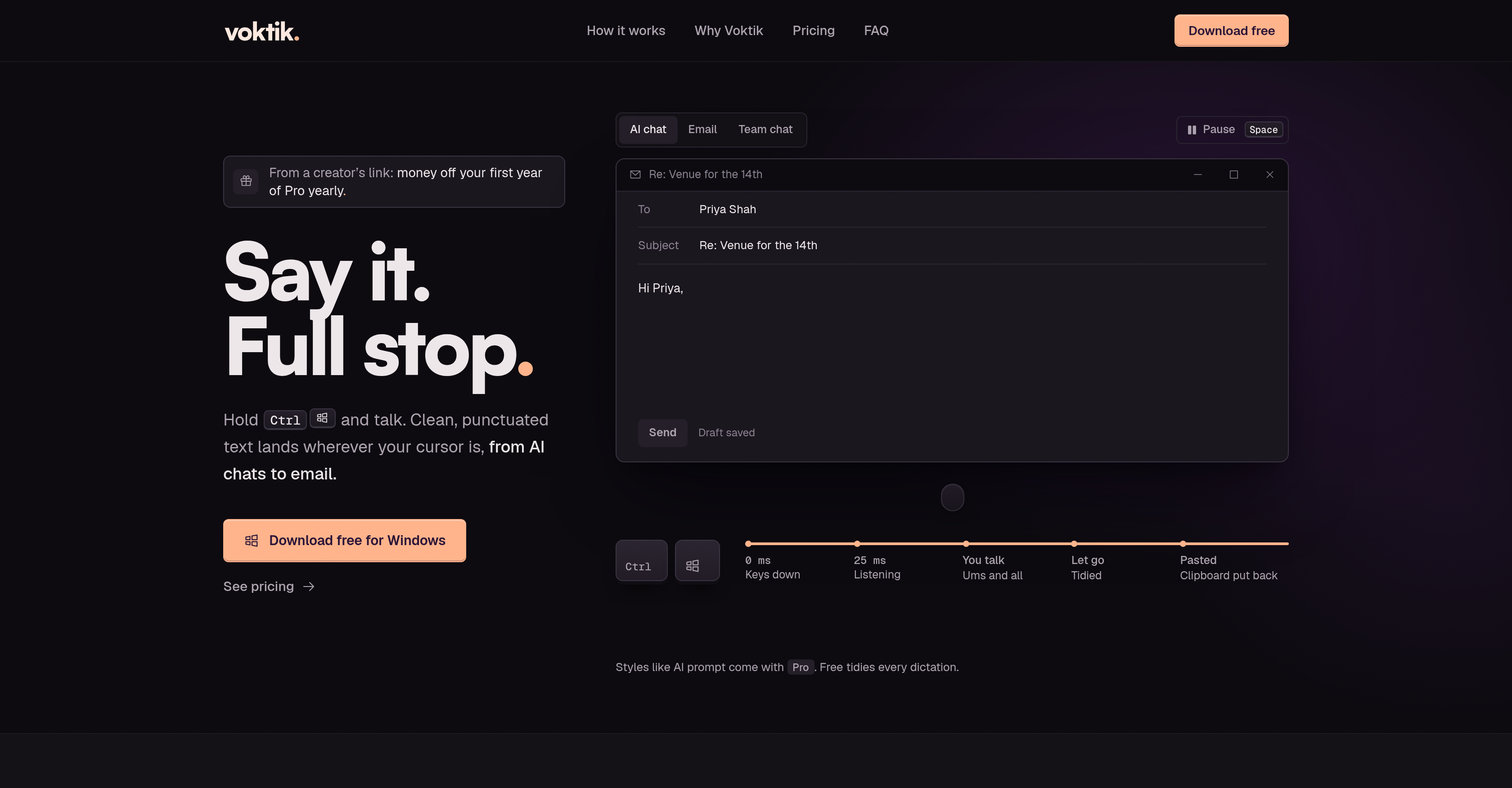
- Write emails, documents, and AI chat prompts at speaking speed: hold a key, talk, and Voktik types your speech-to-text output wherever your cursor sits, in any Windows application.
- Send polished text without manual cleanup: automatic filler word removal strips out 'um' and dead pauses, then adds punctuation before the text lands.
- Get names, brand terms, and industry jargon right on the first pass: a custom dictionary teaches the voice typing engine your exact spellings.
- Dictate in your native language or switch mid-workflow without changing settings: automatic language detection covers 100 languages.
- Keep sensitive work confidential: Voktik never uses your voice to train AI, sends only your recording and transcribed words, and never captures screenshots or reads text from other apps.
- Start dictating for free and scale up as your volume grows: the free plan includes a weekly word allowance, and Voktik Pro removes the weekly limit for unlimited voice-to-text.
Pros & Cons
From the listing; not yet checked by our editors.
Pros
- Voice typing for Windows
- Cross-application functionality
- Automated removal of filler words
- Custom dictionary for personalized spelling
- 100 language options
- Determines language automatically
- Free and Pro versions available
- Highly privacy-focused
- No screenshot usage
- Privacy of users' text
- Quick transcription into text
- Ideal for multitasking
- Holding a key for speech-to-text
- Improved productivity tool
- Doesnt interfere with cursor location
- Works anywhere you type
- Microphone kept ready
- Adjustable dictation styles
- Customized dictation styles
- Microphone switch notifications
- Automatic voice-to-text pasting
- Words counted weekly
- Tidy up dictations
- Clipboard content restored post-paste
- Personalized language and style settings
- Hands-free functionality for up to 10 minutes
- Pause dictation option
- Undo dictation cancellation option
- Saved dictation history
- Option to hide dictation history
- Prompt-style dictations tidied
- Auto-detection of dictation app and style switch
- Ability to repeat past dictation
- Microphone ranking feature
- Lossless transition amidst Wi-Fi dropout
- Ever-ready style switch
- Quick dictation saving
- Flexible upgrade options. No weekly limit on Pro version
- Can keep data even when PC crashes
Cons
- Only for Windows
- Limited words in Free version
- Paid version expensive
- No Multi-device capability
- Limited dictation time
- Hard key holding
- No Autosave feature
- No offline functionality
- Limited languages supported
Alternatives to Voktik
Tools that share the most tags with Voktik.
- Ito - Ai Voice Dictation
Write emails and documents without touching your keyboard using universal text box compatibility across Slack, Notion, and Google Docs
Free
Not listed
Not yet checked
- Wispr Flow
Write faster than typing with real-time voice-to-text conversion that works across every computer application
Freemium · from $12/month
$12/month
Not yet checked
- EchoWrite
Capture thoughts instantly as polished, ready-to-use text with real-time transcription powered by OpenAI Whisper, eliminating the need for manual editing.
Freemium · from $37
$37
Not yet checked
- VoiceAppear
Compose emails, documents, and messages three times faster than typing by dictating naturally, while VoiceAppear handles every word in real time.
Not listed
Not listed
Not yet checked
- Voibe
Type three times faster by dictating naturally into any Mac app — just hold a hotkey, speak, and release for instant transcription.
Free trial · from $7.50/month
$7.50/month
Not yet checked
- Yakki
Write emails, notes, and messages three times faster than typing with real-time, on-device speech-to-text transcription
Free trial · from $12/month
$12/month
Not yet checked
Reviews
Rate this tool
Loading reviews...