Workforce AI
Overview
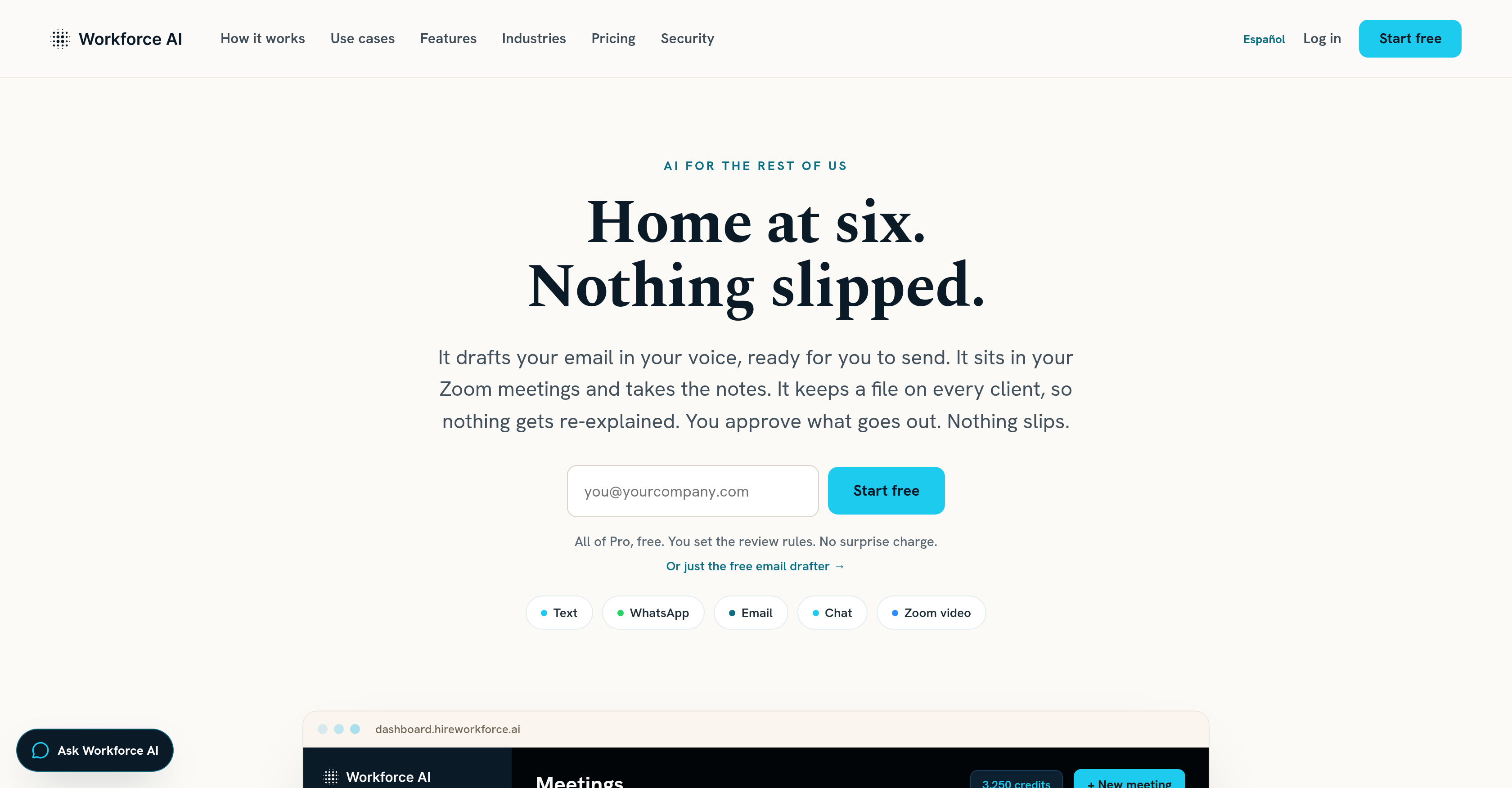
- Eliminate manual email drafting and follow-up management by letting Workforce AI autonomously compose, queue, and send professional correspondence on your behalf.
- Capture every client interaction detail without effort through Workforce AI’s in-depth client context understanding that maintains history across email, WhatsApp, and chat.
- Attend every Zoom meeting with full participation—not just notes—as Workforce AI joins with its own voice and face, then automatically delivers searchable transcripts, summaries, and action items.
- Maintain consistent client relationships across all channels because Workforce AI carries conversation history and context seamlessly from email to chat to WhatsApp.
- Free up hours of repetitive administrative work by delegating task assignments, meeting management, and follow-ups to a dedicated dashboard that lets you review and approve AI output before it goes out.
- Ensure professional, personalized client engagement using Workforce AI’s voice mimicry, which adds a humanlike touch to emails and meeting participation without requiring your direct presence.
Pros & Cons
Pros
- Seamless communication assistance
- Zoom meeting participation
- Voice mimicking for personalization
- Output review and approval
- Dedicated management dashboard
- In-depth client context understanding
- Historical record of client interactions
- Automatic meeting summaries generation
- Action items and transcripts creation
- Integration with multiple platforms
- Email, WhatsApp, chat integration
- Carries conversation history across channels
- Automated follow-ups
- Start free with email drafter
- Real-time avatar in Zoom
- Client context remembering
- Action proposals waiting approval
- Professional email drafting
- Start-now meeting option
- To-dos generation from threads
- Planning and running tasks
- Image generation
- Calendar management
- 60+ integrations
- Recurring job scheduling
- One coworker on every channel
- Real, talking face in meetings
- Follow-ups are drafted automatically
- Persona setup
- Audit trail
- Briefings creation
Cons
- No offline capabilities
- Dependent on voice mimicry
- Requires Zoom for meetings
- Potential privacy concerns
- Approval process time-consuming
- Lacks multi-language support
- Limited to specific tasks
- Requires constant internet connection
- No desktop application
- Fixed functionality, non-customizable
Reviews
Rate this tool
Loading reviews...
❓ Frequently Asked Questions
Workforce AI can handle numerous tasks within a business such as drafting emails, participating in Zoom meetings, managing follow-ups, maintaining client context records, acting as a participant in Zoom meetings with its voice and face, automatically generating post-meeting summaries, action items, searchable transcripts and handling multichannel communication.
Workforce AI manages communications by integrating with multiple platforms such as email, WhatsApp, and chat. It can draft and send emails, represent you in Zoom meetings and maintain client context records for precise future communications. Further, it carries the client context and conversation history across different communication channels.
Yes, Workforce AI has the ability to mimic a user's voice. This feature contributes to the personalization of Workforce AI's services.
Yes, you can review and approve the work output of Workforce AI. This feature aids in significantly minimizing errors in the AI's output.
The Workforce AI dashboard provides functionalities to manage employees, meetings, tasks, and more. This includes the option to review AI work output, and manage AI employees.
Workforce AI maintains client context records by employing an in-depth client context understanding. This enables it to hold the history and details of every client interaction for precise future communications.
Yes, Workforce AI can participate in Zoom meetings. It provides a unique functionality by not just attending and taking notes, but also actively participating as a member with its voice and face.
After each Zoom meeting, Workforce AI automatically generates post-meeting summaries, action items and provides searchable transcripts. This functionality aids in maintaining efficient records of all meetings.
Workforce AI can integrate with multiple communication platforms such as email, WhatsApp, and chat. This allows for seamless cross-channel communication management.
Yes, Workforce AI carries the client context and conversation history across each communication channel. It ensures the context is consistent and specific to the client across all communication touchpoints.
Workforce AI helps in time management by alleviating the burden of mundane and repetitive tasks. By drafting emails, managing follow-ups, maintaining client context records, and participating in Zoom meetings on behalf of the user, Workforce AI allows the user to utilize time more efficiently and focus on tasks of higher importance.
Yes, Workforce AI manages professional follow-ups. It autonomously drafts and sends follow-up emails ensuring professional continuity and clientele engagement.
Workforce AI significantly aids in business automation. Whether it involves drafting emails, conducting meetings, managing follow-ups or maintaining precise client interaction histories, Workforce AI takes over repetitive tasks, thereby automating various aspects of the business process.
Yes, Workforce AI can manage task assignments. It offers a dedicated dashboard feature to manage employees and tasks. This includes the option to review the AI work output and the ability to manage AI employees.
Workforce AI handles corporate communication by drafting and executing emails and WhatsApp messages. Moreover, it also stands in as an active participant in Zoom meetings.
Workforce AI aids in client relationship management through maintaining in-depth client records which includes the history and details of every client interaction. This enables it to provide personalized and efficient communication for future interactions.
Yes, Workforce AI can manage Zoom meetings. It attends these meetings, takes notes, and can even participate as an active member using its voice and face.
Workforce AI mimics the user's voice in order to personalize its services. This functionality is used while drafting emails and participating in meetings, adding a humanlike touch to its interactions and services.
The information regarding accessing contact information through Workforce AI is not directly mentioned on their website.
Workforce AI handles email automation by drafting and queuing emails for approval. It can then send them out at appropriate times, thereby ensuring consistent communication and efficient handling of email tasks.
Pricing
Pricing model
Freemium
Paid options from
$83/month
Billing frequency
Monthly