

Zinkforge | Mail2Follow
Overview
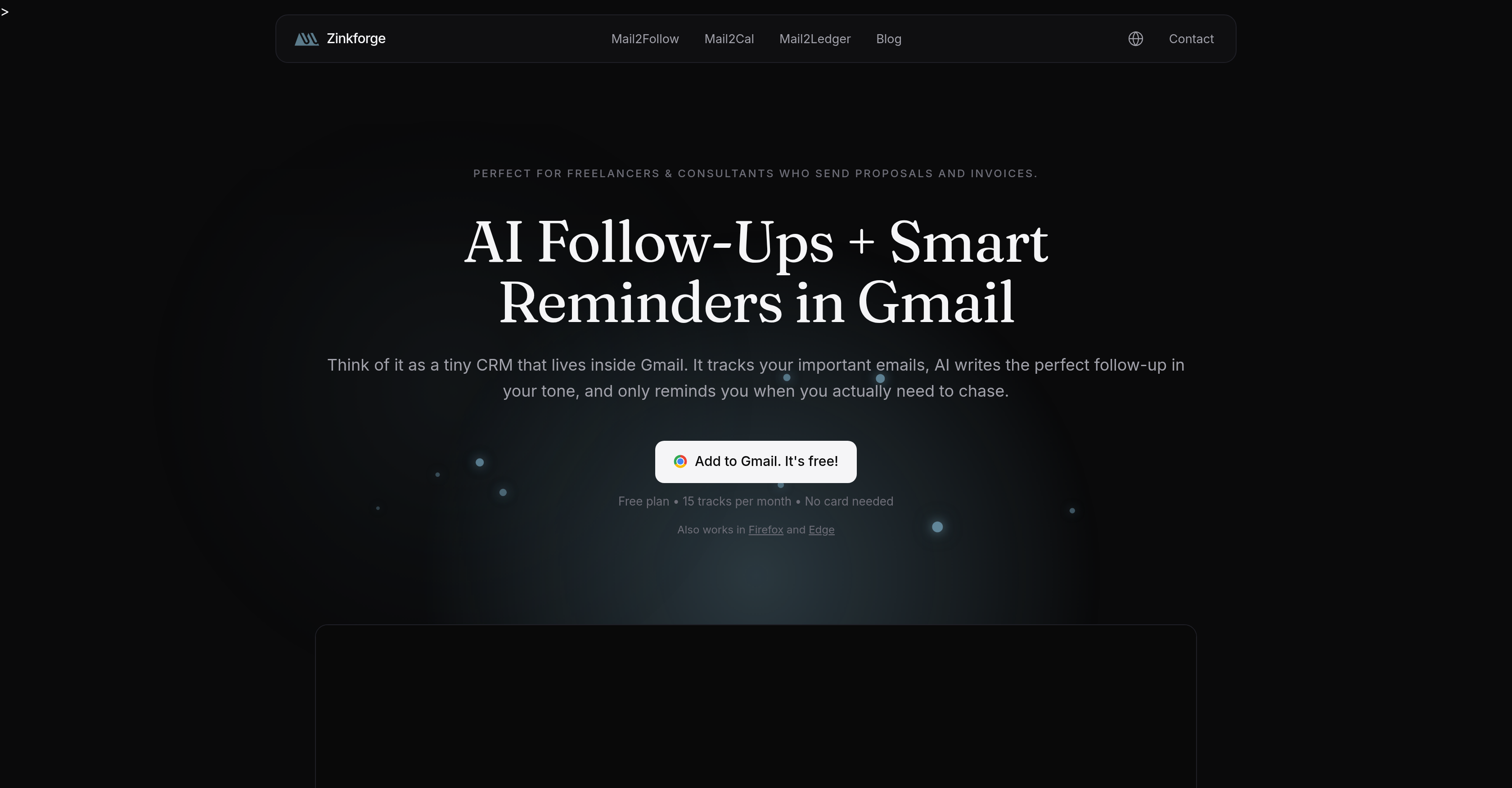
- Capture every proposal and invoice payment by never missing a follow-up, enabled by AI that auto-drafts replies in your exact tone when emails go unanswered.
- Know the exact moment a tracked email is opened to strike while you're top of mind, powered by real-time open alerts and read-count insights in the Pro version.
- Eliminate manual CRM data entry and inbox duplication by letting the tool track only subject lines and dates, leaving email bodies untouched and encrypted.
- Keep your communication consistent and personal across every client thread, thanks to AI that analyzes your original email to match your language and tone.
- Chase unpaid invoices systematically and improve collection rates without extra effort, using automatic reminders and follow-up drafts for critical financial emails.
- Maintain full control over your data with minimal access permissions—only read threads you explicitly track, with all history encrypted and never sold or used for AI training.
Pros & Cons
Pros
- Gmail integration
- Mini-CRM features
- Freelancer and consultant focus
- Email tracking
- Follow-ups in user's tone
- Timely reminders
- Real-time open alerts
- Email body privacy
- GDPR compliant
- Data encryption
- Free plan available
- Pro version with enhancements
- Invoice management
- Proposal management
- Limited access permissions
- Internal email classification
- Proposals and invoices tracking
- Automatic follow-up planning
- Real-time statistics on email
- Inbox minimization features
- Privacy and security focus
- Multi-account support in Pro
- Customizable follow-up drafts
- Lightweight compared to full CRM
- Critical conversations tracking
- Automated action on non-replies
- Productivity focused
- Minimalistic user interface
- Personal brand preservation
- Priority support in Pro
- Transparent pricing
- Unlimited email tracking in Pro
- Automatic reply detection
- User-friendly installation
- Broad language support
- Simple cancellation process
- Third-party integration
- 14-day free Pro trial
- Tracks email open frequency
- Auto-reminders on unchased invoices
Cons
- Gmail dependency
- Doesn't support all languages
- Limited free tracking
- Pro version required for unlimited tracking
- Pro version for multi-account support
Reviews
Rate this tool
Loading reviews...
❓ Frequently Asked Questions
Mail2Follow is an AI-powered tool that serves as a mini-CRM within the user's Gmail inbox. It is particularly useful for freelancers and consultants who regularly send out proposals and invoices. Mail2Follow tracks important emails, creates follow-ups using AI that matches the user's tone, and sends reminders when responses are not received. It also drafts a reply when no response is received using AI that matches the language and tone of the original email.
Mail2Follow works within Gmail by tracking any important email, sending out reminders when responses are not received, and alerting users in real time when emails are opened. It operates as a lightweight CRM that resides within the user's Gmail inbox. In order to use Mail2Follow, users simply need to click the Track button on any Gmail thread.
Mail2Follow tracks emails by integrating within the Gmail inbox. When users click the 'Track' button on any Gmail thread, the software begins monitoring that thread. This enables users to keep track of important emails, like deal proposals or invoices. The user will be notified in real time when tracked emails are opened.
Mail2Follow auto-generates follow-ups using AI that matches the user's tone. If an email goes unanswered, Mail2Follow opens the thread with a follow-up already written. The AI takes into account the tone and language of the original email, allowing for a more personalized and efficient follow-up.
Mail2Follow offers several unique features compared to a standard email tracker. Not only does it track when an email is opened, it also sends notifications if no reply is received, and drafts the follow-up for you. It uses AI to classify the type and timing of the email and automatically resolves the thread when a reply is received.
Mail2Follow ensures email privacy and security by only reading the threads the user chooses to track. It doesn't store the body of the emails, only subject lines and dates. The message body is used ephemerally to classify the email and generate a follow-up draft, then it's destroyed immediately. All history is encrypted and none of the data is sold to third parties or used to train AI models.
The main differences between the free and Pro versions of Mail2Follow are: The free version allows for the tracking of 15 emails per month, while the Pro version offers unlimited email tracking. The Pro version also offers real-time alerts that notify the user when an email is read, how many times it has been read, and when. It also supports multi-account use and provides per-contact reply rates and stats. The Pro version also lets users remove the 'Powered by' tag from their emails.
The intended user base for Mail2Follow includes professionals such as freelancers and consultants who regularly send proposals and invoices. Essentially, individuals who need to monitor important emails and ensure they don't miss any follow-ups can benefit from using Mail2Follow.
Mail2Follow is very effective in tracking proposals and invoices. It ensures that such important emails don't disappear within the general email traffic. Proposals that may have been forgotten can be tracked and promptly followed up, and unpaid invoices can be chased up systematically, improving collection rates.
Mail2Follow assists in drafting replies with its AI capabilities. If no response is received to an email, the software can draft a reply that matches the language and tone of the original mail. The AI also classifies the email type and timing, allowing for a more personalized and efficient reply. Users can edit this AI-generated reply as required before sending it.
Mail2Follow provides real-time alerts to the users when their emails are opened. For the users with a Pro Version, Mail2Follow also indicates how many times, and when their mail was read.
Mail2Follow balances being heavier than a tracker but lighter than a full CRM by offering a middle ground between the two. While it tracks emails like a simple tracker, it goes a step further by classifying email types and timing, and by drafting follow-ups. However, it isn't as complex as a full CRM, as it operates solely within your Gmail inbox and focuses primarily on tracking email interactions and follow-ups.
Mail2Follow handles email threads by tracking any thread that the user picks. It reads only these tracked threads and does not store the body of the emails, an approach that safeguards privacy and security.
Mail2Follow contributes to more efficient follow-ups by notifying the users in real time when their emails are opened and by drafting follow-ups using AI that matches the users' tone. It also sends reminders when responses are not received, thus ensuring that no important response waits unattended.
The AI in Mail2Follow matches the user's tone by analyzing the original email's language and tone. It uses this information to draft a follow-up that aligns closely with the user's natural speech and writing patterns, thereby maintaining the consistency of communication.
The capacity of the free plan of Mail2Follow is to track 15 emails per month.
There are no specific mentioned requirements to upgrade to the Pro version of Mail2Follow apart from the advice that it is especially suited for people who need to follow up for a living.
Mail2Follow ensures GDPR compliance by not using user emails to train artificial intelligence models, and by not selling data to third parties. All history is protected with encryption.
Mail2Follow takes a variety of measures to protect user data. It doesn't store the body of the emails, only subjects and dates, and the message body is destroyed immediately after it's used to classify the email and generate a draft. All history stored is encrypted and Mail2Follow does not sell any data to third parties.
Mail2Follow seamlessly integrates with the user's Gmail account, effectively acting as a tiny CRM that lives inside. The tool watches over important emails designated by the user and when an email is left unanswered, it can auto-draft the nudge for a response.
Mail2Follow offers eminent features to freelancers and consultants such as tracking of important emails, crafting of follow-ups using its AI that matches the user's tone, and its smart reminder system. It also alerts users in real-time when the tracked emails are opened and if an email has gone unanswered, the tool can generate a response nudge in the user's tone.
Mail2Follow's AI algorithm analyzes the user's previous email practices and tone. It then simulates the same style to draft responses or follow-up emails to maintain a consistency in the communication, making it appear as if the user had written the email themselves.
Mail2Follow sends reminders when it detects that a response to an important, tracked email has not been received within a reasonable timeframe. Timing of reminders is not explicitly stated.
Real-time email opening alerts in Mail2Follow refer to notifications to the user the moment their sent email is opened by the recipient. This feature allows the sender to understand when their mail was viewed, enabling immediate follow-ups while they are still top of mind for the recipient.
Yes, Mail2Follow has the capability to auto-draft a reply when the user does not receive a response. The tool uses its AI engine to mimic the language and tone of the sender, leading to a personalized and pertinent drafted response.
No, Mail2Follow does not store the body content of the user's emails. It only scans and stores the subject lines and dates, specifically from the threads that users have chosen to track, ensuring high privacy standards.
The free version of Mail2Follow offers tracking of 15 emails per month, AI classification and draft, and reply detection and notifications for single Gmail accounts. The Pro version, on the other hand, provides unlimited tracked emails, support for multiple accounts, and real-time alerts about when an email has been read. The Pro version also provides insights such as per-contact reply rates and stats, and it allows users to keep their branding on emails.
Mail2Follow takes privacy and data security seriously. It ensures data protection by only tracking selected email threads and never storing the content body of emails. Additionally, all user data is encrypted, minimizing any form of data breach or unauthorized data access.
Yes, Mail2Follow is GDPR compliant. It takes further steps to ensure user data security by not selling any data to third parties or using it to train their AI models.
While full CRM solutions often duplicate the inbox or require manual inputting of information, Mail2Follow is designed to balance convenience and functionality. Its defining feature is the ability to classify, track, generate reminders and even draft follow-ups for important threads all within the Gmail environment, yet not store the body content of emails.
For proposal and invoice tracking, Mail2Follow uses its AI engine to classify these critical emails and monitor them for responses. If no response is received within a designated period, the tool generates reminders for the user to follow-up. In the case of further inaction, it drafts a nudge in the user's writing style promoting a reply.
Indeed, Mail2Follow provides CRM-like functions within Gmail. It tracks crucial emails, reminds the user to follow-up if a response is not received, and auto-generates the follow-up email if needed. However, unlike most CRMs, it does not duplicate your inbox.
The AI in Mail2Follow learns from the user's email writing style. By analyzing previous correspondence, the AI is equipped to draft follow-ups that mimic the user's tone and language, creating a seamless interaction.
Mail2Follow abides by minimum access permissions policy. It only reads and tracks the specific threads that the user has permitted it to, maintaining high standards of user access control.
Yes, Mail2Follow does offer real-time alerts for email management. The tool notifies the user instantly when an email they have tracked is opened, enabling timely follow-ups.
Mail2Follow provides an in-depth history of the tracked threads, making it easy for the user to manage tracked emails. However, it does not store the body of the emails, placing high regard for privacy and security.
Mail2Follow boosts productivity by tracking important emails, issuing reminders when responses aren't received, and auto-generating follow-ups in the user's tone. Its AI engine understands the type and timing of an email, drafts a follow-up, and auto-resolves the communication thread when a reply, fostering efficieny in email management.
Yes, the Pro version of Mail2Follow supports multi-account management, making it a suitable solution for professionals who handle multiple email accounts for different purposes.
Pricing
Pricing model
Free
Paid options from
Free
Related Videos
Mini-CRM que vive dentro de tu Gmail
Zinkforge•3 views•May 27, 2026