Photoeditor
Overview
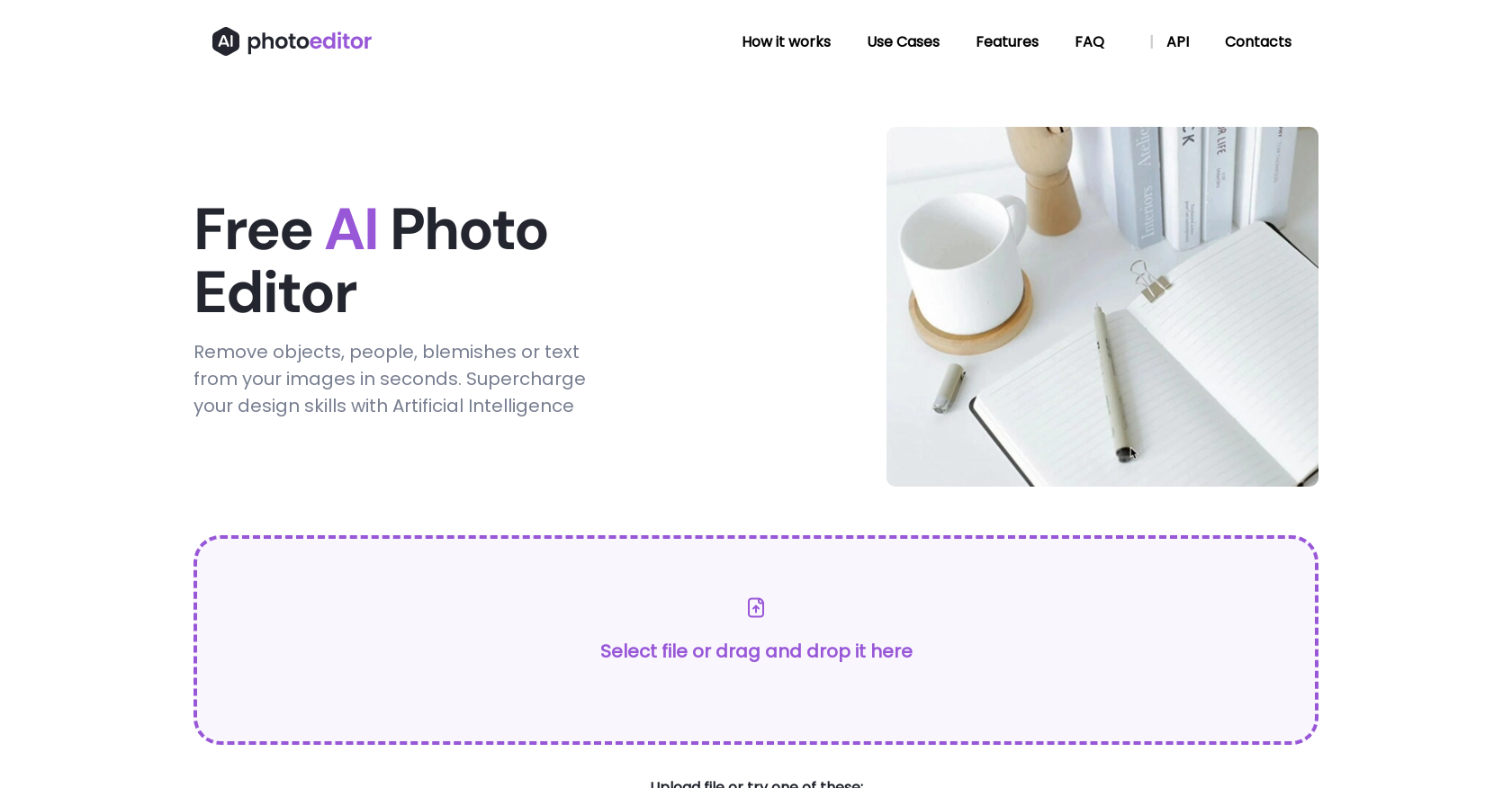
- Clean up portraits, product shots, and social media visuals by removing blemishes, wrinkles, and imperfections with a single brush stroke, powered by AI-driven face enhancement.
- Erase unwanted people, objects, or text from any image in seconds by drawing a mask, as the AI analyzes surrounding pixels to deliver natural-looking results using advanced inpainting.
- Improve room interior photos for real estate listings by removing defects and unwanted items, showcasing each space in its best light without manual editing effort.
- Create impactful social media visuals and professional branding by instantly removing distracting elements, text, or people from your images.
- Edit multiple objects from a single photo in one session, saving time compared to traditional editing methods that require layer-by-layer work.
- Start editing immediately with no downloads or installation required—upload JPG, PNG, WEBP, or HEIC files up to 5MB and download high-quality 1024px results.
Pros & Cons
Pros
- Supports multiple image formats
- Object and text removal
- Face enhancement feature
- Web and mobile compatible
- 1024px resolution output
- No downloads or installation
- Neural network technology
- Inpainting techniques used
- Useful for variety of industries
- Supports batch removal
- Free to use
- Premium version in development
- Mask or brush options
- Auto-segments objects for removal
- Both foreground/background object removal
- Text overlay/watermark removal supported
- Download result in seconds
- User-friendly interface
- Effortless skin enhancement
- Ideal for social media visuals
- Unwanted item removal for interiors
- Excellent for real estate photography
Cons
- Only supports 1024px resolution
- Lacks background removal feature
- Doesn't support large files (>5MB)
- No app for mobile devices
- No offline functionality
- Upcoming features will be paid
- Limited to specific formats (JPG, PNG, WEBP, HEIC)
- Requires manual selection for removal
- Lacks professional retouching tools
- No batch processing
Reviews
Rate this tool
Loading reviews...
❓ Frequently Asked Questions
You can upload any image to PhotoEditor.ai in JPG, PNG, WEBP, or HEIC format.
To remove objects or text from an image in PhotoEditor.ai, you just need to upload the image and then draw a mask or brush over the objects or text you wish to remove. The AI technology of PhotoEditor.ai will analyze the surrounding pixels and context to provide natural-looking results.
PhotoEditor.ai is compatible with both web and mobile platforms.
The edited images that you can download from PhotoEditor.ai are high-quality, with a resolution of 1024px.
Yes, PhotoEditor.ai is currently working on a Premium AI Photo Editor, which will be a paid subscription-based service.
The technology behind PhotoEditor.ai is powered by a modular neural network that uses Artificial Intelligence algorithms for Machine Learning. In particular, it utilises inpainting techniques to remove unwanted objects or elements from images.
Photographers, creative agencies, real estate professionals, e-commerce businesses, and anyone looking to enhance their images can benefit from using PhotoEditor.ai.
Yes, PhotoEditor.ai can also remove people from photos.
Yes, PhotoEditor.ai allows the removal of multiple objects from a photo.
The maximum size of the image files that you can upload to PhotoEditor.ai is 5MB.
Yes, PhotoEditor.ai also provides a feature for enhancing face features, allowing you to remove blemishes, wrinkles, and imperfections.
Yes, you can use PhotoEditor.ai on both web and mobile platforms.
While PhotoEditor.ai allows uploading of any kind of image, the export results are limited to 1024px resolution.
Inpainting is an advanced image editing technique used in PhotoEditor.ai. It removes undesired objects or elements from images by analyzing the surrounding pixels and context, filling in the removed areas for natural-looking results.
The current features of PhotoEditor.ai are completely free. However, they are working on a Premium AI Photo Editor which will be a paid subscription-based service.
PhotoEditor.ai has plans to introduce a feature for removing backgrounds in the future.
With PhotoEditor.ai, you can remove unwanted items, text, or people from your social media visuals to create impactful branding and professional images.
PhotoEditor.ai can improve room interior photos by allowing you to remove unwanted items and defects, showcasing each space in its best light.
There aren't any specific details regarding the benefits of the premium version of PhotoEditor.ai. However, it is implied that it will offer more advanced features or privileges compared to the free version.
PhotoEditor.ai stands out among similar AI tools due to its advanced inpainting technology, ease of use, and the high-quality, natural-looking results it delivers. Additionally, it offers its services free and is compatible with both web and mobile platforms.
Pricing
Pricing model
Paid
Paid options from
$9.99/month
Billing frequency
Monthly