AI Beat Maker.ai
Overview
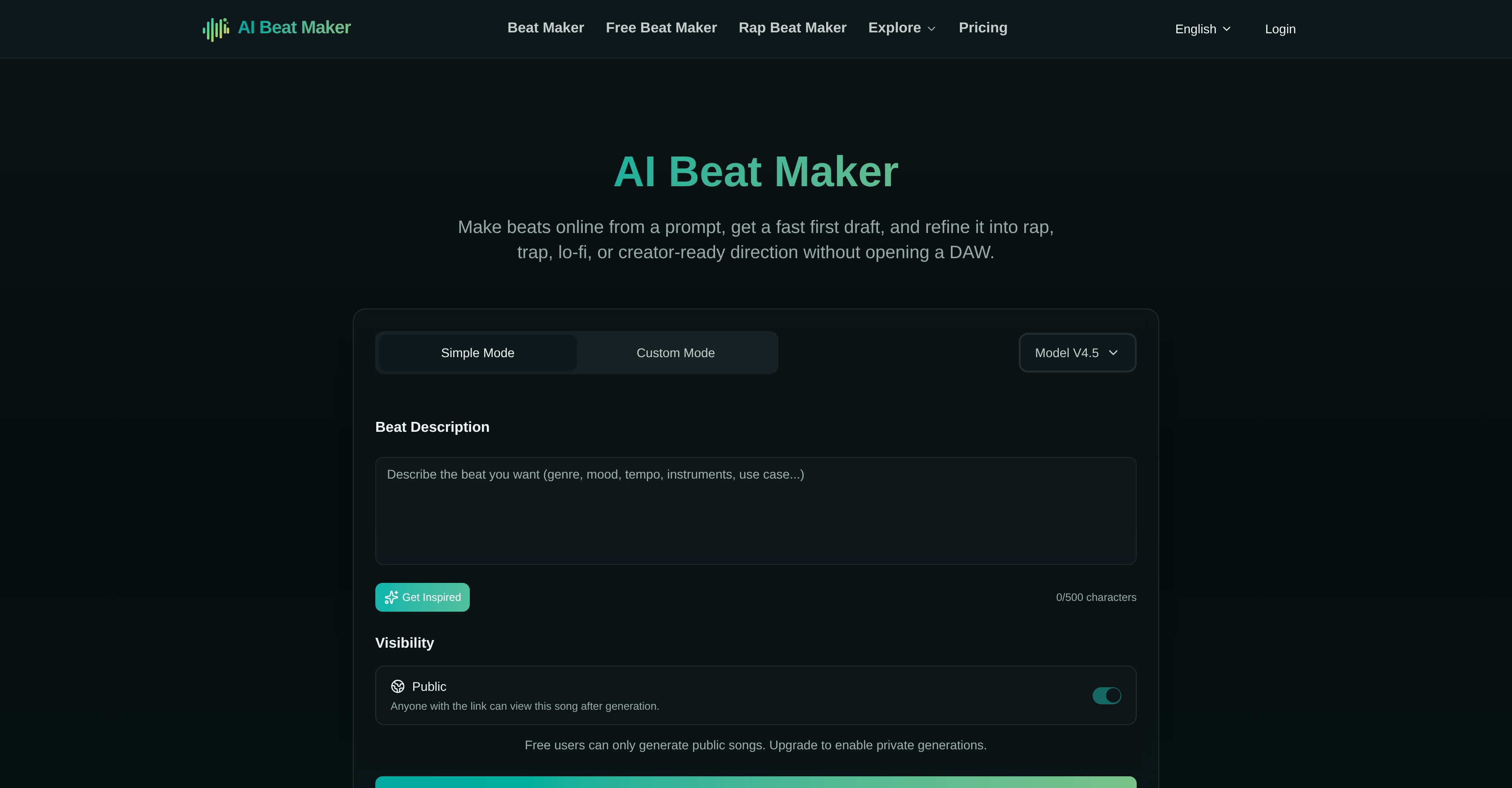
- Create professional rap, trap, lo-fi, or EDM beats instantly by describing the job, mood, and pace—no DAW required
- Refine each instrumental draft into your exact musical direction using dedicated style-specific pages for darker trap beats or warm lo-fi backgrounds
- Produce custom beats for videos and podcasts with dedicated creator pages that provide tighter prompt examples and targeted next steps
- Test early beat directions for free to validate prompts and compare rough drafts before committing to a final version
- Generate darker, heavier trap drafts with harder drums and deeper 808 weight using the Trap Beat Maker workflow
- Craft warm, loopable background beats for podcasts, study edits, or storytelling through the Lo-fi Beat Maker page
- Improve prompt-based beat workflows with built-in tutorial pages that teach you how to shape more accurate prompts and understand next steps
- Preview a variety of beat styles—electronic, moody instrumental, urban trap, lo-fi chill—directly on the homepage to see what the tool can produce
Pros & Cons
Pros
- Prompt-based beat generation
- Variety of beat styles
- Refine musical direction
- Built-in previews
- Workflow for different applications
- Unique sub-pages
- Rap, Trap, Lo-fi, EDM beats
- Specialized Video, Podcast beats
- Dark trap beats
- Warm lo-fi beats
- Free testing of early directions
- Guides for improving workflows
- Privacy options
- Designed for creative projects
- Music Maker for Social Media
- Fast instrumental draft creator
- Creator-ready direction
- Preview beat drafts
- Detailed directions for use
- No DAW required
- Spot-on Musical Direction
- User-friendly
- Creator Pages for Specific Jobs
- Choose mood and pace
- Rapid beat generation
- Visibility control
- Improved Workflow with styles
- Special pages for specific beats
- Any level of users
- Podcast background beats
- Online beat maker
- Ideal for editor and teams
- Used by Indie Artists
- Perfect for creators & podcasters
- Accessible musical tool
- Afrobeat-inspired beats
- Customizable per project
- Valuable for music teachers
- Broad workflow coverage
- Comparative direction testing
- Rough direction comparison
- Content creator tool
- Supports educational intent
- React to first result
- Plain language description
- Plain language prompt
- Fast draft generation
- User reactive tool
- Musical direction selection
- Mood, pace, job description
- First draft retention
Cons
- Requires internet connection
- No offline mode
- Paid exports only
- Privacy concerns for free users
- Quicker to reach export limit
- Only generates beats
- Limited musical diversity
- Depends on users' prompt creativity
- No collaboration feature
- Tutorials focused on prompts only
Reviews
Rate this tool
Loading reviews...
❓ Frequently Asked Questions
AI Beat Maker is an online tool designed for generating instrumental beat drafts. It is designed to assist with a range of applications such as rap, trap, videos, podcasts, and other creative projects. This tool is created to generate beats based on user-defined prompts without the necessity for a Digital Audio Workstation.
AI Beat Maker creates beats by accepting user-defined prompts that define the job, mood, and pace of the beat. These prompts guide the system in composing an initial draft of the beat. The users can then refine this generated draft into their specific styles, using the variety of sub-pages and refining options provided by the platform.
With AI Beat Maker, you can create beats in a range of styles, such as rap, trap, and lo-fi. Also, you have the option to create beats specifically oriented for videos and podcasts. There are also provisions to generate warmer, loopable background beats and darker, heavier beat drafts.
Yes, AI Beat Maker is designed precisely for this purpose. It has dedicated beat maker pages for users producing content for videos and podcasts. Users can customize the beat to their requirements, ensuring it appropriately fits their content.
Yes, electronic dance music or EDM can be generated with AI Beat Maker. There are numerous sub-pages within the platform that allow users to delve deeper into specific workflows for creating beats in various styles, including electronic dance music.
Yes, AI Beat Maker provides a feature that allows you to test early beat directions for free. This allows users to validate their prompts and compare rough beat directions before proceeding further.
AI Beat Maker includes tutorial pages that help users enhance their prompt-based beat workflows. These guides are designed to provide assistance and insights when the user faces challenges in shaping a better prompt.
Yes, AI Beat Maker caters to specific styles such as lo-fi, trap, and rap. It has dedicated style-specific pages that users can use to narrow down and specify their beat creation.
Absolutely, AI Beat Maker is designed to allow users to tailor the musical direction of their beats based on their preferences and initial draft, using the various refining options provided by the platform.
The process of creating beats in AI Beat Maker starts by defining the job, mood and pace of the beat. Once the initial beat draft is generated from this prompt, users can refine the draft by moving to various sub-pages within the platform to delve deeper into specific beat creation workflows.
Yes, AI Beat Maker allows you to refine your beats after the initial draft. This flexible feature lets users steer their beats' musical direction based on their preferences and initial drafts.
The creator pages in AI Beat Maker provide tighter prompt examples and specific next steps targeting content creators. They are designed to cater to specific needs such as for videos, podcasts, and social media.
On the Trap Beat Maker page of AI Beat Maker, you can create darker and heavier beat drafts. This is particularly helpful when the project needs harder drums, darker low end, and more 808 weight.
The Lo-fi Beat Maker page of AI Beat Maker allows users to create warm and loopable background beats. It is typically used when the project needs supportive background motion, perfect for podcasts, study edits, storytelling, or voice-led content.
Absolutely, the tutorial pages of AI Beat Maker are specifically designed to assist users in refining their prompt-based beat workflows. They provide insights on creating more accurate prompts and understanding the next steps.
To start the beat-making process on AI Beat Maker, you simply need to describe the job, mood, and pace of the beat you aim to create on the homepage. This prompts the system to generate an initial draft of the beat, which you can then refine using AI Beat Maker's array of tools.
The AI Beat Maker homepage gives a preview of the kinds of beats you can create with the tool. This includes electronic beat, moody instrumental beat, urban trap beat, lo-fi chill beat, high-energy electronic beat, and more. Every preview gives you an idea of what the tool is capable of generating.
To create custom beats with AI Beat Maker, you provide prompts based on the job, mood, and pace of the beat you want. Once the system generates an initial draft, you can refine and tailor the beat using the various options within the platform, until you achieve your desired results.
No, you do not need a Digital Audio Workstation (DAW) to use AI Beat Maker. It was created to allow users to generate beat drafts from prompts without the need to rely on a DAW for the process.
AI Beat Maker caters to creators, artists, editors, podcasters, indie artists, content creators, and teams who desire a fast instrumental draft before they worry about manual production. The tool enables these individuals to quickly move from their brief to a designed beat draft without building the beat manually.
Pricing
Pricing model
Freemium
Paid options from
$9/month
Billing frequency
Monthly