AI Designer
Overview
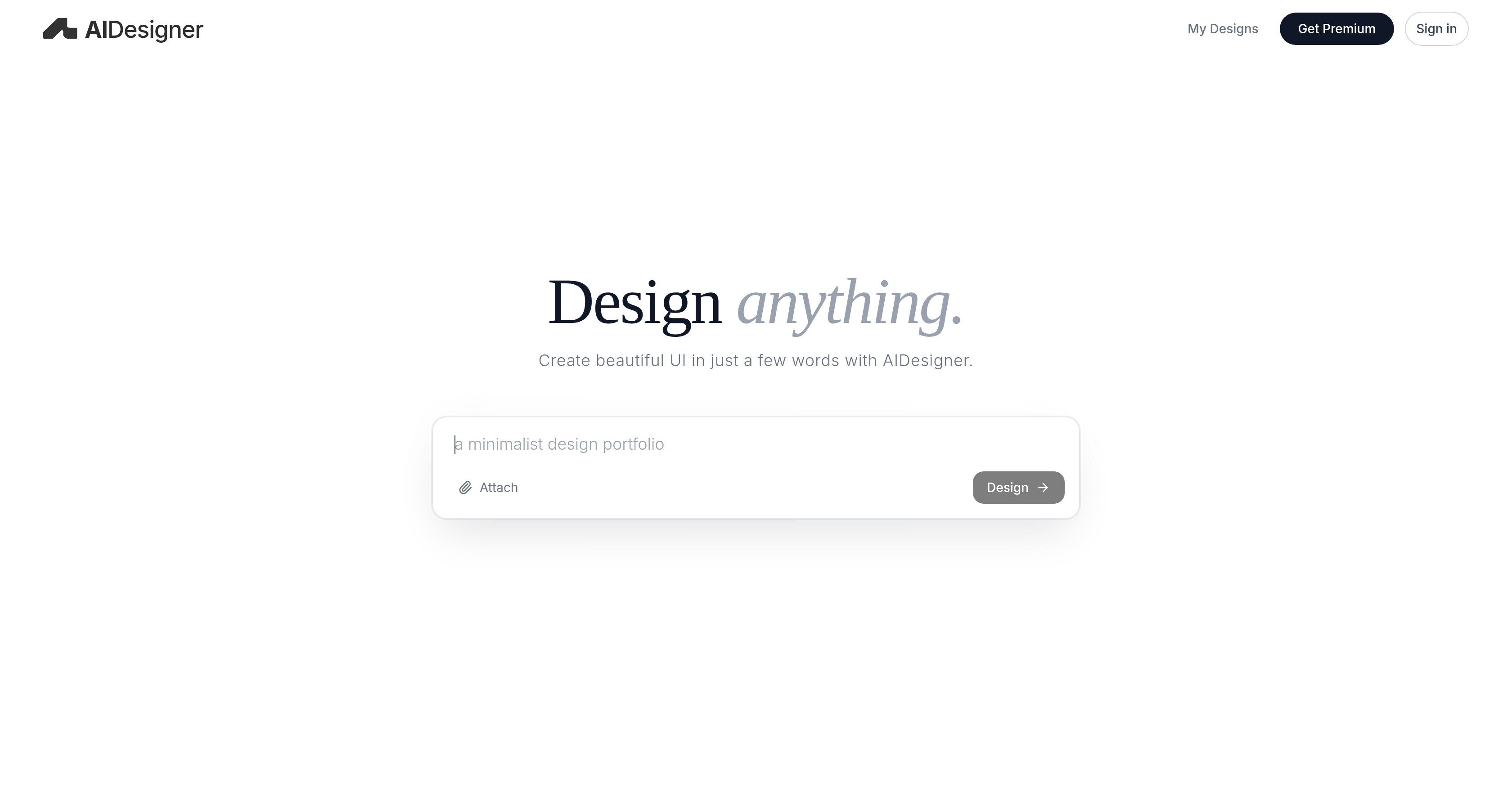
- Transform a brief text description into a complete, editable UI design in seconds using AI-powered generation
- Jumpstart any project with a high-quality, aesthetically pleasing interface foundation, eliminating the blank canvas problem
- Customize every generated design to match your exact vision, as all outputs are fully editable for precise refinement
- Adapt to a diverse range of project requirements, from web apps to mobile interfaces, with a single versatile tool
- Focus on creativity and strategy instead of manual mechanics, dramatically accelerating your overall design process
Pros & Cons
Pros
- Generates editable UI designs
- Fast design creation
- Uses brief user inputs
- User-friendly interface
- Optimizes user interaction
- Diversified options in premium version
- Enhances design productivity
- Reduces traditional design time
- Aesthetically pleasing outcomes
- Adaptable to various design projects
- Instant design generation
- Supports customization
- Adaptive design ability
Cons
- Limited customization options
- Subscription needed for premium features
- No offline functionality
- No direct integration with prototyping tools
- Limited to UI design
- Doesn't support collaborative work
- No API for further development
- Lacks advanced editing tools
- Doesn't offer design suggestions
- Can't import existing designs
Reviews
Rate this tool
Loading reviews...
❓ Frequently Asked Questions
AIDesigner is an artificial intelligence-based tool designed to simplify and enhance the process of creating user interface designs. This platform allows rapid generation of beautiful, editable UI designs.
AIDesigner simplifies the UI design process by using AI to generate aesthetically pleasing designs from just a few words of input. This streamlines the creative process, making it easy and efficient for users.
'Design Anything with AI' implies the ability of AIDesigner to facilitate UI design creation based on any user input, harnessing the power of AI to provide a user-friendly and efficient design experience.
AIDesigner optimizes user experience and interaction through the creation of high-quality UI designs tailored to user preferences. It fosters an efficient, intuitive interface that enhances interaction and usability.
The premium feature of AIDesigner may offer more diversified and advanced options. While the exact benefits depend on the subscription plan, typically it enables extended functionalities beyond the standard version.
Yes, AIDesigner is capable of creating beautiful, editable UI designs.
To use AIDesigner, users provide a few words as input. The AI then interprets this input and generates an aesthetic and user-friendly UI design.
AIDesigner can create a wide range of UI designs. Although specific types are not listed on their website, its adaptive AI nature implies it can handle a diverse array of design requirements.
AIDesigner is designed to generate UI designs with relative speed. The exact timeline isn't specified on their website, but it's designed for swift, efficient design creation.
No, AIDesigner is designed to be user-friendly and doesn't require any prior design knowledge from the user. It uses AI to create designs based on user input.
AIDesigner contributes to design efficiency by enabling rapid, AI-based generation of UI designs. It streamlines the creative process, allowing users to produce designs quickly and efficiently.
Artificial intelligence is the primary technology underpinning AIDesigner. It uses AI to interpret user input and generate corresponding UI designs.
AIDesigner aids in graphic productivity by utilizing AI to swiftly generate UI designs, thereby enabling users to focus more on creative aspects, and less on the mechanical process.
The subscription plan for AIDesigner may offer advanced features and diversified options. The exact inclusions, however, are not specified on their website.
Yes, AIDesigner helps streamline the creative process by using AI to generate UI designs from just a few words of input, thus helping users create designs more efficiently.
AIDesigner is designed to be extremely user-friendly. It's built to streamline the UI design process, making it easier for users regardless of their design experience.
Yes, the quality of UI designs created by AIDesigner is tailored based on user preferences, leading to an optimized and personalized user experience.
AIDesigner's seamless fusion of artificial intelligence and design makes it different from other design tools. It allows generation of beautiful, editable UI designs with just a few words as input.
While specific mention of web designs is absent from their website, AIDesigner's AI-driven approach implies it should be capable of generating any form of UI, including web designs.
Absolutely, AI design is the core feature of AIDesigner. The platform revolves around leveraging AI to generate user-friendly and aesthetically pleasing UI designs.
Pricing
Pricing model
Freemium
Paid options from
$30/month
Billing frequency
Monthly