AI Documents by Eraser
Overview
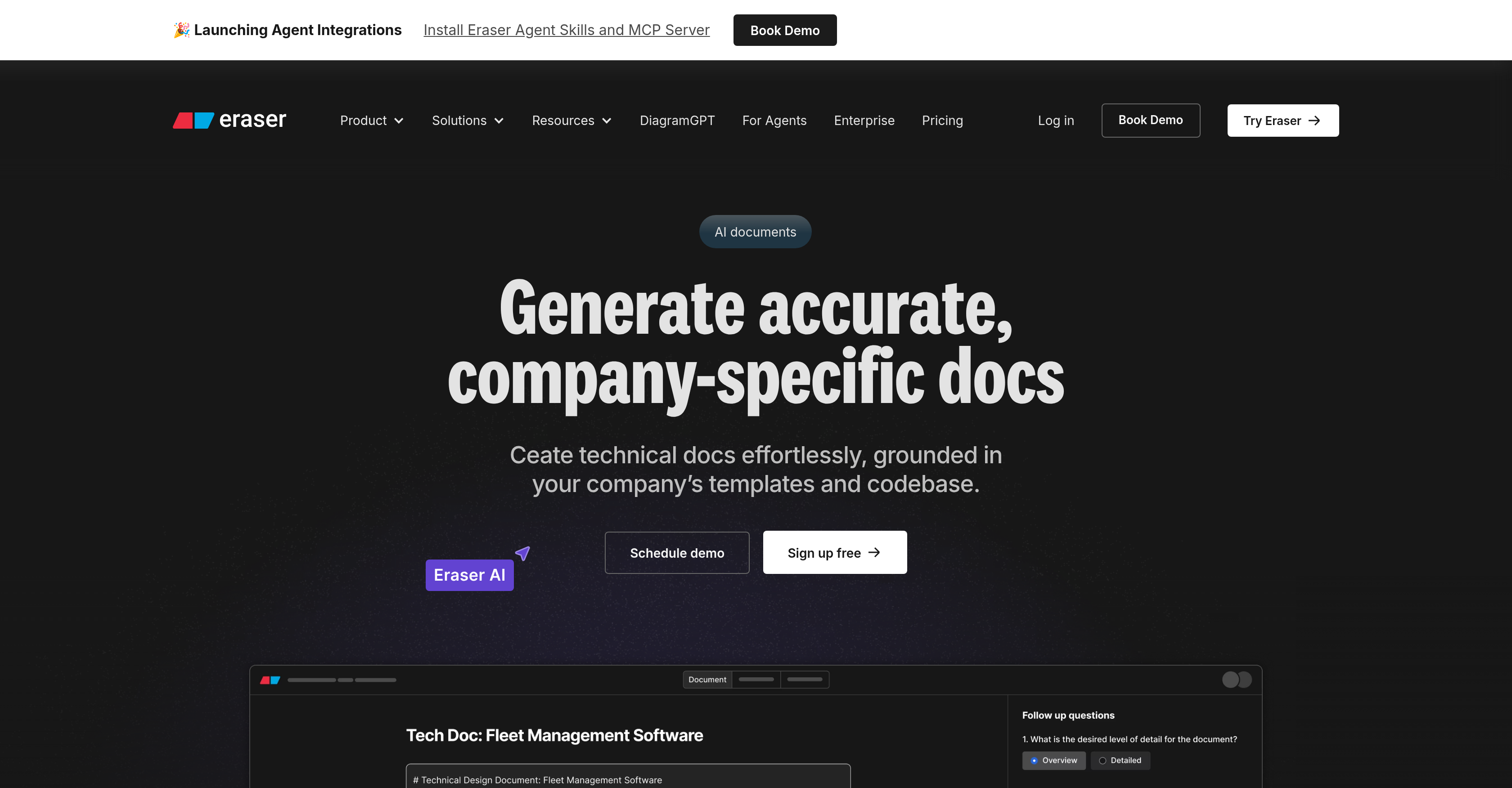
- Eliminate manual diagram updates with self-updating diagrams that automatically reflect changes in your data and workflows, powered by Eraserbot AI.
- Generate perfectly accurate technical documentation by having the AI reference and pull details directly from your actual codebase.
- Design AI-generated documents tailored to your specific company workflows and internal standards, ensuring consistency and alignment.
- Push markdown-based documentation directly into Git repositories for seamless version control and team collaboration.
- Connect diagrams and documents to your live data through the Diagramming API, creating a single source of truth across projects.
- Accelerate diagram and document creation within your existing tools via deep integrations with Confluence, Notion, VS Code, and GitHub.
Pros & Cons
Pros
- Creates self-updating diagrams
- Rapid design document generation
- Confluence integration
- VS Code Integration
- Notion integration
- GitHub integration
- Advanced API connectivity
- Codebase integration for documentation
- Workflow-oriented design
- Efficient for DevOps
- Helpful for Enterprise architects
- Useful for Software engineers
- Tools for Tech consultants
- Automated document generation
- Automated workflow diagramming
- Maintains document relevance
- Maintains document accuracy
- Accelerates technical writing
- Streamlined diagram creation
- Completely eliminates writer's block
- Markdown support for Git
- Algorithm-assisted document creation
- Ensures internal standard compliance
- Promotes team collaboration
Cons
- Slack integration not mentioned
- No mobile app
- Limited to technical documentation
- No offline use
- Potential privacy issues
- Integration limited to specific platforms
- No template creation
- Features still 'coming soon'
Reviews
Rate this tool
Loading reviews...
❓ Frequently Asked Questions
Eraser is an AI-driven technology tool that enhances and streamlines the creation of diagrams and documents. Designed specially for enterprise architects, software engineers, DevOps, and technology consultants, it has an AI component named 'Eraserbot' that creates self-updating diagrams and facilitates integration with your data and workflows.
Eraser offers a multitude of features. It allows for the generation of diagrams and designing documents rapidly, creates self-updating diagrams via the 'Eraserbot'. It seamlessly integrates with platforms like Confluence, Notion, VS Code, and GitHub, enables AI-generated documents catering to a company's workflow, and provides a feature for designing docs and technical documentation. More so, Eraser also aids in referencing your actual codebase, ensuring the accuracy and relevance of documentation.
The Eraserbot is an integral part of Eraser that creates diagrams which are capable of self-updating. In other words, it has the ability to maintain the relevance and accuracy of the diagrams as the data changes, ensuring they stay up-to-date with the ever-evolving business environment.
Eraser integrates with Confluence, Notion, VS Code, and GitHub to enhance user workflows. It does so by leveraging its advanced Diagramming API to connect Eraser AI to your data and workflows, thereby offering seamless interaction between these platforms as part of a project or business workflow.
The Diagramming API in Eraser is a unique interface through which Eraser AI interacts with your data and workflows. The API smoothly combines multiple tasks or processes, paving the way for a comprehensible and efficient project or workflow operation.
The AI documents feature in Eraser enables you to design docs and technical documentation rapidly. It introduces AI-generated documents, aligning them to a user or company's workflows, and the ability to polish technical docs with ease. It has the capability to reference your actual codebase, helping maintain precisely accurate and context-relevant documentation.
Eraser can generate a wide variety of documents, primarily technical in nature – tailored to workflows of an organization. These documents are AI-generated, ensuring speed and consistency, while also being fully customizable to match company's templates and codebase.
Eraser references your actual codebase through a unique feature that's integrated into its document generation process. This feature allows Eraser to accurately reflect your codebase in the documentation, ensuring the docs are up-to-date and truly representative of your software.
The benefit of self-updating diagrams in Eraser lies in their ability to stay current and relevant irrespective of changes that may occur in the data or workflows they represent. This ensures the diagrams continue to be a useful, accurate visual representation of your data and workflows, eliminating the need for manual updating.
Yes, the AI-generated documents in Eraser can be tailored to your workflow. The technology is capable of adapting to a user or company's workflow and generating documents that align with the internal standards and policies of your organization.
Eraser ensures accuracy and relevance in documentation in a couple of ways. It uses your actual codebase as a reference point when generating documentation, ensuring that all technical details are accurate and precise. Furthermore, the use of AI allows for fast updates, adaptations and corrections ensuring that your documents always stay relevant.
Eraser enhances the process of creating diagrams and documents by leveraging advanced AI technology. It empowers users to generate diagrams and design documents rapidly, and creates self-updating diagrams that remain ever-relevant with changing data and workflows. Its integration with various tools and platforms offers a multi-faceted environment to work in, making the entire process faster and more efficient.
Enterprise architects, software engineers, DevOps, and technology consultants can benefit from Eraser in a myriad ways. It accelerates their process of creating diagrams and documents, makes them more dynamic with self-updates, and allows seamless integration with popular platforms like Confluence, Notion, VS Code, and GitHub. They can also use Eraser to maintain accurate and relevant documentation by referencing the actual codebase.
Eraser can integrate with your workflows in several ways. It permits the generation of AI-driven diagrams that are self-updating and accurate. It empowers you to design AI-generated documents tailored to your workflows. The Diagramming API allows for flawless interaction between Eraser AI, your data, and workflows, and the tool's compatibility with popular platforms aids in seamless process integration.
Eraser leverages its sophisticated AI, the Eraserbot, for creating diagrams and documents rapidly. The AI dramatically reduces the time required to generate diagrams and design documents, and ensures they automatically update as necessary to remain current and relevant.
Eraser AI can be connected to your data and workflows through the Diagramming API. This API provides a robust interface for interaction between your various tasks and the advanced features of Eraser AI, thereby consummating a seamless operational flow.
Yes, Eraser supports collaboration through Git repositories. It has a Git-driven workflow that allows you to push markdown-based docs directly into your Git repositories, facilitating seamless collaboration.
'AI Diagramming' in Eraser involves the creation of diagrams using advanced AI technology. The diagrams are automatically generated, self-updating and can be pristinely integrated with your data and workflows, making the process efficient, accurate and hassle-free.
Eraser provides comprehensive support for document generation and workflow automation by leveraging its advanced AI tech. It can generate docs and technical documentation with ease, and simultaneously maintain accuracy by referencing your actual codebase. Its Diagramming API allows the AI to interact with your data and workflows, ensuring a smooth automation process.
Eraser can be integrated with your codebase through its unique AI-generated document feature. By referencing your actual codebase, it ensures that all technical details included in the documentation align accurately with your software, and maintains the relevance of the documents keeping them always up-to-date.
Pricing
Pricing model
Freemium
Paid options from
$15/month
Billing frequency
Monthly
Related Videos
Eraser AI Review: Instantly Turn Tech Ideas into Diagrams & Docs (2026)
Savage Reviews•361 views•Jun 23, 2025