PDFSummarizer.netv1.1Version updatev1.1Jul 18, 2026We've shipped a major update that turns our PDF summarizer into a full document summarizer.Now more than just PDFs — 14 formats supported You can now summarize far more than PDFs. In addition to PDF, the tool now handles:Documents & spreadsheets: Word (DOCX), Excel (XLS, XLSX), PowerPoint (PPTX), TXT, Markdown (MD), HTMLImages: JPG, JPEG, PNG, GIF, WEBPE-books: EPUB, FB2, MOBIUpload almost any file and get the same clear, structured summary with key points in seconds.New languagesAdded full localizations for Thai, Korean, and Indonesian, so more users can summarize and read results in their own language.Bigger filesIncreased the maximum file size from 10 MB to 50 MB — summarize longer reports, books, and spreadsheets without splitting them.As always: 100% free, no registration, and no usage limits.
Overview
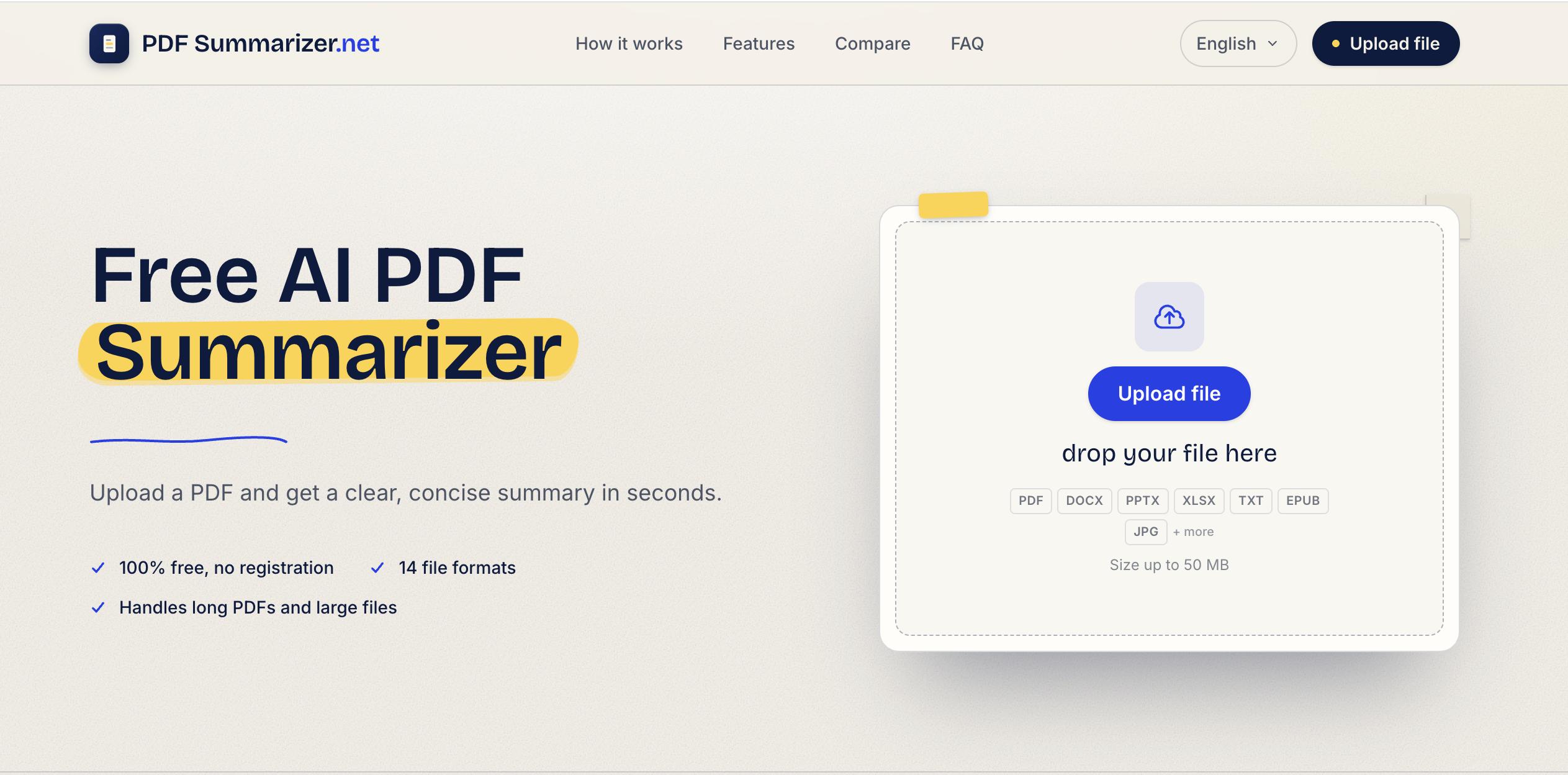
- Understand any document in seconds by uploading PDFs, Word files, images, or e-books and receiving structured bullet-point summaries — the tool reads end to end and extracts main points and key insights from 14 file formats.
- Save hours of reading by summarizing reports, contracts, and slide decks up to 50 MB without splitting files — handles long documents as a single upload.
- Get summaries in your own language by uploading content in any language — the tool works across all languages and delivers the summary in the language you need.
- Dig deeper into your document by asking follow-up questions and getting answers directly from the file — the chat feature turns summaries into conversations.
- Protect sensitive information with zero file storage and HTTPS encryption — your documents are never saved or accessible after the session ends.
- Repurpose content instantly by translating or rephrasing any summary — extract specific information, switch languages, or rephrase key points without leaving the tool.
- Access the summarizer from any device or operating system — no software installation required, just a browser and an internet connection.
Pros & Cons
Pros
- Versatile document handling
- Translates text
- Finds specific information
- Rephrases content
- Comprehensive support
- Uses HTTPS for security
- Does not store files
- User-friendly design
- Rapid summary generation
- Platform independent application
- No additional software needed
- Supports multiple languages
- Fast PDF processing
- Efficient text analysis
- Effective content summarization
- Quick document analysis
- Time-saving tool
- Free to use
- Suitable for multiple file types
- Supports macOS
- Provides key points
- Helpful for studying, research, professional use
- Improves understanding and accessibility
- High productivity tool
- Provides digestible summaries
- Breaks language barriers
- Offers detailed analysis
Cons
- Limited to 10MB file size
- No offline usage
- No file storage option
- Requires internet connection
- No API for integration
- No customization for summaries
- Focus on summarization limits detail
- No specified multi-language support
- No stated support for images
- No mobile app available
Reviews
Rate this tool
Loading reviews...
❓ Frequently Asked Questions
AI PDF Summarizer can handle a versatile range of documents, including but not limited to research papers, manuals, contracts, and essays.
AI PDF Summarizer works by analyzing the content of the uploaded PDF document using AI technology and then generating a concise and accurate overview or summary of the document. This happens in a matter of seconds.
Yes, AI PDF Summarizer is user-friendly. Users simply upload their PDF file, wait for the system to generate the summary, and then review the result. Its design is suitable for ease of use.
AI PDF Summarizer is different from other summarizing tools due to its additional functionalities besides summarizing. It can translate text, find specific information, and rephrase content. It also emphasizes security and data privacy by using HTTPS and not storing files.
Yes, AI PDF Summarizer is platform-independent and can be used on any operating system.
Yes, AI PDF Summarizer is a web-based tool, making it accessible from any system with an internet connection.
Indeed, the AI PDF Summarizer offers the feature of text translation, making it ideal for an internationally diverse user base.
Yes, AI PDF Summarizer has the capability to rephrase content, providing another dimension of interaction and understanding of PDF documents.
The AI PDF Summarizer ensures data privacy by not storing any files uploaded to the platform. Additionally, it uses HTTPS to secure the interactions, ensuring data is encrypted and safe from unauthorized access.
The AI PDF Summarizer generates a summary of the PDF document in a matter of seconds, making it a time-efficient tool.
Yes, the AI PDF Summarizer is a free tool designed for quick and efficient summarization of PDF documents.
Yes, the AI PDF Summarizer supports multiple languages, making it globally accessible.
No additional software is needed to use the AI PDF Summarizer. It is a web-based tool accessible from any system with internet access.
No, AI PDF Summarizer does not store any files uploaded to the platform, providing an extra layer of privacy for its users.
AI PDF Summarizer secures against unauthorized access by utilizing HTTPS for all interactions, ensuring that user data is encrypted and safe.
Yes, AI PDF Summarizer can find specific information within any given document, making information retrieval from voluminous documents easier.
Absolutely, the AI PDF Summarizer functions seamlessly on macOS. Being a web-based tool, it operates smoothly on any system with internet access.
To use AI PDF Summarizer, you simply upload your PDF file. After a few seconds, the system will generate a concise summary which can then be reviewed by the user. You can use the additional options to translate, find or rephrase the content.
Yes, AI PDF Summarizer is designed to handle complex documents. Its AI technology quickly draws out essential points from lengthy and complex documents, presenting a condensed, understandable overview.
Apart from summarizing, AI PDF Summarizer can find specific information, rephrase content and translate text, providing versatility in interacting and understanding PDF documents.
Pricing
Pricing model
Free
Paid options from
Free