
Overview
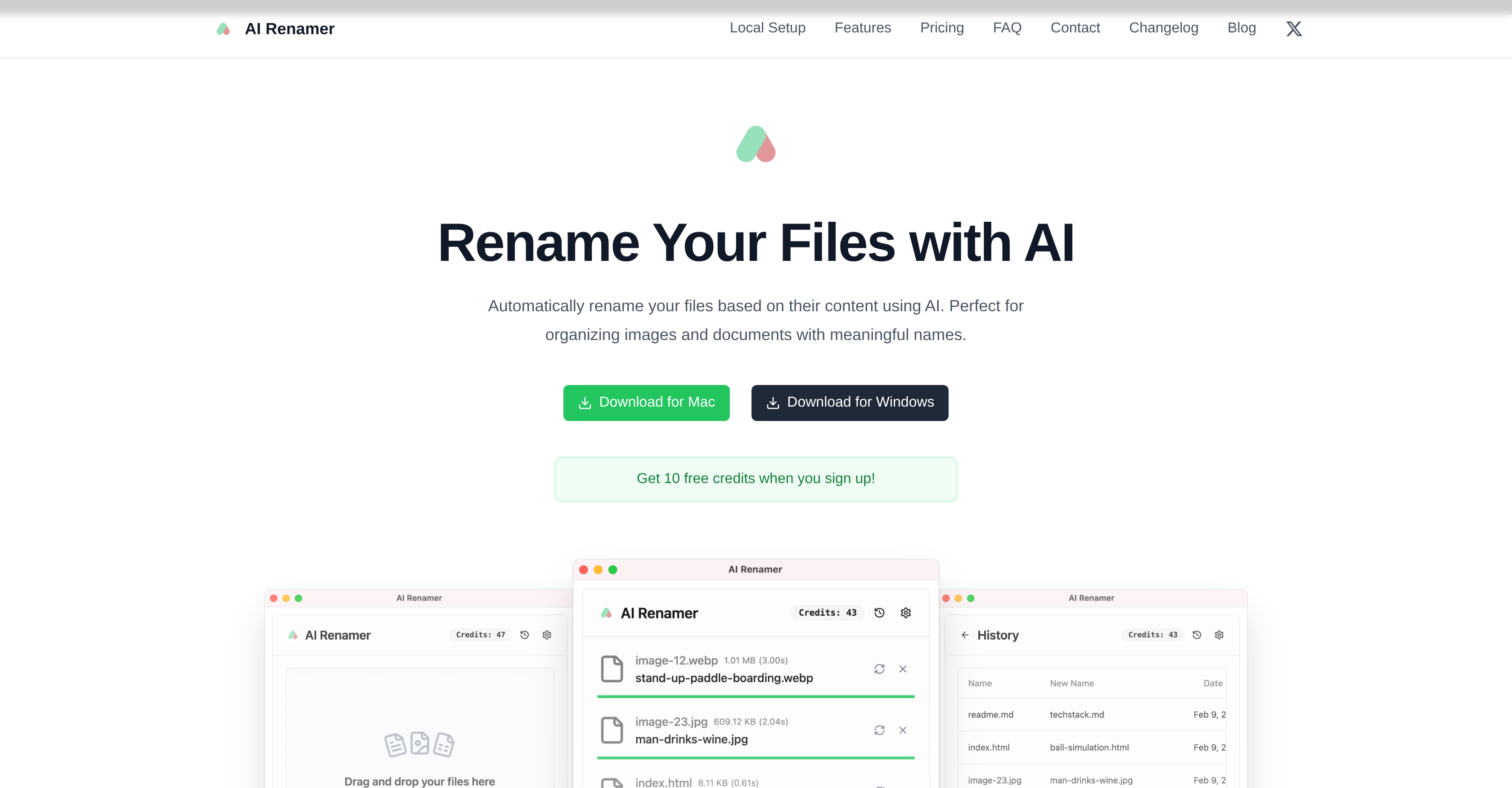
- Instantly organize thousands of photos and documents by having them automatically renamed based on their actual content, using AI analysis of images, EXIF data, and document text.
- Maintain complete privacy by processing files offline with local AI models via Ollama or LM Studio, ensuring sensitive content never leaves your computer.
- Process mixed file types (JPG, PNG, PDF, TXT) in a single operation with batch processing, saving hours of manual work on large volumes of files.
- Achieve highly accurate and relevant file names through smart recognition that analyzes both visual image content and detailed document text.
- Customize naming patterns to fit your specific workflow by adding your own instructions to guide the AI models for personalized results.
Pros & Cons
Pros
- Batch file renaming
- Supports multiple file types
- Smart content recognition
- Offline file renaming
- Integrates with Ollama
- Integrates with LM Studio
- Custom model compatibility
- Mac and Windows support
- EXIF analysis
- Automated content analysis
- Privacy protection
- Personal and professional use
- Image naming
- Document naming
- Preview before renaming
- Drag and drop interface
- Add custom renaming instructions
- Custom formatting rules
- Free credits on signup
- Local and cloud modes
- Pay-as-you-go credits
- Unlimited renaming with local models
- Transparent pricing
- Dark mode support
Cons
- Limited file types supported
- Dependence on third-party integrations
- Potentially inaccurate renames
- Offline processing requires setups
- Limited to MacOS and Windows
- Requires custom model application
- File size limit on cloud
- Pricing for cloud credits
- No Linux support
- Undesirable for sensitive data
Reviews
Rate this tool
Loading reviews...
❓ Frequently Asked Questions
AI Renamer's function is to automatically rename files based on their content, providing a more meaningful representation of the file content. It's primarily used for organizing images and document files.
AI Renamer's batch processing feature works by consistently renaming multiple files at once, making it time-efficient and practical for handling large quantities of files.
AI Renamer supports a variety of files types, including images (JPG, PNG, GIF, WEBP) and documents (PDF, TXT and text-based files).
AI Renamer's smart recognition feature operates by detecting the content within files, including image content and EXIF, and provides a document content analysis. This assists in providing a relevant and accurate name for the file.
AI Renamer maintains privacy during file renaming by providing an option to use local AI models. This feature allows users to rename files offline without sending the content to the cloud, ensuring complete privacy of the content.
AI Renamer works with local AI models by integrating with third-party platforms like Ollama and LM Studio. Users will need to set up AI Renamer settings to connect with their local Ollama or LM Studio installation for private, offline file renaming.
Yes, AI Renamer can be used offline. This is facilitated through its capability to use local AI models, allowing files to be renamed without the need to send the content to the cloud.
AI Renamer supports both macOS and Windows operating systems, providing a consistent user experience across these platforms.
Ollama and LM Studio play a crucial role in AI Renamer by providing the platform for running local AI models, thereby enabling offline file renaming without sending any files to the cloud.
Yes, AI Renamer does support custom models. It allows for the integration and application of both OpenAI and custom models.
AI Renamer is highly efficient in renaming large volumes of files. It achieves this through its batch processing feature, which enables multiple files to be renamed at once consistently.
Yes, AI Renamer allows for customization in file naming. Users can add their own instructions to guide AI models for personalized naming patterns.
AI Renamer can detect various types of content within files. For image files, it can detect image content and EXIF. For document files, it carries out a thorough document content analysis.
AI Renamer analyzes document content by utilizing AI technologies to scrutinize the content of text-based files and generate a name that accurately reflects the content of the document.
AI Renamer uses OpenAI for file renaming through its ability to integrate and apply OpenAI models, which help in analyzing the content of the files and generating appropriate names.
The renaming process takes place locally on the user's machine if local AI models are used. Otherwise, if the cloud version is used, the renaming would take place in the cloud.
Yes, AI Renamer is able to rename multiple files at once. This feature is part of its batch processing functionality.
Yes, AI Renamer can handle image and document named files simultaneously. All supported file types can be managed within the same batch operation.
AI Renamer renames files based on their content by analyzing the content of each file using AI technologies, and subsequently generating an appropriate name that gives a clear indication of the file's content.
EXIF in the AI Renamer tool plays a key role in providing data for image files. It assists the tool in detecting and analyzing the EXIF data within image files, aiding in generating a meaningful and accurate file name.
Pricing
Pricing model
Paid
Paid options from
$19
Billing frequency
One-time
Related Videos
AI Renamer: Rename your files with AI
Ozgur Ozer•572 views•Feb 12, 2025