
Auggie CLI
Overview
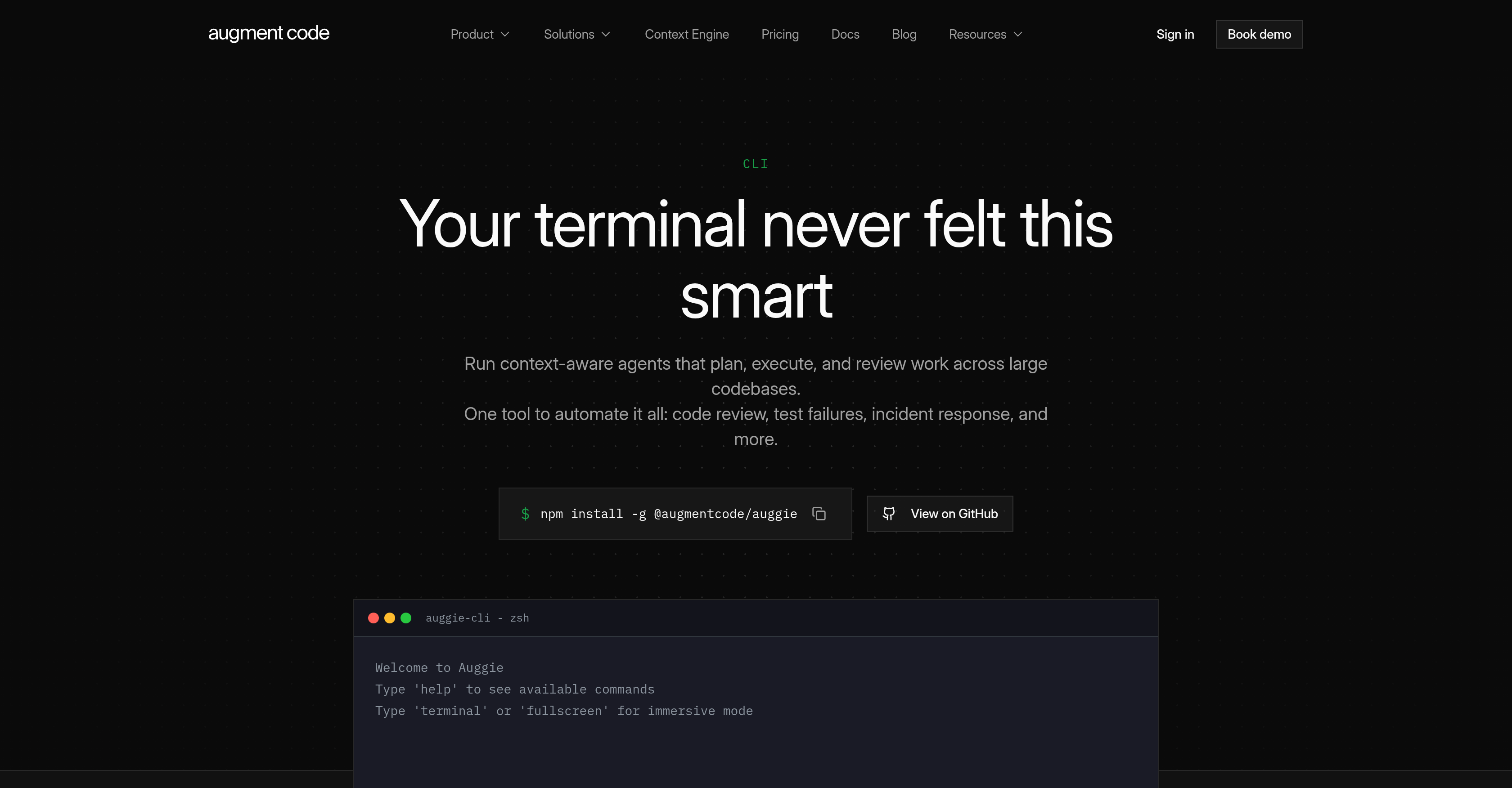
- Cut code review time on every PR with context-aware AI that understands your codebase and delivers actionable feedback
- Resolve test failures and incidents faster by delegating specialized tasks to isolated agents that inspect failures and suggest fixes
- Build your entire development stack automatically with semantic codebase understanding that turns complex workflows into single-shot commands
- Keep full control over every AI action with real-time streaming and visual progress, so you always know what's happening and why
- Pick up exactly where you left off across terminal sessions with resumable sessions that preserve conversation history and task state
- Run multiple AI agents in parallel to refactor the frontend while updating tests in another session, multiplying your throughput
- Automate CI pipelines with seamless GitHub Actions and Jenkins integration, plus support for any CI tool via the open Agent Client Protocol
- Extend your toolkit with MCP-compatible tools and custom commands, so you can build specialized agents for security audits, test writing, or team-specific workflows
Pros & Cons
Pros
- Context-aware code understanding
- Terminal integration
- Automated code review
- Interactive development stack building
- Real-time streaming for tasks
- User-friendly command prompts
- Automated incident response
- Test failures inspection
- Automation mode with clean output
- Single-shot execution feature
- Node.js compatibility
- Semantic codebase comprehension
- Specialized task delegation
- Resumable sessions functionality
- User & repo rules feature
- Multi-agent operation function
- Session sharing capability
- Official GitHub Actions integration
- Jenkins and CI tools Integration
- Supports Agent Client Protocol (ACP)
- Works with any MCP-compatible tool
- Task management
- Custom command creation
- Debugging capability
- Codebase exploration
- Visual progress of tasks
- GitHub integration
- Interactive and automated modes
- Visual progress in real-time
- Intuitive user experience
- Versatility in application
- Personalized prompt suggestions
- Guardrails for personal preferences
- Parallel multi-agent operation
- Context-aware code review
- Export conversations as markdown
- Live streaming output
- Connection to various MCP-compatible tools
- Multi-model choice
- Complex work break down
- Tool permission control
- Work session sharing
- Supports any ACP client
- Service accounts for automation
- Usage monitoring and controls
- First-class GitHub integration
- Runs in any ACP-compatible client
Cons
- Dependent on Node.js
- Interactive mode potentially distracting
- Potentially complex for beginners
- Potential for overwhelming information flow
- Limited to MCP-compatible tools
- No evident error handling
- Requires ACP client compatibility
- Requires command line knowledge
- No offline functionality mentioned
- Inefficient for small-scale projects
Reviews
Rate this tool
Loading reviews...
❓ Frequently Asked Questions
Auggie CLI is an AI Coding Agent created by Augment Code, intended to be integrated into your terminal. It's designed to be context-aware and understand your codebase, enabling automated or interactive construction of your entire development stack. The solution executes a range of functions such as code review, test failures inspection, incident response, and more. Key features comprise real-time streaming, visual progress, intuitive command prompts for tasks like debugging and codebase exploration. Additionally, Auggie CLI offers automation mode, multi-agent operation, and task management, among others.
Auggie CLI fits into your terminal, creating an AI-driven environment for tasks such as code review, test failure investigation, incident response, etc. The AI works through the terminal and conducts operations using context-aware intelligence. It facilitates both interactive and automated building of your development stack. You control Auggie CLI using command prompts that are intuitive and user-friendly.
Yes, Auggie CLI is designed to be context-aware and is capable of understanding your codebase. This key feature lets Auggie CLI to automate or facilitate interactive development stack building.
Auggie CLI can automate a variety of tasks. Some of these include code review, test failure inspection, incident response, development stack building, security audits, and more. It also has a task manager feature to streamline and manage these automated processes.
The context-aware feature in Auggie CLI refers to the AI's ability to understand and interpret the codebase and its context. It uses this intelligence to automate or facilitate various tasks in the development stack, thus boosting the efficiency and accuracy of processes like code review, incident response, test failure inspection, etc.
The visual progress feature of Auggie CLI presents work progress in real-time, giving users a clear view of what the AI agent is doing. This attribute makes the tool user-friendly and enables easier and more efficient debugging and codebase exploration.
The automation mode in Auggie CLI allows for single-shot execution that generates clean output. This feature enhances efficiency and makes the tool more versatile for different tasks and commands.
Auggie CLI can run in any environment where Node.js runs. This means it is versatile and adaptable to various applications and platforms, including CI pipelines, serverless functions, and cron jobs.
The task delegation feature in Auggie CLI facilitates division of tasks among focused agents. For specialized tasks like security audit, test writing, or data analysis, they run in isolated contexts, increasing efficiency and accuracy.
Auggie CLI supports resumable sessions, so you can pick up right where you left off, as your conversation history and task state are saved across terminal sessions.
With Auggie CLI, it is indeed possible to run multiple AI agents simultaneously. This multi-agent operation feature gives you the option, for instance, to refactor the frontend while updating tests in another session.
Task management is made simple with Auggie CLI. It helps break complex work into steps, and track progress. You can resume where you left off, ensuring continuous working.
Yes, Auggie CLI offers the option for you to create custom commands, enabling you to build specialized agents for specific tasks like code review, security, or others as per your team's requirements.
Auggie CLI can be seamlessly integrated with GitHub actions and Jenkins. It supports the Agent Client Protocol (ACP), an open standard for connecting AI agents to editors and tools, and offers first-class integration with GitHub via official GitHub Actions.
Alongside GitHub Actions and Jenkins, Auggie CLI supports integration with any Continuous Integration (CI) tool, offering broad compatibility and flexibility.
Auggie CLI supports various tools that are compatible with MCP (Machine Communication Protocol) offering you a range of options for implementing and managing your tasks.
ACP stands for Agent Client Protocol. It's an open standard for connecting AI agents to editors and tools. Auggie CLI supports ACP, which means it can be used with any client that is also compatible with ACP.
Auggie CLI brings context-aware function to your development stack by being able to understand your codebase. It applies this understanding in automating or facilitating tasks like code review, incident response, building your development stack, etc. This provides a more efficient, targeted approach to development and task execution.
Yes, Auggie CLI is designed to aid with code reviews on every PR. It comprehends your codebase and uses this understanding to perform context-aware code review, providing actionable feedback and making code review process more effective.
Yes, Auggie CLI offers a feature of real-time streaming, so you can see what the agent is doing when it's doing it, providing you greater oversight and control over the processes implemented by Auggie.
Pricing
Pricing model
Paid
Paid options from
$100/month
Billing frequency
Monthly
Related Videos
Meet Auggie CLI The Smartest Coding Agent Yet by Augment Code. CLAUDE CODE KILLER?
The Metaverse Guy•10.4K views•Aug 26, 2025