Overview
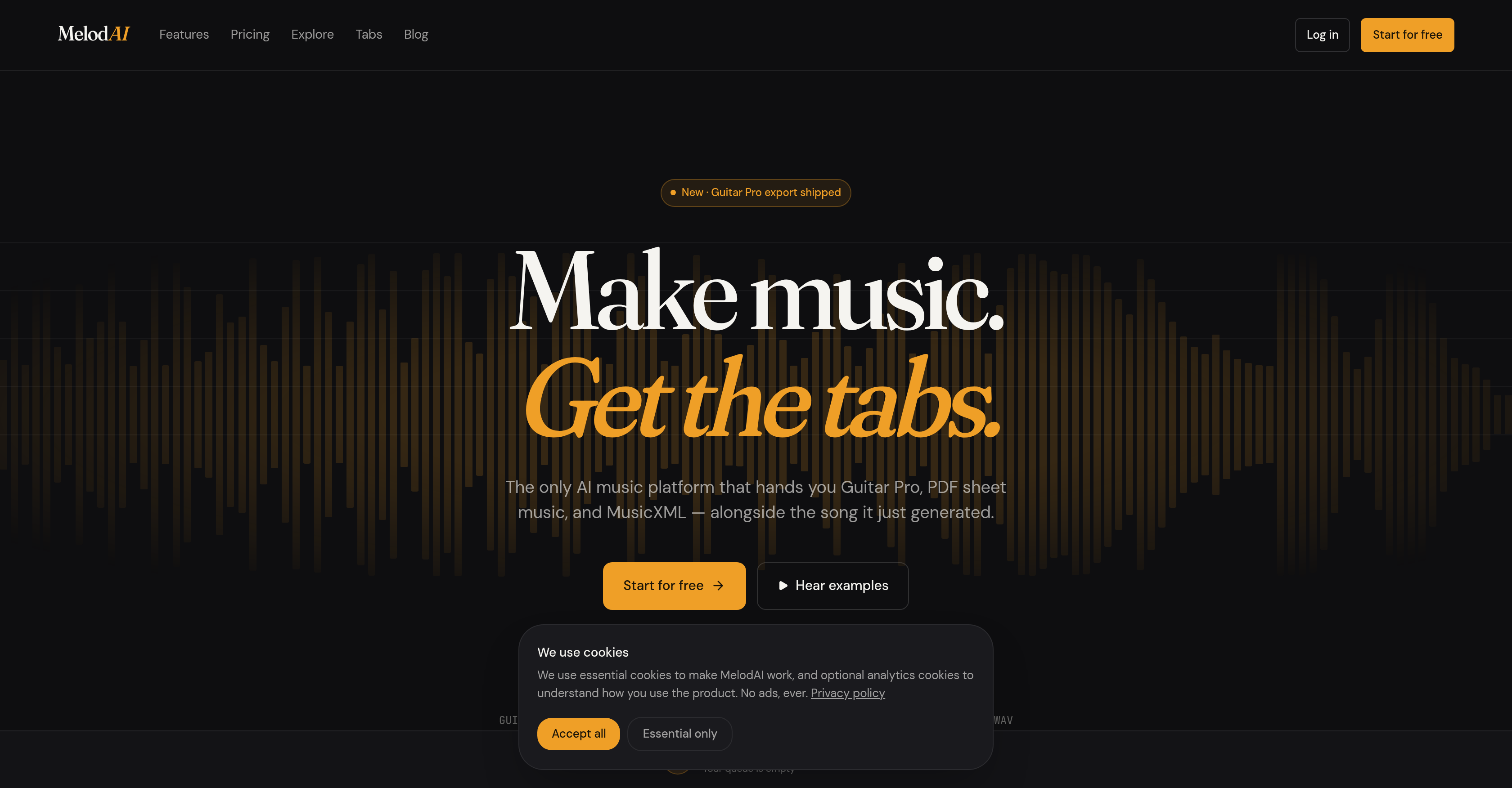
- Create complete, original songs from a simple text prompt—specifying mood, genre, BPM, key, lyrics, and vocal type—and receive a full arrangement with vocals and instruments in under a minute.
- Get accurate, playable guitar, bass, and piano tabs automatically transcribed from every generated song, saving hours of manual transcription work.
- Export your AI-generated music into Guitar Pro (.gp5), PDF sheet music, MusicXML for Sibelius/Dorico, and MIDI for DAWs, ensuring seamless integration into your existing production workflow.
- Practice and play along instantly in the browser with AlphaTab compatibility—no additional software required for editing, printing, or playback.
- Use the music commercially without worry: every paid plan includes a royalty-free commercial license, making it safe for videos, releases, and client projects.
- Produce custom soundtracks in 400+ genres and 7 languages, giving you the creative freedom to match any project's style or cultural context.
Pros & Cons
Pros
- Generates original music
- Provides transcription services
- User-defined song characteristics
- Offers completed song arrangements
- Proprietary Lyria 3 engine
- Generates vocals and instruments
- Trancribes into guitar tabs
- Transcribes into bass tabs
- Transcribes into piano tabs
- Compatible with any editor
- Printable tabs
- Playable tabs in browser
- AlphaTab compatibility
- Supports Guitar Pro format
- Supports PDF format
- Supports MusicXML format
- Supports MIDI format
- Supports Sibelius/Dorico
- Supports DAWs
- Exports BPM control
- Exports music production
- Exports lyrics composition
- Exports mood based composition
- Exports key control
- offers vocal type selection
- Includes royalty-free commercial license
- Ideal for music sketching
- Ideal for content creators
- Ideal for MIDI sampling
- Ideal for music hobbyists
- Exportable tabs
- Lyrics, BPM, key controlled
- Can generate multiple variations
- License for video production
- License for client work
- License for sampling
- Can use description for composition
- Includes Transcribe options for instruments
- Export includes multiple formats
- Has a Commercial license
- Provides completed arrangement
- User-friendly for non-musicians
- Supports quick music generation
- Offers tab generating differentiators
- Transcribes multiple instruments
- Supports in-browser playback and transposition
Cons
- No offline mode
- Limited musical instruments
- Closed source
- No android app
- No IOS app
- No customizability in Lyria 3
- Limited genre capabilities
- No direct integration with MIDI devices
- No refund policy for monthly plans
Reviews
Rate this tool
Loading reviews...
❓ Frequently Asked Questions
MelodAI is an advanced platform that uses artificial intelligence to create original music and deliver accurate transcription services. It allows users to specify the desired characteristics of a song, such as the mood, lyrics, bpm, key, and vocal type, to receive a complete musical arrangement with vocals and instruments. Apart from music generation, it also offers audio-to-tab transcription for guitar, bass, and piano. The platform is uniquely equipped to convert AI-generated music into various tab formats that can be opened in any editor or played in the browser through its AlphaTab compatibility.
Lyria 3 is the proprietary power behind MelodAI's song generation capacity. This technology enables the AI to construct and return variations of music within a very short time span, which greatly augments the platform's efficiency.
Yes, MelodAI can generate transcriptions for guitar, bass, and piano. Its AI-powered transcription functions cater to these three mainstream instruments, transforming audio into corresponding tablatures.
MelodAI supports several formats for its transcriptions, making it flexible to various users' requirements. These include Guitar Pro, PDF, MusicXML for Sibelius/Dorico, and MIDI for digital audio workstations.
AlphaTab compatibility means that tabs created by MelodAI can be opened in the AlphaTab program. Users can subsequently edit, print, or play these tabs in the browser, making MelodAI a highly user-friendly platform.
Yes, MelodAI offers a royalty-free commercial license for the music generated by its AI, provided the user has subscribed to any of MelodAI's paid plans. This allows users to incorporate their generated music in videos, releases, or even client work without worrying about copyright infringement.
Yes, MelodAI allows users to generate music based on specific moods. By defining the mood among other variables like lyrics, BPM, key, and vocal type, the user guides the AI in generating music that aligns with their creative vision.
MelodAI allows users to specify the key of the music they want to generate. This means users have the opportunity to tailor the tonality of their music to their liking, giving them more control over the outcome.
Yes, MelodAI provides PDF transcriptions. In addition to this, it supports other common formats like Guitar Pro and MusicXML, which extends its usability across different editing platforms.
Video producers can greatly benefit from MelodAI as it provides royalty-free music suitable for video production. Its ability to generate original music as per specified characteristics makes it an excellent tool for producing custom soundtracks and background scores for various types of video content.
Yes, music hobbyists can definitely use MelodAI. They can use the platform not only to generate original music based on their preferences but also to learn and play guitar, bass, and piano through the tab transcriptions provided by MelodAI.
Custom music composition in MelodAI refers to the platform's capability of generating original music based on the user's defined parameters such as mood, lyrics, bpm, key, and vocal type. This helps users create music that aligns with their unique preferences and requirements.
Vocal type selection in MelodAI refers to the capability of the AI to customize the vocals in the generated music. Users can specify their preferred vocal type and the AI would consider this input when creating the music.
Yes, MelodAI can generate bass tablatures through its sophisticated AI audio-to-tab transcription functionality. This makes it easier for bassists to learn and play along with the generated music.
MelodAI offers MusicXML exports that are compatible with Sibelius and Dorico. This allows musical scores generated by MelodAI to be used seamlessly with these popular sheet music editing software, further extending the usability of the platform.
MusicXML Export in MelodAI refers to the capability of the platform to transcribe AI-generated music into the MusicXML format. It's a universal sheet music format that ensures compatibility with numerous music notation applications like Sibelius and Dorico.
MelodAI offers many benefits for music production. It aids in generating original music based on specified parameters, transcribing the created music into tabs compatible with various platforms and formats, and supporting MIDI for sampling. All of these functionalities collectively streamline the music production workflow and encourage the birth of unique creations.
Yes, MelodAI provides a royalty-free commercial license for all the music generated through its platform on all paid plans. This gives users the freedom to use their generated music freely in their commercial projects.
BPM or Beats Per Minute control in MelodAI allows users to define the desired tempo of their music. This way, users can manage how fast or slow the song will be played, offering greater control over the final product.
MelodAI accepts tab transcriptions in a range of formats, including but not limited to Guitar Pro, PDF, MusicXML for Sibelius/Dorico, and MIDI for digital audio workstations. It has the ability to transcribe music into tabs for guitar, bass, and piano, and offer those tabs in the mentioned formats.
Pricing
Pricing model
Freemium
Paid options from
$12/month
Billing frequency
Monthly
Refund policy
Refunds available within 14 days of first purchase