
Overview
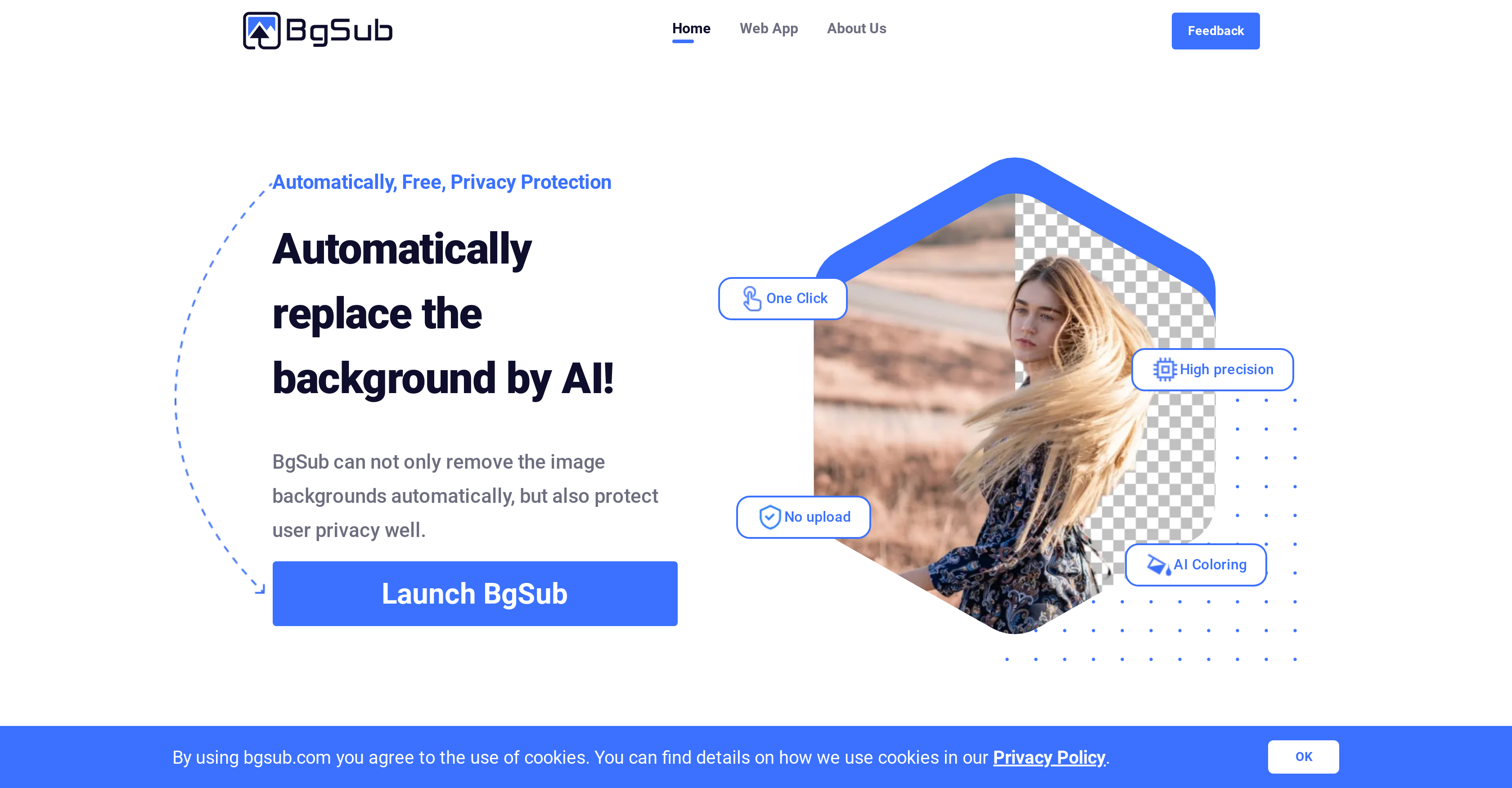
- Get professional-grade image edits in 5 seconds without technical skills using automated AI background removal
- Protect your privacy with browser-based processing that never stores uploaded images on servers
- Create perfect product shots without green screens using high-precision background replacement for e-commerce
- Apply custom backgrounds using your own images, colors, or gradients for unlimited creative possibilities
- Process hundreds of high-resolution images (up to 200MP) efficiently through batch processing and API access
- Achieve perfectly balanced visuals with AI color adjustment that automatically enhances image aesthetics
- Transform social media photos instantly with one-click background changes and artistic effects
- Scale image editing workflows for web development with bulk processing that maintains quality
Pros & Cons
Pros
- Fast background removal
- Precise background replacement
- Intelligent color adjustment
- Advanced artistic effects
- High privacy protection
- No image upload required
- High resolution support
- Free commercial usage
- API access
- Batch processing
- Suitable for individuals
- Ideal for web/app developers
- Beneficial for photographers
- Useful for e-commerce
- Effective for media marketing
- Offers size adjustment
- Provides positioning adjustment
- Allows image mirroring
- Social media photo friendly
- Requires no green screen
- Flexible customization
- One-click color adjustment
- Enhances image appeal
- Creates attractive images
- High precision processing
Cons
- Limited to 200 megapixels
- No image storage
- Depends on internet connection
- No simultaneous multi-image processing
- Lack of customisation options
- No offline version
- Limited to image backgrounds
- Web-based operation only
Reviews
Rate this tool
Loading reviews...
❓ Frequently Asked Questions
BgSub is a web application that uses AI technology to quickly and accurately remove or replace image backgrounds. It provides a variety of artistic effects and maintains user privacy by not storing any uploaded images.
BgSub uses artificial intelligence technology for processing images. This AI is highly efficient, making background removal or replacement quick and precise.
BgSub is designed to process images extremely quickly. It can automatically detect and remove or replace the background of an image in just five seconds.
No, BgSub does not store any of your uploaded images. As a privacy protection tool, the system completely removes uploaded images from the servers after processing.
Yes, BgSub is free and commercially available. Individuals, web and app developers, photographers, e-commerce sites, media outlets and marketers alike can use the application.
BgSub supports a maximum resolution of 200 megapixels, accommodating high-quality image processing.
Yes, BgSub can handle complex tasks. For advanced, bulk operations, users have the option to access an API or batch processing.
BgSub is beneficial for a wide range of users. This includes individuals editing social media photos, web or app developers, photographers, e-commerce platforms, media outlets, and marketers who require eye-catching images.
BgSub doesn't just remove backgrounds, but also replaces them. Users can choose to replace the background with a color, gradient, or a different image.
BgSub offers intelligent color adjustment as one of its image adjustment features. It automatically adjusts colors in the edited images to achieve a variety of artistic effects.
Yes, BgSub allows users to use their own images as a replacement background. This feature creates a variety of design possibilities.
Yes, BgSub offers batch processing and API access. These features allow for bulk operations and advanced tasks.
BgSub ensures user privacy by not storing uploaded images. Once an image has been processed, it is completely removed from the servers.
Using BgSub for social media photo editing involves simply uploading the photo, and the AI technology will automatically remove or replace the background, giving a perfectly edited image ready for posting.
BgSub can be used in web and app development to create visually appealing images. The highly automated AI technology makes it easy to alter and adjust images as needed, resulting in attractive visuals for websites and apps.
BgSub aids photographers and e-commerce sites by providing a platform for easily changing the background of images. Photographers can forgo the use of a green screen, and e-commerce sites can enhance product images, making them more appealing to customers.
Yes, BgSub provides a variety of artistic effects. Besides the practical function of background removal or replacement, the AI Coloring feature also allows users to achieve various artistic effects in their images.
BgSub's interface is user-friendly and intuitive. Despite the complex, AI-based processes happening in the background, the system is easy to use and produces quick results.
No, you do not need to upload your images to use BgSub. The system is designed to process images directly in the browser, offering a significant level of privacy protection.
BgSub is highly precise in removing or replacing image backgrounds. The AI technology ensures high precision in detecting and editing the image backgrounds.
Pricing
Pricing model
Free
Paid options from
Free
Related Videos
Remove Or Replace Image Background With BgSub | BgSub Tutorial
AI Demos•77 views•Jul 5, 2024